August 19, 2026 · 12 min read
What Profile Photo Should You Use for LinkedIn? Best Styles for Professionals
On this page
- Why Your LinkedIn Profile Picture Matters
- The Ideal LinkedIn Profile Picture Composition
- Choose a Background That Supports Your Professional Image
- What Should You Wear in a LinkedIn Profile Picture?
- Lighting, Expression, and Photo Quality
- Professional Photo Styles That Work Best
- LinkedIn Profile Picture Mistakes to Avoid
- How to Take a Great LinkedIn Profile Picture Yourself
- Frequently Asked Questions
- Conclusion
What Profile Photo Should You Use for LinkedIn? Best Styles for Professionals
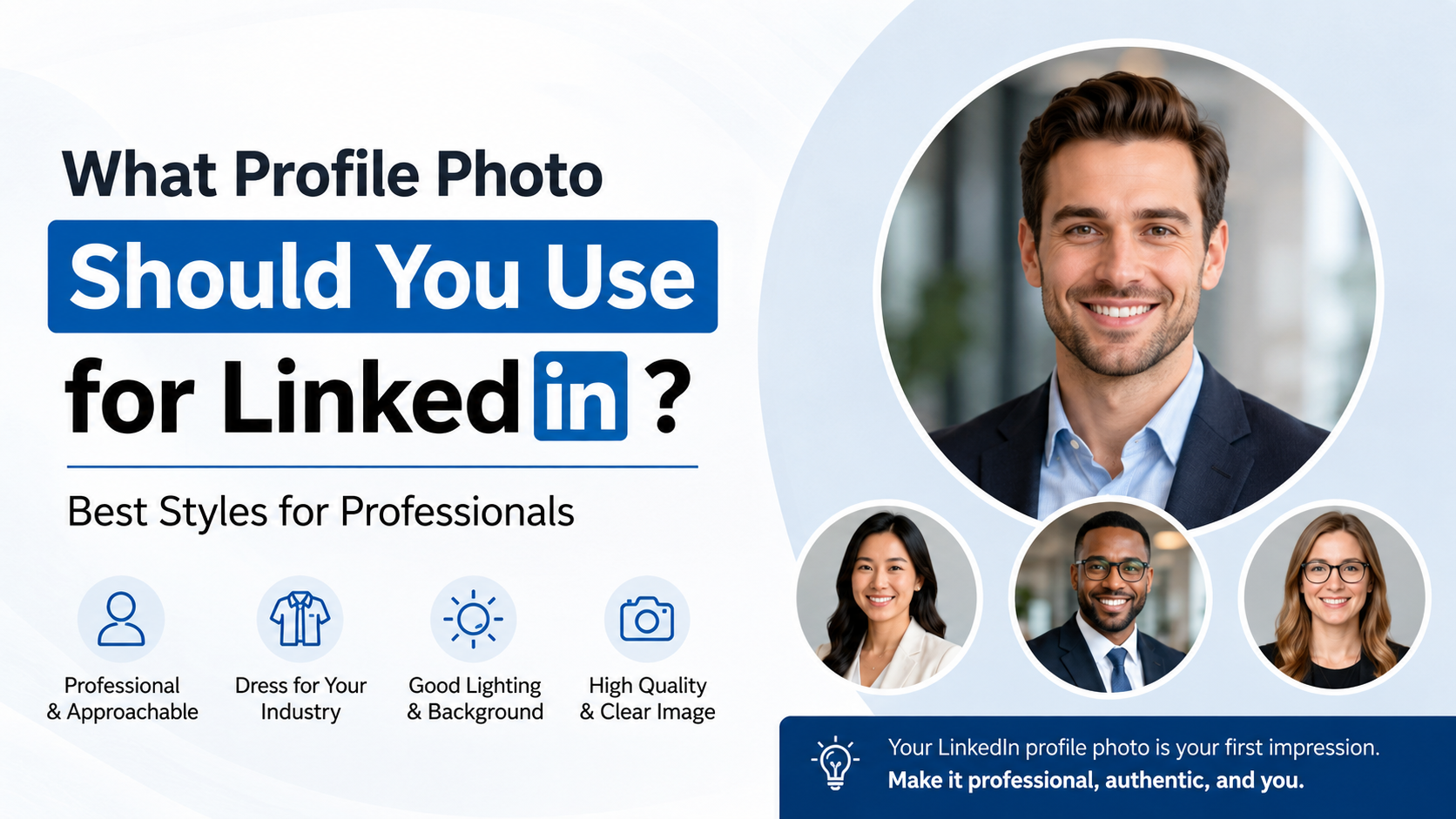
Your LinkedIn profile picture is often the first professional impression you make before someone reads your headline, experience, or recommendations. Whether a recruiter is assessing fit, a potential client is considering outreach, or a former colleague is deciding to reconnect, your photo helps set the tone.
The best LinkedIn profile picture is not necessarily the most formal or expensive one. It should clearly show who you are, fit your industry and goals, and make you appear confident, trustworthy, and approachable.
Key Takeaways
- Use a recent, high-resolution headshot where your face fills roughly 60% of the frame.
- Choose a clean background that keeps attention on you rather than your surroundings.
- Wear an outfit that matches the level of professionalism in your target industry.
- Use natural lighting, a genuine expression, and direct eye contact with the camera.
- Avoid group shots, heavy filters, distracting props, and outdated photos.
- Refresh your LinkedIn profile picture whenever your appearance or career direction changes significantly.
Why Your LinkedIn Profile Picture Matters
A LinkedIn profile picture is a professional signal. It helps people recognize you, makes your profile feel more credible, and can make networking feel less anonymous.
On a platform built around professional relationships, people are more likely to engage with someone who appears real, polished, and approachable. Your image does not need to be overly corporate, but it should show that you take your professional presence seriously.
It Builds Trust Before the First Conversation
People naturally look for visual cues when deciding whether to connect, respond, or book a meeting. A clear, professional photo can communicate reliability and openness in seconds.
For example, a freelance consultant with a bright, well-composed headshot may appear more established than one using a cropped vacation image—even if both have equally strong credentials.
It Supports Personal Brand Recognition
Your LinkedIn profile picture should align with the professional identity you want people to remember. If you use the same photo on your company website, speaking bio, portfolio, and professional social accounts, people can identify you more easily across channels.
Consistency is especially valuable for:
- Consultants and freelancers
- Job seekers
- Sales professionals
- Executives and founders
- Speakers, creators, and subject-matter experts
The Ideal LinkedIn Profile Picture Composition
A strong photo is easy to understand at a glance. Since LinkedIn displays profile images as small circles in many places, composition matters more than artistic complexity.
Make Your Face the Clear Focus
Your face should take up about 60% of the image. A head-and-shoulders crop generally works best because it remains recognizable on desktop, mobile, search results, and comments.
Aim for a frame that includes:
- Your head and shoulders
- A little space above your head
- A centered or slightly off-center composition
- Minimal empty space around you
Avoid full-body images, distant landscape shots, or photos where your face is too small to recognize.
Use Direct Eye Contact
Looking toward the camera creates a sense of connection. It can make you appear more present and confident, particularly when recruiters, hiring managers, or clients are scanning many profiles quickly.
A slight turn of the shoulders can add dimension, but keep your eyes directed toward the lens. This balance often looks more natural than standing rigidly straight on.
Choose a Recent Photo
Your LinkedIn profile picture should look like you today. If someone meets you on a video call, at an interview, or at an event, they should immediately recognize you.
Update the photo if you have had a major change in:
- Hairstyle or facial hair
- Glasses or overall appearance
- Professional seniority or brand positioning
- Industry or role focus
As a general rule, a photo taken within the last one to two years is a safe choice.
Choose a Background That Supports Your Professional Image
The background should add polish without competing for attention. Simple usually wins.
Use Clean, Uncluttered Backgrounds
Solid colors, softly blurred spaces, and neutral professional environments work well. White, light gray, soft blue, beige, or muted office backgrounds are reliable choices.
A blurred workplace, library, studio, or modern outdoor setting can also work if it fits your field. For instance, a landscape architect might use a subtle outdoor backdrop, while a software engineer may choose a clean office setting.
Match the Background to Your Industry
Different industries allow different levels of personality. A corporate finance professional may benefit from a neutral studio-style background, while a creative director can use a more distinctive but still polished setting.
Consider these examples:
- Corporate and legal roles: Neutral wall, office, or simple studio background
- Creative fields: Tasteful color, textured wall, or design studio
- Healthcare: Clean, well-lit professional environment
- Real estate: Bright indoor or outdoor setting with minimal distractions
- Academia: Office, campus, or library-inspired backdrop
Avoid Visual Distractions
Do not use backgrounds with clutter, crowds, messy rooms, cars, restaurant tables, or obvious event signage. Even a great expression can lose impact if the viewer is distracted by what is behind you.
Also avoid backgrounds that blend into your outfit. A dark jacket against a dark wall, for example, can make the photo look flat.
What Should You Wear in a LinkedIn Profile Picture?
The right outfit depends on your industry, seniority, and personal brand. The goal is not to look overly formal—it is to look appropriate for the opportunity you want.
Dress for the Role You Want
If you are applying for leadership positions, client-facing roles, or corporate jobs, consider attire that reflects that level of responsibility. A blazer, collared shirt, polished blouse, or smart professional top can work well.
If you work in a more casual environment, elevated casual clothing may be a better fit. A clean knit top, button-down shirt, or simple jacket can look professional without feeling stiff.
Think about the expectations of your target field:
- Finance, law, and executive leadership: Business formal or business professional
- Technology and startups: Smart casual or business casual
- Marketing and creative roles: Polished attire with more room for personality
- Trades and field-based work: Clean, role-appropriate workwear if it supports credibility
- Healthcare and education: Professional, approachable clothing with simple colors
Favor Solid Colors and Simple Patterns
Solid colors photograph well and keep the focus on your face. Blues, greens, burgundy, charcoal, cream, and other muted tones are usually safe choices.
Avoid busy patterns, visible logos, neon colors, or clothing with slogans. These can look distracting, dated, or less professional in a small circular image.
Prioritize Fit and Comfort
If your clothing feels uncomfortable, it may show in your posture and expression. Wear something that fits properly and makes you feel confident. A relaxed, assured expression will usually outperform an expensive outfit that feels unnatural.
Lighting, Expression, and Photo Quality
Technical details make a large difference in how polished your LinkedIn profile picture appears. Fortunately, you do not need a professional studio to get good results.
Use Soft, Even Lighting
Natural light is often the easiest option. Stand facing a large window during the day, ideally when the light is soft rather than harsh. Overcast daylight can be especially flattering because it reduces strong shadows.
If you are using indoor lighting, avoid placing a bright light directly overhead or behind you. Backlighting can turn your face into a shadow, while harsh overhead light can create unflattering under-eye shadows.
Aim for a Genuine, Confident Expression
A slight, natural smile is often the best choice for LinkedIn. You want to look approachable and capable—not overly serious, overly casual, or artificially posed.
Before taking photos, try a few expressions:
- A relaxed closed-mouth smile
- A subtle open smile
- A confident neutral expression
- A warmer expression for people-focused roles
Review the images at small size. The one that feels most trustworthy and recognizable is often the strongest option.
Use High Resolution Without Overediting
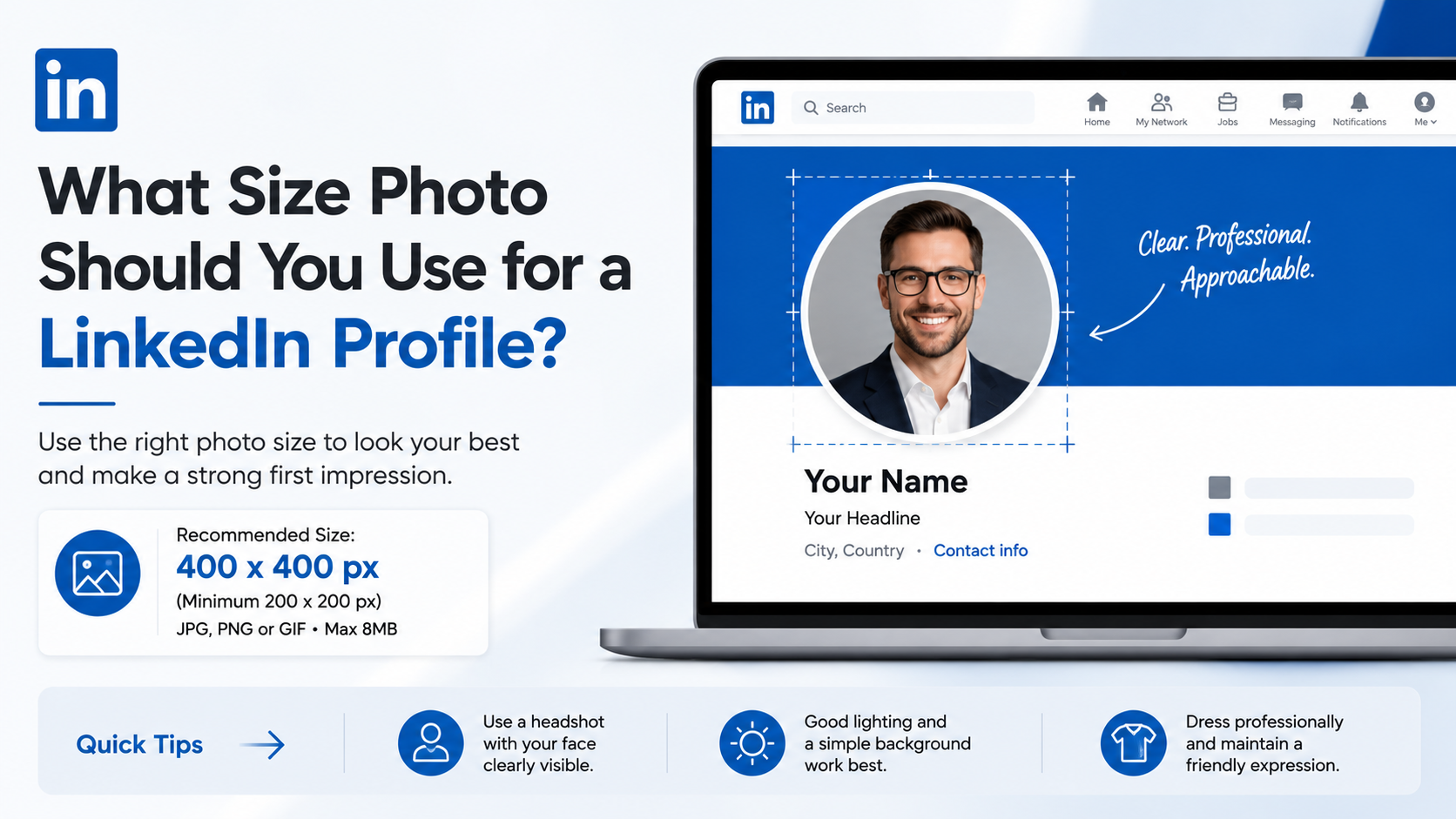
Your image should be sharp, well-lit, and free of blur. LinkedIn supports profile photos up to 8 MB, so use a high-quality file that stays clear when cropped.
Light retouching is fine. Removing a temporary blemish or adjusting brightness can improve a photo. However, avoid heavy filters, dramatic skin smoothing, face-altering edits, or AI-generated versions that no longer look like you.

Professional Photo Styles That Work Best
There is no single “correct” look. The best style depends on your professional goals and the audience you want to reach.
The Classic Headshot
A classic head-and-shoulders photo with a neutral background is the safest and most versatile option. It works particularly well for job seekers, corporate professionals, executives, and people in regulated industries.
This style emphasizes clarity, competence, and credibility.
The Environmental Portrait
An environmental portrait shows you in a relevant work setting, such as a workshop, office, classroom, studio, or field location. It can add personality and context while still looking professional.
For example, a chef may use a well-lit kitchen background, while an architect may be photographed in a studio with drawings subtly visible behind them.
The Modern Personal-Brand Photo
A modern brand photo may use intentional color, a warmer setting, or a slightly more editorial pose. This is popular among coaches, creators, marketers, entrepreneurs, and consultants.
The key is restraint. Your profile picture should still feel like a professional portrait, not a lifestyle post or fashion campaign.
LinkedIn Profile Picture Mistakes to Avoid
Even a high-quality image can send the wrong message if it is poorly suited to a professional networking platform.
Do Not Use a Group Photo
Cropping yourself out of a group photo is one of the most common mistakes. It often leaves an awkward arm, shoulder, or partial face in the frame. It can also make your image look informal or outdated.
Use a photo taken specifically for your professional profile whenever possible.
Skip Sunglasses, Hats, and Obstructed Faces
People need to see your eyes and facial expression. Sunglasses, large hats, shadows, masks, or hair covering much of your face can make the image feel less personal and less trustworthy.
Exceptions may apply for cultural, religious, or occupational reasons, but your face should still be as visible and recognizable as possible.
Avoid Casual or Social-Media-Only Images
Vacation pictures, nightclub shots, wedding photos, gym selfies, and photos with alcoholic drinks rarely belong on LinkedIn. They may be perfectly appropriate elsewhere, but they can weaken your professional positioning.
A casual industry does not require a casual photo. It requires a polished photo with a relaxed tone.
How to Take a Great LinkedIn Profile Picture Yourself
A professional photographer can be a worthwhile investment, especially if you are pursuing leadership roles or building a business. But a strong DIY photo is entirely possible.
Set Up a Simple Photo Session
Use a smartphone with a good camera, a clean background, and natural window light. Ask someone else to take several photos rather than relying on a close-up selfie.
Follow this simple process:
- Choose a solid or uncluttered background.
- Face a window for soft, even lighting.
- Wear a professional outfit that contrasts with the background.
- Position the camera at eye level.
- Take multiple shots with small variations in posture and expression.
- Crop the best image into a square, keeping your face central.
Get Objective Feedback Before Posting
You may prefer a photo because it feels familiar, but others may notice issues you miss. Ask a trusted colleague, mentor, or friend which image appears most professional and approachable.
Useful questions include:
- Which photo looks most like me in person?
- Which one seems most confident and credible?
- Is my face clear at a small size?
- Does this fit the career direction I want?
Frequently Asked Questions
Should you smile in a LinkedIn profile picture?
Yes, in most cases. A natural smile makes you appear approachable and easier to connect with. It does not need to be broad or overly posed; a relaxed expression with warmth is often ideal. If your field is highly formal, a confident neutral expression can also work well.
Is it okay to use a selfie for LinkedIn?
A selfie is not automatically wrong, but it is usually less effective than a photo taken by someone else. Selfies can create awkward angles, uneven lighting, or an overly casual feel. If you must use one, choose a clean background, good lighting, and a well-framed image without visible arm extension or mirror distractions.
What color is best for a LinkedIn profile picture?
There is no universal best color, but solid, medium-to-dark tones often photograph well. Blue is a popular choice because it is professional and broadly flattering. Choose a color that complements your skin tone, contrasts with the background, and fits your personal brand.
Can you use an AI-generated LinkedIn profile picture?
Use caution. An AI-enhanced image may be acceptable if it accurately represents your real appearance and only improves lighting, background, or minor presentation details. Avoid fully generated portraits that look unlike you. Misrepresenting your appearance can create awkwardness and undermine trust when you meet people in real life.
How often should you update your LinkedIn profile picture?
Review it at least once a year and update it whenever it no longer reflects your current appearance or professional positioning. You should also consider an update after a promotion, career transition, major rebrand, or significant change in your appearance.
Conclusion
The best LinkedIn profile picture is clear, current, professional, and recognizably you. Use a close head-and-shoulders composition, flattering light, a clean background, and clothing that matches your target industry. Most importantly, choose an image that communicates confidence without losing warmth.
Review your current photo today: if it is outdated, unclear, overly casual, or disconnected from your career goals, replace it with one that helps people see the professional you want them to meet.
Advertisement