August 19, 2026 · 11 min read
How Should a LinkedIn Profile Photo Look? Professional Examples and Tips
On this page
- Why Your LinkedIn Profile Photo Matters
- The Ideal LinkedIn Profile Photo Composition
- Lighting, Image Quality, and Technical Details
- What Should You Wear in a LinkedIn Profile Photo?
- Expression, Posture, and Personal Presence
- How to Make Your Photo Feel Authentic to Your Brand
- Common LinkedIn Profile Photo Mistakes to Avoid
- How to Take a Strong LinkedIn Profile Photo Yourself
- Frequently Asked Questions
- Conclusion
How Should a LinkedIn Profile Photo Look? Professional Examples and Tips
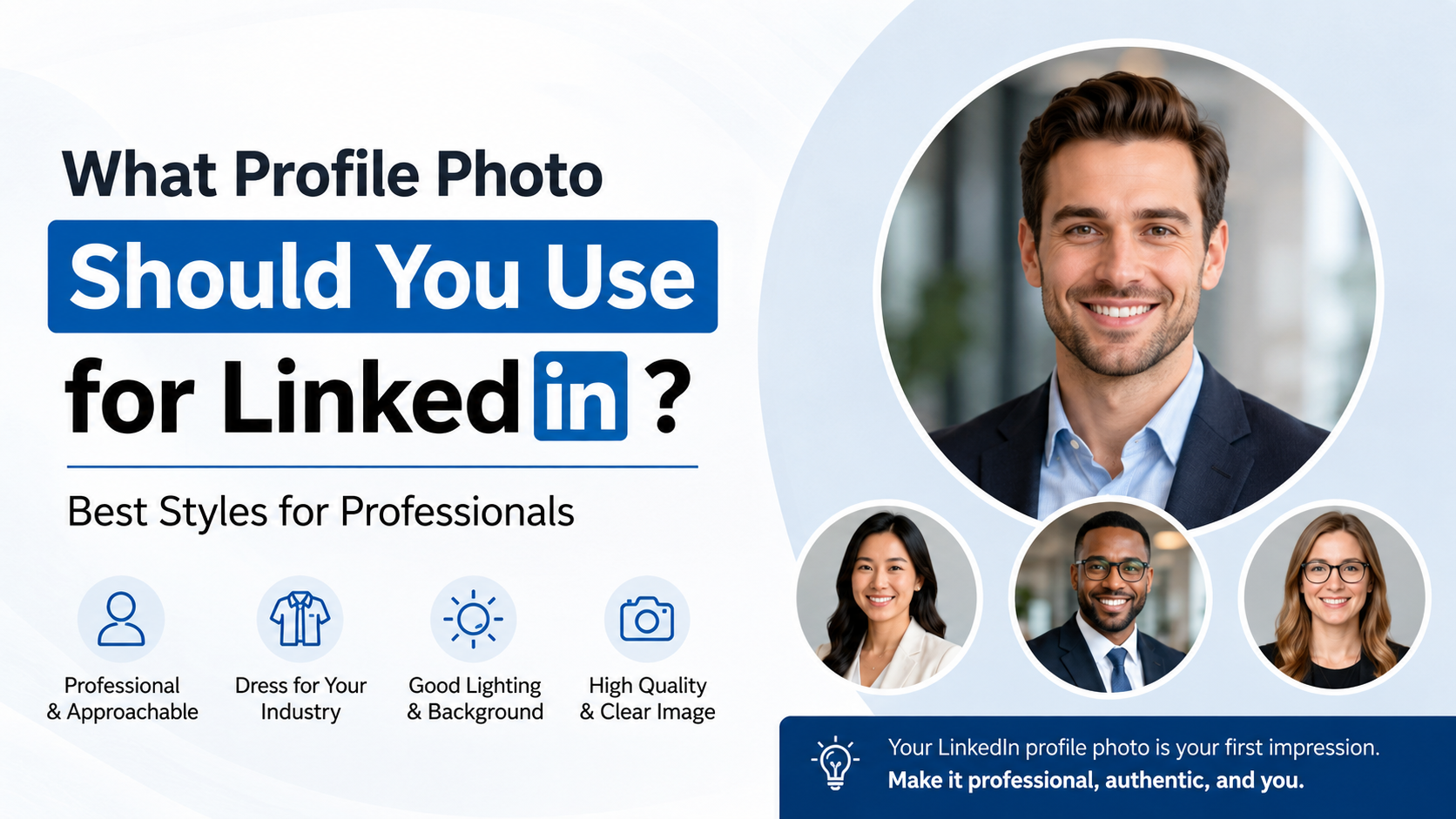
Your LinkedIn profile photo is often the first impression you make before someone reads your headline, experience, or recommendations. Whether a recruiter is scanning candidates, a client is evaluating a provider, or a potential colleague is deciding whether to connect, your image communicates professionalism in seconds.
A strong LinkedIn profile photo does not need to look overly formal or expensive. It should simply make you appear approachable, credible, current, and appropriate for the professional opportunities you want to attract.
Key Takeaways
- Use a recent, high-resolution headshot that clearly shows your face.
- Frame the image from your shoulders or chest upward, with your eyes near the upper third.
- Choose soft, even lighting and a simple background that keeps attention on you.
- Wear clothing that matches your industry and the role you want next.
- Aim for a relaxed, genuine expression instead of an overly serious or forced pose.
- Avoid group photos, heavy filters, distracting backgrounds, and outdated images.
Why Your LinkedIn Profile Photo Matters
A LinkedIn profile photo is not just a visual detail. It is a professional trust signal. People are more likely to pause, read, and engage with a profile when they can connect a real face to a name and professional story.
It makes your profile feel more credible
Profiles without photos can appear unfinished, inactive, or less trustworthy. This does not mean every photo must be studio-perfect, but it should look intentional.
For example, a freelance consultant with a clean, well-lit headshot is more likely to inspire confidence than someone using a vacation snapshot with cropped-out friends. The first image signals readiness to do business; the second can make visitors question attention to detail.
It supports recognition and networking
Your LinkedIn image should resemble the person people meet on a video call, at a conference, or in the office. Consistency helps contacts recognize you across professional channels.
Use a similar photo on:
- Your company website
- Speaker bios
- Email signatures
- Professional association pages
- Other career-focused social platforms
A recognizable professional image makes follow-up conversations feel more personal and memorable.
The Ideal LinkedIn Profile Photo Composition
The strongest LinkedIn photos are easy to understand at a glance. A viewer should see your face clearly, without competing visual elements.
Keep your face central and visible
Your face should occupy roughly 60% of the image. A shoulders-up or chest-up crop works especially well because LinkedIn displays profile photos at a relatively small size in many contexts.
Aim for:
- Your head and shoulders clearly visible
- Your eyes looking toward the camera
- Enough space above your head to prevent a cramped crop
- A centered or slightly off-center composition
- Minimal distractions around your face
Avoid full-body photos. They may look good in a portfolio, but they make it difficult for people to recognize you in LinkedIn search results and comment threads.
Use a simple, professional background
A plain wall, office setting, softly blurred outdoor area, or neutral studio backdrop can all work well. The key is contrast: you should stand out from the background rather than blend into it.
For instance, if you have dark hair and wear a navy blazer, a medium-gray or light neutral background can create a polished separation. If you photograph against a busy café, colorful event wall, or crowded room, your face may become less noticeable.
Good background options include:
- White, gray, beige, or soft blue walls
- A bright office with a blurred background
- Greenery with a shallow depth of field
- A professional coworking space
- A subtle branded background, if appropriate for your business
Lighting, Image Quality, and Technical Details
Technical quality affects how professional your LinkedIn profile photo feels. Fortunately, you can create a strong image with a modern smartphone and good natural light.
Prioritize soft, even lighting
Natural light from a window is one of the easiest ways to produce a flattering photo. Face the window so the light falls evenly across your face. Avoid standing with a bright window directly behind you, which can turn you into a silhouette.
If taking photos outdoors, look for open shade rather than direct midday sunlight. Strong sun can create harsh shadows, squinting, and uneven skin tones.
A simple setup:
- Stand a few feet from a large window.
- Face the window at a slight angle.
- Use a plain wall or uncluttered room behind you.
- Hold the camera at eye level.
- Take several options with slightly different expressions.
Use a current, high-resolution image
Your photo should be sharp enough to look clear on desktop and mobile devices. LinkedIn recommends profile images that are at least 400 by 400 pixels, but using a larger original image gives you more flexibility when cropping.
Before uploading, check that:
- Your eyes and facial features are in focus.
- The image is not grainy or pixelated.
- Colors look natural.
- The photo represents how you currently look.
- You can recognize yourself easily in the small circular preview.
Update your image every few years, or sooner after a major appearance change. An outdated photo can create awkwardness when someone meets you in person.
What Should You Wear in a LinkedIn Profile Photo?
The best outfit is one that fits your field, your seniority, and the opportunities you want to pursue. You do not always need a suit, but your clothing should look clean, intentional, and professionally relevant.
Match your industry without becoming generic
Different industries have different visual norms. Your photo should reflect the level of formality your audience expects.
Examples:
- Corporate finance or law: A blazer, collared shirt, or polished business attire often works well.
- Technology: Smart casual clothing, such as a solid sweater, button-down, or simple blazer, can feel current and credible.
- Creative fields: You can show more personality through color or style while keeping the image polished.
- Healthcare: Professional attire consistent with your role, such as business clothing or a neat clinical look, may be appropriate.
- Trades and field-based roles: Clean workwear or industry-appropriate clothing can be more authentic than a formal suit.
If you are changing careers, dress for the direction you are heading—not only the job you currently have.
Choose colors that photograph well
Solid colors usually work best. Blue, green, burgundy, gray, and other muted tones often look professional and photograph reliably. Avoid overly busy patterns, neon colors, or clothing with large logos unless personal branding makes that logo relevant.
A simple rule: choose an outfit that would feel appropriate for an important video call with your ideal employer or client.
Expression, Posture, and Personal Presence
Your expression can shape whether you appear approachable, confident, serious, or distant. The ideal LinkedIn profile photo balances professionalism with warmth.
Use a natural, approachable expression
A relaxed smile is usually the safest choice. It does not need to be a broad grin, but it should make you look open to conversation.
Try these approaches:
- Relax your shoulders before the photo is taken.
- Think of a positive conversation or achievement.
- Take several shots rather than relying on one pose.
- Smile slightly with your eyes, not only your mouth.
- Keep your jaw relaxed and chin level.
A highly serious expression can work in some executive or artistic contexts, but for most professionals, a friendly look is more effective.
Maintain confident posture
Turn your shoulders slightly rather than standing completely square to the camera. Keep your spine upright, bring your shoulders down, and lean very slightly toward the camera. This creates energy without looking stiff.
A real-world example: a project manager seeking leadership roles might choose a composed, warm expression with a blazer and a light office background. A graphic designer could use a similarly clear headshot with more color and personality. Both images work because they are aligned with the professional identity each person wants to convey.

How to Make Your Photo Feel Authentic to Your Brand
Professional does not have to mean impersonal. Your LinkedIn profile photo should align with the broader impression your headline, About section, and work history create.
Think about the audience you want to reach
Ask yourself who is most likely to view your profile:
- Recruiters in a specific industry
- Prospective clients
- Hiring managers
- Conference organizers
- Investors or business partners
- Future colleagues
Then consider what they need to feel when they see your image. A startup founder may want to look energetic and accessible. A financial advisor may want to project stability and trust. A career coach may benefit from a warm, encouraging presence.
Let personality show in controlled ways
You can be memorable without becoming casual or distracting. A colorful shirt, distinctive glasses, or a subtle background connected to your work can add personality.
For example, an architect might use a photo taken in a bright studio with blurred plans in the background. A chef could use a well-lit kitchen setting. The environment supports the profession without taking attention away from the person.
Common LinkedIn Profile Photo Mistakes to Avoid
Even a technically good photograph can send the wrong message if it feels unsuitable for a professional platform.
Avoid casual social-media photos
Do not use photos with:
- Cropped-out friends or partners
- Alcohol, nightlife, or party settings
- Beachwear or vacation scenery
- Pets, unless relevant to your professional brand
- Sunglasses that hide your eyes
- Heavy beauty filters or dramatic editing
- Car selfies or bathroom mirrors
These images may be fine for personal platforms, but LinkedIn requires a more focused professional presentation.
Do not over-edit your appearance
Retouching can improve lighting or remove a temporary blemish, but excessive editing often reduces trust. Your goal is to look like your best real-world self, not an unrecognizable version of yourself.
Keep edits limited to:
- Minor brightness and contrast adjustments
- Cropping and straightening
- Light color correction
- Small, natural retouching if desired
If someone would struggle to recognize you in a meeting, the photo is too edited.
How to Take a Strong LinkedIn Profile Photo Yourself
Hiring a photographer can be worthwhile, especially for executives, client-facing professionals, and speakers. However, a DIY photo can still look excellent with a little preparation.
Set up a simple smartphone shoot
Use your phone’s rear camera if possible, since it typically produces better quality. Ask another person to take the photo, or use a tripod and timer.
Follow this checklist:
- Clean your camera lens.
- Use portrait mode only if the background blur looks natural.
- Place the camera at eye level.
- Stand several feet away from the background.
- Take photos in soft daylight.
- Capture multiple wardrobe and expression options.
- Review the image at small size before choosing it.
Ask for useful feedback
Choose two or three candidates and ask trusted colleagues which one looks most approachable, confident, and professional. Avoid asking only friends or family, who may focus more on whether the image is flattering than whether it supports your career goals.
A good question is: “Which photo would make you most likely to trust me in a professional setting?”
Frequently Asked Questions
Should I smile in my LinkedIn profile photo?
Yes, in most cases. A natural smile makes you look approachable and engaged. Choose a relaxed expression that fits your personality and industry rather than forcing a large smile.
Is a selfie acceptable for a LinkedIn profile photo?
A selfie is acceptable only if it does not look like a selfie. It should be well lit, high quality, properly framed, and free from awkward angles or distracting backgrounds. A photo taken by another person is usually a safer option.
Can I use an AI-generated headshot on LinkedIn?
Use caution. AI-generated headshots may look polished, but they can also misrepresent your real appearance or create unnatural details. A real, lightly edited photo is generally more trustworthy and better for professional relationships.
What background is best for a LinkedIn profile photo?
A simple, uncluttered background is best. Neutral walls, softly blurred office settings, and open-shade outdoor backgrounds work well because they keep attention on your face.
How often should I update my LinkedIn profile photo?
Update it when your appearance changes significantly, when your current photo is more than a few years old, or when your professional direction changes. Keeping it current helps people recognize you in real life.
Conclusion
A great LinkedIn profile photo is clear, current, well lit, and aligned with the professional future you want to build. Focus on a visible face, approachable expression, simple background, appropriate clothing, and natural presentation.
Take a few minutes to review your current image at small size. If it does not immediately communicate confidence, credibility, and readiness for opportunity, replace it with a photo that does.
Advertisement