August 19, 2026 · Updated August 24, 2026 · 11 min read
How to Have No Profile Photo on TikTok and Use a Blank Avatar
On this page
- Can You Have No Profile Photo on TikTok?
- How to Set a Blank Avatar on TikTok
- Choosing the Best Blank Avatar Style
- Using a Profile Video Instead of a Photo
- Privacy Considerations Beyond Your Profile Photo
- How a Blank Profile Photo Affects Credibility
- Troubleshooting a Blank TikTok Profile Image
- Frequently Asked Questions
- Conclusion
How to Have No Profile Photo on TikTok and Use a Blank Avatar
A TikTok profile photo can make an account instantly recognizable—but not everyone wants that visibility. Whether you are building an anonymous creator account, separating personal and professional content, or simply prefer a minimal look, it is possible to create the appearance of having no profile photo on TikTok.
TikTok does not always provide a simple “remove photo” button for existing accounts. The most dependable solution is to replace your current image with a plain, blank avatar that blends into TikTok’s interface. This guide explains how to do that, what “blank” really means on the platform, and how to protect your identity beyond your profile image.
Key Takeaways
- TikTok may not offer a direct option to delete an existing profile photo completely.
- Uploading a solid-color or transparent-looking square is the easiest way to create a blank avatar.
- A 1:1 image with a simple white, black, gray, or brand-color background works best.
- Your username, display name, bio, and videos can still reveal information even with no profile photo on TikTok.
- A profile video can hide your still image, but it is not the same as having a blank avatar.
- Review your privacy settings if anonymity—not just aesthetics—is your goal.
Can You Have No Profile Photo on TikTok?
The difference between no photo and a blank avatar
A brand-new TikTok account can display a default account icon before a custom picture is added. However, once you upload a profile photo, TikTok’s profile editor generally focuses on replacing it rather than removing it entirely.
That is why most people who want no profile photo on TikTok use a blank image instead. To viewers, the result appears minimal and non-personal, while TikTok still has an image assigned to the account.
A blank avatar can be:
- A solid white square
- A solid black square
- A light gray or dark gray square
- A transparent PNG that appears blank against the app interface
- A plain color matching your brand or content theme
- A simple geometric icon with no personal details
Why users choose a blank TikTok profile photo
There are several practical reasons to avoid using a face or recognizable picture:
- Privacy: You may not want classmates, coworkers, clients, or strangers to identify you quickly.
- Brand separation: A consultant may run a personal account and a business account without visually connecting them.
- Anonymous content: Commentary, research, fan, meme, or niche-interest accounts often benefit from a neutral identity.
- Minimal design: Some creators prefer a clean profile that lets their videos and bio do the talking.
- Account testing: A new account may remain visually generic while you experiment with content direction.
A blank profile image is a design choice, not a complete privacy solution. It reduces visual identification, but it does not make your account invisible.
How to Set a Blank Avatar on TikTok
Create a simple blank image first
Before changing your TikTok profile picture, create or save a square image on your device. A 1080 × 1080-pixel file is an easy, high-quality choice, although TikTok accepts much smaller files as well.
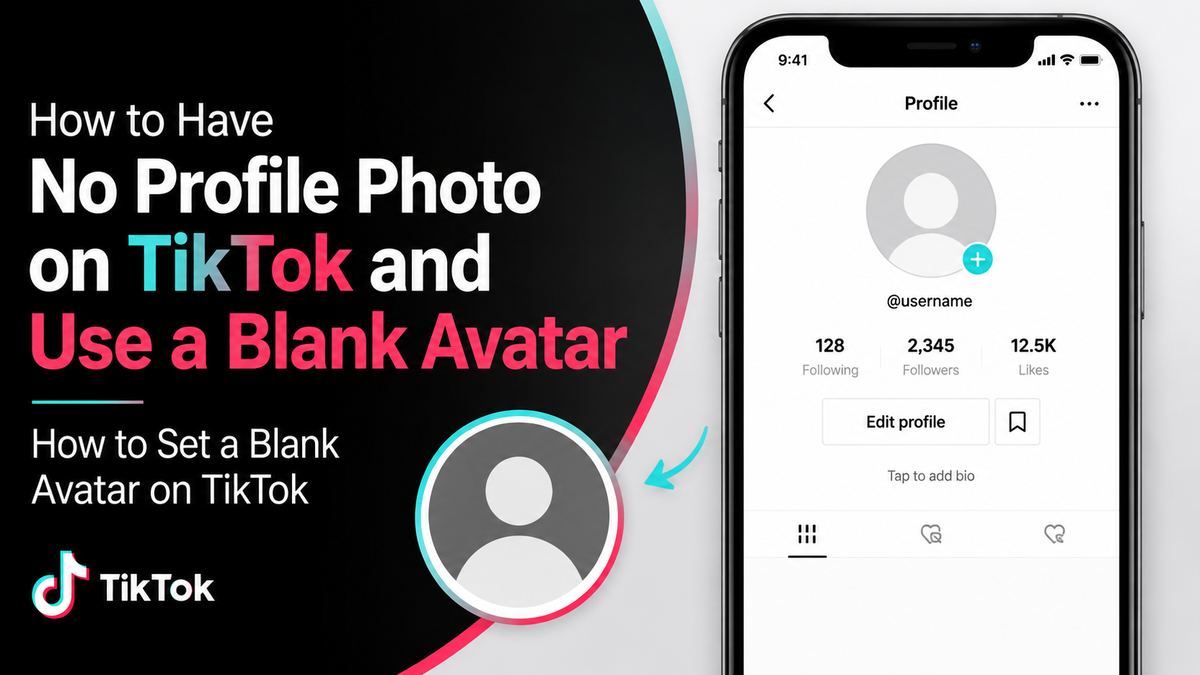
For a clean blank-avatar effect, use a 1:1 image with one solid color. White, black, and medium gray are popular because they look intentional instead of accidental.
Avoid images with visible borders, tiny symbols, text, or watermarks. TikTok crops profile photos into a circle in many parts of the app, so details near the corners may disappear.
Upload the blank image in the TikTok app
The usual process is straightforward:
- Open TikTok and tap Profile in the bottom navigation.
- Tap Edit profile.
- Select Change photo or the profile-photo editing option.
- Choose Upload photo.
- Select your blank square image from your device.
- Adjust the crop if necessary, then tap Save.
TikTok requires uploaded profile photos to meet its minimum image requirements. A properly sized square image avoids upload errors and keeps the color consistent after cropping.
Check how it looks publicly
After saving, view your profile as a visitor would. If possible, use another account or ask a trusted person to check it. Your blank photo may look different across:
- Your profile page
- Comments
- Direct messages
- Search results
- Following lists
- Video feeds
For example, a white image can look almost invisible on a white screen but may still show a circular outline or contrast against TikTok’s dark-mode interface. A neutral gray often remains more consistent across both light and dark themes.
Choosing the Best Blank Avatar Style
White, black, or gray: which one works best?
Each blank-avatar color creates a different impression.
| Blank avatar style | Best for | Potential drawback | | --- | --- | --- | | White | Clean, minimal, low-profile accounts | Can blend into light backgrounds | | Black | Bold, sleek, dark-themed content | Can appear severe or inactive | | Gray | Neutral, professional, adaptable | Less visually distinctive | | Brand color | Business and creator accounts | Can make an anonymous account easier to recognize |
For an account that wants to look neutral rather than inactive, medium gray is often the most practical choice. For a polished professional account, a single brand color can work better than a completely empty-looking image.
Should you use a transparent PNG?
A transparent PNG may seem like the ideal solution for no profile photo on TikTok. In practice, transparency can render differently depending on TikTok’s interface, device settings, and background color. It may appear white, black, or as a colored fallback.
Use a transparent file only if you have tested how it displays. A solid-color image is more predictable and gives you control over the final look.
Add subtle identity without using your face
A blank avatar does not need to be entirely anonymous-looking. You can maintain a professional appearance with a non-personal visual identity, such as:
- A plain circle with your initials
- A single letter in a readable font
- A simple company logo
- A neutral illustration
- A solid color used consistently across platforms
For instance, a freelance writer could use a warm beige square with a small “W” instead of a headshot. That preserves separation from their personal identity while making the account feel credible.
Using a Profile Video Instead of a Photo
How profile videos affect your profile image
TikTok lets eligible users set a profile video in place of a standard photo. When a profile video is active, your still profile image is not displayed as the main profile visual.
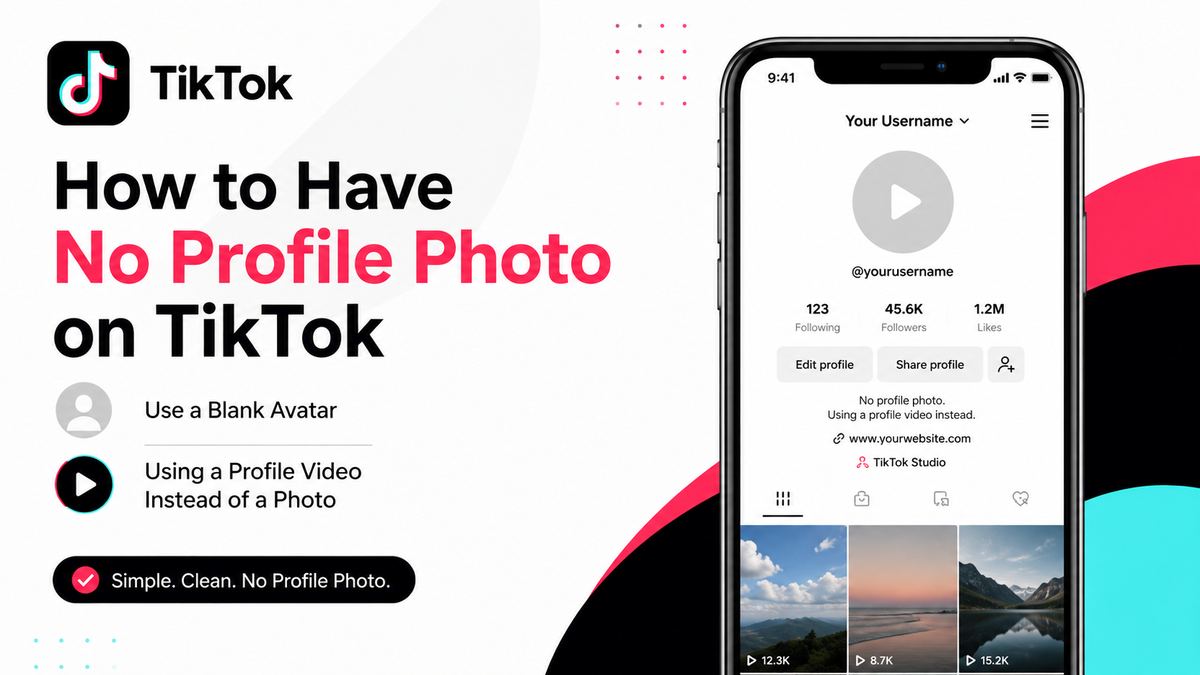
This can be useful if you want movement, branding, or an animated design. A short looping video with a solid background can create a blank-like effect while still making the account feel intentional.
Why a blank image is usually better for privacy
A profile video is not necessarily more private. In fact, it can attract more attention than a static avatar. Motion naturally stands out in comments and profile views.
If your aim is anonymity, choose a static blank image instead of:
- A video showing your face
- A recognizable location
- A video containing your voice or name
- A branded animation that links to your other accounts
Use a profile video when visual branding is your priority. Use a blank avatar when you want a quieter and less identifiable presence.

Privacy Considerations Beyond Your Profile Photo
A blank avatar does not hide your account details
Even with no profile photo on TikTok, several profile details can remain visible to others. Depending on your settings, people may see your username, display name, bio, follower and following counts, public videos, comments, and engagement activity.
Your profile image is only one piece of your digital footprint.
Before posting, review:
- Your username and whether it resembles your real name
- Your display name and pronouns
- Your bio, website links, and contact details
- Your video backgrounds, uniforms, license plates, or location clues
- Your voice, face, and personal stories in videos
- Links to Instagram, YouTube, or other social profiles
Make your TikTok account private if needed
If you want tighter control over who sees your content, consider switching to a private account. On a private account, you approve followers before they can watch your videos and view more of your profile activity.
To review this setting, go to:
- Profile
- The menu icon in the top corner
- Settings and privacy
- Privacy
- Turn on Private account
A private account can help, but your account identity is still not fully hidden. TikTok may continue to display basic profile information, including your name, username, and profile image, to people on or outside the platform.
Avoid accidental identity links
A blank avatar is less useful if the rest of your account points directly to your identity. If anonymity matters, do not reuse:
- The same username from personal social accounts
- A bio with your employer, city, or full name
- Public links to identifiable websites
- The same profile image style used on other platforms
- Videos filmed in easily identifiable places
Think of your TikTok profile as a connected system. The blank photo helps, but each visible detail should support the same privacy goal.
How a Blank Profile Photo Affects Credibility
The potential downside for businesses and creators
For some audiences, an entirely blank avatar can look unfinished, automated, or less trustworthy. This matters most if you are selling products, offering services, recruiting, or trying to build authority.
A potential customer may be more likely to follow an account that has a clear, recognizable visual identity—even if that identity is not a real person’s face.
For a professional account, consider a compromise:
- Use a logo rather than a headshot.
- Use a monogram or initials.
- Choose one consistent brand color.
- Add a short, clear bio explaining what you publish.
- Pin a video introducing the account’s purpose.
When a blank avatar works well
A blank profile photo is often appropriate for:
- Private personal accounts
- Anonymous educational accounts
- Research or trend-watching accounts
- Fan communities
- Curated content accounts
- Testing accounts
- Minimalist or art-focused profiles
For example, an account sharing daily productivity tips could use a simple gray avatar, a clear bio, and consistently designed videos. The profile still feels intentional without requiring the creator to appear on camera.
Troubleshooting a Blank TikTok Profile Image
The image will not upload
If TikTok rejects your blank image, create a new file with a standard format such as JPG or PNG. Make sure it is not extremely small, corrupted, or saved with unusual transparency settings.
A reliable fix is to create a plain 1080 × 1080 JPG in white, black, or gray and upload that version instead.
The avatar does not look blank after cropping
TikTok’s circular crop can reveal edges, background variation, or faint artifacts. Use a fully solid image with no borders and no corner details. If you use a transparent PNG, switch to a solid-color file for more consistent results.
Your old photo still appears
If your previous profile picture remains visible after an update:
- Confirm that you tapped Save.
- Close and reopen the TikTok app.
- Check your profile from another account or device.
- Clear the app cache through TikTok settings if necessary.
- Allow time for the change to update across search and comment surfaces.
Temporary caching can make a changed photo appear inconsistent for a short period.
Frequently Asked Questions
Can I completely remove my TikTok profile picture?
TikTok may not provide a direct option to remove an existing profile image completely. The most reliable workaround is uploading a blank, solid-color image that creates the appearance of no profile photo on TikTok.
What is the best size for a blank TikTok avatar?
Use a square image, ideally 1080 × 1080 pixels. TikTok displays profile pictures in circular crops, so keep the entire image one solid color or place any design elements in the center.
Does a blank profile photo make my TikTok account anonymous?
No. It reduces visual recognition but does not hide your username, bio, videos, comments, links, or other identifying information. Combine a blank avatar with privacy settings and careful account details for better anonymity.
Can I use a profile video instead of a blank photo?
Yes. A profile video can replace the visibility of a still profile photo. However, a static blank avatar is usually better if you want a low-key, less attention-grabbing profile.
Will a blank avatar hurt my TikTok growth?
It can, depending on your audience and niche. A blank avatar may reduce trust for business, service, or creator accounts, but it can work well for private, anonymous, minimalist, and content-curation accounts. A clear bio and consistent videos can offset the lack of a traditional profile picture.
Conclusion
Creating no profile photo on TikTok is usually less about deleting an image and more about replacing it with a clean blank avatar. A solid-color square is the simplest, most reliable option, while a logo, monogram, or neutral design can preserve privacy without making your account look unfinished.
Choose an avatar that fits your purpose, review the rest of your visible account information, and adjust your privacy settings if anonymity matters. Update your TikTok profile today with a blank image that gives you more control over how recognizable—and how public—you want to be.