August 19, 2026 · Updated August 23, 2026 · 11 min read
Why Is There No Profile Photo on WhatsApp? Privacy and Blocking Explained
On this page
- How WhatsApp Profile Photo Visibility Works
- The Most Common Reasons There Is No Profile Photo on WhatsApp
- Does No Profile Photo Mean You Were Blocked?
- How Privacy Settings Can Make a Photo Disappear
- Other Technical and Account-Related Causes
- How to Check the Situation Respectfully
- What to Do If Your Own Profile Photo Is Missing
- Frequently Asked Questions
- Conclusion
Why Is There No Profile Photo on WhatsApp? Privacy and Blocking Explained
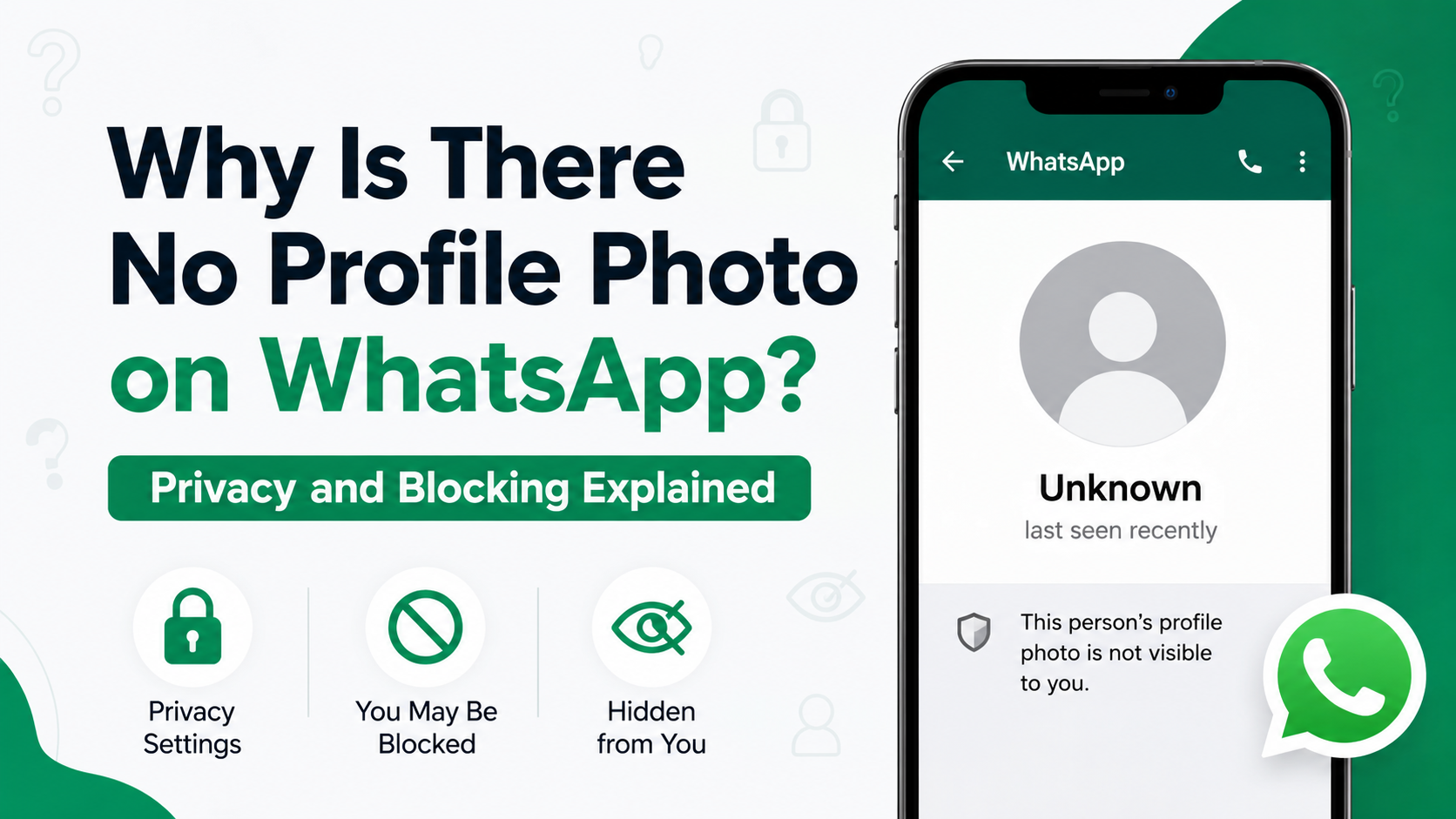
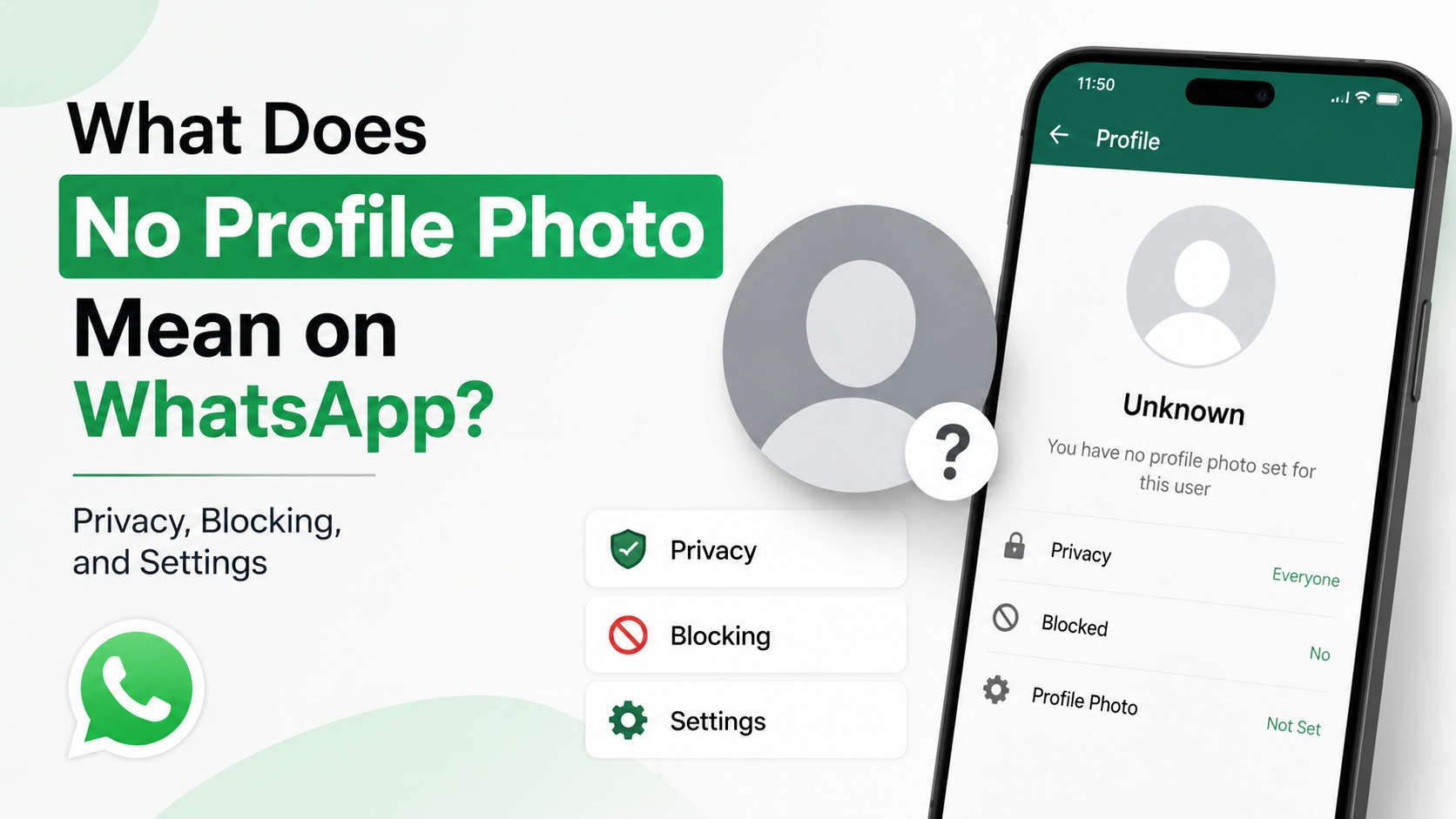
You open a WhatsApp chat and notice that a person’s profile picture has vanished—or perhaps you have never seen one at all. It is easy to jump to a worrying conclusion: Have they blocked me? In reality, there are several reasons why no profile photo appears on WhatsApp, and blocking is only one possibility.
WhatsApp gives people considerable control over who can see their profile photo. A missing image may reflect a simple privacy preference, a changed phone number, a deleted photo, a contact-list issue, or a temporary app problem. Understanding the difference helps you avoid misreading an ordinary setting as a personal signal.
Key Takeaways
- A missing WhatsApp profile photo does not prove that someone blocked you.
- Privacy settings can limit profile-photo visibility to everyone, saved contacts, or selected contacts.
- If someone removes their photo, all viewers will see the default blank avatar.
- Blocking is best evaluated through several signs together—not one missing profile picture.
- Saving each other’s phone numbers can matter when a person uses the “My Contacts” privacy setting.
- Respecting privacy and avoiding repeated attempts to verify a block is usually the best response.
How WhatsApp Profile Photo Visibility Works
WhatsApp profile photos are controlled by privacy settings chosen by the account owner. The image may be visible broadly, limited to contacts, hidden from particular people, or not set at all.
Common profile-photo privacy options
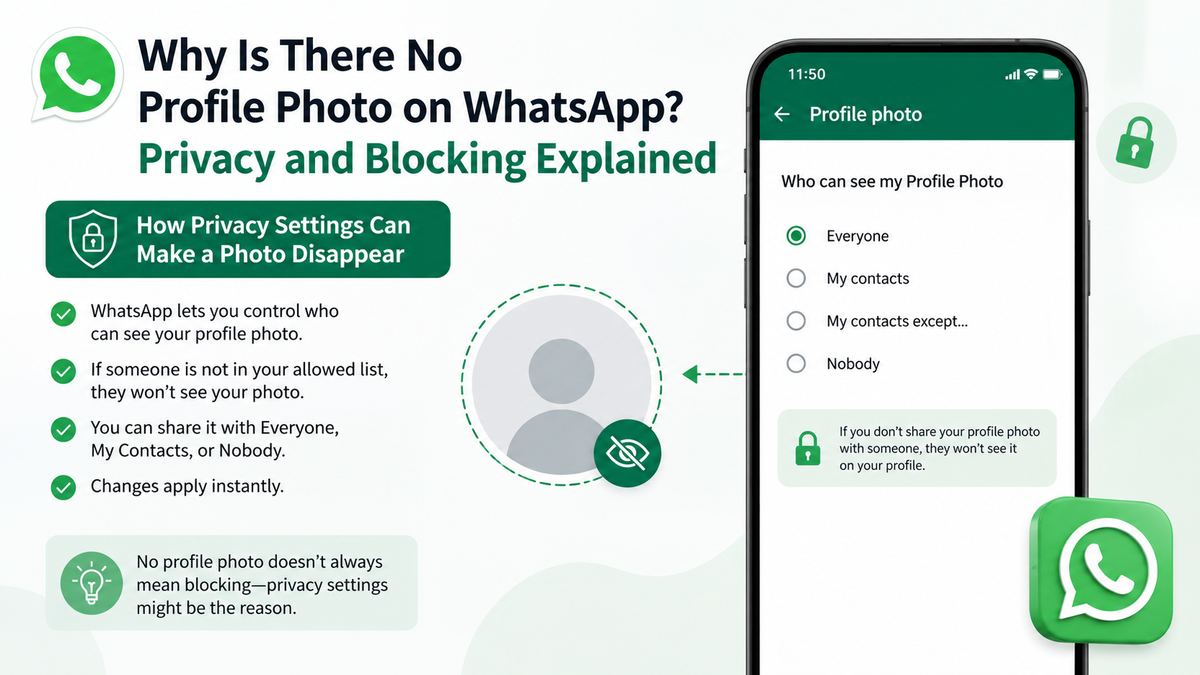
Depending on the version of WhatsApp, profile-photo visibility can generally be configured using options such as:
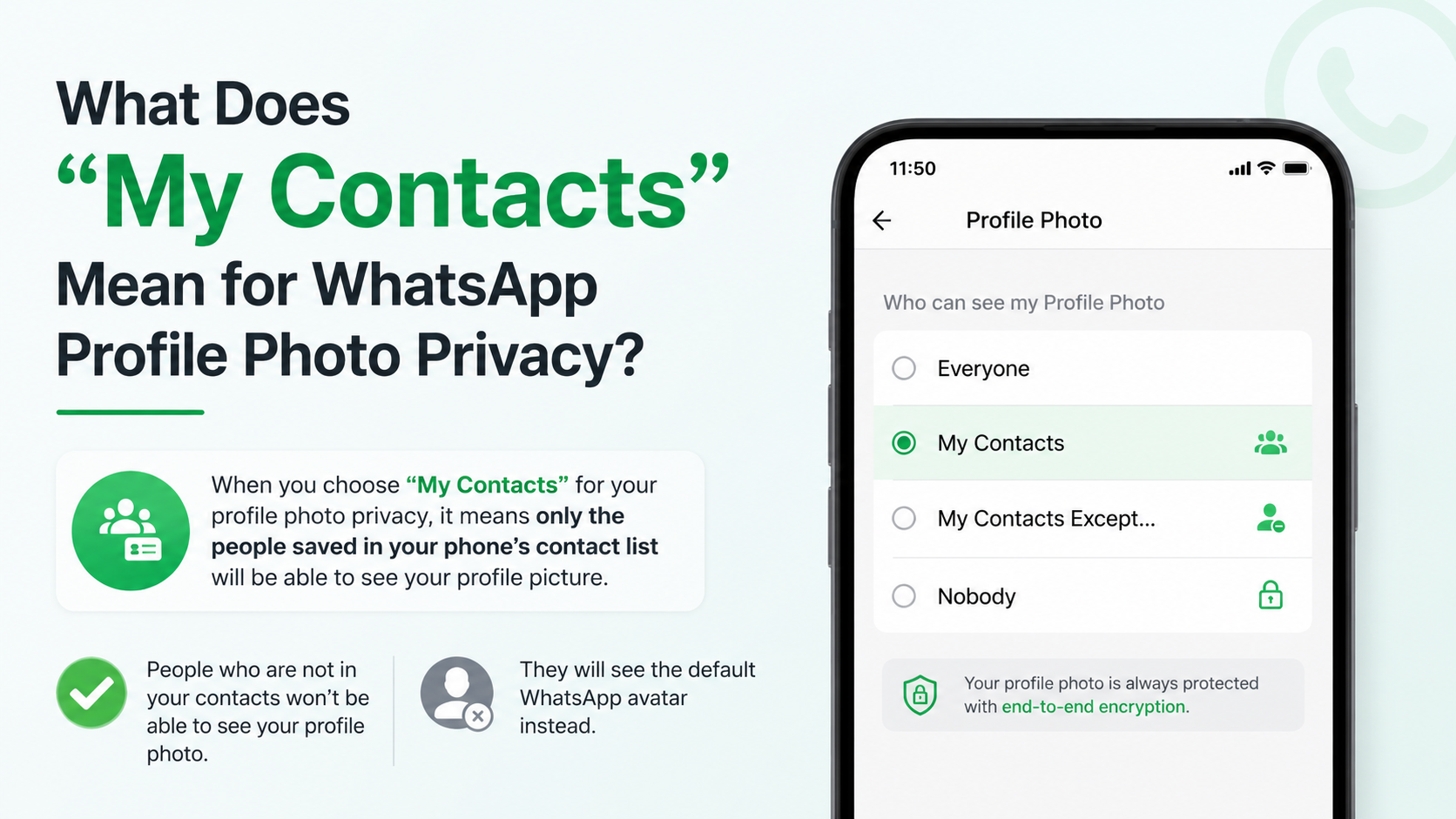
- Everyone: Any WhatsApp user who can access the account may see the photo.
- My Contacts: Only people saved in the user’s phone contacts can see it.
- My Contacts Except…: The photo is visible to contacts except selected people.
- Nobody: No one can view the profile photo.
This means a person may have a profile photo on their account while you still see only WhatsApp’s default avatar.
Why saved contacts can make a difference
Suppose a colleague sets their profile photo to My Contacts. If they have not saved your number, you may not be included in the audience allowed to view it. Likewise, if you recently changed numbers or began messaging from a work phone, WhatsApp may treat you differently from the contact they previously knew.
This is especially common in professional settings. A consultant might share a photo with existing clients and teammates but prefer not to display it to unknown business inquiries or public group members.
The Most Common Reasons There Is No Profile Photo on WhatsApp
Before assuming something is wrong, consider the most straightforward explanations.
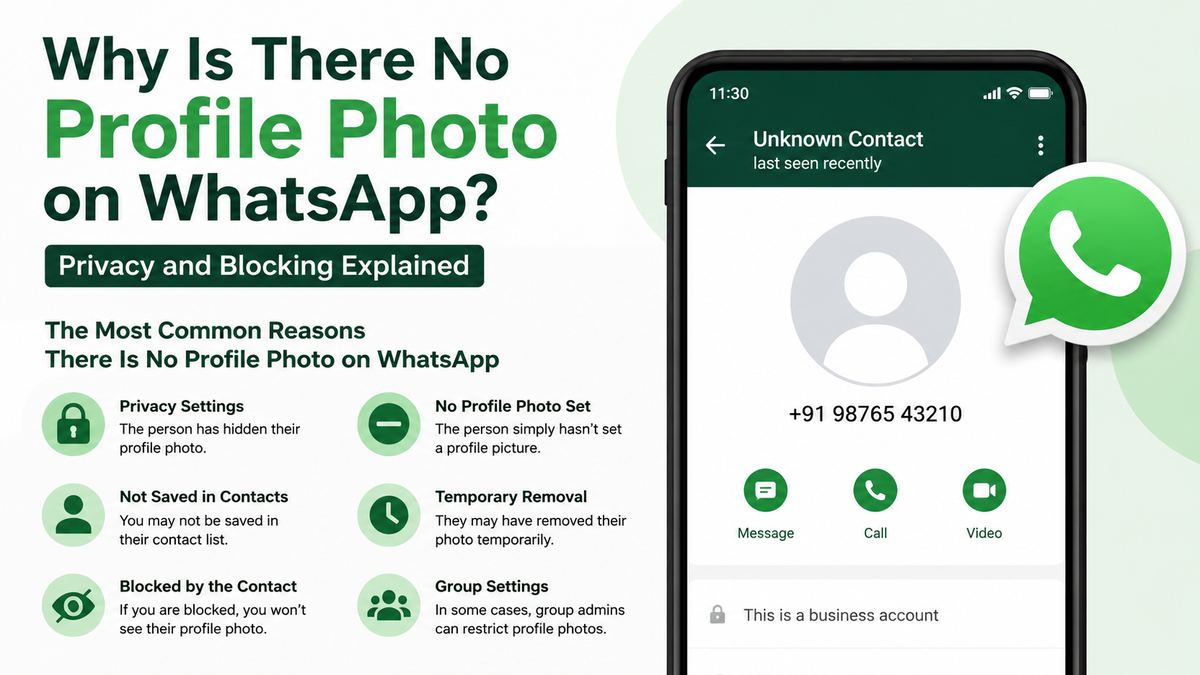
They never added a profile photo
Some users simply do not use profile photos. They may prefer anonymity, use WhatsApp only for work, or see a photo as unnecessary. This is common for:
- Business-only accounts
- Older relatives or less frequent app users
- People who prefer minimal social-media visibility
- Users who create a new account and never complete their profile
In this case, the blank avatar is normal and has no hidden meaning.
They removed or changed their image
A contact may delete their profile photo temporarily or permanently. When that happens, everyone who could previously see it will see the default avatar instead.
People remove photos for many ordinary reasons:
- They want a more private online presence.
- They are changing jobs or updating personal branding.
- They no longer like the old picture.
- They are taking a break from social apps.
- They want to avoid attention after a personal event.
If several mutual contacts also report that the image disappeared, removal is a more likely explanation than a setting directed specifically at you.
Their privacy settings exclude you
A person may have a photo but restrict its visibility. If they use My Contacts, have excluded your number, or have selected Nobody, you will not see it.
This can happen without any disagreement or personal conflict. For example, someone may set stricter privacy controls after receiving spam messages, joining public groups, or changing their comfort level with sharing personal information.
Does No Profile Photo Mean You Were Blocked?
No. A missing profile picture alone is not reliable evidence that you have been blocked on WhatsApp.
WhatsApp intentionally makes blocking indicators ambiguous. This protects the privacy of people who block others and prevents the platform from revealing a definitive “you are blocked” notification.
Signs that may appear together after a block
A block can coincide with several changes, including:
- You can no longer see updates to the person’s profile photo.
- Their “last seen” or online status is unavailable.
- Messages remain with one gray check mark rather than showing delivery.
- Calls placed through WhatsApp do not connect.
- You cannot add the person to a new group.
Even when several signs appear, none is absolute proof on its own. A phone may be offline, a person may have changed privacy settings, their account may be inactive, or there may be a connection issue.
Why WhatsApp keeps blocking status unclear
If WhatsApp gave a direct blocking confirmation, it could undermine the safety and boundaries of the person who blocked someone. Ambiguity helps protect users from confrontation, harassment, and repeated unwanted contact.
The healthiest approach is to treat a cluster of signs as a reason to give the person space—not as an invitation to test, investigate, or contact them through other accounts.
How Privacy Settings Can Make a Photo Disappear
Privacy controls are one of the main answers to the question, “Why no profile photo on WhatsApp?”
“My Contacts” and new phone numbers
If the account owner limits photo visibility to contacts, changing your phone number can affect what you see. They may still have your old number saved but not your new one.
For example, a project manager who has a vendor’s former number in their contacts may allow that old number to see a profile photo while the vendor’s new number sees nothing. The setting is working as intended; it is not necessarily a block.
“My Contacts Except…” and selective privacy
This option lets a user hide their profile photo from specific contacts. It offers more control than blocking because the person can still exchange messages, participate in groups, or receive calls.
Someone may use this setting to keep personal details separate from work contacts, acquaintances, or people in large group chats. It is a privacy boundary, not automatically a negative judgment.
Group chats do not override privacy
Sharing a group chat with someone does not guarantee that you can view their profile photo. A group member can still use restrictive profile-photo settings.
This is important in community, school, and workplace groups, where participants may not know every member personally.
Other Technical and Account-Related Causes
Not every missing WhatsApp profile photo is a privacy decision. Occasional technical factors can affect what appears in the app.
Connection or syncing problems
A weak or interrupted internet connection can delay profile updates. If a contact recently changed their image, your app may not display it immediately.
Try these basic checks:
- Confirm that your device has a stable Wi-Fi or mobile-data connection.
- Close and reopen WhatsApp.
- Update WhatsApp through your device’s official app store.
- Restart your phone if the app appears generally unresponsive.
Avoid repeatedly clearing data or reinstalling WhatsApp unless necessary. Back up chats first if you take more extensive troubleshooting steps.
The person changed numbers or left WhatsApp
If someone changes their phone number, deletes an account, or begins using a new account, the profile details associated with the old account may no longer appear as expected.
You may notice related changes, such as:
- A new number appears in a shared group.
- Your messages stop reaching the previous account.
- The contact’s name or profile details change.
- A blank profile image replaces a familiar photo.
In a business relationship, it is reasonable to confirm a changed number through an established professional channel, such as a company email address or official website.
An outdated app version
Older versions of WhatsApp can occasionally display profile information inconsistently. Keeping the app current improves compatibility, security, and access to the latest privacy features.
If the issue affects many contacts—not just one person—an app update or network issue is more likely than an individual privacy setting.
How to Check the Situation Respectfully
It is understandable to be curious, particularly when a profile photo disappears unexpectedly. Still, the most useful response is measured and respectful.
Compare context, not just one signal
Ask yourself a few practical questions:
- Did the person’s photo disappear for everyone you know?
- Are your other WhatsApp contacts displaying normally?
- Did you recently change your number or use a different device?
- Is the person otherwise active in shared groups?
- Is there a legitimate reason they may have tightened privacy?
Context often gives a clearer answer than trying to interpret a single blank avatar.
Send one normal message if communication is appropriate
If you have a genuine reason to contact the person, send one clear, polite message through your usual channel. Avoid messages that accuse them of blocking you or demand an explanation for their privacy choices.
For example:
“Hi, I wanted to follow up on the proposal we discussed. Please let me know when you have a chance.”
If the message is not delivered or you receive no reply, respect that outcome. Repeated messages, alternate accounts, or pressure through mutual contacts can cross personal and professional boundaries.
Do not use third-party “block checker” apps
Apps or websites claiming to reveal who blocked you on WhatsApp are unreliable and can create privacy or security risks. They may request access to your account, contacts, device data, or verification codes.
WhatsApp does not provide a legitimate third-party tool that can conclusively reveal whether another person blocked you.
What to Do If Your Own Profile Photo Is Missing
If friends or customers say they cannot see your profile photo, check your settings before assuming there is an app problem.
Review your privacy settings
In WhatsApp’s privacy controls, review the setting for your profile photo and confirm that it matches your intention. If you want contacts to see your image, choose the relevant audience and ensure important contacts have the correct number saved.
Also check whether you have accidentally excluded someone using a selective setting.
Add a clear, appropriate photo
For personal use, choose an image you are comfortable sharing with the audience allowed by your privacy settings. For professional use, a simple, current headshot can make communication feel more recognizable and trustworthy.
A good WhatsApp profile photo should be:
- Easy to identify at a small size
- Current and accurately representative
- Appropriate for your intended audience
- Free of sensitive personal details in the background
Remember that privacy settings matter as much as the image itself.
Frequently Asked Questions
Can someone see my WhatsApp profile photo if I have not saved their number?
It depends on your profile-photo privacy setting. If it is set to Everyone, they may be able to see it. If it is set to My Contacts, visibility is generally limited to people you have saved in your phone contacts.
Why can I see a contact’s status but not their profile photo?
WhatsApp controls status updates and profile photos through separate privacy settings. A person may allow you to see their status while restricting profile-photo visibility, or vice versa.
Can I know for certain if someone blocked me because their profile photo disappeared?
No. A disappeared photo is not conclusive proof. It may result from a deleted image, a new privacy setting, an account change, or a block. WhatsApp intentionally does not provide a definitive blocking confirmation.
Why did a person’s WhatsApp photo disappear after I changed my number?
They may have saved only your old number and configured their photo to display to My Contacts. Ask them to save your new number if it is appropriate to do so, or update your contact details through your normal communication channel.
Should I ask someone why I cannot see their profile photo?
Only if it is genuinely relevant and your relationship makes the question appropriate. In most cases, there is no need to ask. Profile-photo visibility is a personal privacy choice, and a missing photo rarely requires an explanation.
Conclusion
If you are wondering why no profile photo appears on WhatsApp, start with the simplest explanation: the person may not use one, may have removed it, or may have adjusted their privacy settings. Blocking is possible, but a blank avatar alone cannot confirm it.
Look at the broader context, keep your app updated, and communicate normally only when there is a legitimate reason. Most importantly, treat profile visibility as a privacy choice. Respecting that boundary helps keep WhatsApp communication more secure, professional, and considerate for everyone.