August 19, 2026 · Updated August 23, 2026 · 11 min read
What Does No Profile Photo Mean on WhatsApp? Privacy, Blocking, and Settings
On this page
- Why a WhatsApp Profile Photo May Be Missing
- How WhatsApp Privacy Settings Affect Profile Photos
- Does No Profile Photo Mean You Were Blocked?
- How to Check the Situation Without Invading Privacy
- Common Technical Reasons for a Missing WhatsApp Photo
- What You Should Not Do
- Best Practices for Your Own WhatsApp Privacy
- Frequently Asked Questions
- Conclusion
What Does No Profile Photo Mean on WhatsApp? Privacy, Blocking, and Settings
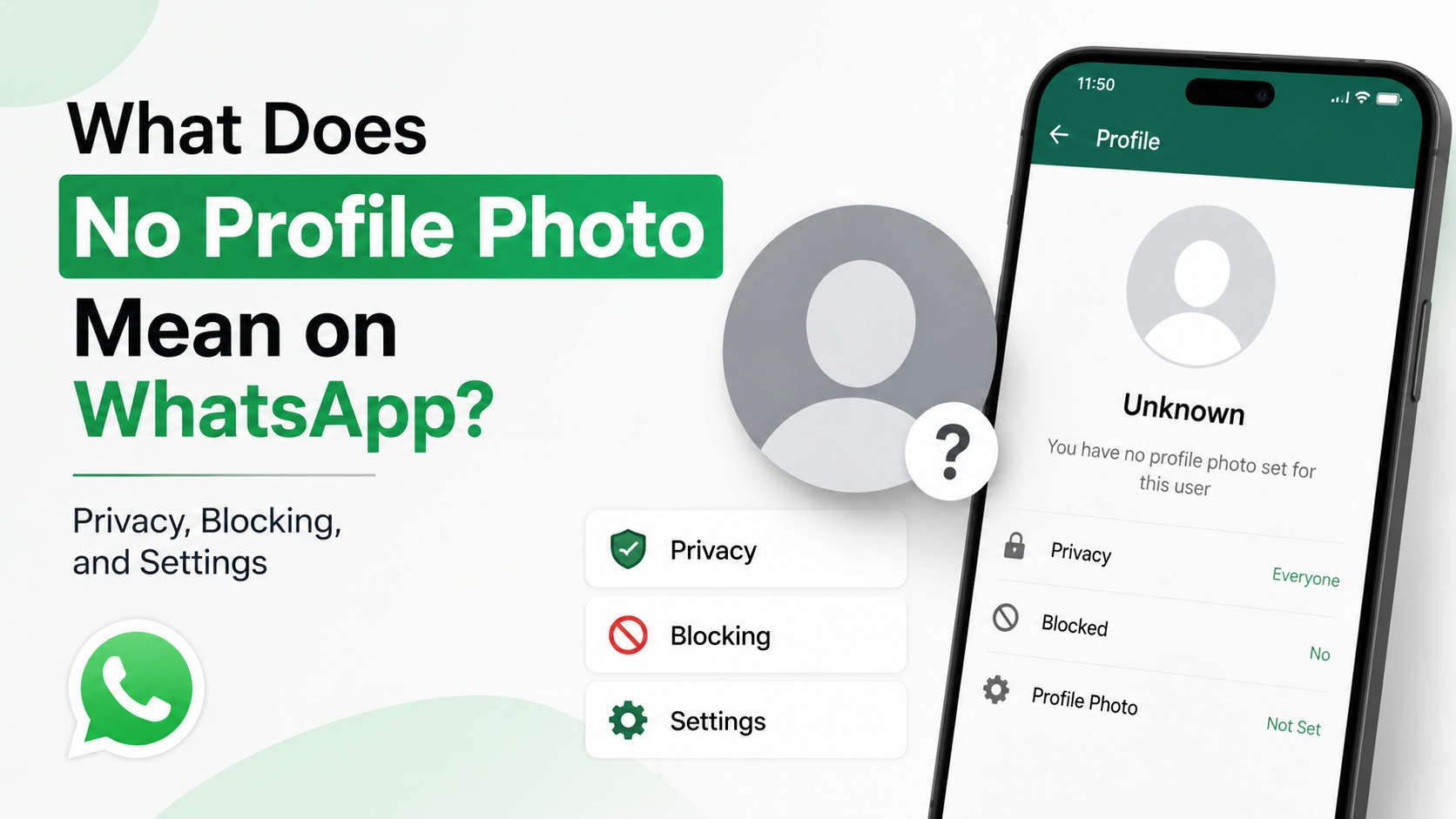
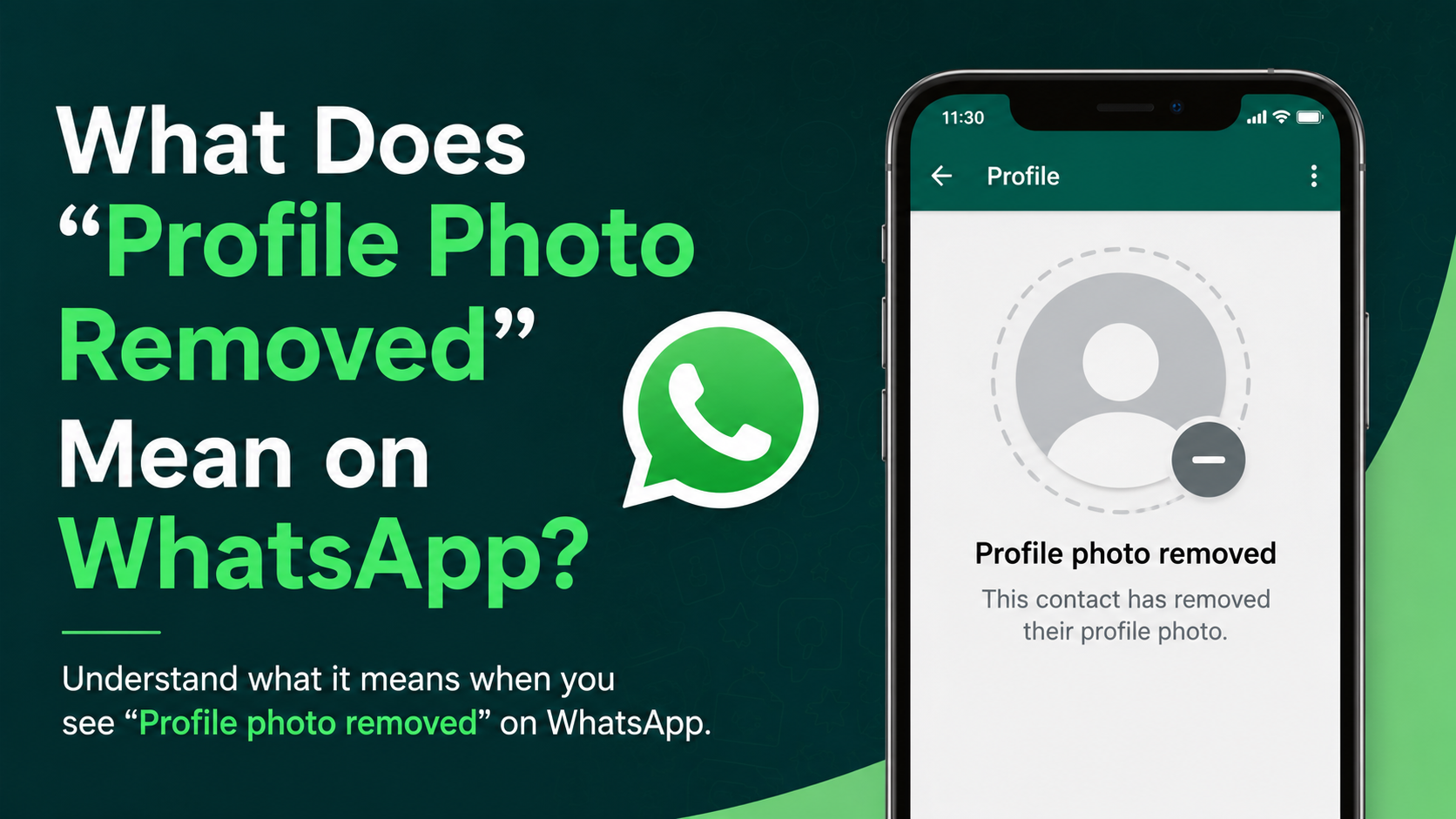
Seeing a blank profile picture on WhatsApp can feel surprisingly meaningful—especially when the person previously had a visible photo. But the no profile photo WhatsApp meaning is rarely as simple as “they blocked me.”
A missing WhatsApp photo can result from privacy settings, a removed image, an inactive account, a contact-list change, or a technical issue. Blocking is one possibility, but it should never be your only conclusion. Understanding the signs in context helps you avoid unnecessary assumptions and respond professionally, respectfully, and calmly.
Key Takeaways
- A blank WhatsApp profile photo does not automatically mean you have been blocked.
- Privacy settings can limit photo visibility to everyone, contacts only, selected contacts, or nobody.
- A person may simply remove their photo, change phone numbers, or stop using WhatsApp.
- Look for multiple signals—such as last seen, status updates, calls, and message delivery—before drawing conclusions.
- Do not use third-party “block checker” apps; they can compromise privacy and account security.
- Respecting someone’s privacy settings is usually more useful than trying to work around them.
Why a WhatsApp Profile Photo May Be Missing
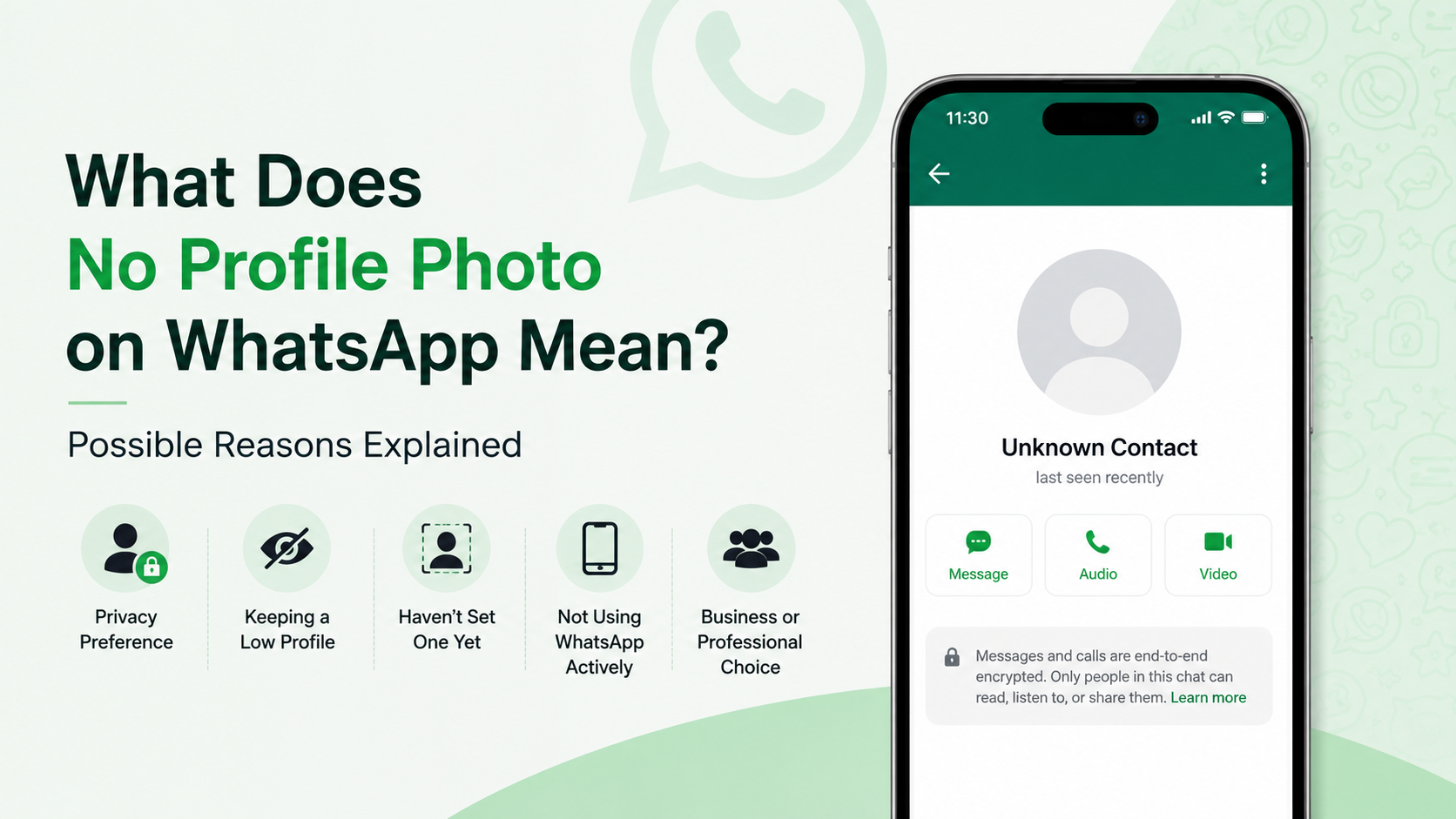
WhatsApp gives users detailed control over who can see their profile picture. As a result, a blank image can have several ordinary explanations.
They Never Added a Profile Photo
Some people prefer not to use a profile image at all. This is common among users who:
- Want to separate personal and professional communication
- Use WhatsApp mostly for family groups or customer support
- Prefer more privacy online
- Have recently created a new account
In this case, you will typically see WhatsApp’s default blank avatar rather than a personal photo.
They Removed Their Existing Photo
If you used to see a photo and it has disappeared, the person may have removed it intentionally. They may be updating their account, taking a break from social media-style visibility, or simplifying their digital presence.
For example, a colleague might remove a casual vacation photo after deciding to use WhatsApp more frequently for work. That change is about their account preferences—not necessarily about any one contact.
Their Account Is New, Changed, or Inactive
A missing photo can also appear when someone changes phone numbers, recreates their account, or no longer actively uses WhatsApp. If their number was reassigned or their account was deleted, prior account details may no longer be available.
Check whether your chat shows a system notice such as “This contact changed their phone number.” That is often a much clearer explanation than trying to interpret a missing image alone.
How WhatsApp Privacy Settings Affect Profile Photos
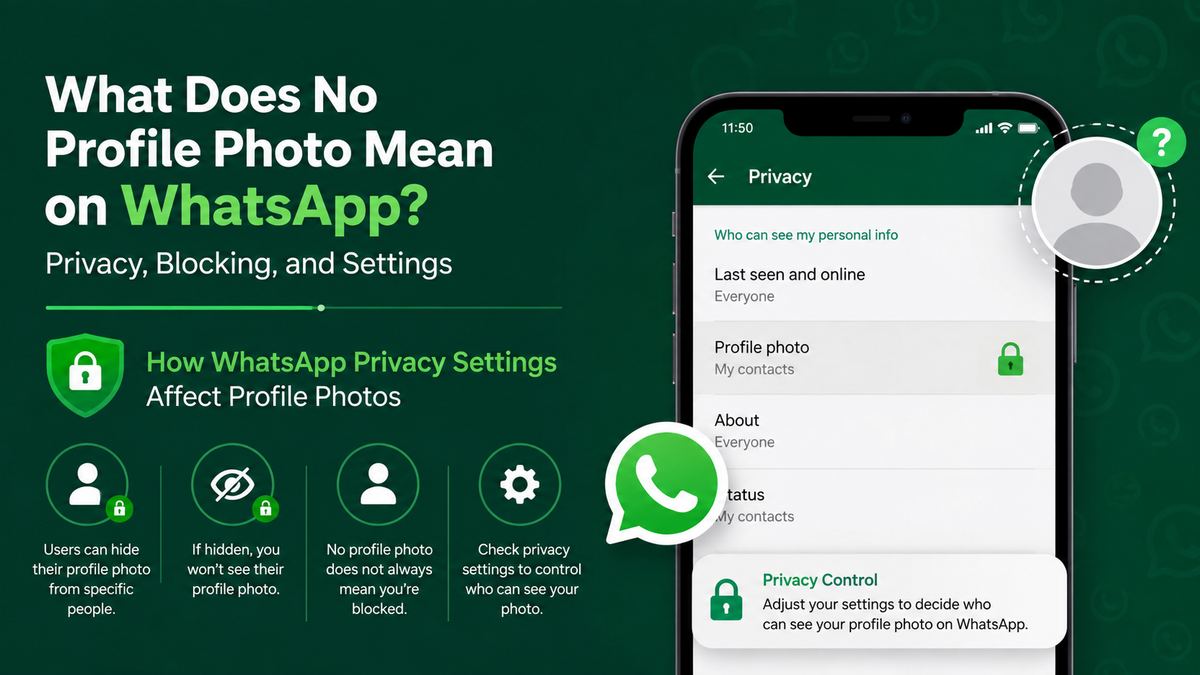
WhatsApp lets users decide who can view their profile photo. This is one of the most common reasons behind the no profile photo WhatsApp meaning.
The Main Profile Photo Visibility Options
In WhatsApp’s privacy settings, users can usually choose among these options:
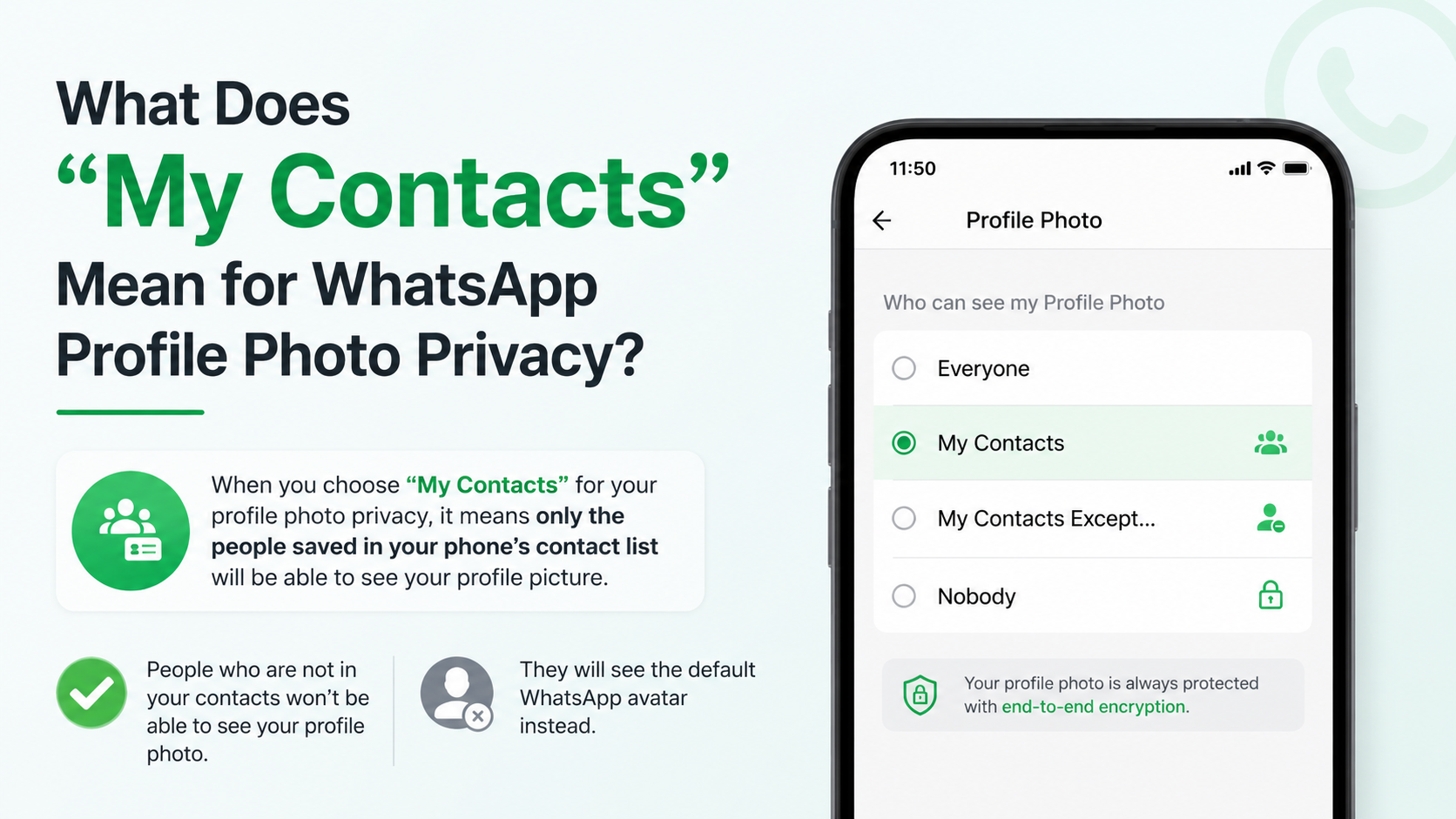
- Everyone: Any WhatsApp user with their phone number may see the photo.
- My Contacts: Only saved contacts can see it.
- My Contacts Except…: The photo is visible to contacts except selected people.
- Nobody: No one can view the profile photo.
If someone uses “My Contacts,” you may not see their photo if they have not saved your number—even if you have saved theirs.
Why Contact Lists Matter
WhatsApp privacy is not always mutual. You may have a person in your address book while they do not have you in theirs. If their profile photo is set to “My Contacts,” their photo may remain hidden from you.
This often happens in professional settings. For instance, a consultant may save only active clients, while clients save the consultant’s number. The client sees a blank image, but the consultant has not blocked anyone; their privacy rule simply limits visibility.
Excluded Contacts Can See a Blank Photo
WhatsApp’s “My Contacts Except…” setting allows users to hide a profile photo from specific contacts. From your perspective, it may look similar to being blocked, but the two situations are different.
A person may use this feature to keep personal information separate from work contacts, former classmates, or unfamiliar group members. It is a privacy boundary, not necessarily a personal conflict.
Does No Profile Photo Mean You Were Blocked?
No. A missing profile picture alone is not reliable proof that you have been blocked on WhatsApp.
WhatsApp intentionally avoids giving users a direct notification when they are blocked. Instead, it limits certain information to protect the blocker’s privacy. Because several privacy settings create similar effects, no single sign confirms blocking.
Signs That May Appear Together When You Are Blocked
You may have been blocked if several of the following changes occur at the same time:
- You can no longer see their profile photo
- You cannot see their last seen or online status
- Their status updates are no longer visible
- Messages remain on one gray check mark for a long time
- WhatsApp calls do not connect
- You cannot add the person to a new group
Even then, each sign has another possible explanation. A phone may be off, a user may have no internet access, or privacy settings may prevent you from seeing activity details.
Why One Gray Check Mark Is Not Definitive
One gray check means your message was sent to WhatsApp’s servers but has not been delivered to the recipient’s device. It can happen when:
- Their phone is turned off
- They have no connection
- They are traveling or using airplane mode
- They deleted WhatsApp
- They changed numbers
- They blocked you
The key point: delivery status alone cannot establish why a message was not delivered.
Avoid Treating Blocking as a Verdict
If you suspect you were blocked, avoid repeatedly calling, messaging through other numbers, or asking mutual contacts to investigate. Those actions can cross boundaries and create discomfort.
A better approach is to give the situation time. If communication is genuinely necessary—such as for a project, payment, or urgent family matter—use an appropriate alternative channel once, clearly and respectfully.
How to Check the Situation Without Invading Privacy
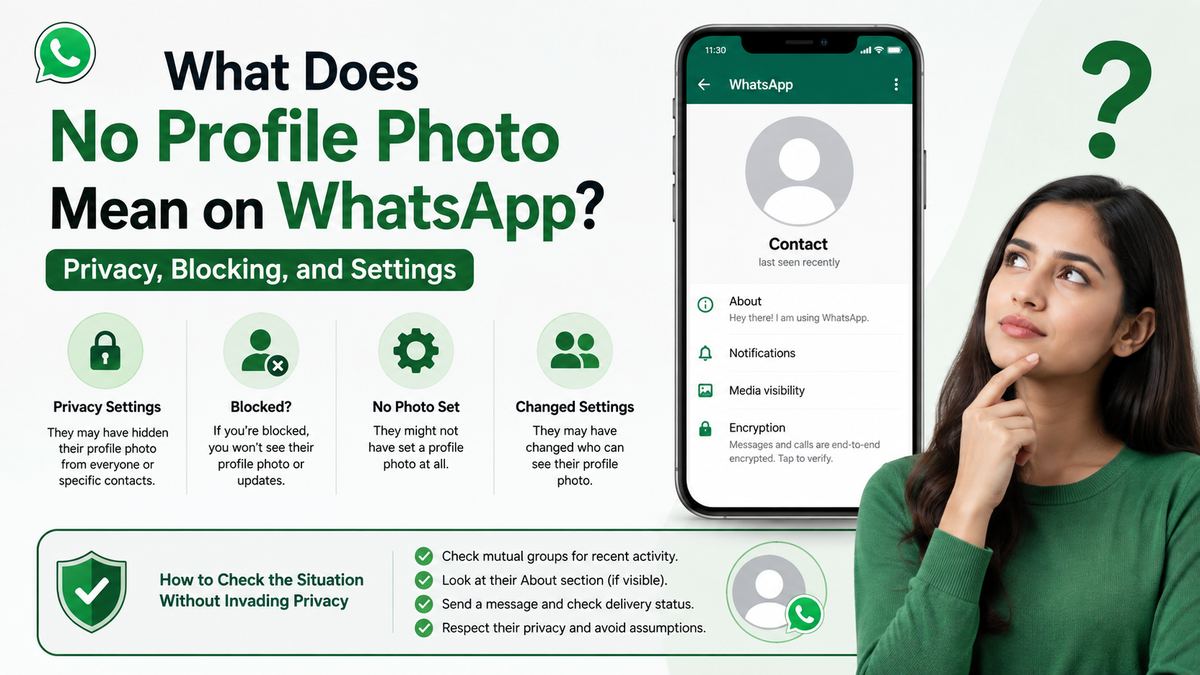
You can assess what may be happening without trying to bypass someone’s settings.
Review What Has Changed
Think about the timeline. Ask yourself:
- Did their photo disappear recently, or was it always blank?
- Did they mention changing numbers or devices?
- Can you still see older messages and shared groups?
- Have other account details, such as status or last seen, changed too?
A sudden change across multiple features may indicate updated privacy settings, a new account, or blocking. A blank photo by itself is usually not enough evidence.
Confirm You Saved the Correct Number
Before assuming anything personal, make sure you are viewing the right account. People may use separate personal and business numbers, or they may change numbers without updating every contact.
If you know the person professionally, check a reliable source such as their company website, email signature, or a previously shared business card. Do not search for private contact details unnecessarily.
Use a Respectful Direct Message When Appropriate
If you have a legitimate reason to contact the person and your message appears deliverable, keep it simple:
“Hi, I wanted to confirm whether this is still the best number for discussing the project. No rush—please let me know when convenient.”
This is more effective than mentioning their profile photo or asking whether they blocked you. It gives them control over whether and how they respond.
Common Technical Reasons for a Missing WhatsApp Photo
Not every blank profile photo is a privacy choice. App and device issues can prevent images from loading correctly.
Connection Problems
A weak or unstable connection can delay profile-picture loading. Try switching between Wi-Fi and mobile data, then reopen the chat.
If other WhatsApp media, statuses, or contact images are also slow to load, your connection is the likely issue.
Outdated App Versions
Older versions of WhatsApp may behave inconsistently, especially after platform updates. Update WhatsApp through the official Apple App Store or Google Play Store.
Updating helps resolve bugs while protecting your account with current security fixes.
Cached Data or Temporary Sync Errors
Sometimes WhatsApp displays outdated contact information temporarily. Closing and reopening the app, restarting your phone, or waiting a few hours may resolve the issue.
On Android, clearing the app cache can help in some cases. Avoid clearing app data unless you have confirmed your chats are backed up, since it can sign you out or remove local data.
What You Should Not Do
Curiosity is understandable, but some responses are unsafe or disrespectful.
Do Not Use “Who Blocked Me” Apps
Third-party apps that claim to reveal who blocked you or who viewed your profile are not trustworthy. WhatsApp does not provide that information through legitimate public tools.
Such apps may request access to contacts, messages, notifications, or login information. They can expose your personal data and may put your WhatsApp account at risk.
Do Not Create Alternate Accounts to Check
Using another number or account to view someone’s profile can undermine their privacy choices. If someone has limited access to their photo or blocked contact, trying to bypass that boundary is not appropriate.
Do Not Overinterpret Small Changes
People change profile photos, privacy settings, and communication habits frequently. A blank image may reflect a preference made in seconds, not a major relationship change.
In both personal and professional communication, it is better to base decisions on direct communication and clear behavior rather than app indicators.
Best Practices for Your Own WhatsApp Privacy
Understanding the no profile photo WhatsApp meaning can also prompt you to review your own settings.
Choose the Right Audience for Your Photo
To adjust profile-photo visibility, open:
WhatsApp Settings → Privacy → Profile Photo
For many people, My Contacts is a practical middle ground. It limits visibility to people you have saved while still allowing trusted contacts to recognize you.
Keep Professional and Personal Boundaries Clear
If you use WhatsApp for business, consider using a professional-looking photo or no photo at all. You can also use WhatsApp Business and configure a business profile with clear contact details.
A professional profile does not need to reveal personal information. A simple headshot, company logo, or neutral image can work well.
Review Other Related Privacy Controls
Your profile photo is only one part of WhatsApp privacy. Also review:
- Last seen and online visibility
- Status audience
- Read receipts
- Group-add permissions
- Silence unknown callers
- Two-step verification
These settings help you control who can reach you and what information they can see.
Frequently Asked Questions
Can someone see my WhatsApp profile photo if I have not saved their number?
It depends on your privacy setting. If your profile photo is set to “Everyone,” they can usually see it. If it is set to “My Contacts,” they generally cannot see it unless you have saved their number. “My Contacts Except…” allows you to exclude particular saved contacts.
Does a blank WhatsApp profile picture mean the account was deleted?
Not necessarily. A deleted account may show a blank photo, but so can an active account with no profile image or restricted privacy settings. Look for other clues, such as a changed-number notice or persistent delivery issues, before reaching a conclusion.
Can I tell for certain if someone blocked me on WhatsApp?
No. WhatsApp does not provide a definitive block notification. Several combined signs may suggest blocking, but privacy settings, connection problems, device changes, and inactive accounts can create similar results.
Why can I see someone’s status but not their profile photo?
WhatsApp controls profile-photo and status visibility separately. The person may allow you to see their status while restricting their profile picture to saved contacts, selected contacts, or nobody.
Should I ask someone why their WhatsApp photo disappeared?
Usually, no. A profile photo is a personal privacy setting, and asking about it can feel intrusive. If you need to contact them for a valid reason, focus on the matter you need to discuss rather than their account appearance.
Conclusion
The no profile photo WhatsApp meaning can range from a simple removed image to a privacy setting, contact-list difference, technical issue, or—in some cases—blocking. The blank avatar itself is not proof of any one explanation.
Focus on the full context, avoid invasive workarounds, and respect the privacy choices people make. If you are unsure about your own visibility settings, review your WhatsApp privacy controls today and choose the audience that best matches your personal and professional needs.