August 19, 2026 · Updated August 24, 2026 · 10 min read
Can You Screenshot WhatsApp Profile Pictures? What Happens and What Users Should Know
On this page
- What Happens When You Screenshot a WhatsApp Profile Picture?
- Key Takeaways
- Does WhatsApp Notify Someone About a Profile Picture Screenshot?
- Why WhatsApp Blocks Profile Picture Screenshots
- WhatsApp Profile Photo Privacy Settings You Should Review
- Can You Screenshot Profile Photos, Statuses, and View Once Media?
- What to Do If You Need Someone’s Profile Photo
- What Business and Team Users Should Know
- Frequently Asked Questions
- Conclusion
Can You Screenshot WhatsApp Profile Pictures? What Happens and What Users Should Know
A WhatsApp profile photo can reveal more than users may realize: identity, workplace, location clues, or simply a personal image they did not intend to be copied. That is why the question, “Can you screenshot it?” matters to both the person taking the image and the person who uploaded it.
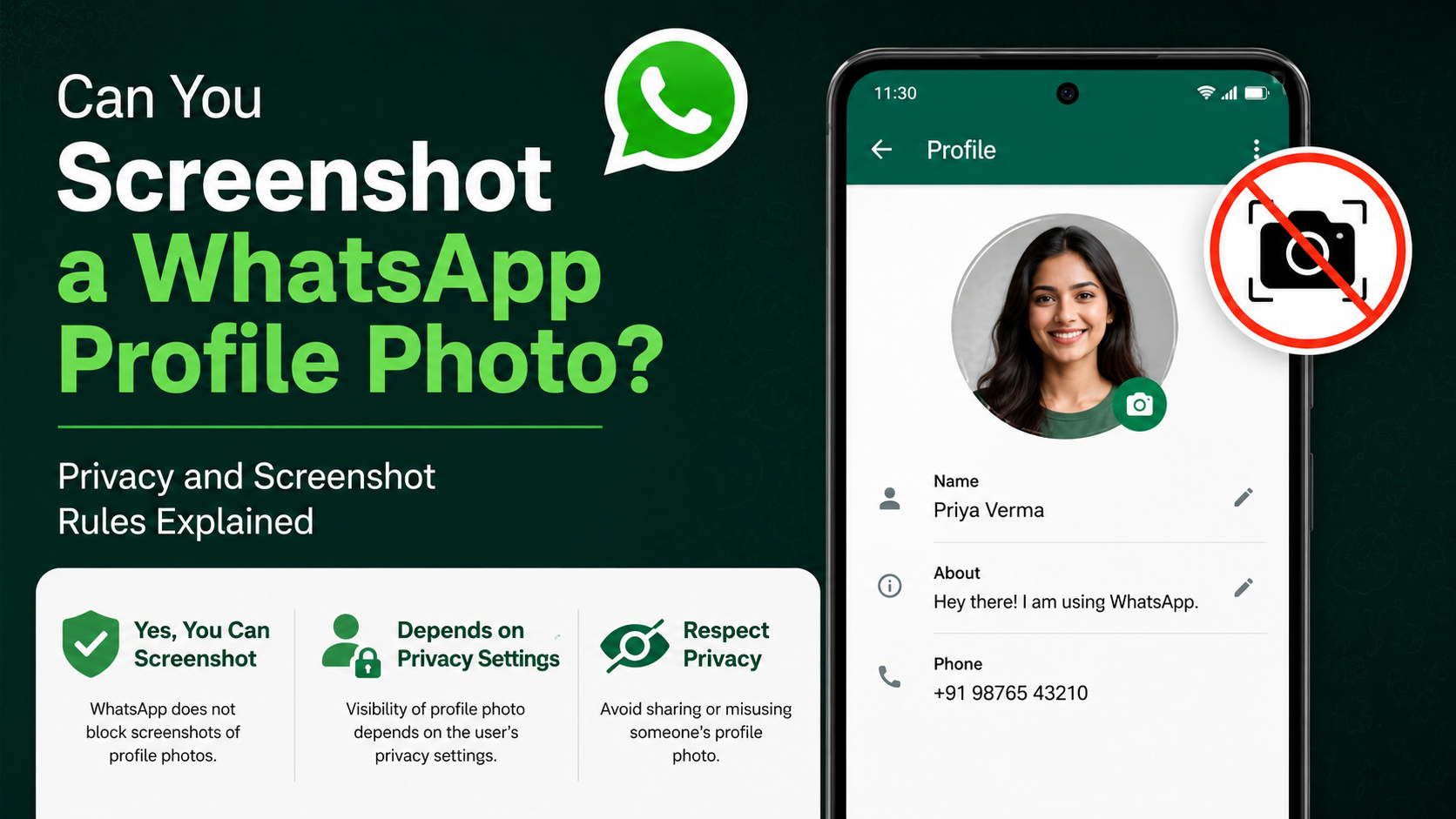
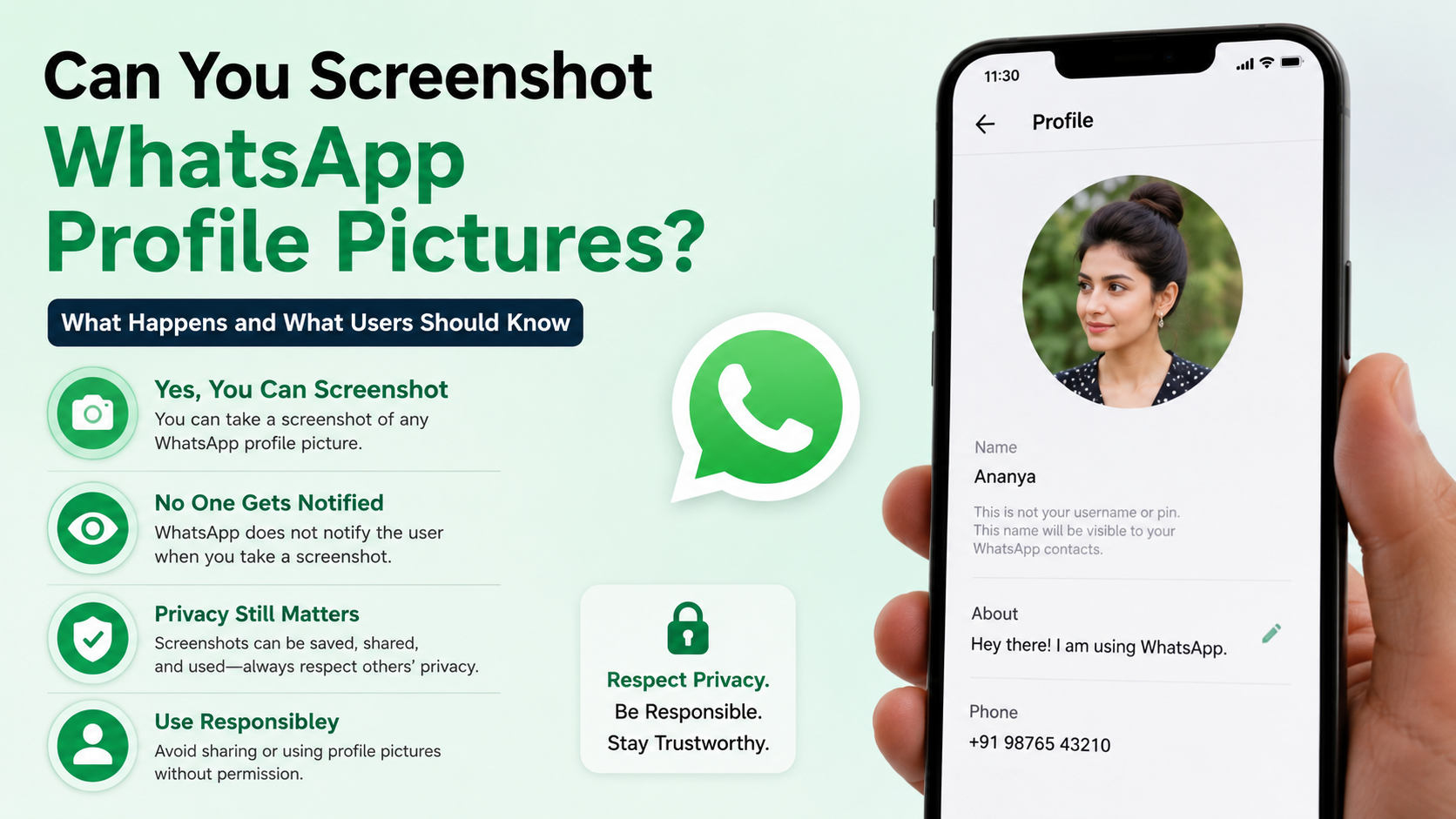
The short answer is: WhatsApp now commonly blocks screenshots of full-size profile pictures in its mobile app. However, the exact behavior can vary by device, app version, and the screen being captured. Crucially, WhatsApp does not send the profile owner a notification when someone attempts to take a screenshot.
What Happens When You Screenshot a WhatsApp Profile Picture?
Full-size profile photos are commonly protected
When you open a contact’s profile image in full-screen mode and try to capture it, WhatsApp may block the result. Depending on the device, you may see:
- A black or blank screenshot
- A “screen capture blocked” notice
- A saved image containing a privacy warning instead of the profile photo
- No visible error, but no usable image in the screenshot
WhatsApp introduced this protection to reduce casual copying of profile photos and make impersonation, stalking, and unauthorized image collection more difficult.
The result may differ across devices
Screenshot protection is not always identical across every platform or version. A newer Android or iPhone app build may handle the capture differently from an older build, and WhatsApp can change features through updates.
For example, a full-size WhatsApp profile picture screenshot may be blocked on one phone, while a smaller profile thumbnail still appears in a wider screenshot of a chat list. This does not mean the privacy feature has failed; it reflects the difference between the protected full-screen image viewer and other parts of the interface.
Key Takeaways
- WhatsApp often blocks screenshots of full-size profile pictures in the mobile app.
- The profile owner is not notified when someone attempts a screenshot.
- Screenshot blocking is a privacy barrier, not a complete guarantee that an image cannot be copied.
- Profile-photo visibility settings remain the best way to control who can view your image.
- Do not rely on a profile photo as proof of someone’s identity.
- If you need someone’s image for a legitimate reason, ask them to send or approve it directly.
Does WhatsApp Notify Someone About a Profile Picture Screenshot?
No screenshot notification is sent
WhatsApp does not notify a user when another person tries to screenshot their profile photo. There is no alert, chat message, or activity log telling the profile owner that someone attempted to capture the image.
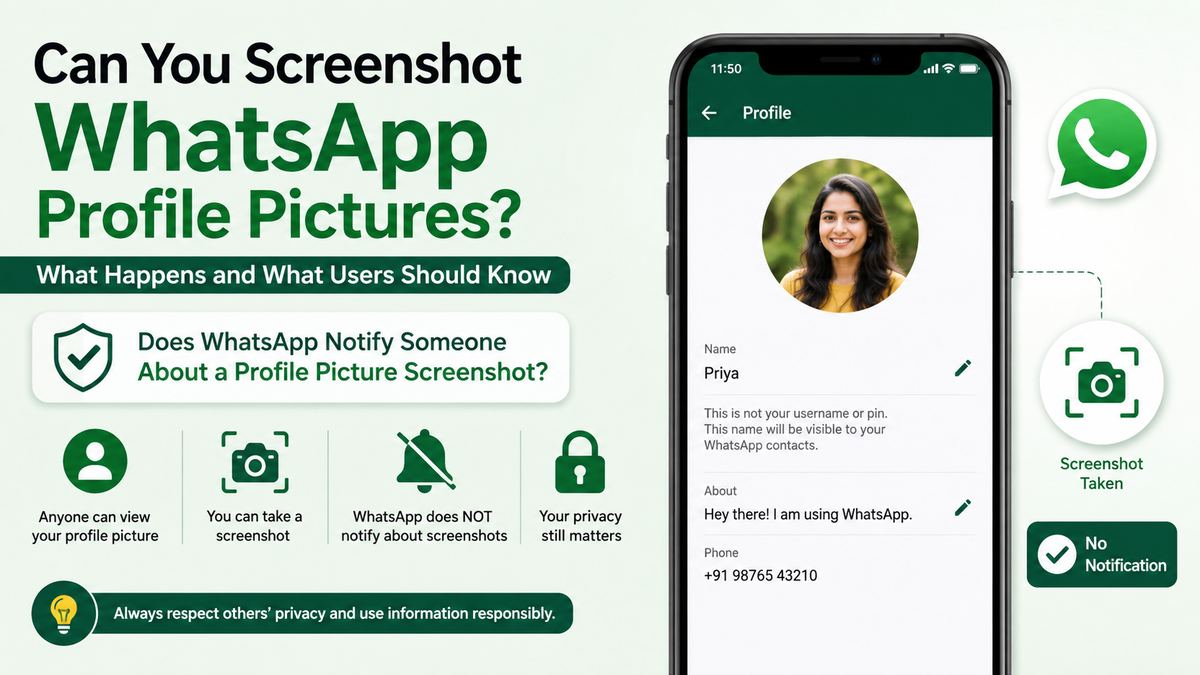
That remains true whether the screenshot succeeds, is blocked, or produces a blank result.
This is an important distinction from the app’s technical restrictions. WhatsApp may prevent the capture from being useful, but it does not turn a failed attempt into a reportable event for the profile owner.
No notification does not mean copying is appropriate
The absence of a notification should not be treated as permission. A person may share a profile photo only with the expectation that it will be viewed within WhatsApp, not downloaded, reposted, or used elsewhere.
For instance, saving a colleague’s image to identify them in a work group may be understandable with their consent. Reusing the same image to create a fake account, advertise a service, or mock them publicly is a serious privacy and trust violation.
Why WhatsApp Blocks Profile Picture Screenshots
The goal is to reduce casual misuse
A profile photo is often easy to access: it may be visible to everyone with a user’s number, contacts only, or a selected group of people. Before screenshot restrictions, copying a full-resolution version could take seconds.
Blocking a WhatsApp profile picture screenshot helps raise the effort required to misuse an image. It can discourage:
- Fake profiles and impersonation
- Catfishing attempts
- Harassment and targeted abuse
- Image scraping
- Unwanted reposting
- Collecting profile photos from unknown contacts
It is not a complete privacy solution
No screenshot block can stop every possible form of copying. Someone could potentially use another device to photograph a screen, capture a visible thumbnail, or obtain the image through another source.
That is why WhatsApp’s screenshot protection should be understood as friction, not absolute digital rights management. It deters easy, opportunistic copying; it cannot guarantee that a visible image will never be duplicated.
For stronger protection, users should combine the feature with careful profile-photo privacy settings and choose an image they are comfortable showing to their permitted audience.
WhatsApp Profile Photo Privacy Settings You Should Review
Choose who can see your image
WhatsApp lets users control who can view their profile photo. The available choices generally include:
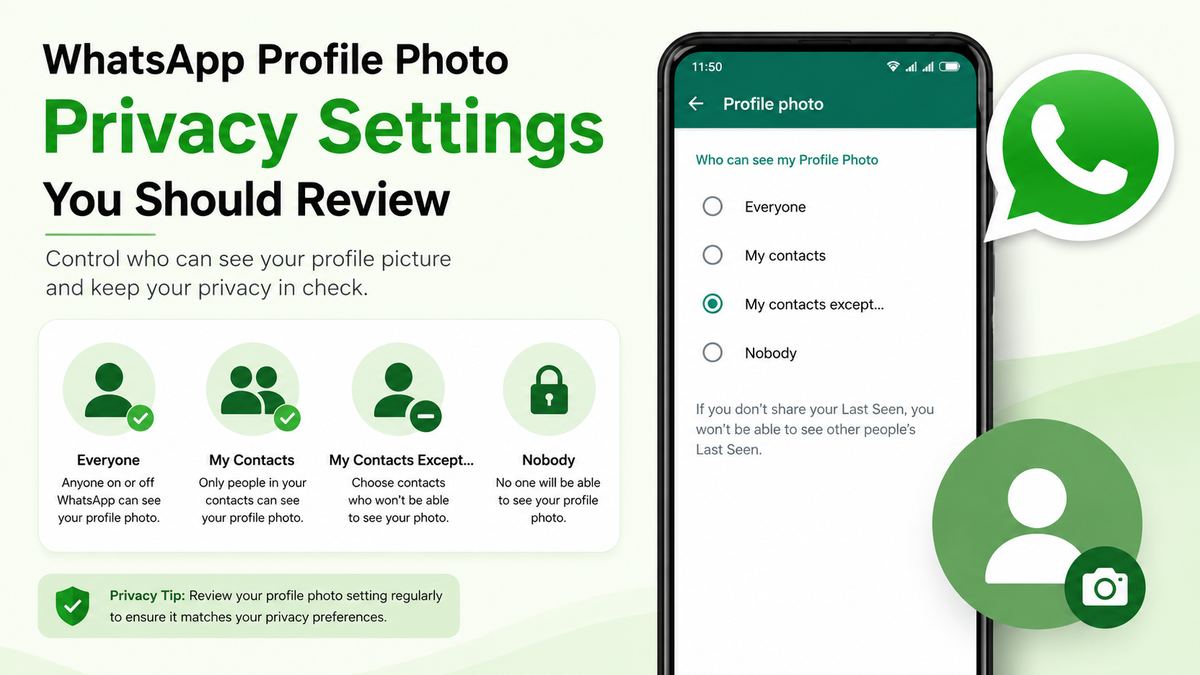
- Everyone: Anyone who has your phone number may be able to see your image.
- My Contacts: Only people saved in your address book can view it.
- My Contacts Except: Your photo is visible to contacts, excluding selected people.
- Nobody: Your profile photo is hidden from everyone.
To review the setting, open WhatsApp and navigate to:
Settings > Privacy > Profile Photo
For most people, My Contacts is a sensible starting point. Professionals who use one WhatsApp number for clients, vendors, family, and friends may prefer My Contacts Except to remove unfamiliar or inappropriate contacts.
Reassess your photo for professional contexts
A profile photo is often displayed in work chats, customer conversations, community groups, and personal messages at the same time. Consider whether your image shares more information than intended.
Before setting a photo, ask:
- Does it reveal your home, children’s school, vehicle plate, or frequent location?
- Would you be comfortable with a client or unknown group member seeing it?
- Does it make it easy for someone to reuse your likeness in a fake account?
- Is it appropriate for both personal and professional conversations?
A simple, current headshot or neutral image is often the safest choice for business-facing WhatsApp accounts.
Can You Screenshot Profile Photos, Statuses, and View Once Media?
Profile photos, statuses, and messages are different
WhatsApp applies privacy protections differently depending on the content type. These distinctions cause much of the confusion around screenshots.
| Content type | Typical screenshot behavior | Is the owner notified? | |---|---|---| | Full-size profile picture | Often blocked in the mobile app | No | | Profile thumbnail in chat or group view | May still be visible in a broader screenshot | No | | Regular chat messages | Usually capturable | No | | WhatsApp Status | Often capturable | No | | View Once photos and videos | Screenshot capture is designed to be blocked | No screenshot alert |
WhatsApp’s protections and interface behavior can change, so users should avoid assuming that one rule applies everywhere.
View Once media has stronger protection
WhatsApp’s View Once photos and videos are intended to disappear after being opened. The platform has also implemented screenshot blocking for this content in supported situations.
Still, the same principle applies: a technical barrier does not eliminate every possibility of copying. If an image is highly sensitive, avoid sending it unless you trust the recipient and understand the remaining risks.
What to Do If You Need Someone’s Profile Photo
Ask for permission instead of searching for a workaround
If you need a person’s image for a reasonable purpose, the best option is straightforward: ask them to send the photo directly or confirm that you may use it.
This is especially important when the image will be used for:
- A company directory
- An event roster
- A memorial or community announcement
- A contact card
- A social-media post
- Identity verification
- Marketing or promotional material
A short message such as, “Could you send me the photo you would like us to use?” is clearer, more respectful, and usually results in a better-quality image.
Use a different verification method
A WhatsApp profile photo should never be your only basis for trusting someone’s identity. Photos can be outdated, copied, artificial, or used without the real person’s permission.
If you are dealing with a new client, buyer, recruiter, or service provider, verify identity through appropriate channels, such as:
- A known company email address
- An official website or verified business profile
- A scheduled voice or video call
- A confirmed order, invoice, or account record
- A trusted mutual contact
This is particularly important when someone requests money, login codes, financial information, or urgent action.
What Business and Team Users Should Know
A profile photo is not a consent form
Businesses sometimes treat a visible WhatsApp image as available marketing material. That is risky. Visibility inside an app does not grant permission to download, publish, modify, or reuse someone’s photo.
If an organization wants to use a team member’s image on a website, social campaign, internal document, or customer-facing directory, it should obtain clear consent and retain the approved file through its normal asset-management process.
Create a practical team policy
Teams that use WhatsApp for operations should establish a simple rule: use images that were directly supplied and approved for the intended purpose.
A practical policy might include:
- Do not copy profile photos from WhatsApp for external use.
- Request approved headshots from employees, contractors, or clients.
- Limit group access to people who need it.
- Remove former staff and vendors from business groups promptly.
- Use privacy settings suited to the role and audience.
- Report suspected impersonation rather than engaging with it.
This approach protects both the organization and the individuals represented in its communications.
Frequently Asked Questions
Can you take a screenshot of a WhatsApp profile picture?
Often, no. WhatsApp commonly blocks screenshots of a contact’s full-size profile photo in its mobile app. You may receive a blank image or a screen-capture-blocked message instead. Behavior can vary by device, app version, and the screen being viewed.
Does WhatsApp tell someone if you screenshot their profile picture?
No. WhatsApp does not notify the profile owner when someone attempts to screenshot their profile picture, whether the capture succeeds or is blocked.
Why can I screenshot a small WhatsApp profile photo but not the full image?
WhatsApp’s screenshot protection generally targets the full-screen profile-picture view. A small thumbnail may still appear in a chat, contact list, or group interface, where it could be included in a broader screen capture. The protection is not necessarily applied to every location where a small preview appears.
Can I stop people from screenshotting my WhatsApp profile photo?
You cannot fully control what another person does with any image they can view. WhatsApp’s full-screen screenshot block adds protection, but the most effective step is to restrict profile-photo visibility through Settings > Privacy > Profile Photo. Choose My Contacts, exclude specific people, or select Nobody if needed.
Is it legal to use someone else’s WhatsApp profile picture?
It depends on how and where the image is used, as well as local law and the person’s consent. Using someone’s image to impersonate them, deceive others, harass them, or promote a business without permission can create serious legal and ethical consequences. Ask for permission before reusing any profile photo.
Conclusion
A WhatsApp profile picture screenshot is no longer as simple as it once was. WhatsApp commonly blocks captures of full-size profile photos on mobile devices, and it does not notify the profile owner when someone tries. But screenshot blocking is only one layer of protection—not a guarantee that a visible image can never be copied.
The smart approach is to control who can see your profile photo, choose an image appropriate for your audience, and never assume a profile picture proves someone’s identity. If you need another person’s image, ask for their permission and request the approved file directly.