August 19, 2026 · Updated August 23, 2026 · 12 min read
Where Can I Find Good Profile Pictures Online? Safe Sources and Ideas
On this page
- Why Your Profile Picture Matters More Than You Think
- The Best Places to Find Profile Pictures Online
- How to Choose a Good Profile Picture for Each Platform
- Safe Use: Copyright, Consent, and Privacy
- Practical Ideas When You Need Profile Picture Inspiration
- How to Improve a Profile Picture You Already Have
- Frequently Asked Questions
- Conclusion
Where Can I Find Good Profile Pictures Online? Safe Sources and Ideas
Your profile picture is often the first impression people get of you online. Whether it appears on LinkedIn, a business website, a dating app, a gaming platform, or a social network, the right image can make you look approachable, credible, creative, or memorable.
But when you need to find profile pictures online, it is easy to encounter low-quality images, copyright issues, misleading AI edits, or photos that do not fit your platform. This guide explains where to look, how to choose safely, and how to create a profile image that genuinely represents you.
Key Takeaways
- Use your own photo whenever possible for a more trustworthy and recognizable profile.
- Choose reputable stock-photo and avatar platforms if you need a non-personal image.
- Check licensing terms before using photos, illustrations, or AI-generated images commercially.
- Match your profile picture’s style to the platform and audience.
- Prioritize clear lighting, a visible face, and a simple background for professional profiles.
- Avoid using someone else’s personal image as if it were you.
Why Your Profile Picture Matters More Than You Think
A profile photo is a small visual element with a large effect. People make quick judgments online, often before reading your bio, headline, or posts. A clear, relevant picture can help establish familiarity and encourage people to engage.
It Builds Recognition Across Platforms
Using a consistent photo across your professional and social accounts makes it easier for people to recognize you. For example, a freelance designer who uses the same friendly headshot on LinkedIn, their portfolio, and email account looks more established than someone using unrelated images everywhere.
Consistency is especially useful for:
- Job seekers building a professional presence
- Entrepreneurs and consultants
- Content creators and streamers
- Sales professionals and recruiters
- Community managers and online educators
It Signals Context and Credibility
The “best” profile picture depends on where it appears. A formal corporate headshot can work well on LinkedIn, while a brighter, more relaxed image may suit Instagram or a hobby community.
Think about the message your image sends:
- Professional network: Competent, approachable, prepared
- Business account: Reliable, aligned with your brand
- Creative portfolio: Distinctive, visually intentional
- Social app: Natural, friendly, current
- Gaming community: Personality-driven, themed, recognizable
The Best Places to Find Profile Pictures Online
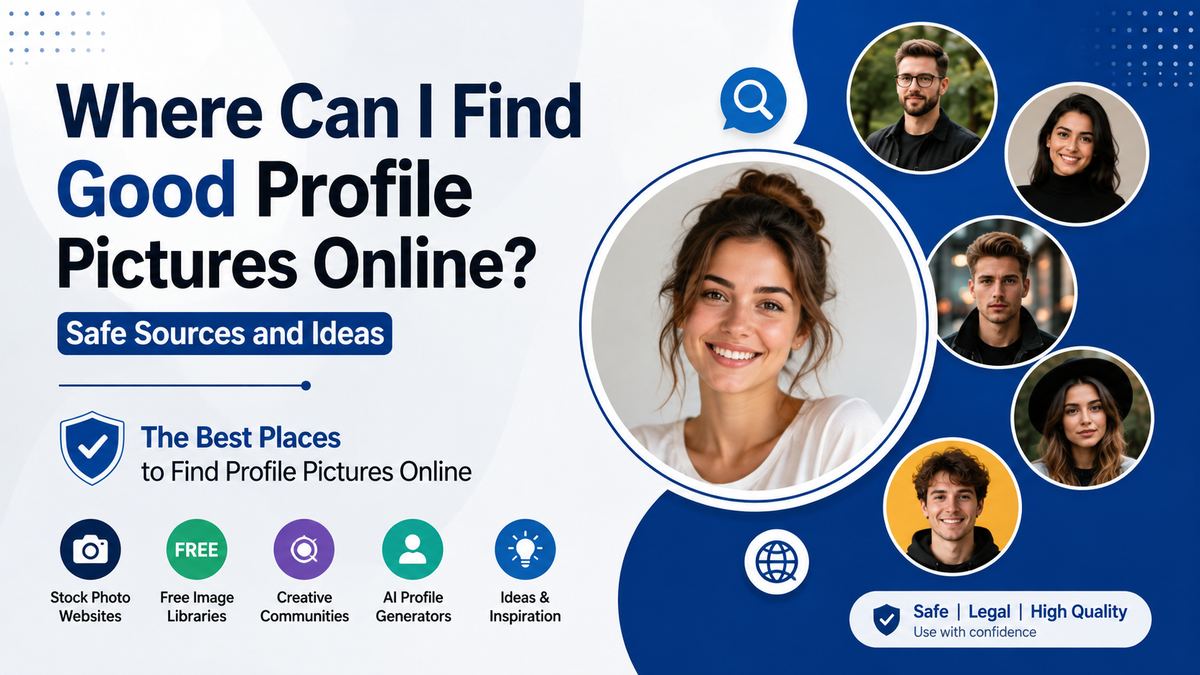
There are several safe ways to find profile pictures, depending on whether you need an image of yourself, a stock image, an illustration, or a custom avatar.
Take or Update Your Own Photo
For most personal and professional uses, your own photo is the strongest choice. It is authentic, avoids licensing uncertainty, and helps people connect your account to a real person.
You do not need an expensive studio session. A smartphone, indirect daylight, and a tidy background can produce a strong result.
For a simple DIY headshot:
- Stand facing a window with soft natural light.
- Use a plain wall, office, park, or uncluttered background.
- Position the camera at eye level.
- Wear clothing appropriate for your field or platform.
- Crop the image from the chest or shoulders upward.
- Use a timer, tripod, or ask someone to take several options.
A lawyer may choose a polished indoor headshot, while a travel writer may use a natural outdoor photo that still clearly shows their face.
Use Reputable Stock Photo Libraries
Stock-photo sites can be useful for brand profiles, placeholder accounts, presentations, or editorial concepts. However, do not use a stock person’s image to impersonate yourself or suggest they are a real employee, customer, or founder.
Well-known platforms commonly offer searchable photo collections under varying license terms, including:
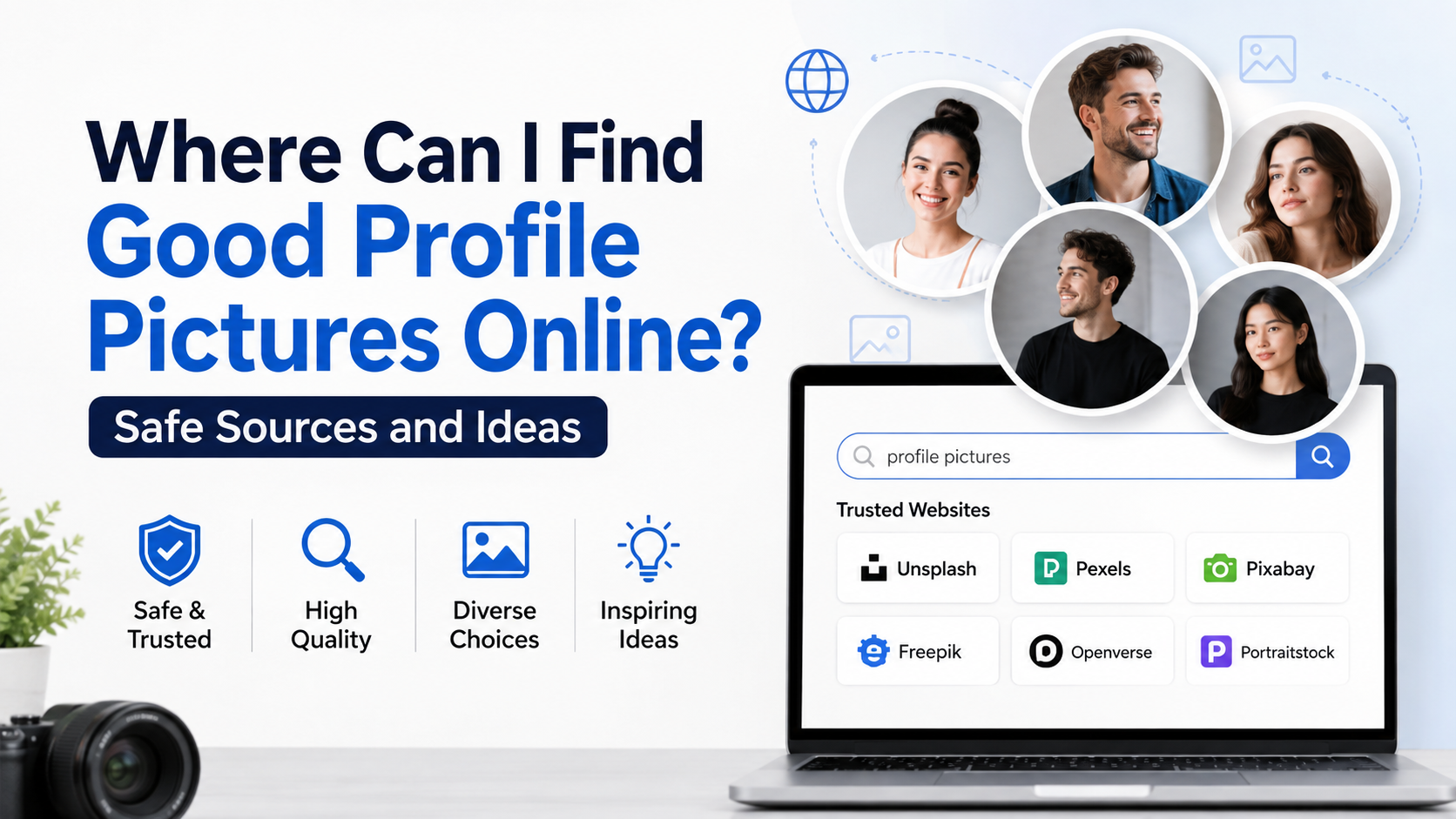
- Unsplash
- Pexels
- Pixabay
- Adobe Stock
- Shutterstock
- iStock
Free platforms can be useful, but “free to download” does not always mean “free for every use.” Review the specific license, especially if the image will appear in advertising, paid campaigns, merchandise, or a company website.
Create an Avatar or Illustrated Portrait
Avatars are a practical choice when you value privacy, run a brand account, or want a visual identity that is less formal than a photo. They can also work well for forums, gaming profiles, education platforms, and technical communities.
Popular avatar styles include:
- Minimal flat illustrations
- Cartoon portraits
- Pixel-art characters
- Professional illustrated headshots
- Fantasy or game-inspired personas
- Abstract logos with initials
For example, a cybersecurity blogger may use a clean illustrated portrait with a consistent color palette, while a game streamer may choose a bold character avatar that fits their channel’s visual theme.
Work With a Photographer or Designer
If your online presence affects your career, a professional photographer can be worthwhile. They can guide your pose, lighting, wardrobe, and expression while delivering crops optimized for multiple platforms.
A designer or illustrator can also create a custom avatar that matches your website, brand colors, and audience. This is particularly helpful for founders who want a cohesive look across a company site, social profiles, newsletters, and speaker bios.
How to Choose a Good Profile Picture for Each Platform
The image should fit both your identity and the setting. A profile photo does not need to look identical everywhere, but the overall visual impression should remain consistent.
Professional Platforms: LinkedIn, Company Sites, and Email
Professional platforms reward clarity and trust. Use a recent, well-lit head-and-shoulders photo where your face occupies much of the frame.
A strong professional image usually includes:
- Direct or slightly angled eye contact
- A natural, relaxed expression
- Clothing that fits your industry
- A clean or softly blurred background
- Minimal filters and editing
- High enough resolution to remain sharp when cropped
Avoid group photos, sunglasses, heavily edited selfies, and distant vacation shots. If someone has to guess which person is you, the photo is not doing its job.
Social Media and Personal Communities
Social platforms give you more freedom to show personality. A candid image can work well if it is clear, current, and recognizable.
For instance, a food creator might use a bright photo in a kitchen, while a runner could use a portrait taken outdoors after an event. The key is that the activity supports your identity instead of distracting from it.
Brand and Business Profiles
For a business page, use a logo, recognizable product mark, or a simple branded icon rather than a random stock photo. Profile images are usually displayed at a small size, so detailed logos can become unreadable.
Test your image at thumbnail size. If the design becomes a blur, simplify it by using:
- A logo mark instead of full text
- One recognizable symbol
- High-contrast colors
- A clean background
- A square-friendly composition
Safe Use: Copyright, Consent, and Privacy
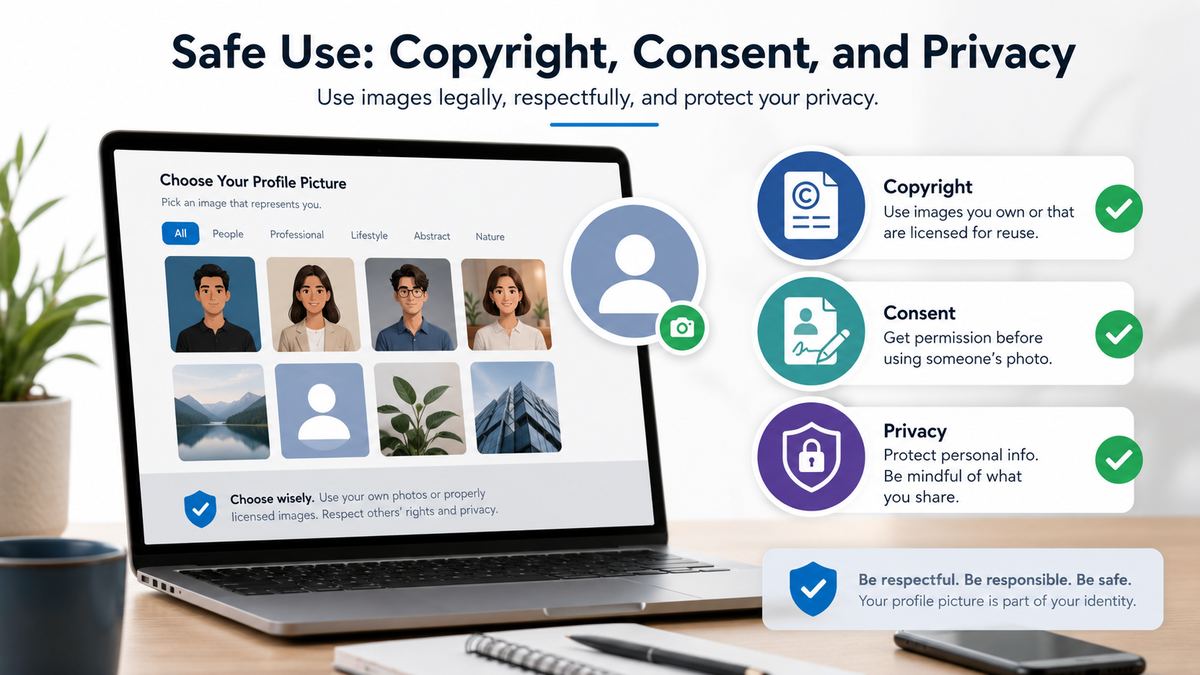
Finding an attractive image is only part of the process. You also need the right to use it.
Understand Image Licensing
Every image has usage terms. Some are public domain, some require attribution, some allow personal use only, and some require a paid commercial license.
Before using an image, check:
- Whether commercial use is allowed
- Whether attribution is required
- Whether editing or cropping is allowed
- Whether the image includes recognizable people or private property
- Whether the license applies to social media and advertising
If the terms are unclear, choose another image or contact the creator. A reputable image source should make its licensing information easy to find.
Never Use Another Person’s Face as Your Identity
Using someone else’s portrait as your personal profile image can be deceptive and may violate privacy rights, platform rules, or the person’s image rights. This includes using a stock model’s image to represent yourself on professional, social, or dating platforms.
It is generally appropriate to use stock photos for a business post or article when the license allows it. It is not appropriate to present the pictured person as you, a team member, or a customer without explicit permission.
Protect Your Privacy When Needed
Not everyone wants a public face photo, and that is valid. If you work in a sensitive field, want to reduce unwanted attention, or simply prefer privacy, an avatar can be a thoughtful alternative.
Consider using:
- A custom illustration based on your appearance
- A branded monogram
- A non-identifying artistic photo
- An icon related to your work or interest
- A logo for business-facing accounts
If you use an avatar, keep it consistent so others can still recognize your account over time.
Practical Ideas When You Need Profile Picture Inspiration
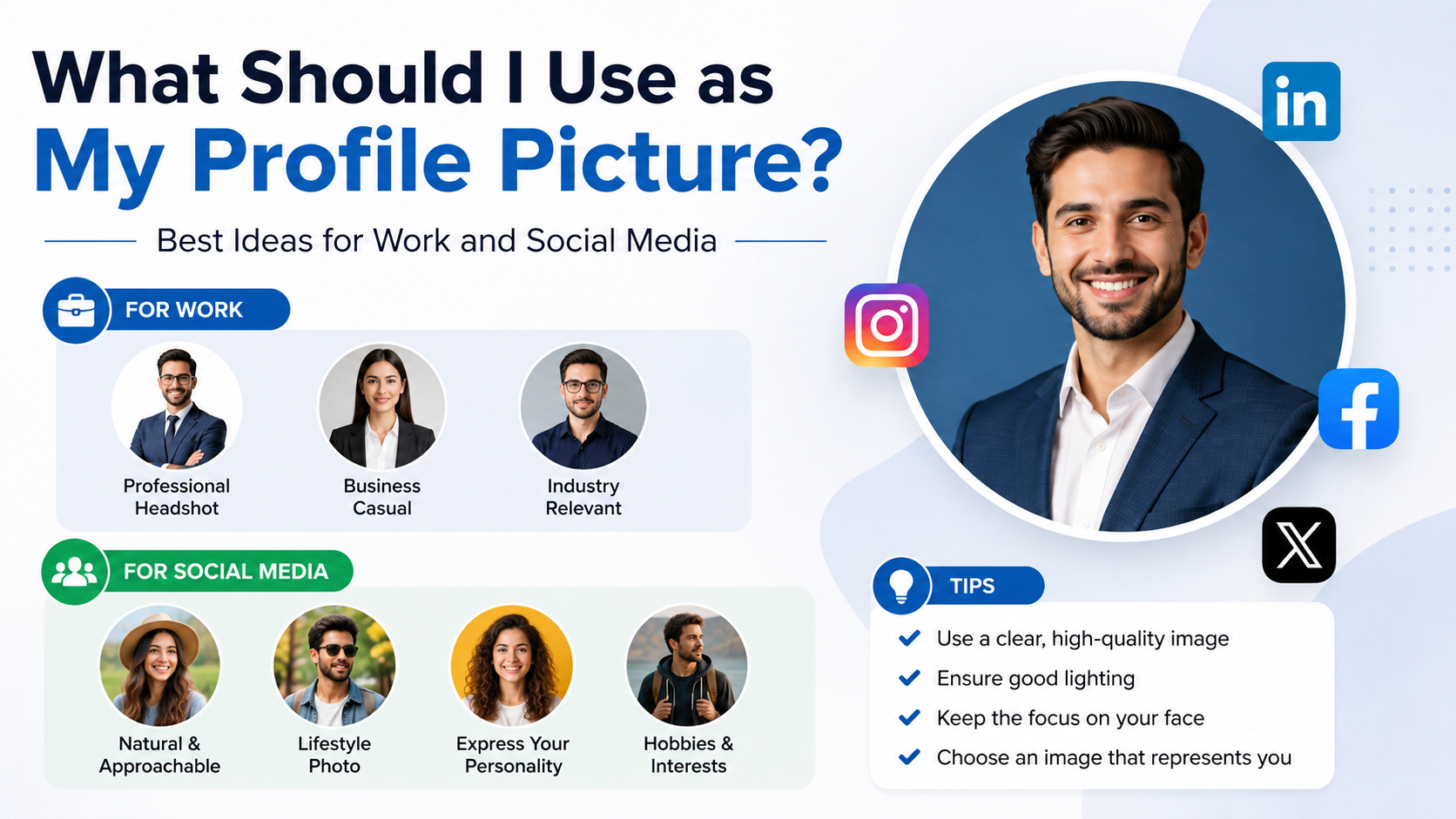
If you are unsure what image to use, start with your purpose. A good profile picture does not have to be dramatic; it simply needs to feel intentional.
Profile Picture Ideas for Professionals
Try one of these dependable options:
- A neutral-background headshot in natural light
- A portrait at your workspace
- A photo taken while speaking or teaching, with your face still visible
- A smart-casual outdoor portrait
- A polished image that uses your company’s brand colors subtly
For example, a consultant might wear a solid-color shirt and use a bright office background, while an architect may choose a portrait near a project model or studio wall.
Creative and Personal Account Ideas
Creative accounts can be more expressive while remaining clear and usable in a circular crop.
Consider:
- A colorful close-up portrait
- A photo involving your creative tool, such as a camera or paintbrush
- A signature outfit or accessory
- A hand-drawn self-portrait
- A stylized avatar that reflects your niche
Avoid making the image so busy that your face or icon disappears at a small size.
Group, Couple, and Family Account Ideas
For accounts shared by multiple people, use an image that makes the account’s purpose obvious. A couple’s travel account may use a well-composed photo of both people; a family business can use its logo or a team photo.
However, for an individual professional account, choose an image of only yourself. A group picture often creates confusion and looks less polished.
How to Improve a Profile Picture You Already Have
You may already have a usable image that only needs a few careful adjustments. Small improvements can significantly increase clarity without making the photo look artificial.
Crop for Small Screens
Most platforms display profile images in circles or small squares. Crop tightly enough that your face remains visible on a phone screen.
A useful guideline is to keep your face centered with some space around the top of your head and shoulders. Check that important parts of the image are not cut off by a circular crop.
Make Simple, Natural Edits
Basic editing can improve exposure and color, but excessive retouching can make a photo look dated or untrustworthy.
Useful adjustments include:
- Brightening shadows
- Correcting white balance
- Slightly increasing contrast
- Straightening the image
- Removing minor background distractions
- Sharpening lightly
Avoid extreme smoothing, face reshaping, heavy filters, and dramatic color effects for professional uses.
Check the Final Image Before Uploading
Before publishing, preview the image on the actual platform. Confirm that it is sharp, centered, and recognizable at a small size.
Ask yourself:
- Can someone identify me quickly?
- Does this fit the platform’s purpose?
- Is the image recent and accurate?
- Does it look good as a circle or square?
- Do I have the right to use it?
Frequently Asked Questions
Where can I find profile pictures for free?
You can find free profile-picture resources through reputable stock libraries such as Unsplash, Pexels, and Pixabay, as well as avatar-creation platforms. Always review the image license before use. For a personal account, your own photo is usually the safest and most authentic free option.
Is it okay to use a stock photo as my profile picture?
It is generally not a good idea to use a stock photo of another person as your personal profile picture. It can mislead viewers and may violate platform policies or the model’s image rights. Stock photos are better suited to articles, marketing visuals, and business content when used under the proper license.
What makes a profile picture look professional?
A professional profile image is recent, well-lit, clearly framed, and appropriate for your industry. Your face should be easy to see, the background should not distract, and editing should remain subtle. A friendly, natural expression is usually more effective than a stiff or overly posed look.
Should I use the same profile picture on every platform?
Using the same or a closely related image across professional platforms improves recognition. You can adapt the crop or choose a more casual variation for personal social accounts, but maintaining a consistent visual identity helps people connect your profiles.
Can I use an AI-generated profile picture?
Yes, if it accurately represents you or is clearly used as an avatar or creative illustration. Avoid using AI-generated faces to deceive people about your identity. For business or commercial use, review the tool’s terms and ensure the result does not imitate a real person or protected brand.
Conclusion
The best place to find profile pictures depends on what you need, but authenticity should guide the decision. A current photo of yourself is usually ideal for professional and personal accounts, while licensed stock images, custom illustrations, and avatars offer useful alternatives for brands and privacy-conscious users.
When you find profile pictures online, prioritize image quality, platform fit, privacy, and proper licensing. Choose one image today, test how it looks at thumbnail size, and update it wherever a stronger first impression can help you connect with the right people.