August 19, 2026 · 11 min read
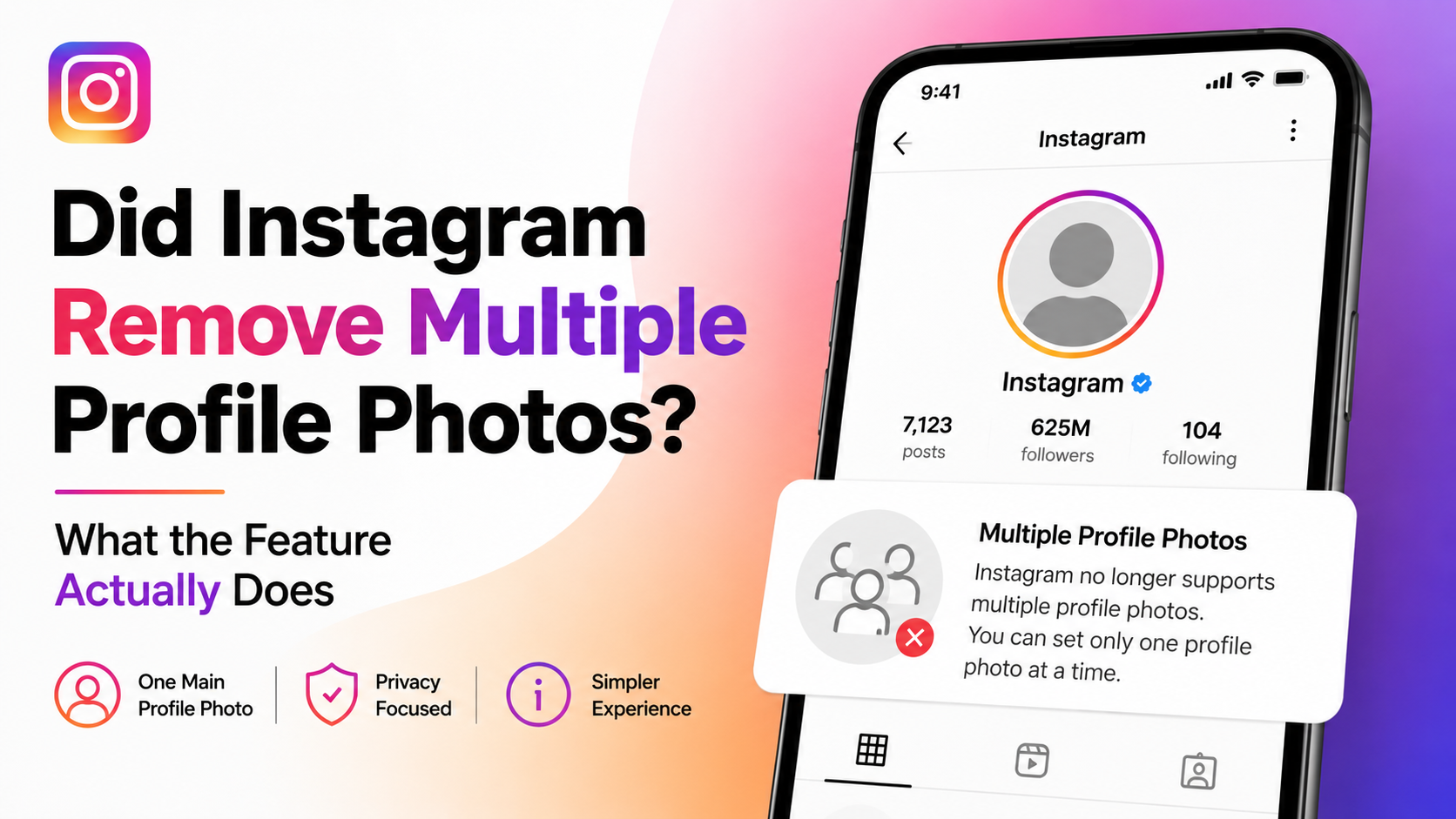
Did Instagram Remove Multiple Profile Photos? What the Feature Actually Does
On this page
- The Short Answer: Did Instagram Remove Multiple Profile Photos?
- What People Mean by “Multiple Instagram Profile Photos”
- Why a Feature May Look Missing or Different
- The Best Native Ways to Showcase More Than One Image
- How to Choose the Right Single Profile Photo
- Common Workarounds—and What to Avoid
- A Practical Strategy for Creators and Businesses
- Frequently Asked Questions
- Conclusion
Did Instagram Remove Multiple Profile Photos? What the Feature Actually Does
Seeing more than one image near an Instagram account can make it seem as though the platform once supported multiple profile photos—and then quietly removed them. In most cases, that is not what happened.
Instagram’s standard profile setup is built around one primary profile picture at a time. However, avatars, linked accounts, Stories, Highlights, carousel posts, profile-grid tools, and occasional interface tests can create the impression that users can set multiple Instagram profile photos. This article separates the real profile-photo feature from the features people commonly mistake for it, then explains practical ways to make your profile visually richer without confusing visitors.
Key Takeaways
- Instagram profiles normally display one active profile photo, not a rotating gallery of profile images.
- An Instagram Avatar can be connected to or used in place of a conventional profile picture.
- Carousel posts, Story Highlights, and pinned posts are the best native ways to showcase multiple images prominently.
- Feature availability can differ by account, device, app version, region, and testing group.
- Businesses and creators should choose one recognizable profile image and use the rest of the profile to provide visual context.
- Avoid third-party tools that promise rotating profile photos; they may create security or account-access risks.
The Short Answer: Did Instagram Remove Multiple Profile Photos?
Instagram has not generally offered a standard, widely available setting that lets one account display several conventional profile photos at once. A profile has one main image: the circular picture shown beside posts, comments, messages, search results, and the profile name.
So, if you remember seeing multiple Instagram profile photos, you were likely seeing a different feature or interface element rather than a multi-photo profile-picture setting.
Why the Confusion Is So Common
Instagram contains several visual elements that sit close to a profile photo:
- Story rings around a profile picture
- Highlight covers below the bio
- Account-switching profile images
- Instagram Avatars
- Linked Facebook and Instagram identities
- Multiple image posts in a carousel
- Group-chat and messaging visuals
- Experimental interface designs
For example, a user may see a small stack of profile images when switching between accounts. That does not mean one profile has multiple profile photos; it means the app is displaying several separate accounts available to the same user.
What Instagram Actually Supports
The standard profile setup includes:
- One profile photo or avatar representation.
- A bio, links, and category information.
- Story Highlights, each with its own cover image.
- A profile grid containing posts, Reels, and tagged content.
- Pinned posts that remain near the top of the grid.
This structure gives users many ways to show personality, products, team members, or portfolio work—just not through several simultaneous profile pictures.
What People Mean by “Multiple Instagram Profile Photos”
The phrase “multiple Instagram profile photos” can describe several different needs. Knowing which outcome you want makes it much easier to use the correct feature.
Multiple Images in One Instagram Post
A carousel post lets you publish multiple photos or videos in a single feed post. Viewers swipe through the content, while your profile grid typically displays the selected cover or first item.
This is ideal for:
- Before-and-after transformations
- Product collections
- Event recaps
- Step-by-step tutorials
- Portfolio case studies
- Travel photo roundups
For instance, a wedding photographer can use a carousel with a striking couple portrait first, followed by venue details, candid moments, and reception images. The profile still has one profile photo, but the post itself tells a larger visual story.
Multiple Accounts, Not Multiple Pictures
Instagram lets people add and switch among multiple accounts. Each account can have its own profile photo, bio, content, audience, and privacy settings.
A marketing consultant might use:
- One personal account with a headshot
- One agency account with a logo
- One niche education account with a branded illustration
When viewed in the account switcher, these images appear together. That visual arrangement can easily be mistaken for one account having several profile images.
Profile Picture and Avatar Options
Instagram may allow users to create or connect an Avatar, a customizable digital representation. Depending on the account and app interface, the Avatar can appear in profile-related experiences, stickers, messaging, and other Meta services.
An avatar is not a second photo gallery. It is an alternative identity element that can complement or, in some cases, replace the typical profile-photo presentation.
Why a Feature May Look Missing or Different
Instagram frequently updates its interface and tests features with selected users. That can make a familiar option look as though it has disappeared, even when the underlying feature is still available in a different location.
Account-Based Rollouts and Tests
Not every account receives every feature at the same time. Instagram may test a layout or function with a limited group before expanding, revising, or ending it.
Differences can depend on:
- Account type, such as personal, creator, or business
- Country or region
- iOS versus Android
- App version
- Age of the account
- Participation in a limited experiment
If a colleague has a profile-related option that you do not see, it does not automatically mean Instagram removed it globally.
App Updates and Interface Changes
Before concluding that a profile-photo feature is gone, check the basics:
- Update Instagram through the App Store or Google Play.
- Force-close and reopen the app.
- Log out and back in if appropriate.
- Test from another device.
- Check whether the option appears on the web version.
- Review Instagram’s Help Center or in-app support options.
These steps cannot create a feature that is not available to your account, but they can rule out a temporary app problem or an outdated interface.
The Best Native Ways to Showcase More Than One Image
If your objective is visual variety rather than literally having multiple profile photos, Instagram offers stronger alternatives. They also give visitors more useful context than a rotating thumbnail ever could.
Use Story Highlights as a Visual Menu
Story Highlights sit directly below your bio, making them one of the first things profile visitors see. Each Highlight can have a custom cover and can contain many saved Stories.
Useful Highlight categories include:
- Start Here
- Services
- Portfolio
- Reviews
- Behind the Scenes
- FAQs
- Team
- Events
A local salon, for example, could create Highlights for “Cuts,” “Color,” “Bridal,” “Reviews,” and “Book.” This provides a clear visual path for new customers and makes the profile feel more complete.
Pin Your Most Important Posts
Pinned posts remain at the top of your profile grid. Use them to give visitors a concise introduction to your work, values, or offer.
A simple three-post pin strategy is:
- Who you are and who you help
- Your best proof, portfolio, or customer result
- The next action you want visitors to take
A consultant might pin an introduction carousel, a client-results case study, and a post explaining how to book a discovery call. This creates a more intentional first impression than repeatedly changing the profile image.
Build Carousels for Depth
Carousels are especially effective because they combine a strong cover image with detailed supporting content. Think of the first slide as the profile-grid thumbnail and the remaining slides as the explanation.
For a product launch, use:
- Slide 1: Clear product image and concise promise
- Slide 2: Main benefit
- Slide 3: Key feature or use case
- Slide 4: Customer proof or demonstration
- Slide 5: Clear call-to-action
That structure gives visitors multiple images and a reason to engage without compromising profile recognition.

How to Choose the Right Single Profile Photo
Since the profile image appears in small spaces throughout Instagram, clarity matters more than complexity. A strong profile picture is easy to recognize at a glance.
Best Practices for Personal Brands
For a professional, creator, coach, or freelancer, choose a well-lit headshot that emphasizes your face. Keep the background simple and avoid distant full-body images that become unreadable in a small circle.
A reliable formula is:
- Face centered and clearly visible
- Good contrast between subject and background
- Natural expression aligned with your brand
- Minimal text or visual clutter
- Consistent color treatment across social channels
If you are known for a signature color, such as a teal background or warm editorial tones, use it consistently. Repetition helps followers recognize you in crowded feeds and comment threads.
Best Practices for Businesses
Businesses can use a logo, recognizable product mark, mascot, or simplified brand icon. The key is legibility at a very small size.
Avoid placing a full slogan, website URL, or intricate design inside the profile image. Those details usually disappear when the image is reduced.
A coffee shop may use its circular logo rather than a photograph of its storefront. The storefront can appear in Highlights and pinned posts, while the logo remains clear wherever the account appears.
Common Workarounds—and What to Avoid
It is understandable to want a more dynamic profile, but not every workaround is worth using.
Create a Collage Carefully
Some users combine several photos into one collage and upload it as a profile picture. This technically lets one profile image contain multiple faces or moments, but it often performs poorly because Instagram displays the image in a small circle.
A collage can work if:
- It contains only two or three large, high-contrast elements.
- Faces remain visible after cropping.
- The design has plenty of negative space.
- It matches a clear branding purpose.
For most people, a single strong headshot or logo will be more recognizable.
Do Not Share Your Login With “Profile Rotation” Tools
Be cautious with apps or websites that claim they can automatically rotate multiple Instagram profile photos. They may require login credentials, request broad permissions, violate platform rules, or put your account at risk.
Safer alternatives include:
- Changing your profile image manually for a time-limited campaign
- Updating Highlight covers seasonally
- Publishing a pinned carousel with multiple featured images
- Using a Link in Bio page to organize more visual destinations
Security and account continuity are more valuable than a novelty profile effect.
A Practical Strategy for Creators and Businesses
The most effective Instagram profiles treat the profile image as an identifier—not a gallery. Use the rest of the page to provide depth.
Build a Profile That Answers Visitor Questions
Within a few seconds, visitors should understand:
- Who is this account for?
- What does it offer or share?
- Why should I follow or trust it?
- What should I do next?
Your profile photo supports recognition, while your bio, Highlights, pinned posts, and grid provide the answers.
Example: A Fitness Coach
A fitness coach could use a clear professional headshot as the profile photo, then organize the profile like this:
- Bio: Who they coach and their training focus
- Highlight 1: Client wins
- Highlight 2: Workouts
- Highlight 3: Nutrition tips
- Highlight 4: Programs
- Pinned post 1: Meet the coach
- Pinned post 2: Before-and-after client story
- Pinned post 3: How to apply or book
This approach gives potential clients many images and proof points while keeping the account easy to identify everywhere on Instagram.
Frequently Asked Questions
Can I add multiple Instagram profile photos at the same time?
No. Instagram’s standard profile format uses one active profile photo at a time. You can add multiple images to carousel posts, Stories, Highlights, and your profile grid, but they are separate from the main profile picture.
Did Instagram remove a multiple-profile-photo feature?
For ordinary accounts, Instagram has not broadly supported several simultaneous conventional profile photos as a standard profile setting. What may appear to be multiple profile photos is often an account switcher, avatar feature, Story display, interface test, or a separate visual element.
Can I use an Instagram Avatar and a regular profile picture?
Instagram’s available avatar and profile options can vary by account and interface. An Avatar is generally a separate identity tool used across Meta experiences, rather than a way to display a rotating set of profile pictures. Check your profile-editing options to see what is currently available to your account.
What is the best alternative to multiple Instagram profile photos?
Story Highlights and pinned carousel posts are usually the best alternatives. Highlights create a visual menu under your bio, while pinned posts let you showcase several important images or messages at the top of your grid.
Why does someone else have an Instagram feature that I cannot find?
Instagram rolls out and tests features unevenly. The difference may be related to app version, device, region, account type, or limited testing. Update the app first, but understand that some features may not yet be available—or may never become a permanent option for every account.
Conclusion
Instagram has not turned profile pictures into a multi-image gallery for standard accounts. While multiple Instagram profile photos can seem to appear through account switching, avatars, Stories, or changing interface elements, the core profile design still centers on one recognizable image.
Rather than relying on a rotating profile-photo concept, use a clear headshot or logo and make the rest of your profile do the storytelling. Create purposeful Highlights, pin your strongest posts, and publish carousels that give visitors more images, more context, and a compelling reason to follow.
Advertisement