August 19, 2026 · 11 min read
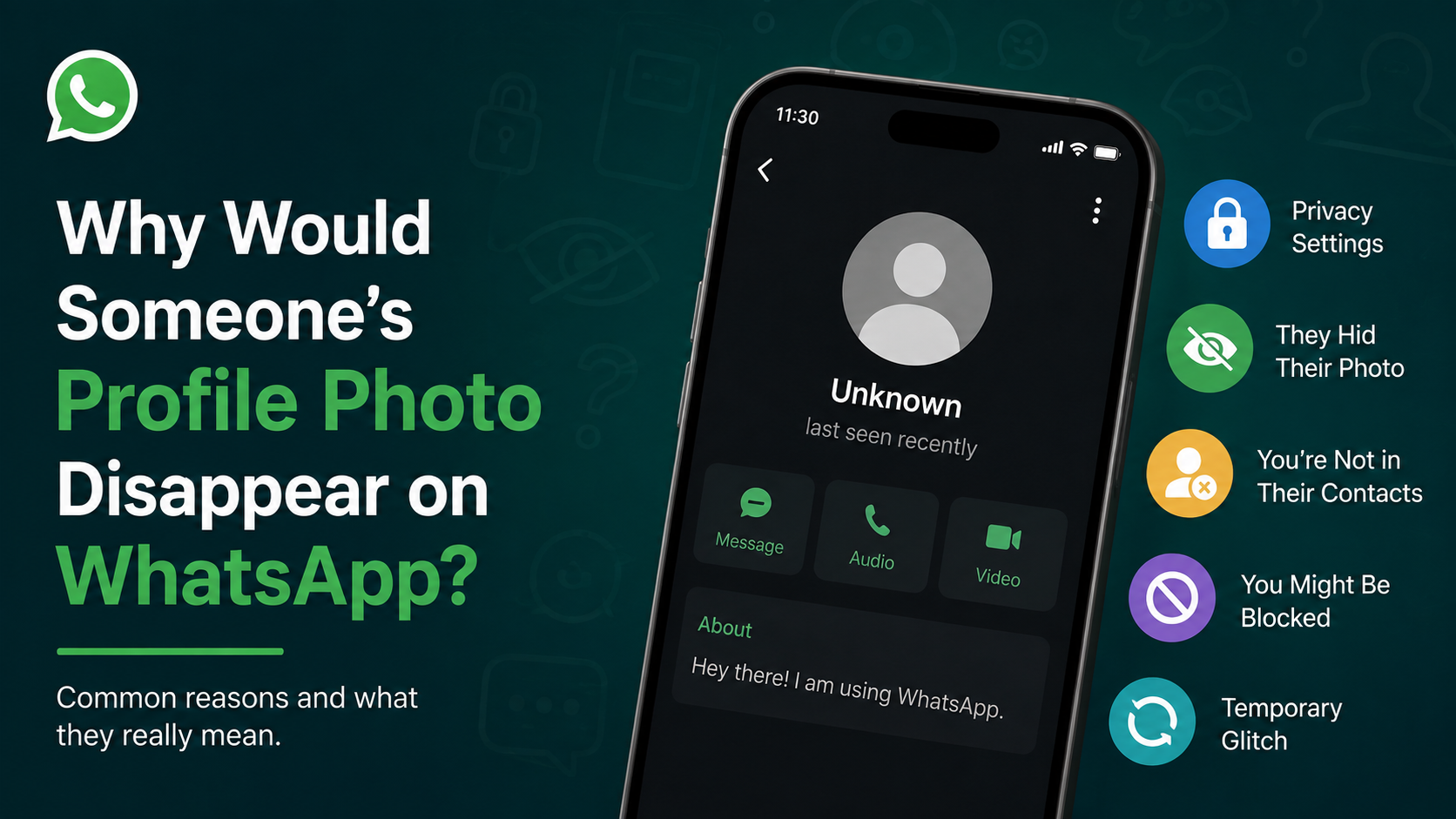
Why Would Someone’s Profile Photo Disappear on WhatsApp?
On this page
- 1. The Person Changed Their Profile-Photo Privacy Settings
- 2. They Deleted Your Number From Their Contacts
- 3. You May Have Been Blocked
- 4. They Removed Their Profile Picture
- 5. The Contact Changed Their Phone Number or Account
- 6. Their WhatsApp Account Was Deleted or Became Inactive
- 7. A Temporary App, Sync, or Network Issue Is Hiding the Photo
- 8. How to Respond Without Making Assumptions
- Frequently Asked Questions
- Conclusion
Why Would Someone’s Profile Photo Disappear on WhatsApp?
A missing WhatsApp profile picture can trigger immediate questions: Were you blocked? Did the person remove you? Is the app malfunctioning? While a profile photo disappearing may sometimes indicate a change in your relationship with that contact, it is often caused by ordinary privacy settings, account updates, or connection issues.
Understanding the possible reasons helps you avoid jumping to conclusions. This guide explains why a profile photo disappeared WhatsApp users previously saw, how to assess the situation responsibly, and what you can do next.
Key Takeaways
- A disappeared profile photo does not automatically mean you have been blocked.
- Privacy settings can limit a photo to contacts, selected contacts, or nobody.
- Deleted contacts, changed phone numbers, and account deletion can all remove visible profile details.
- Check multiple signals—such as message delivery and status visibility—before making assumptions.
- Respect privacy boundaries instead of trying to bypass someone’s WhatsApp settings.
1. The Person Changed Their Profile-Photo Privacy Settings
WhatsApp gives users several ways to control who can see their profile photo. If someone updates those preferences, their image may disappear from your chat even though their account remains active.
How WhatsApp profile-photo privacy works
In WhatsApp’s privacy settings, a person can generally choose who sees their profile photo:
- Everyone: Any WhatsApp user who has their number may see it.
- My Contacts: Only people saved in their phone contacts can see it.
- My Contacts Except…: They can hide it from specific saved contacts.
- Nobody: No one can see the image.
For example, a colleague may decide to limit their profile photo to personal contacts after receiving unwanted messages. If they have not saved your number—or have excluded it—you may suddenly see a blank avatar instead.
Why this is often the most likely explanation
Privacy changes are common and usually not personal. People adjust visibility settings when they:
- Separate work and personal communications.
- Receive spam or unfamiliar messages.
- Want more control over their digital identity.
- Update settings after a security or privacy review.
- Decide to use WhatsApp more selectively.
A missing photo alone is not enough evidence to conclude that a relationship has changed.
2. They Deleted Your Number From Their Contacts
If a person’s profile-photo setting is set to My Contacts, you must be stored in their phone contacts to see it. If they delete your number, their photo may no longer be visible to you.
What this looks like in practice
Imagine a client saves a freelancer’s number during a project. Once the project ends, they clean up their address book and remove the contact. If their WhatsApp photo is visible only to saved contacts, the freelancer may notice that the image has disappeared afterward.
This does not necessarily mean the client is upset or intentionally cutting off communication. It may simply reflect routine contact management.
Signals that can support this possibility
You may have been removed from their contacts if:
- Their profile photo disappeared, but messages still reach them.
- You can still see other account information they allow publicly.
- Your relationship was temporary, transactional, or work-related.
- The change occurred after an event, project, or trip ended.
Still, WhatsApp does not notify users when someone removes their number. You can only make a reasonable inference, not confirm it directly.
3. You May Have Been Blocked
Being blocked is one possible reason a WhatsApp profile picture becomes unavailable. However, WhatsApp deliberately makes blocking status difficult to confirm. This protects user privacy and prevents others from reliably monitoring whether they were blocked.
Common signs associated with blocking
A profile photo disappeared WhatsApp contact may have blocked you if several of these signs appear together:
- You no longer see their profile photo.
- You cannot see their “last seen” or “online” information.
- Your messages remain on one check mark for an extended period.
- WhatsApp calls to that contact do not connect.
- You cannot add the person to a group, depending on their settings.
One check mark means that your message was sent to WhatsApp’s servers but has not been delivered to the recipient’s device. It can happen when a person is offline, has no connection, changed phones, or has blocked you.
Why one clue is never definitive
Every sign of blocking can have another explanation. For instance:
- The person may have turned off last-seen visibility.
- Their phone may be switched off.
- They may be traveling without mobile data.
- They may have changed their number.
- Their privacy settings may prevent you from adding them to groups.
The healthiest approach is to avoid detective work. If communication is necessary and appropriate, use another agreed-upon channel once, clearly and respectfully. If there is no response, give the person space.
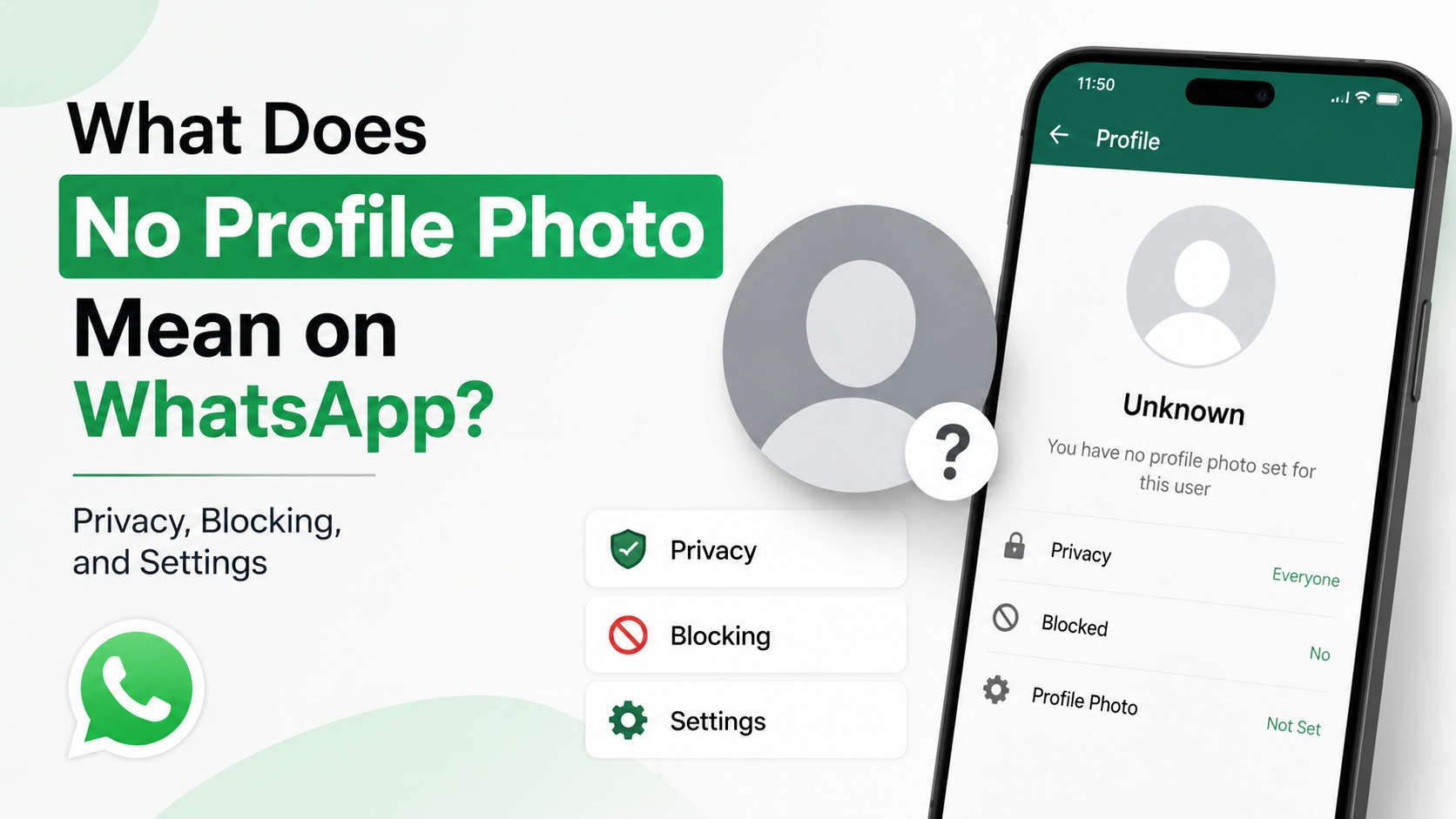
4. They Removed Their Profile Picture
Sometimes the simplest explanation is correct: the contact may have removed their image.
Reasons people choose a blank WhatsApp avatar
A person might delete their profile photo because they:
- Want a more private account.
- Are changing jobs or public-facing roles.
- Do not like the old image anymore.
- Prefer not to use personal photos professionally.
- Are taking a break from social platforms.
- Want to reduce recognition by strangers or spam accounts.
For example, someone searching for a new role may remove a casual profile picture while deciding how they want their professional presence to appear. The blank avatar is an intentional choice, but it may have nothing to do with you.
The difference between removal and restricted visibility
If the person has removed the image entirely, other people who could previously see it may also notice the blank default avatar. If they changed privacy settings, visibility can vary from one contact to another.
Unless you have a legitimate reason to ask, there is rarely a need to verify which situation applies.
5. The Contact Changed Their Phone Number or Account
A phone-number change can make an old WhatsApp contact appear incomplete or inactive. Depending on how the person handles the transition, you may stop seeing the photo attached to their previous account.
What happens when someone changes numbers
WhatsApp offers a change-number feature that can transfer account information, groups, and settings to a new number. But people do not always use this process correctly—or they may choose not to notify everyone.
You might encounter:
- An old chat tied to a number they no longer use.
- A new account with no profile photo yet.
- A photo that disappears while the account is being updated.
- A contact name that no longer matches their current number.
Practical example
A vendor changes from a personal number to a business line. Their old account may eventually become inactive, while their new business account uses a different photo or no photo at all. If you continue messaging the old number, the profile details may no longer reflect the person’s current account.
What to do
If the relationship is active and you need to reach them:
- Check whether they have shared a new number through email, a website, or another official channel.
- Ask once through an appropriate professional method.
- Update your contacts only after confirming the number directly.
- Avoid relying on third-party “number lookup” tools, which can be inaccurate and invasive.
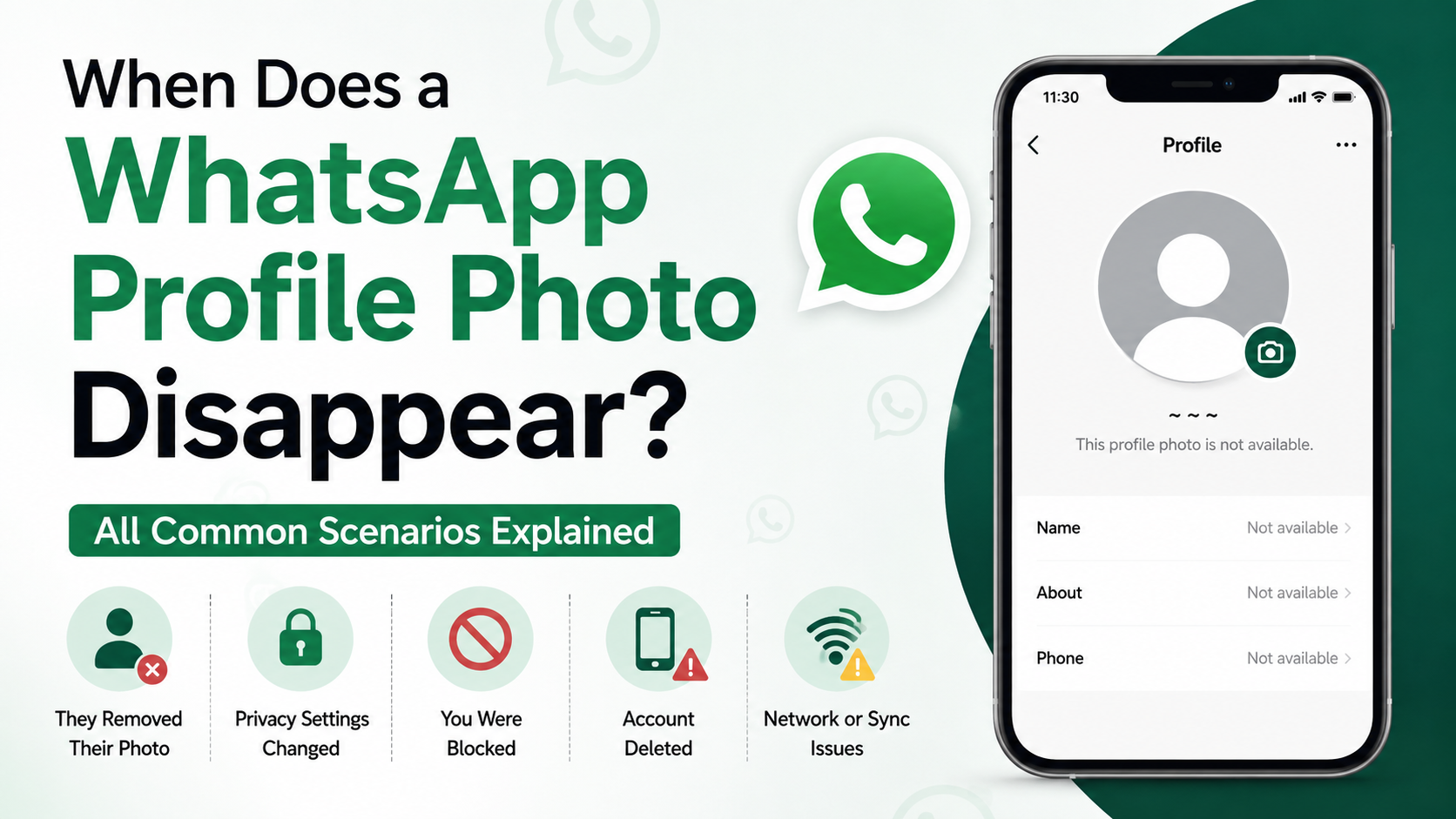
6. Their WhatsApp Account Was Deleted or Became Inactive
Deleting a WhatsApp account removes account information associated with that number, including the profile photo. In some cases, a person may also lose access to an account after replacing a phone, resetting a device, or leaving a number unused for a long period.
Account deletion versus uninstalling WhatsApp
Uninstalling the app is not the same as deleting an account.
- Uninstalling WhatsApp: The account may still exist, and the profile photo can remain visible.
- Deleting a WhatsApp account: Profile details, group memberships, and account data associated with that account are removed.
- Changing or abandoning a number: The old account may eventually stop functioning as expected.
If someone has truly deleted their account, messages sent to the former account may not reach them, and other profile details can disappear as well.
When this explanation is more likely
Consider account deletion or inactivity if:
- The person has not been active for a long time.
- Their messages never deliver.
- Their old number is no longer in service.
- You know they switched devices, countries, or phone numbers.
- Their contact details vanished around the same time.
This is especially common with temporary travel numbers, former employees, and people who regularly change mobile providers.
7. A Temporary App, Sync, or Network Issue Is Hiding the Photo
Not every missing WhatsApp profile picture has a social explanation. Technical problems can prevent profile data from loading correctly.
Common technical causes
A profile photo may not appear because of:
- Weak or unstable internet connectivity.
- An outdated WhatsApp version.
- A temporary WhatsApp service issue.
- Incorrect device date and time settings.
- Corrupted app cache or incomplete sync data.
- Contact-sync problems on your phone.
For instance, you may briefly see a blank avatar while on poor Wi-Fi, then see the photo again after switching to mobile data or reopening the app.
Safe troubleshooting steps
Before assuming anything about the other person, try these basic checks:
- Confirm that your internet connection is stable.
- Close and reopen WhatsApp.
- Update WhatsApp through your device’s official app store.
- Restart your phone.
- Check that automatic date and time are enabled.
- Verify that the contact’s phone number is saved correctly, including the country code.
- Wait a few hours and check again.
Avoid using unofficial WhatsApp modifications or third-party tools that claim to reveal hidden profile photos, blocks, or private activity. They can compromise your account, device, and personal data.
8. How to Respond Without Making Assumptions
When a profile photo disappears, the key is to separate facts from interpretations. The fact is simple: you can no longer see an image. The reason may be privacy settings, a number change, account deletion, a technical issue, or a block.
Use context rather than a single WhatsApp indicator
Consider the broader situation:
- Has the person recently changed jobs, numbers, or devices?
- Is your communication relationship ongoing?
- Are your messages still delivered?
- Did the change occur alongside other privacy changes?
- Is there a genuine reason to contact them?
A manager who no longer sees a former contractor’s photo after a project may simply be observing a contact-list update. A friend whose photo disappears during travel may be dealing with a new SIM card or limited connectivity.
Keep outreach respectful
If you need to reconnect, keep your message brief and neutral. For example:
Hi, I wanted to make sure I have the right number for you. Please let me know if there’s a better way to reach you regarding [topic].
Send one reasonable message through an appropriate channel. Repeated attempts, alternate-number messaging, or asking others to investigate can cross personal and professional boundaries.
Frequently Asked Questions
Does a missing WhatsApp profile photo mean I am blocked?
No. Blocking is only one possible explanation. The person may have changed privacy settings, removed your number, deleted their profile photo, changed phone numbers, or experienced a temporary technical issue. Look at several indicators, but remember WhatsApp does not provide a definitive blocked-status confirmation.
Why can I see someone’s name but not their WhatsApp photo?
The name you see may come from your own phone’s contact list, while the profile photo is controlled by the other person’s WhatsApp privacy settings. You can still see the saved contact name even if they restrict their photo to selected contacts or remove it entirely.
Can someone hide their WhatsApp profile picture from only me?
Yes. WhatsApp privacy options can allow users to share a profile photo with their contacts while excluding particular contacts. However, the same result can also happen if they delete your number while using a “My Contacts” setting, so it is not possible to know the exact reason from the missing photo alone.
Why did a WhatsApp profile picture disappear and then reappear?
This may happen when a person changes privacy settings, restores a photo, reinstalls WhatsApp, switches devices, or resolves a connection problem. It can also result from temporary syncing delays in the app. Reappearance is a strong reminder that profile-photo visibility is not always a reliable social signal.
Can I recover or view a hidden WhatsApp profile photo?
No legitimate method lets you bypass another person’s WhatsApp privacy settings. Do not use websites, apps, or modified WhatsApp clients that promise access to hidden photos. These services may expose you to scams, malware, account restrictions, or privacy violations.
Conclusion
When a profile photo disappeared WhatsApp contact once displayed, it can feel meaningful—but it rarely tells the whole story. Privacy settings, deleted contacts, a removed image, a new number, an inactive account, blocking, and technical glitches can all produce the same blank-avatar result.
Start with the least personal explanation, check for basic app or connection issues, and use context instead of assuming intent. If you genuinely need to reconnect, send one respectful message through an appropriate channel. Otherwise, let the person’s privacy choices stand—and keep WhatsApp profile changes in perspective.
Advertisement