August 19, 2026 · 11 min read
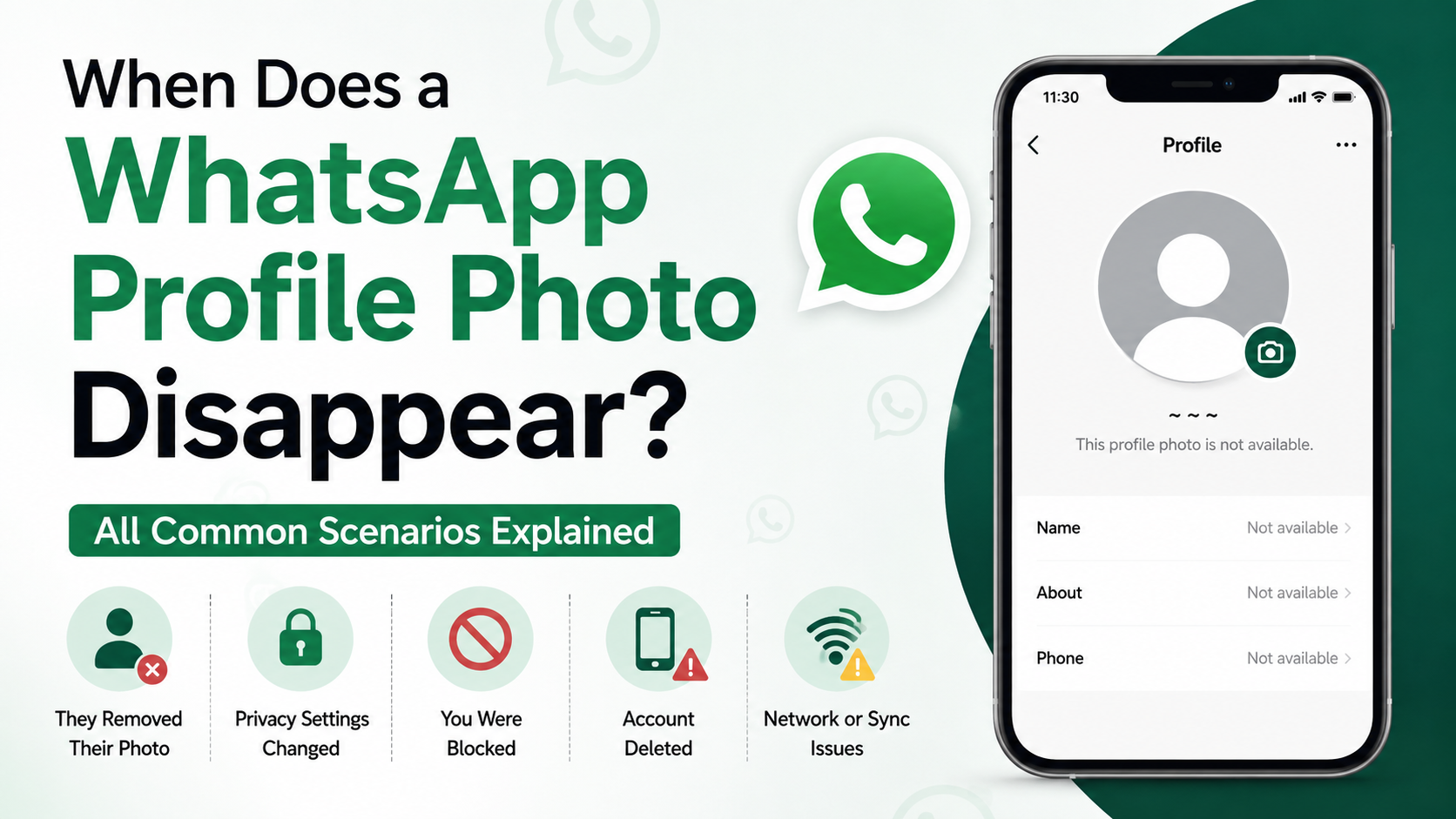
When Does a WhatsApp Profile Photo Disappear? All Common Scenarios Explained
On this page
- 1. The Contact Changed Their WhatsApp Privacy Settings
- 2. They Removed or Replaced Their Profile Photo
- 3. You May Have Been Blocked on WhatsApp
- 4. They Deleted Their WhatsApp Account or Changed Their Number
- 5. Your Contact List May Not Be Syncing Correctly
- 6. A Temporary App, Device, or Network Issue May Be the Cause
- 7. The Person May Have Restricted Visibility for Professional Reasons
- Frequently Asked Questions
- Conclusion
When Does a WhatsApp Profile Photo Disappear? All Common Scenarios Explained
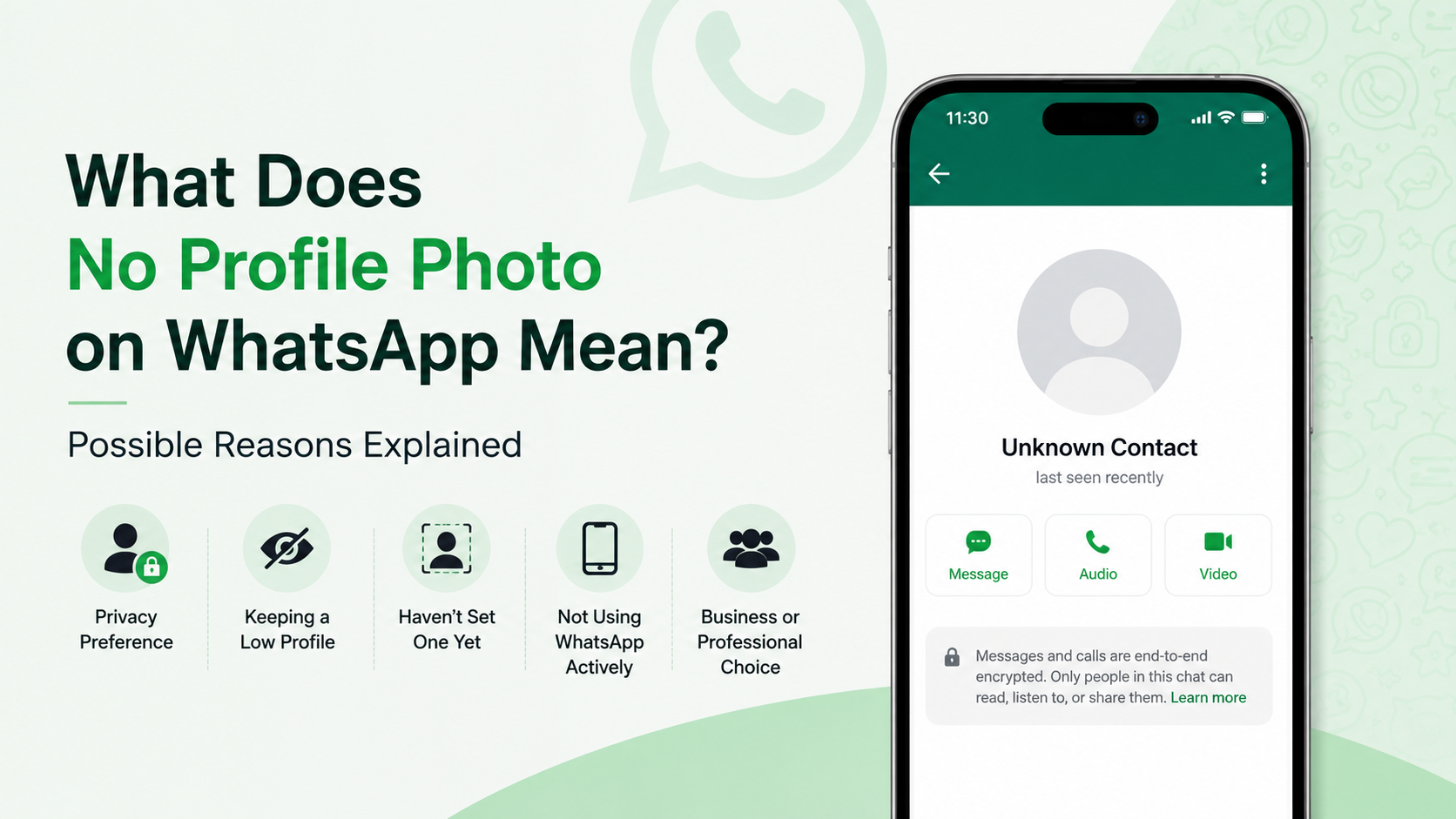
A missing WhatsApp profile photo can be surprisingly confusing. One day you see a contact’s familiar image; the next, it is replaced by WhatsApp’s default gray silhouette. Did they block you? Delete your number? Change privacy settings? Or is the problem simply on your device?
When a profile photo disappears on WhatsApp, there is rarely one definitive explanation. WhatsApp intentionally limits what it reveals about another person’s privacy choices, so it is important not to jump to conclusions. This guide explains the most common reasons, what other clues may mean, and the practical steps you can take.
Key Takeaways
- A missing profile picture does not automatically mean you have been blocked.
- Privacy settings are one of the most common reasons a contact’s photo is no longer visible.
- Someone may have removed their photo, changed it, deleted their account, or changed phone numbers.
- Blocking is only one possible explanation and should be assessed alongside other signs.
- App glitches, outdated contact details, and synchronization issues can also affect profile-photo visibility.
- Respect privacy: avoid repeatedly testing, messaging, or confronting someone based on a missing photo alone.
1. The Contact Changed Their WhatsApp Privacy Settings
WhatsApp lets users control exactly who can see their profile photo. If someone adjusts these settings, their image may disappear for you even though their account remains active.
Common profile-photo privacy options
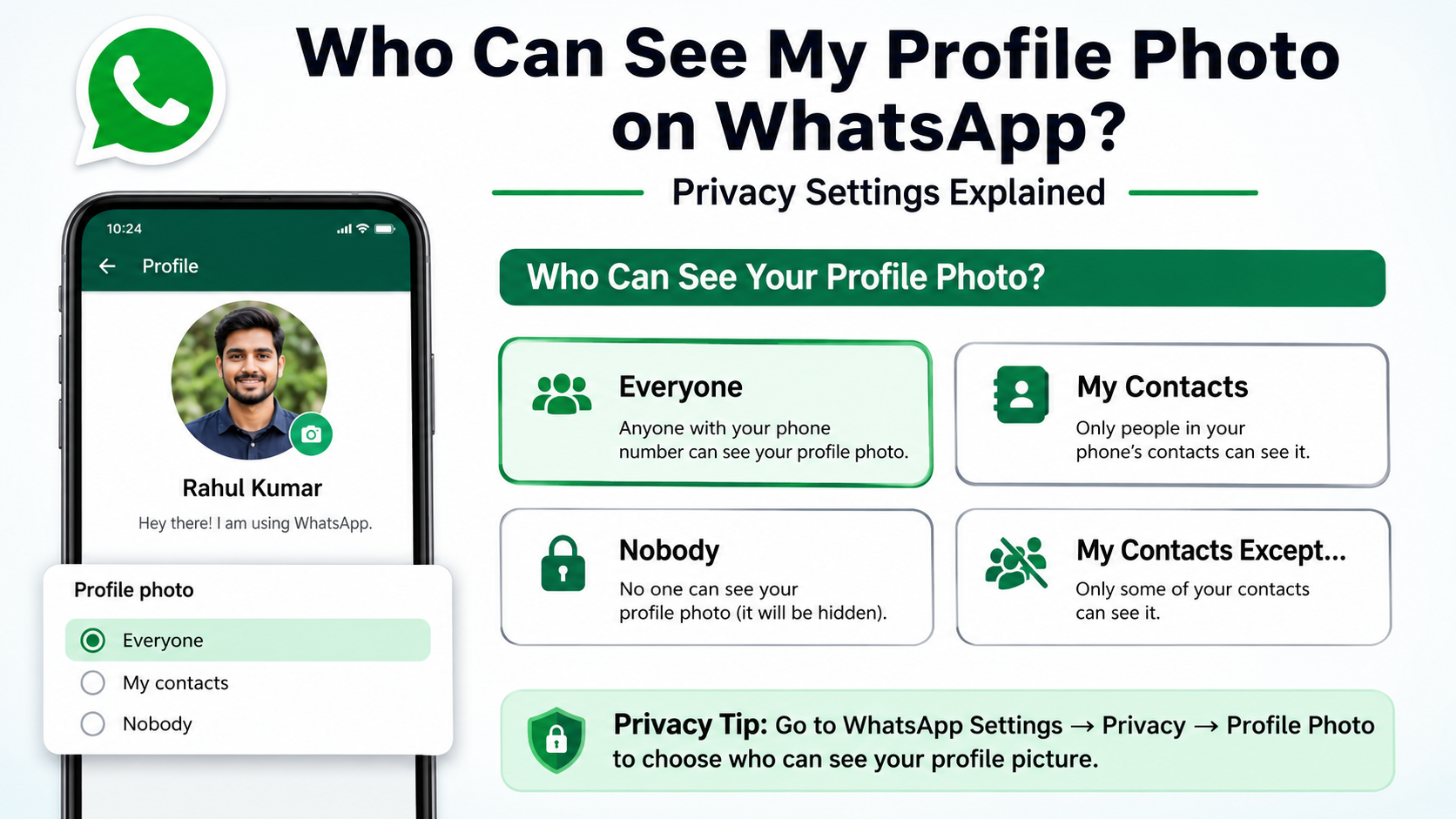
Depending on the app version and available settings, a person may allow their profile photo to be seen by:
- Everyone
- Their contacts only
- Their contacts except selected people
- Nobody
For example, someone may set their photo visibility to “My Contacts.” If they do not have your number saved, you may no longer see their image—even if you still have them saved in your phone.
“My Contacts Except” can hide a photo from specific people
WhatsApp’s exclusion setting allows users to hide their profile photo from selected contacts without blocking them. This is useful for people who want to separate personal and professional relationships, manage privacy after a disagreement, or limit visibility for unfamiliar contacts.
Real-world example: A freelance consultant may keep clients in WhatsApp for communication but exclude them from seeing a personal profile photo. From the client’s perspective, the photo has disappeared, but the consultant has not blocked them.
What you can do
There is no reliable way to view a photo that someone has chosen to hide. However, you can verify whether the issue is likely privacy-related by checking whether:
- Your messages still show delivered status.
- You can see their About information or status updates.
- Other contacts who know the person can still see the profile photo.
Do not treat any one signal as conclusive. WhatsApp privacy settings can affect each feature separately.
2. They Removed or Replaced Their Profile Photo
The simplest explanation is often the right one: the person may have removed their WhatsApp profile picture.
Why people remove profile photos
People remove photos for many ordinary reasons:
- They want more privacy.
- They are changing jobs or separating work and personal accounts.
- They are taking a break from social messaging.
- They dislike the previous picture.
- They want to upload a new image later.
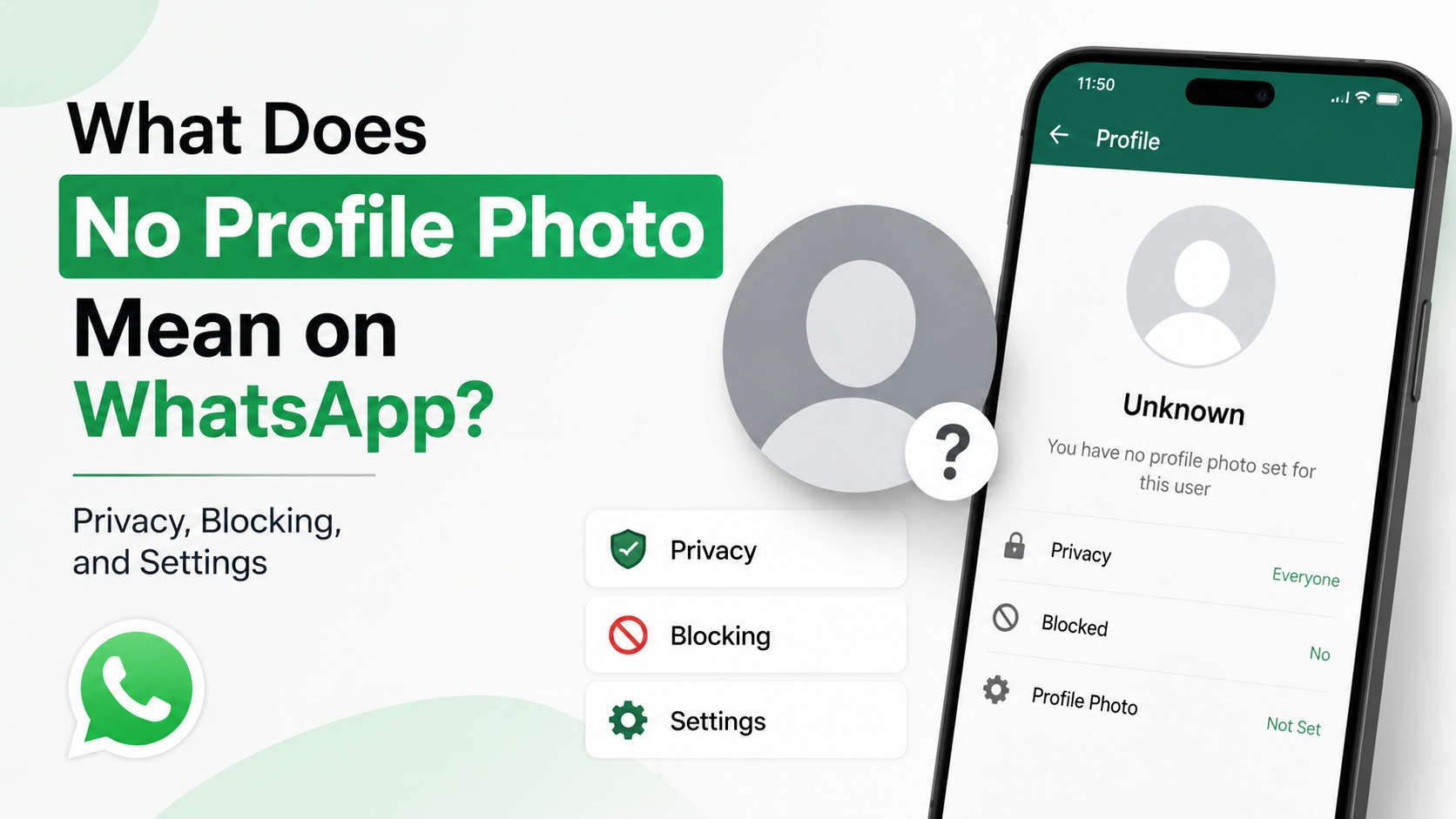
When no custom image is set, WhatsApp displays the default profile silhouette. This can look like a sudden disappearance, but it may not indicate any issue with your relationship or contact status.
They may have changed it temporarily
A photo can also appear missing during a profile update. If the contact replaces an old photo, you may briefly see the default image while WhatsApp refreshes the new one across devices and connections.
What this means in practice
If the contact is still messaging normally, the profile photo is probably not a meaningful signal. It is best to avoid reading too much into a change that may be purely personal or technical.
3. You May Have Been Blocked on WhatsApp
Being blocked is one possible reason when a profile photo disappears WhatsApp users often worry about first. However, a missing profile photo alone cannot prove that you have been blocked.
Signs that may appear together after a block
If someone blocks you, you may notice several changes at once:
- Their profile photo is no longer visible or stops updating.
- You cannot see recent Last Seen or online information, if they previously shared it.
- Your messages remain on one gray check mark instead of showing delivery.
- WhatsApp calls to that contact do not connect.
- You cannot add the person to a new group in some circumstances.
These indicators are intentionally not absolute. WhatsApp is designed to preserve users’ privacy, so it does not send a notification saying, “You have been blocked.”
Why one gray check mark is not proof
A single gray check mark can also mean:
- Their phone is off.
- They have no internet connection.
- They are traveling or in an area with poor reception.
- They have uninstalled WhatsApp temporarily.
- Their phone number or account is no longer active.
The most responsible interpretation is that blocking becomes more likely only when several indicators persist over time.
How to respond appropriately
If you suspect you were blocked, avoid using alternate numbers, asking others to intervene, or repeatedly attempting contact. If communication is genuinely necessary—for example, for a work matter—use an agreed professional channel such as email.
4. They Deleted Their WhatsApp Account or Changed Their Number
Account changes can also make a profile image disappear. This is especially common when someone gets a new phone number, deletes an old account, or stops using WhatsApp.
Deleted account versus inactive account
A person may delete their WhatsApp account completely, but they may also simply become inactive. These situations can look similar from your contact list.
A deleted account may eventually lose associated account details, including its profile photo. An inactive user may still have an account, yet their photo and activity can appear outdated or unavailable depending on their settings and device status.
A phone-number change can cause confusion
When someone changes their number, your old chat thread may remain in WhatsApp. The old account may no longer have the same profile picture, or it may become inactive altogether.
For example, a colleague who moves from a personal number to a company-issued number may create a new WhatsApp account. Their old chat can remain in your history, but their former profile image may disappear.
Check your saved contact information
Open the contact details in your phone and confirm that:
- The number includes the correct country code.
- You have not saved an outdated number.
- The contact has not been duplicated under multiple entries.
- Their name and number match the information they gave you most recently.
If you need to reconnect, ask through an appropriate channel whether they have changed numbers.
5. Your Contact List May Not Be Syncing Correctly
Not every missing WhatsApp profile photo is caused by the other person. Your device may not be syncing contacts correctly with WhatsApp.
Permission problems can affect contact visibility
WhatsApp needs permission to access your contacts. If that permission is disabled or limited, the app may not correctly associate your saved contacts with WhatsApp accounts.
On your phone, check whether WhatsApp has permission to access contacts. Also make sure the contact is saved to an account that is actively syncing, such as your device, Google account, or iCloud account.
Incorrect formatting can create duplicate or broken contact entries
Phone-number formatting matters. A number saved without the correct international country code may not match the WhatsApp account you expect.
For instance, if you save a contact locally as 555-123-4567 but the active WhatsApp account uses +1 555-123-4567, your device may not always recognize the relationship correctly, particularly after moving between countries or restoring contacts.
Practical fixes to try
If a profile photo disappears unexpectedly, try these basic troubleshooting steps:
- Update WhatsApp to the latest available version.
- Confirm that WhatsApp has Contacts permission.
- Refresh or restart the app.
- Restart your phone.
- Review and correct the contact’s number, including country code.
- Check that your internet connection is stable.
- Ask the contact to send you a message if appropriate; this can refresh the chat connection.
These steps will not override another person’s privacy settings, but they can resolve local display problems.
6. A Temporary App, Device, or Network Issue May Be the Cause
WhatsApp profile information is retrieved through an internet connection, so temporary technical problems can affect what you see.
Cache and app-performance issues
A stale app cache or temporary software issue can prevent profile changes from loading correctly. You may see an old image, no image, or the generic avatar until WhatsApp successfully refreshes its data.
This is more likely if:
- Your phone storage is almost full.
- You recently restored a device backup.
- WhatsApp was updated or reinstalled.
- Your network connection repeatedly drops.
- Your operating system is outdated.
Network restrictions can interfere with updates
Public Wi-Fi, corporate networks, VPNs, and restrictive mobile-data settings can occasionally interfere with app updates. If WhatsApp works inconsistently, switch between Wi-Fi and mobile data to see whether the issue changes.
Avoid relying on unofficial tools
Third-party apps and websites claiming to reveal hidden WhatsApp profile photos, block status, or private activity are unreliable and can create serious privacy and security risks. They may collect your data, expose your account, or violate WhatsApp’s terms.
The safest approach is to use only the official WhatsApp app and accept that some account information is private by design.
7. The Person May Have Restricted Visibility for Professional Reasons
A disappearing profile photo can be especially common in workplace and client relationships. Professionals often use WhatsApp for convenience while keeping their personal identity and image less visible.
Personal boundaries are normal
A manager, teacher, healthcare provider, recruiter, contractor, or service professional may choose not to display a profile photo to everyone. This can help maintain boundaries without cutting off communication.
For example, a real estate agent may allow current clients to see a business image while hiding it from unknown numbers, old leads, or contacts outside their active client list.
Separate personal and business accounts
Many people use WhatsApp Business or maintain separate numbers for work and personal communication. If someone switches accounts, their visible profile photo and details may change without warning.
Best practice for professional communication
If you need to confirm contact details for work, focus on direct and neutral communication:
- “Could you confirm this is still the best WhatsApp number for you?”
- “I noticed I may have an older contact record. Please share your preferred number if it has changed.”
- “Would you prefer that I contact you by email for future updates?”
This keeps the conversation professional and avoids assumptions about privacy choices.
Frequently Asked Questions
Does a missing WhatsApp profile photo mean I am blocked?
No. It can mean you are blocked, but it can also mean the person changed privacy settings, removed the photo, deleted their account, changed numbers, or has a temporary technical issue. Look for multiple persistent signs before drawing any conclusion.
Can someone hide their profile photo without blocking me?
Yes. WhatsApp privacy settings can allow someone to hide their profile photo from everyone, from people who are not saved in their contacts, or from selected contacts. You may still be able to exchange messages normally.
Why can someone else see the photo but I cannot?
This usually suggests a privacy-setting difference. The person may have allowed only their contacts to see the image, excluded your number specifically, or not saved your number in their phone. It may also result from an outdated or incorrectly formatted contact entry on your device.
Why did a WhatsApp profile photo disappear and then come back?
This can happen if the person changed their photo, adjusted privacy settings, reactivated an account, restored connectivity, or if your app refreshed after a temporary syncing issue. A return of the photo does not necessarily indicate that anything personal happened.
Can I recover or view a hidden WhatsApp profile photo?
No legitimate method lets you bypass another user’s privacy settings. Avoid third-party tools that claim otherwise. If the profile photo was previously visible, you may still have an old copy in your device’s media, screenshots, or chat history, but you should respect the person’s privacy when using it.
Conclusion
A WhatsApp profile photo can disappear for many reasons, from simple privacy changes and removed images to account updates, synchronization problems, or a possible block. The key point is that no single clue gives a complete answer.
Before assuming the worst, check your contact details, app permissions, connection, and whether other WhatsApp features still work normally. If communication matters, use a respectful, direct, and appropriate channel to confirm the person’s preferred contact method.
Advertisement