August 19, 2026 · 10 min read
Who Can See My Profile Photo on WhatsApp? Privacy Settings Explained
On this page
- What Does “Who Can See My Profile Photo” Mean on WhatsApp?
- The Four WhatsApp Profile Photo Privacy Options
- How to Change Who Can See Your Profile Photo
- Can Someone See Your Photo If They Have Your Number?
- My Contacts vs. My Contacts Except: Which Should You Choose?
- Does Hiding a Profile Photo Mean Someone Is Blocked?
- What Happens to Your Old Profile Photo?
- Best WhatsApp Profile Photo Settings for Different Situations
- Frequently Asked Questions
- Conclusion
Who Can See My Profile Photo on WhatsApp? Privacy Settings Explained
Your WhatsApp profile photo can reveal more than you may realize. It may show your face, workplace, family, location, or other personal details to people you would rather keep at a distance. Whether you use WhatsApp primarily for friends, professional communication, customer conversations, or community groups, it is worth knowing exactly who can see my profile photo and how to control it.
WhatsApp lets you choose whether your photo is visible to everyone, only your saved contacts, all contacts except selected people, or nobody. The right setting depends on how you use the app and how much privacy you need.
Key Takeaways
- WhatsApp profile-photo visibility is controlled separately from your Status, About, Last Seen, and online activity.
- My Contacts means people saved in your phone’s contacts—not simply people who have saved your number.
- My Contacts Except… is useful when you want to hide your photo from specific coworkers, clients, or acquaintances.
- Choose Nobody if you do not want any WhatsApp user to see a profile image.
- Blocking someone is stronger than hiding your profile photo and is best for unwanted or unsafe contact.
- Review your privacy settings regularly, especially after adding new contacts or joining public groups.
What Does “Who Can See My Profile Photo” Mean on WhatsApp?
Your WhatsApp profile photo is the image associated with your account. It can appear in chats, group member lists, contact-information screens, and search results within WhatsApp, depending on another person’s relationship to you and your privacy choices.
The question, “who can see my profile photo?” is not just about appearance. It is about controlling the personal information attached to your phone number.
Why Profile Photo Privacy Matters
A profile image can help legitimate contacts recognize you quickly. However, it can also give strangers useful details, including:
- Your full face or your child’s face
- A company logo or work uniform
- Your home, vehicle, or usual location
- A link to another social-media identity
- Clues about your relationship status, lifestyle, or routine
For a professional, an identifiable photo can make communication feel credible. For someone dealing with unsolicited messages, a neutral image—or no image at all—may feel safer.
Profile Photos Are Separate From Other Privacy Controls
Changing your profile-photo setting does not automatically change who can view your:
- Last Seen and online status
- About information
- WhatsApp Status updates
- Read receipts
- Group membership
- Phone number in shared groups
Review each setting individually if you want a consistent privacy level.
The Four WhatsApp Profile Photo Privacy Options
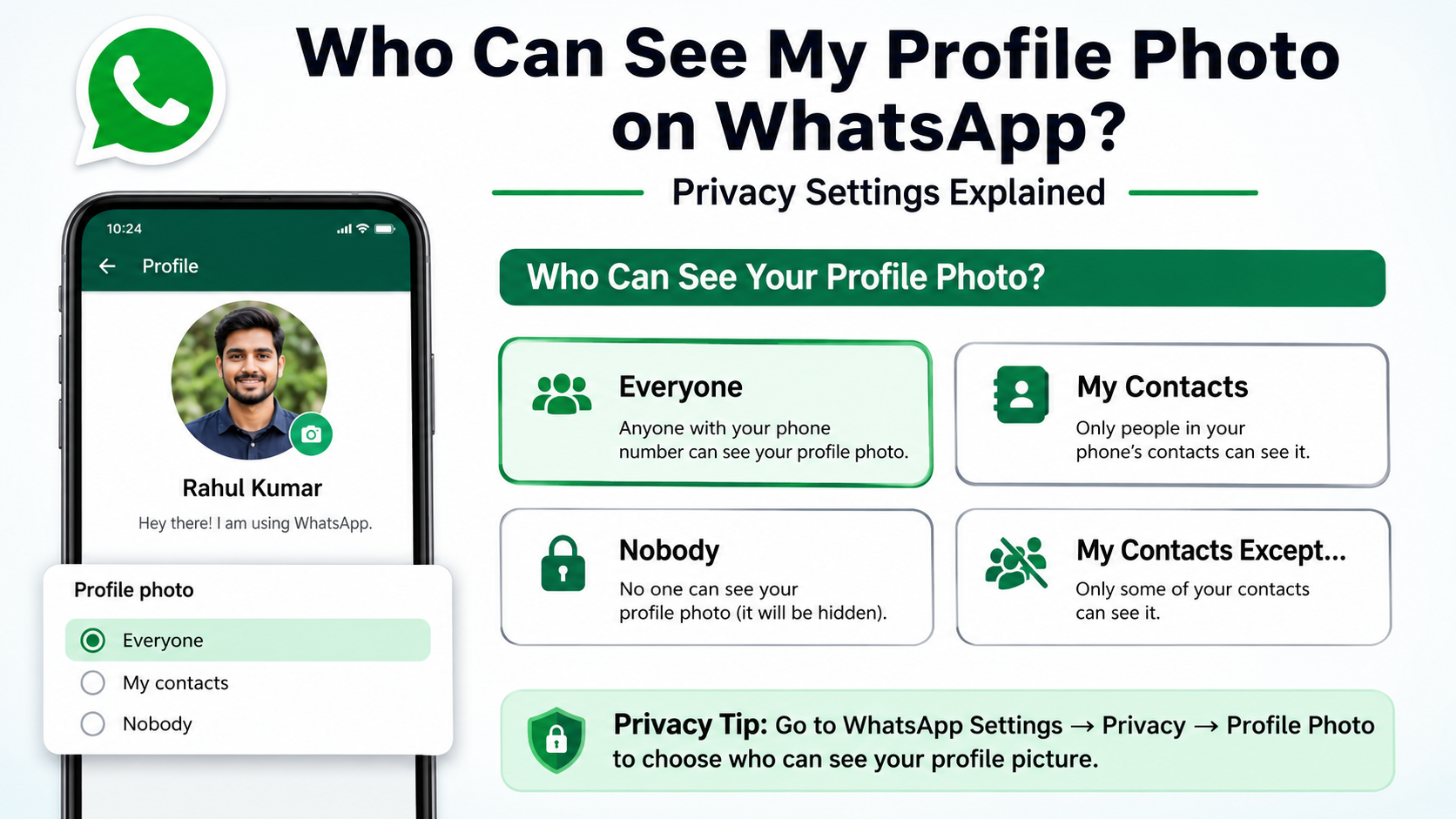
WhatsApp generally offers four choices under the “Who can see my profile photo” setting. Each one serves a different purpose.
Everyone
Choosing Everyone makes your profile photo visible to WhatsApp users broadly, including people who are not saved in your contacts.
This option may make sense when you use WhatsApp for public-facing work, such as customer support, sales, a community organization, or a business account. It helps new contacts confirm they have reached the right person.
However, it is the least private option.
Example: A freelance photographer who accepts inquiries through WhatsApp may use a professional headshot or logo set to Everyone so prospective clients can identify the business.
My Contacts
Choosing My Contacts limits visibility to people you have saved in your phone’s contact list.
The key detail is that this setting is based on your contacts. Someone adding your number to their phone does not automatically grant them access to your profile image.
This is a strong default for many people because it keeps the photo visible to friends, family, and trusted professional contacts while restricting unknown numbers.
Example: If a person joins a large neighborhood group and does not save every member’s number, those unsaved members should not see a profile photo set to My Contacts.
My Contacts Except…
The My Contacts Except… option lets you show your profile photo to your contacts while excluding specific people.
It is particularly useful when you want ordinary communication to remain easy without sharing personal visibility with everyone in your address book.
Consider using it to exclude:
- Former clients or colleagues
- A difficult family member
- A former partner
- A vendor you no longer work with
- A contact you need to keep for administrative reasons
Example: A manager may keep a profile photo visible to their team but exclude external vendors whose numbers remain saved for past projects.
Nobody
Choosing Nobody hides your profile photo from everyone on WhatsApp.
This setting is ideal when privacy matters more than recognition. Your chats still work normally, but people will not be able to view a current profile image.
Example: A person using WhatsApp to coordinate a move, sell an item, or speak with unfamiliar service providers may temporarily choose Nobody to minimize personal exposure.
How to Change Who Can See Your Profile Photo
Updating the setting takes only a few moments. The exact labels may vary slightly by device or WhatsApp version.
On Android
- Open WhatsApp.
- Tap the three-dot menu in the top-right corner.
- Select Settings.
- Tap Privacy.
- Select Profile photo.
- Choose Everyone, My Contacts, My Contacts Except…, or Nobody.
On some versions, Privacy may appear under Account within Settings.
On iPhone
- Open WhatsApp.
- Tap Settings in the bottom navigation.
- Select Privacy.
- Tap Profile Photo.
- Select your preferred visibility option.
If you choose My Contacts Except…, select the contacts you want to exclude and confirm your choice.
Check the Setting After Major Contact Changes
Your contact list changes over time. You may add a delivery driver, recruiter, client, school contact, or new colleague and forget that they can now view a photo set to My Contacts.
Review this setting after:
- Starting a new job
- Ending a relationship
- Joining a large group
- Giving your number to customers or vendors
- Traveling or using your number for public bookings
Can Someone See Your Photo If They Have Your Number?
Not always. Whether they can see it depends on your chosen privacy option.
If Your Setting Is Everyone
Yes, a person who has your number and uses WhatsApp may be able to see your profile photo, even if you have not saved them.
If Your Setting Is My Contacts
Usually no, unless you have saved that person’s number in your own contacts. Their decision to save your number does not determine your profile-photo privacy.
If You Share a Group With Them
A shared group does not override your profile-photo setting. Group members can see only what your selected privacy rule permits.
This distinction matters in professional, school, community, and event groups, where many participants may be unfamiliar to you.
My Contacts vs. My Contacts Except: Which Should You Choose?
For most users, My Contacts is the simplest and most practical choice. It balances privacy with convenience.
But My Contacts Except… can be better if you have a generally trusted contact list with a handful of exceptions.
Choose My Contacts When
Use My Contacts if:
- You regularly add new people and want a straightforward default
- You prefer unknown numbers to see no photo
- Your contact list is mostly personal and trusted
- You want minimal privacy maintenance
Choose My Contacts Except… When
Use My Contacts Except… if:
- You need to hide your photo from specific individuals
- You have work contacts you cannot delete
- You want to remain visible to most contacts but keep boundaries with a few
- You want privacy without blocking someone
Remember that new contacts are included unless you add them to the exclusion list. If your contact list grows quickly, My Contacts may be easier to manage.
Does Hiding a Profile Photo Mean Someone Is Blocked?
No. Hiding your profile photo and blocking someone are different actions.
What Hiding Your Profile Photo Does
When you hide your profile photo from someone, they may still be able to:
- Send you messages
- Call you through WhatsApp
- View information you have not restricted separately
- See messages you post in shared groups
This option is appropriate when you want a privacy boundary without ending communication.
What Blocking Does
Blocking is the stronger choice for harassment, spam, unwanted contact, or safety concerns. A blocked person cannot call or message you through WhatsApp, and they are not directly notified that you blocked them.
Do not rely on a missing profile photo as proof that someone blocked you. A person may have changed their privacy settings, removed their photo, lost connectivity, or altered their account.
What Happens to Your Old Profile Photo?
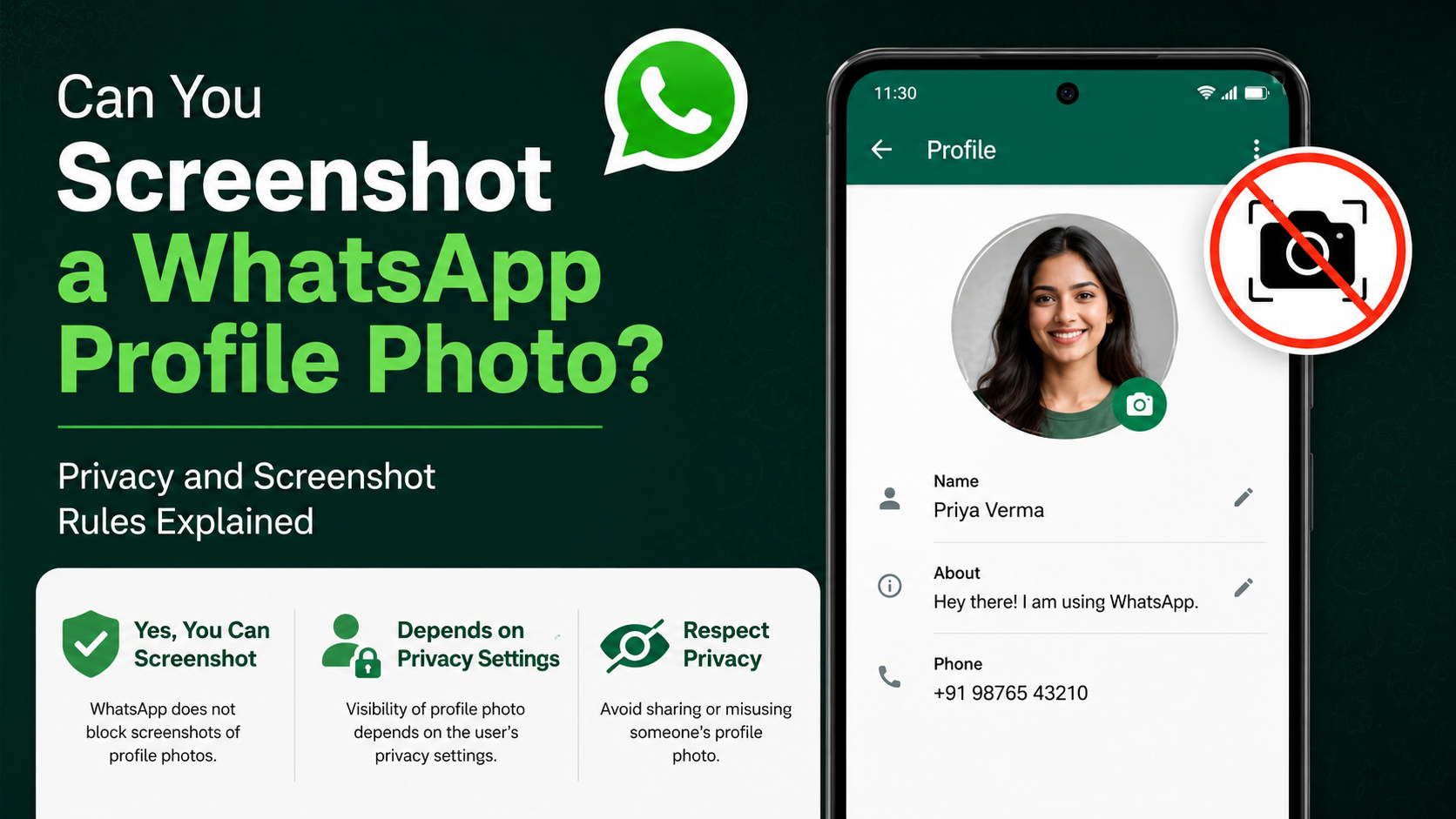
Changing your setting controls future visibility in WhatsApp, but it cannot erase copies that other people already saved.
Screenshots and Saved Copies Still Exist
If someone could previously see your photo, they may have:
- Taken a screenshot
- Saved a copy through another device
- Shared the image with someone else
- Remembered identifying details from it
Privacy settings reduce future exposure; they do not retrieve information already shared.
Use a Lower-Risk Image When Needed
If you need an identifiable image for professional reasons, consider choosing a photo that does not disclose more than necessary. For example:
- Use a clean headshot with a plain background
- Avoid showing children, addresses, license plates, or travel plans
- Use a company logo for business-only communication
- Avoid using the same photo across every social platform
Best WhatsApp Profile Photo Settings for Different Situations
There is no single best privacy setting for everyone. Your ideal choice depends on your audience and risk level.
For Personal Use
A good starting point is My Contacts. It gives friends and family a recognizable image while keeping it away from unknown numbers.
For Professional Networking
Use My Contacts or Everyone only if you are comfortable being discoverable. A professional headshot or business logo is usually safer than a personal family photo.
For Customer-Facing Work
If customers need to identify your business, Everyone may be practical. Consider using a logo or business-specific image rather than a personal portrait.
For Maximum Privacy
Choose Nobody, then review your About, Status, Last Seen, online status, and group settings. Maximum privacy works best when all related controls support the same goal.
Frequently Asked Questions
Can someone see my WhatsApp profile photo if I do not save their number?
It depends on your setting. If your profile photo is set to Everyone, they may see it. If it is set to My Contacts, they generally cannot see it unless you have saved their number in your contacts.
Can I show my profile photo to only one person?
WhatsApp does not provide a direct “only this one contact” option for profile photos. You can use My Contacts Except… and exclude every other saved contact, but this becomes difficult to maintain as your contacts change.
Will someone know I hid my profile photo from them?
WhatsApp does not send a notification stating that you changed or restricted your profile-photo visibility. They may notice that no photo appears, but they cannot know the exact reason.
Can blocked contacts see my old WhatsApp profile photo?
Blocked contacts should no longer be able to access current profile information in the normal way. However, blocking cannot remove screenshots or copies they obtained before the block.
Why can’t I see someone else’s WhatsApp profile photo?
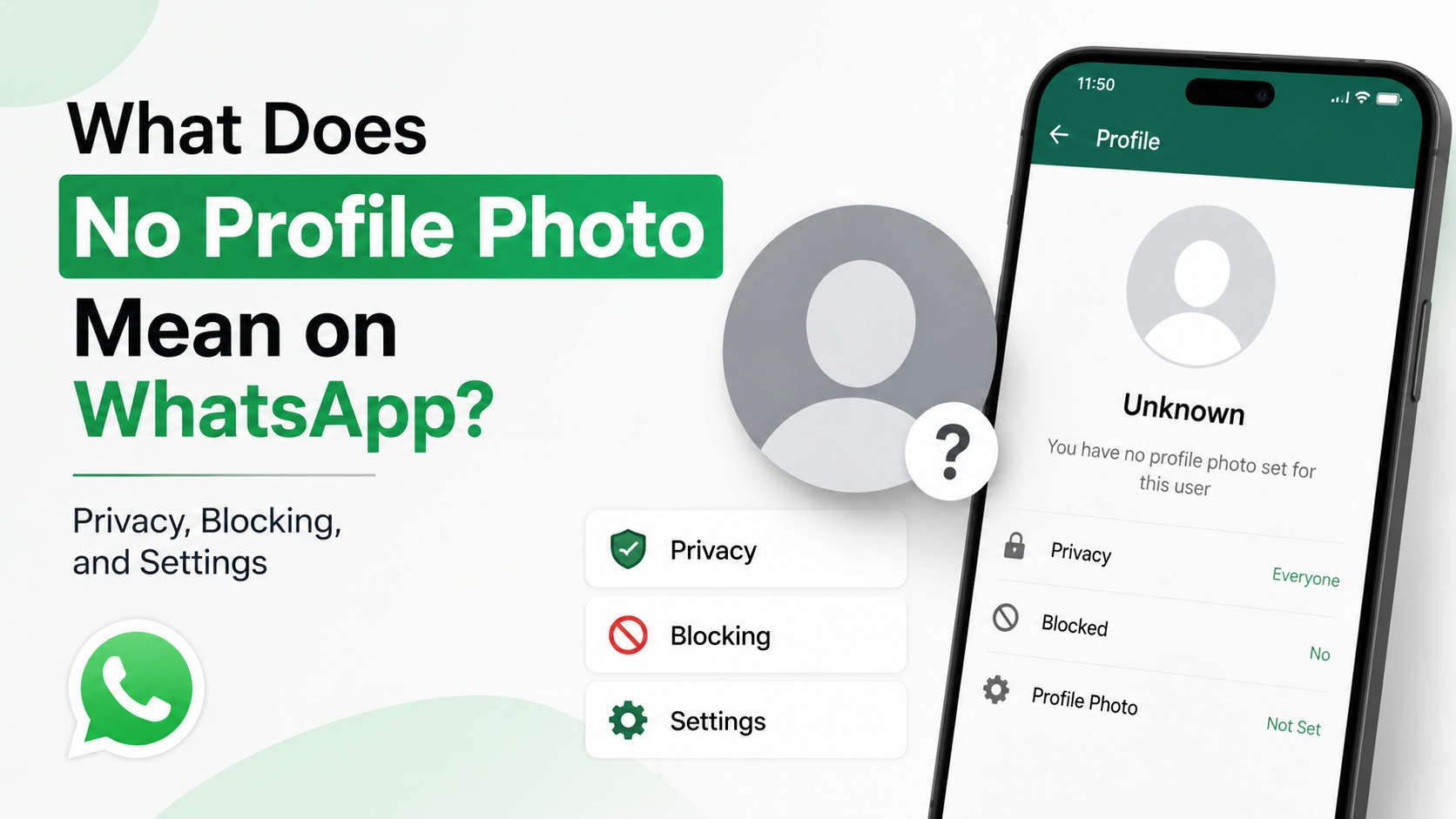
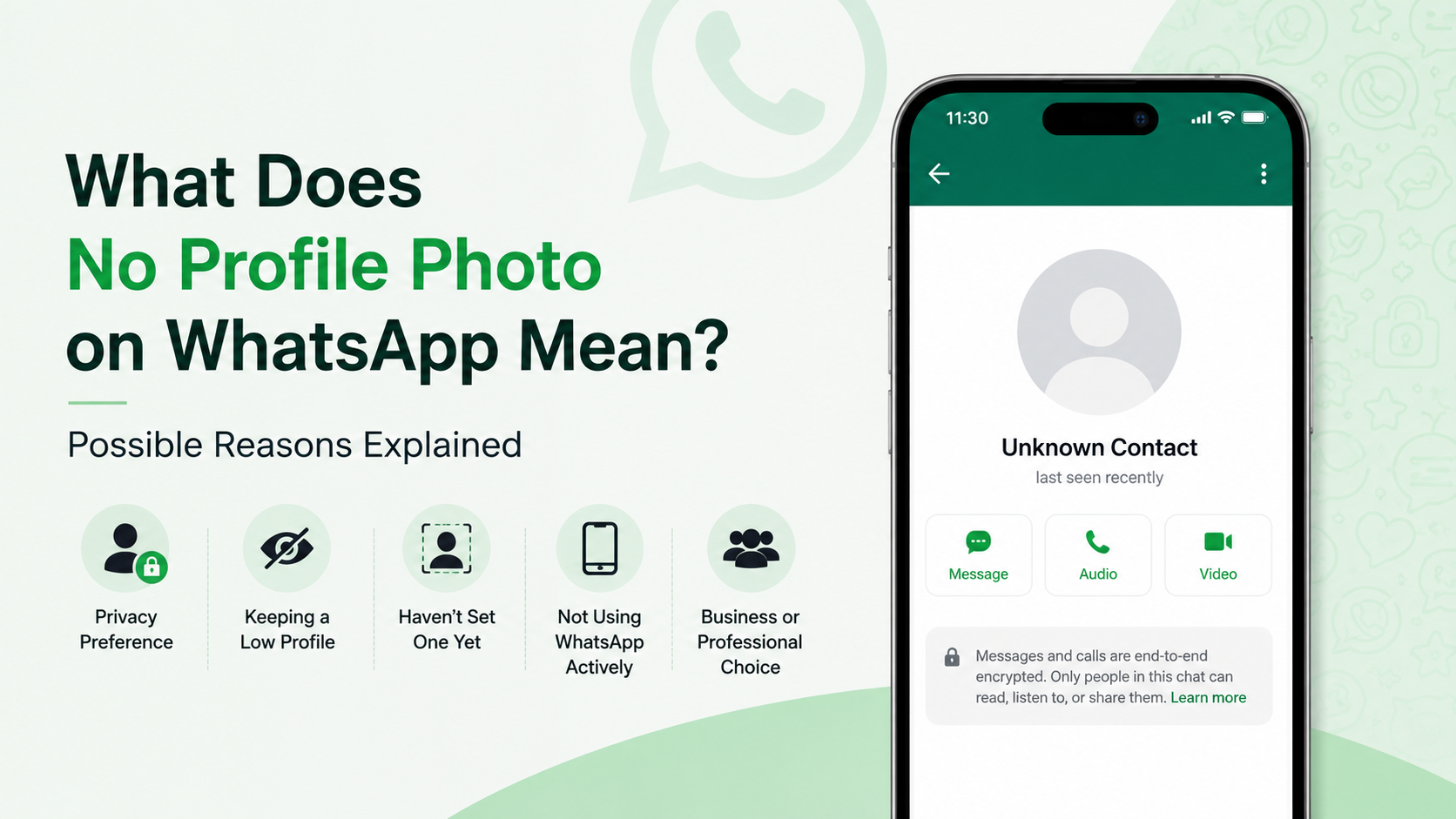
They may have no profile photo, set it to Nobody, limited it to their contacts, excluded you specifically, blocked you, changed numbers, or removed their WhatsApp account. A missing image does not confirm any one explanation.
Conclusion
Knowing who can see my profile photo on WhatsApp is a small but meaningful part of protecting your personal and professional identity. Choose Everyone for broad discoverability, My Contacts for a dependable default, My Contacts Except… for selective boundaries, or Nobody for maximum privacy.
Take a moment today to open WhatsApp’s Privacy settings, check your profile-photo visibility, and review the related controls for your About, Status, Last Seen, and group access. Your profile should share only what you are genuinely comfortable showing.
Advertisement