August 19, 2026 · 10 min read
Does Your WhatsApp Profile Photo Disappear When You Are Blocked?
On this page
- The Short Answer: Does a WhatsApp Profile Photo Disappear When You Are Blocked?
- How WhatsApp Profile Photo Privacy Works
- Signs That May Suggest You Have Been Blocked
- Why a Profile Photo Can Disappear for Other Reasons
- How to Check Responsibly Without Crossing Boundaries
- What to Do If You Think Someone Blocked You
- WhatsApp Blocking for Businesses and Professionals
- Frequently Asked Questions
- Conclusion
Does Your WhatsApp Profile Photo Disappear When You Are Blocked?
A missing WhatsApp profile photo can spark a lot of questions. Did the person remove it? Change their privacy settings? Delete your number? Or block you?
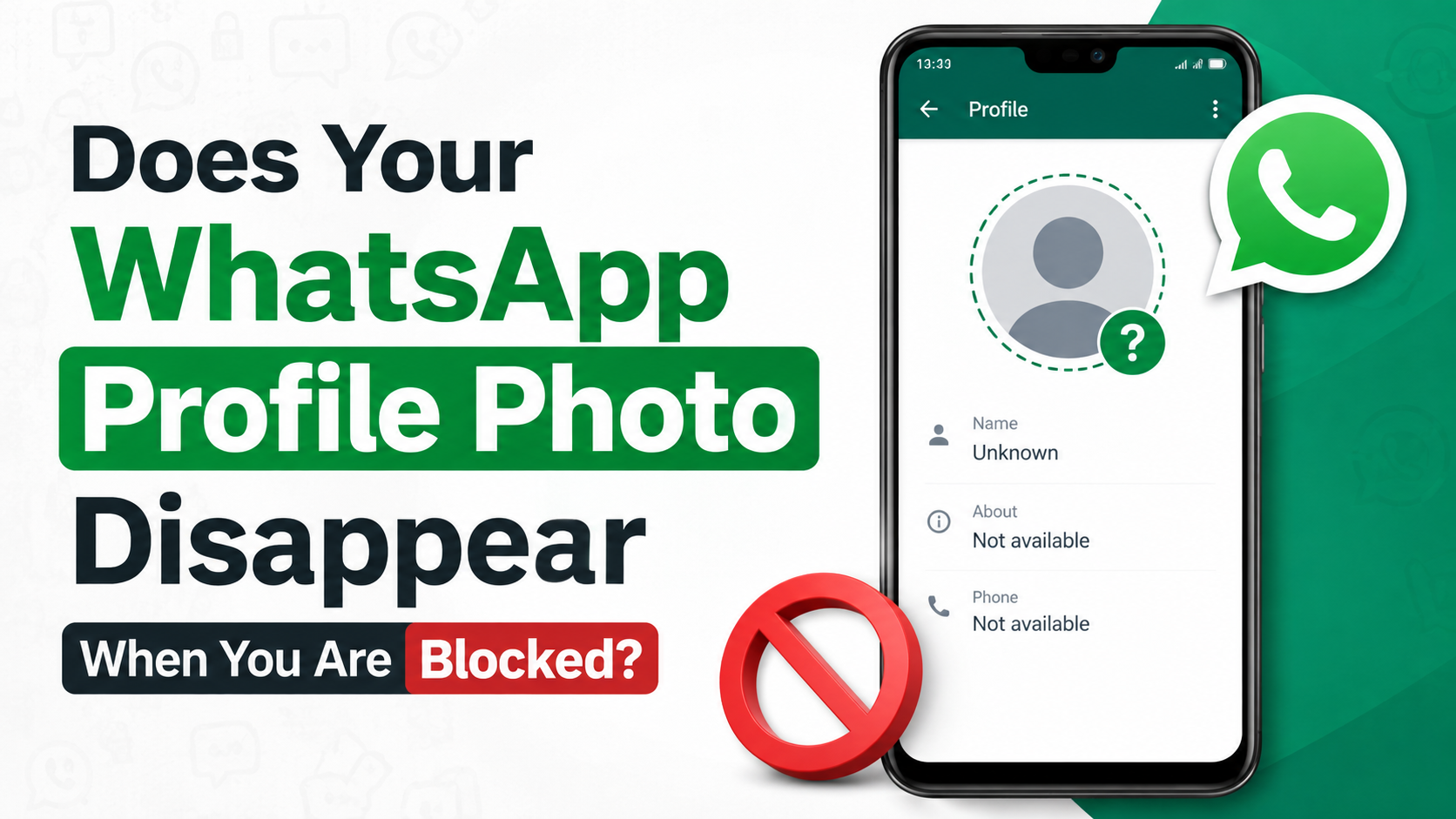
The short answer is: a profile photo may disappear when someone blocks you, but it is not reliable proof on its own. WhatsApp intentionally keeps blocking signals unclear to protect users’ privacy. To understand what happened, look at the full pattern of changes—not a single missing image.
Key Takeaways
- A disappearing profile photo can be a sign of blocking, but it does not confirm it.
- Privacy settings, deleted contacts, account changes, and photo removal can produce the same result.
- When blocked, you generally stop seeing future profile-photo updates, status updates, and presence details.
- One gray check mark, missing “last seen,” and failed calls are clues only when they occur together.
- Avoid repeatedly testing or contacting someone through other accounts; respect the boundary.
- For business communication, use clear consent-based follow-up processes instead of relying on WhatsApp signals.
The Short Answer: Does a WhatsApp Profile Photo Disappear When You Are Blocked?
What usually changes after a block
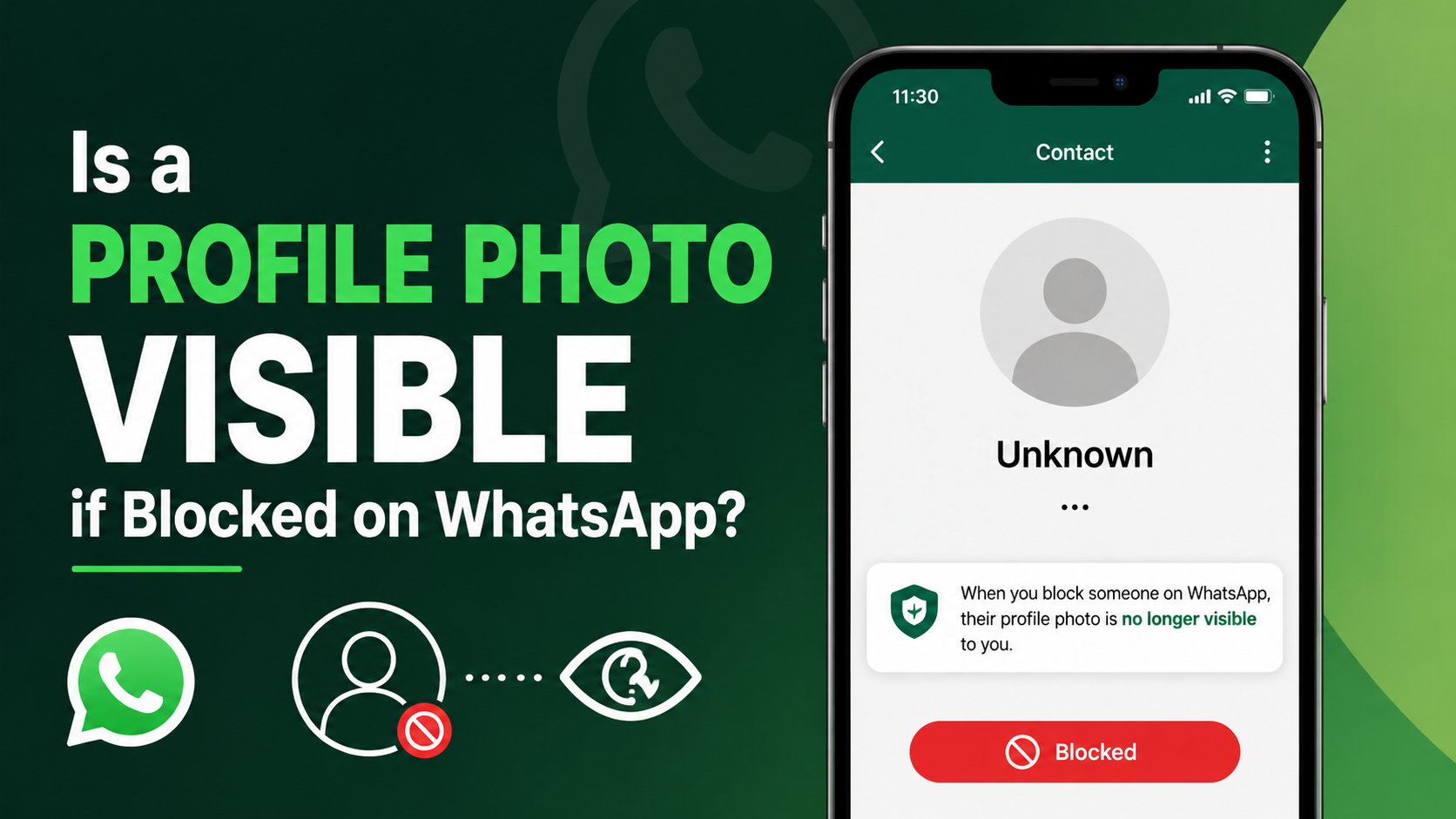
If someone blocks you on WhatsApp, their profile photo may no longer be visible to you. In some cases, you may see the generic default avatar instead. In others, an older profile image may remain visible while new changes to that person’s photo do not appear.
WhatsApp explains that blocked contacts cannot see a person’s “last seen,” online status, status updates, or changes to their profile photo. This wording matters: it refers specifically to future visibility and updates, not necessarily an identical visual result for every device, app version, or account setup. Meta’s WhatsApp safety guidance
Why the answer is not always straightforward
The phrase “profile photo disappear when blocked” suggests a simple yes-or-no test. In reality, it is only one possible clue.
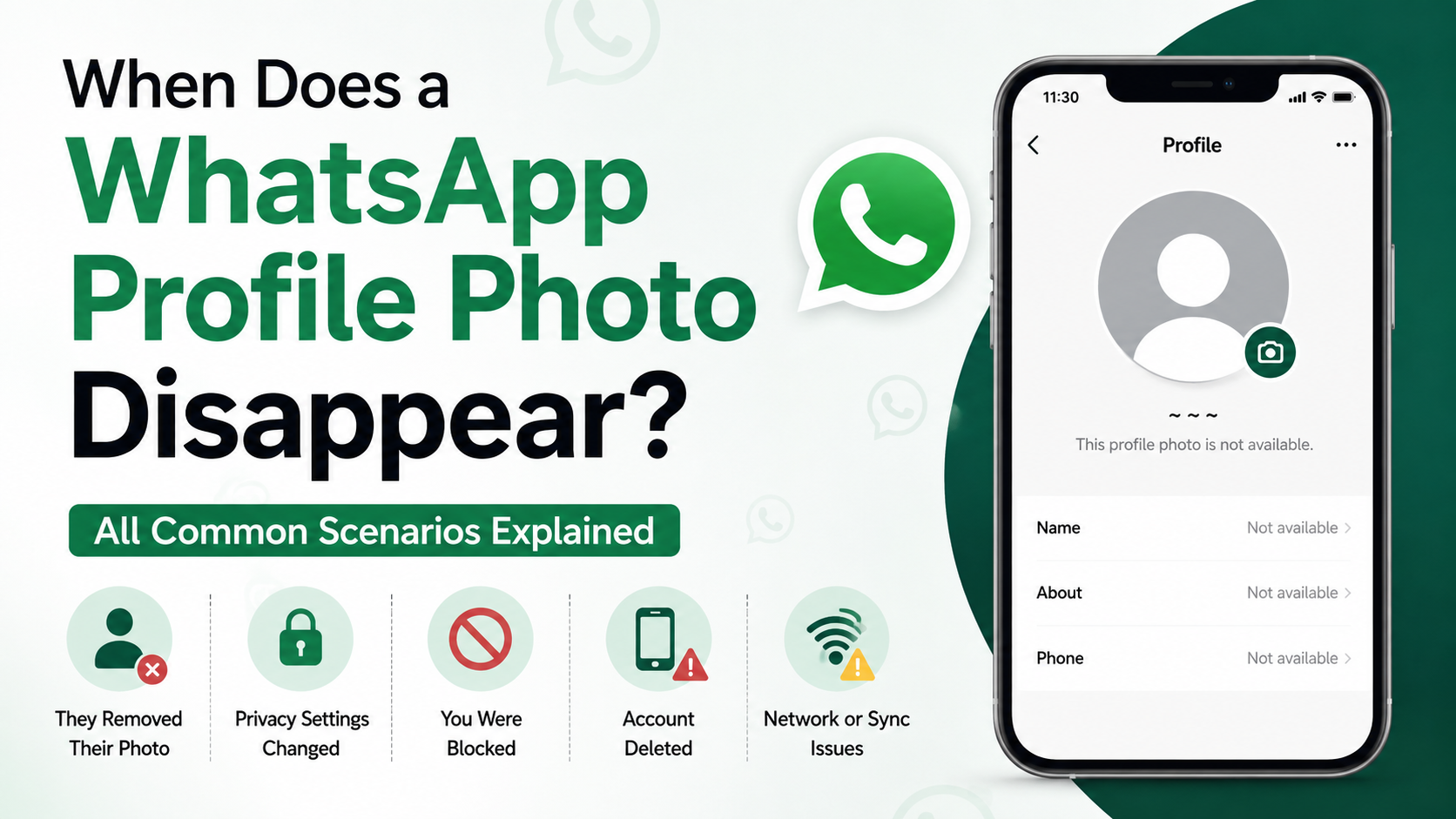
For example, imagine you could see a colleague’s profile photo yesterday, but today it is blank. They may have:
- Blocked you.
- Removed their photo.
- Changed their profile-photo privacy to “My Contacts” or “My Contacts Except.”
- Deleted your phone number from their contacts.
- Changed phone numbers or deleted their WhatsApp account.
- Encountered a temporary connectivity or syncing issue.
That is why a missing photo should be treated as context, not confirmation.
How WhatsApp Profile Photo Privacy Works
The privacy options that affect visibility
WhatsApp gives users control over who can see their profile photo. Depending on the version and settings available, the options commonly include:
- Everyone
- My Contacts
- My Contacts Except…
- Nobody
If a person chooses “My Contacts,” only people saved in their phone’s address book may be able to see the image. If they later delete your number, you might lose access to their profile photo without being blocked.
The “My Contacts Except…” setting is even more specific. Someone can prevent selected contacts from seeing their photo, About information, last seen details, or status updates while still allowing messages and calls from them.
Privacy settings can look like blocking
Suppose a client updates their privacy settings after receiving unwanted messages from several people. You may suddenly lose access to their profile photo and last-seen information. If your messages still show two gray check marks, that strongly suggests the messages are being delivered—even though their profile information is private.
The practical lesson is simple: profile visibility is controlled separately from whether someone is willing or able to receive your messages.
Signs That May Suggest You Have Been Blocked
Look for a pattern, not a single indicator
WhatsApp does not send a notification saying, “You have been blocked.” Instead, it leaves several intentionally inconclusive signals. A block becomes more plausible when multiple signals appear at the same time.
Common indicators include:
- Their profile photo disappears or no longer updates.
- You cannot see their “last seen” or online status.
- New messages remain at one gray check mark.
- WhatsApp calls do not connect.
- You cannot add the person to a new group.
None of these signs is definitive alone. Network problems, privacy settings, a new phone, or account changes can create similar effects.
What one gray check mark means
One gray check mark generally means WhatsApp accepted your message from your device, but it has not been delivered to the recipient’s device.
If you are blocked, messages you send to that contact will usually remain at one gray check mark. However, the same thing can happen when the person:
- Has no internet connection.
- Has turned off their phone.
- Has uninstalled WhatsApp.
- Has changed numbers.
- Is experiencing an app or device issue.
Do not assume a one-check message proves a block, especially if the delay is short.
Why “last seen” is not conclusive
A missing last-seen timestamp is another common reason people suspect blocking. But users can hide last seen and online activity through privacy settings. Some people do this for work-life boundaries, safety, or simply because they prefer not to be monitored.
If the only change is that you cannot see their last seen, privacy settings are the more reasonable explanation.
Why a Profile Photo Can Disappear for Other Reasons
The person removed or changed the image
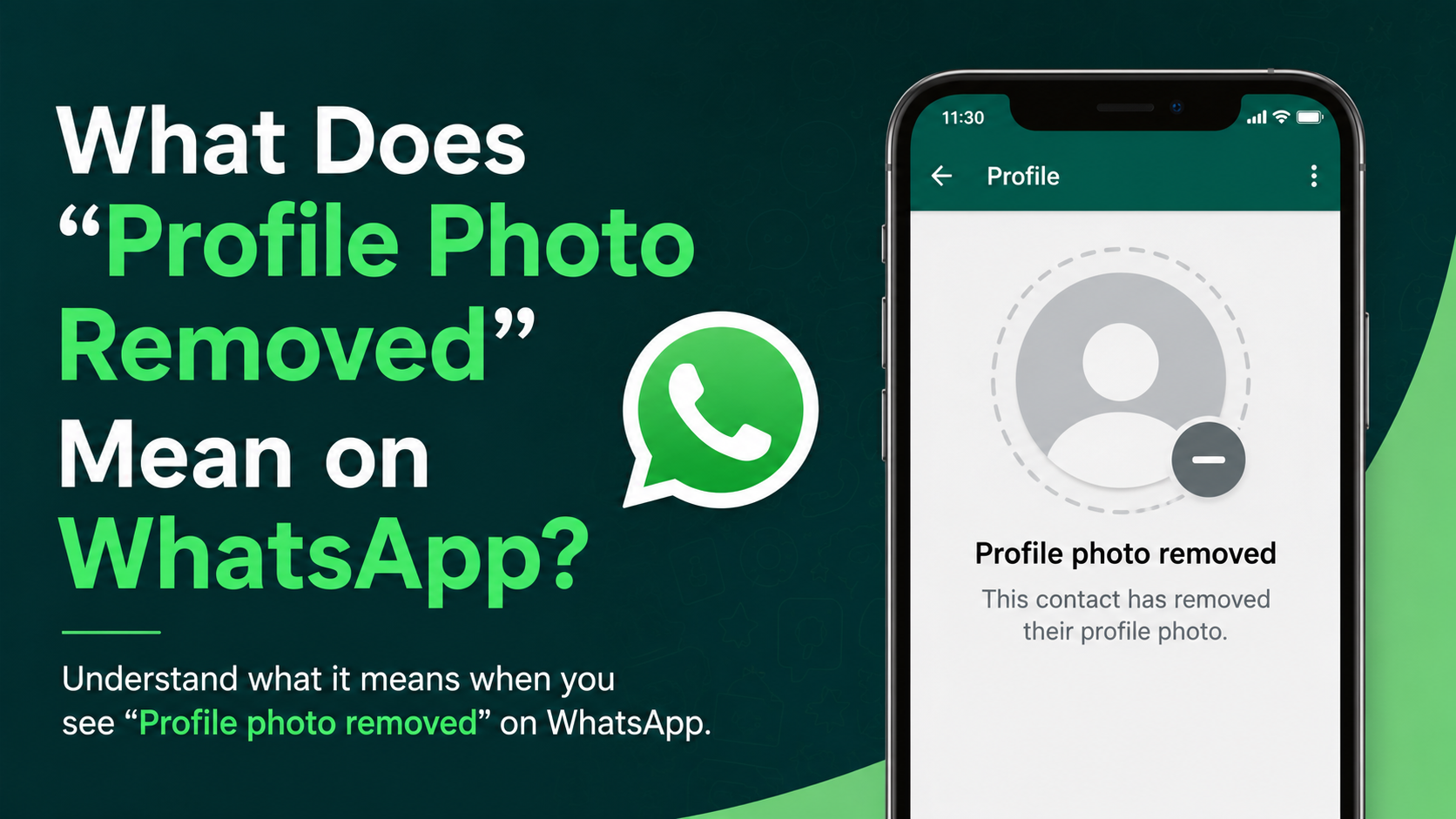
The simplest explanation may be correct: they removed the profile photo. WhatsApp then displays a default avatar rather than a personal image.
A person may do this temporarily after changing jobs, separating personal and professional identities, taking a social-media break, or improving account privacy.
They changed who can see it
If you are not saved in someone’s contacts and their photo setting is “My Contacts,” you may not be eligible to see it. This can happen after a contact-list cleanup, a phone migration, or a decision to reserve personal information for close connections.
For example, a recruiter may be able to see a candidate’s WhatsApp photo during an active conversation. Months later, the candidate removes the recruiter from their contacts and enables “My Contacts.” The image disappears, but the candidate has not necessarily blocked anyone.
Their account information changed
A blank image may also appear when someone changes their WhatsApp number, deletes their account, replaces a device, or experiences a temporary synchronization problem.
Before drawing conclusions, update WhatsApp, check your internet connection, and give the app time to refresh. Technical explanations are often less dramatic—and more accurate—than social assumptions.
How to Check Responsibly Without Crossing Boundaries
Use only normal, non-invasive observations
If you need to understand whether a message is reaching someone, use the information already visible in your existing chat. You can observe whether messages are delivered, whether the contact’s details have changed, and whether a call connects.
Avoid trying to bypass a possible block by:
- Creating another WhatsApp account.
- Using a friend’s phone to investigate.
- Repeatedly calling or messaging.
- Adding the person to groups to force interaction.
- Contacting them through unrelated channels after they have indicated they want space.
These actions can feel intrusive and may damage a personal or professional relationship.
Choose the appropriate next step
Your next action should depend on the relationship and the importance of the matter.
For a personal contact, the best response is often to pause. Give the person space and do not treat uncertain app signals as an invitation to push for an answer.
For a professional matter, use a legitimate alternate channel only if it is appropriate and necessary. For instance, if a vendor has not received an urgent project update, send one concise email to the established business address. Keep the message factual and avoid mentioning suspected blocking.
What to Do If You Think Someone Blocked You
Keep your response calm and proportionate
Being blocked can feel personal, especially after a disagreement or an unanswered message. But WhatsApp’s privacy design does not provide certainty, and it is usually unhelpful to demand an explanation.
A measured approach looks like this:
- Do not send repeated follow-ups.
- Consider whether the person may simply be unavailable or using tighter privacy settings.
- If there is a genuine business or safety need, use one agreed-upon alternative contact method.
- If there is no urgent need, respect the absence of communication and move on.
This approach protects your dignity and avoids escalating a misunderstanding.
If you are the person doing the blocking
Blocking is a valid privacy and safety feature. If someone is harassing you, sending spam, impersonating a business, or ignoring clear boundaries, blocking and reporting the account can be appropriate.
For less serious situations, you can also adjust privacy settings, mute chats, archive conversations, or restrict who sees your profile details. These choices allow you to maintain control without necessarily cutting off communication completely.
WhatsApp Blocking for Businesses and Professionals
Do not use profile visibility as a business signal
Sales teams, recruiters, service providers, and account managers should never assume that a missing WhatsApp profile photo means a prospect has rejected them. It may simply reflect the person’s privacy preferences.
Instead, assess communication through legitimate operational signals:
- Did the customer opt in to WhatsApp communication?
- Was your last message useful and relevant?
- Has the recipient replied through another approved channel?
- Are you following the organization’s contact-frequency policy?
- Is there a clear reason to send a follow-up?
A disciplined communication process is more reliable than trying to interpret profile photos, check marks, or online activity.
Build respectful follow-up workflows
A professional WhatsApp workflow should include consent, clarity, and an easy way to stop messages. For example, after an initial inquiry, a business might send one helpful follow-up and then pause unless the customer responds.
This protects the recipient’s privacy and helps preserve trust. It also reduces the risk that outreach is perceived as spam—one of the most common reasons users block business accounts.
Frequently Asked Questions
Can I still see someone’s old profile photo if they blocked me?
Possibly. WhatsApp’s behavior can vary based on cached app data, timing, privacy settings, and whether the person changes their photo after blocking you. The important point is that you should not expect to see new profile-photo updates from someone who has blocked you.
Does a blank WhatsApp profile picture mean I am blocked?
No. A blank image can mean the person removed their photo, changed privacy settings, deleted your number, changed accounts, or blocked you. It is an ambiguous sign.
Can someone block me while I can still see their profile photo?
Yes, it is possible to still see an existing image for a period of time or under certain conditions. Seeing a profile photo does not reliably prove that you are not blocked; likewise, not seeing one does not prove that you are.
Do two gray check marks mean I am not blocked?
Two gray check marks generally indicate that your message was delivered to the recipient’s device. If a new message is delivered, you are unlikely to be blocked at that time. Keep in mind that delivery does not mean the person has read the message or wants further contact.
Should I ask someone directly if they blocked me?
Only if you already have a respectful, appropriate relationship and there is a meaningful reason to discuss it. In most cases, asking can create unnecessary pressure. If their communication has stopped, giving them space is usually the better choice.
Conclusion
A WhatsApp profile photo can disappear when you are blocked, but it is not a dependable confirmation. Privacy controls, contact-list changes, account updates, and simple photo removal can all produce the same result.
Instead of focusing on one clue, consider the broader pattern: profile visibility, last-seen information, message delivery, and calls. Most importantly, respond with restraint. Whether the change reflects a block or a privacy preference, respecting boundaries is the clearest and most professional next step.
Advertisement