August 19, 2026 · 10 min read
What Does “Profile Photo Removed” Mean on WhatsApp?
On this page
- What Does “WhatsApp Profile Photo Removed” Actually Mean?
- Common Reasons a WhatsApp Profile Photo Disappears
- How WhatsApp Privacy Settings Affect Profile Photos
- Does a Removed Profile Photo Mean You Were Blocked?
- How to Check Whether the Missing Photo Is a Technical Issue
- What to Do When Someone’s WhatsApp Photo Is Gone
- Privacy, Professionalism, and Digital Boundaries
- Frequently Asked Questions
- Conclusion
What Does “Profile Photo Removed” Mean on WhatsApp?
Seeing a missing WhatsApp profile picture can feel surprisingly personal—especially when the image was visible before. Did the person delete it? Change their privacy settings? Block you? Or is WhatsApp simply not updating correctly?
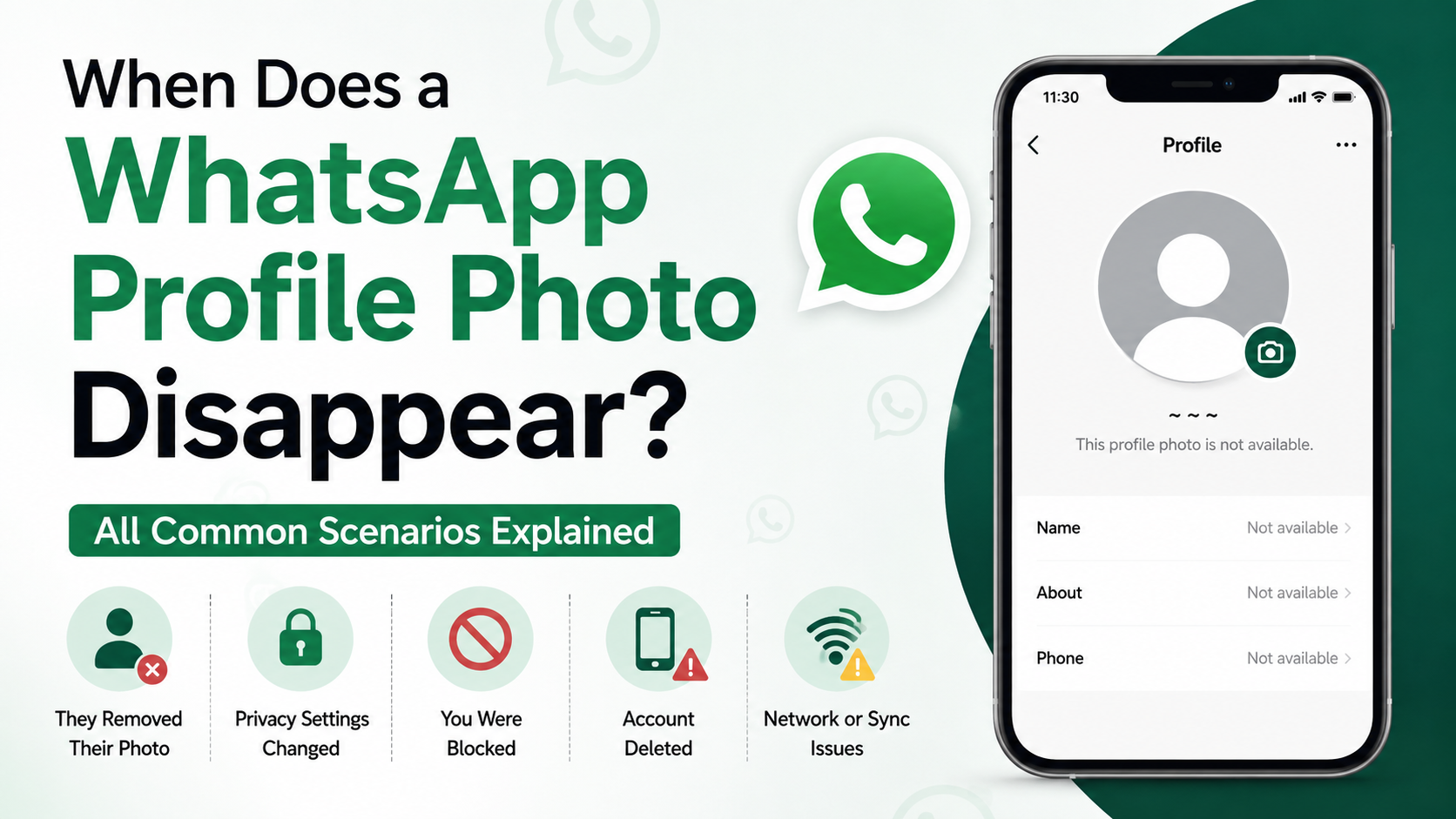
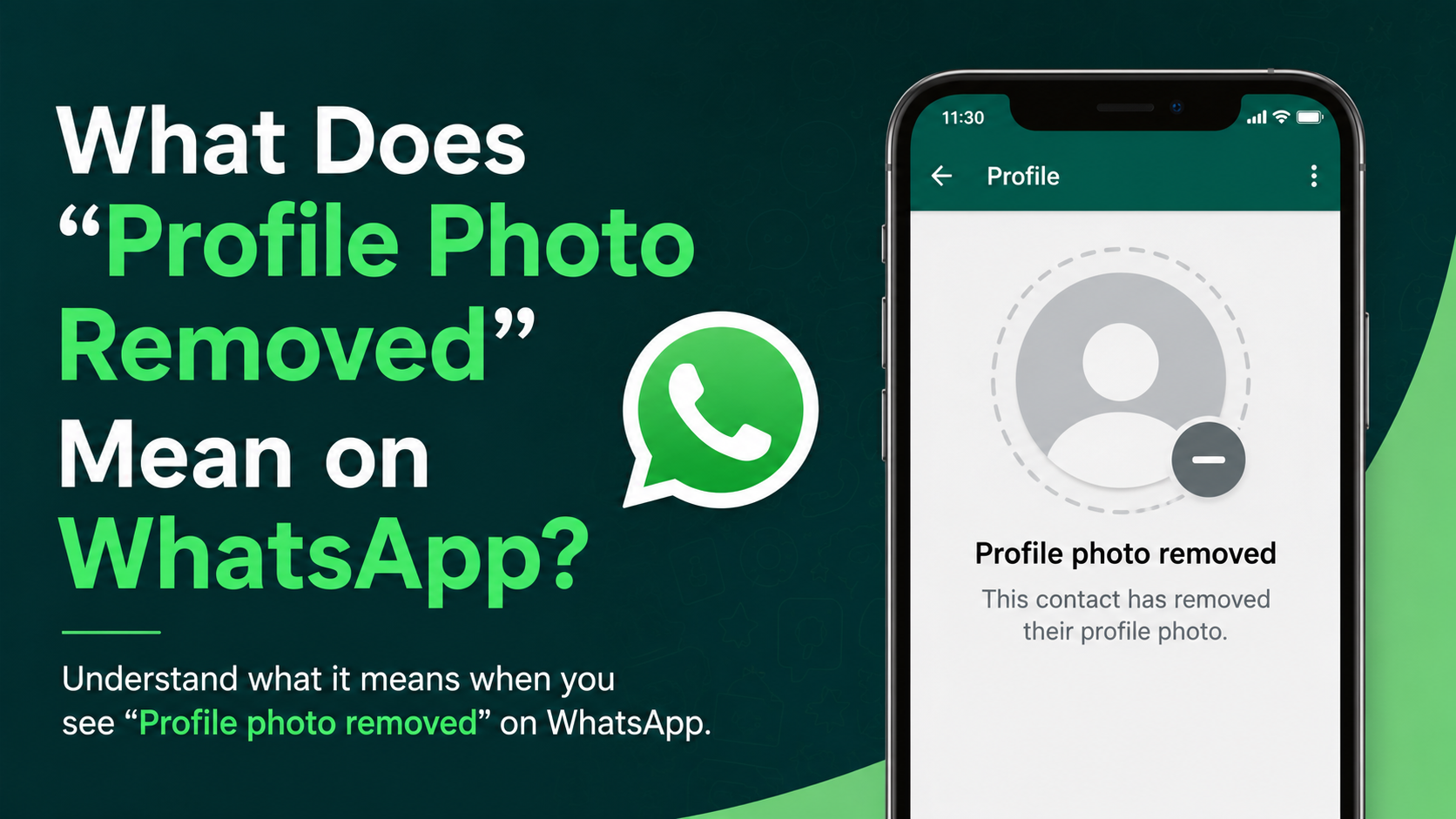
The phrase “WhatsApp profile photo removed” does not represent a single official WhatsApp notification or status. Instead, it usually describes what you see when someone’s profile image disappears and is replaced by the default gray avatar. Several different causes can produce the same result, so it is important not to jump to conclusions based on one sign alone.
Key Takeaways
- A missing WhatsApp profile photo can mean the person deleted their image, changed privacy settings, or removed you from their contacts.
- It can sometimes be associated with blocking, but a missing photo alone does not confirm that you were blocked.
- WhatsApp privacy options determine whether photos are visible to everyone, contacts, selected contacts, or nobody.
- App glitches, connectivity problems, and outdated cached data can also make a profile image temporarily disappear.
- Respecting privacy and avoiding assumptions is usually the best response when someone’s account details change.
What Does “WhatsApp Profile Photo Removed” Actually Mean?
When people say a WhatsApp profile photo has been removed, they usually mean that a contact’s image is no longer visible in the chat list, conversation header, or contact information screen. WhatsApp displays a generic placeholder image instead.
It Is a Visual Change, Not a Formal WhatsApp Alert
WhatsApp does not normally send a message saying that a person removed their profile photo. You simply notice that the image is gone.
That missing image may result from several situations:
- The user manually deleted their profile photo.
- They changed their profile-photo privacy setting.
- They excluded you from viewing it.
- They deleted your phone number from their contacts.
- You are no longer able to view the account because of a block.
- Your app has not refreshed correctly.
For example, a colleague may remove their photo before changing jobs because they want a more private account. Meanwhile, a friend may update their privacy controls after receiving unwanted messages. Both situations can look identical from your side.
The Default Avatar Does Not Explain the Reason
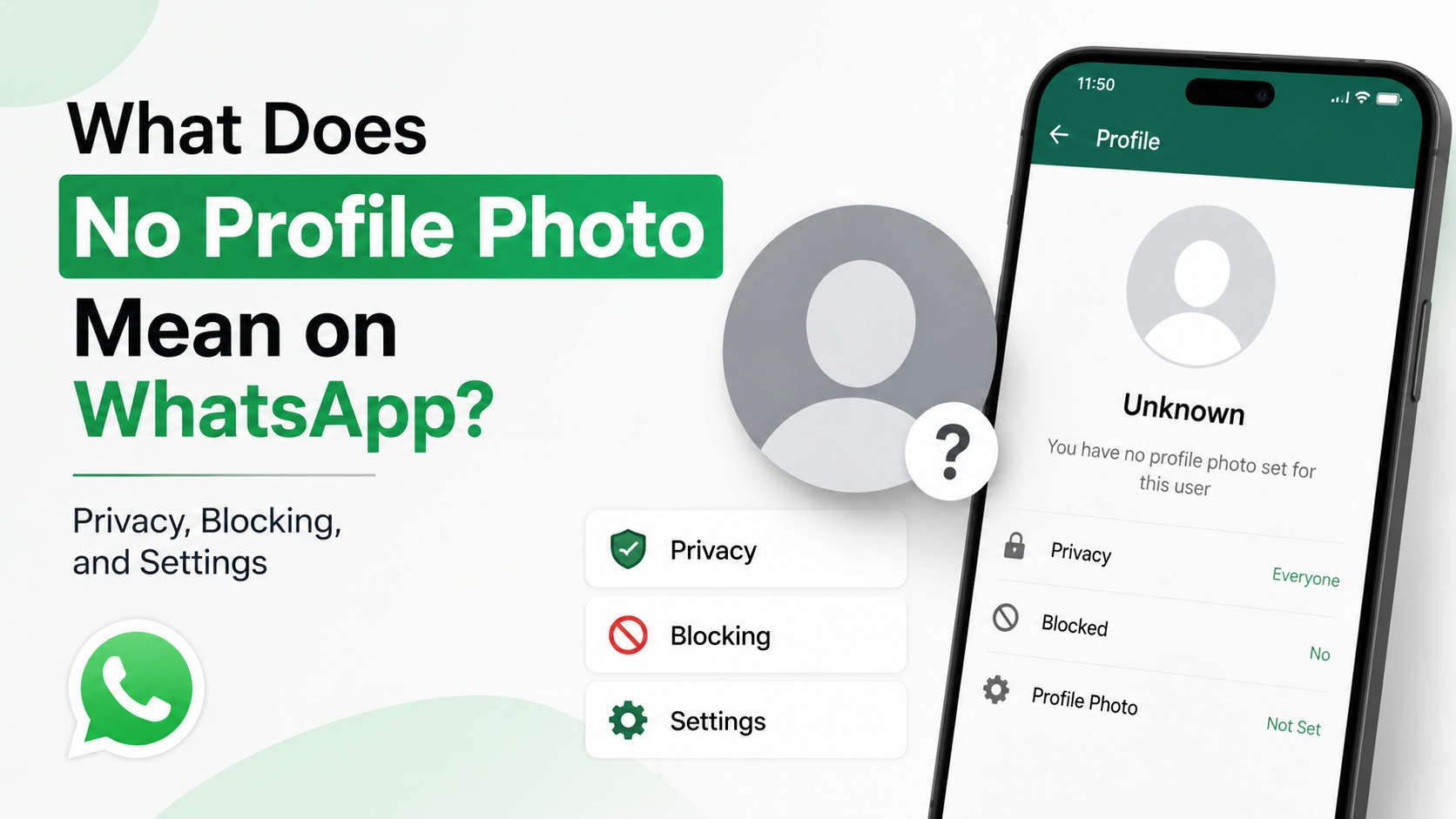
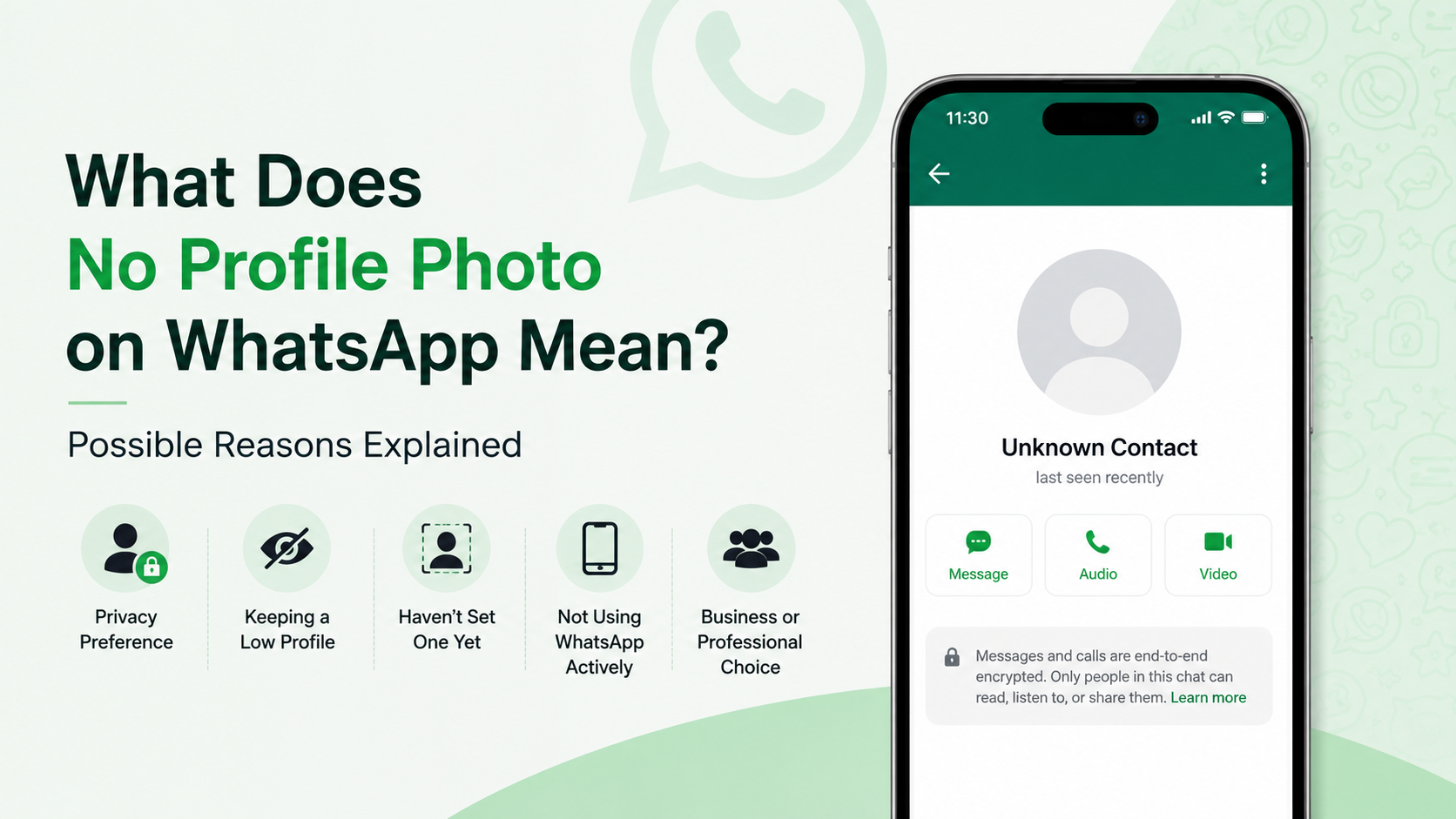
The gray default avatar only tells you that WhatsApp is not showing a profile image to your account. It does not reveal why.
This distinction matters. Treating a missing picture as proof of a blocked relationship or conflict can create unnecessary stress. Look for a broader pattern before interpreting the change.
Common Reasons a WhatsApp Profile Photo Disappears
A WhatsApp profile photo removed situation is often harmless and intentional. People regularly change how much personal information they share online.
The Person Deleted Their Profile Picture
The simplest explanation is that the user removed the photo themselves. They may prefer the default avatar, be taking a break from social media visibility, or be preparing to upload a different photo later.
Common reasons include:
- Wanting greater privacy.
- Rebranding a personal or business account.
- Removing an outdated image.
- Avoiding attention after a major life event.
- Keeping a work phone number more professional.
For instance, a consultant might remove a casual vacation photo after beginning to use WhatsApp more frequently with clients.
They Changed Their Privacy Preferences
WhatsApp lets users control who can see their profile photo. Depending on their settings, a photo may be visible to:
- Everyone
- My Contacts
- My Contacts Except…
- Nobody
If someone changes their setting from “Everyone” to “My Contacts,” people whose numbers are not saved in that person’s phone may lose access to the image. If they select “My Contacts Except…,” they can hide it from specific people without removing it for everyone.
That means the image may still exist and remain visible to mutual friends or colleagues.
How WhatsApp Privacy Settings Affect Profile Photos
Privacy controls are one of the most frequent explanations for a vanished profile picture. Understanding them helps you interpret the situation more accurately.
“My Contacts” Can Depend on Their Phone Book
If someone sets their photo visibility to “My Contacts,” WhatsApp generally uses the contact list on their device. If they have not saved your number—or removed it—their profile photo may no longer appear for you.
This can happen without any negative intent. A person may clean up old contacts, switch phones, lose contacts during migration, or only save close personal connections.
Consider a business interaction: a customer may have previously saved a service provider’s number, then delete it after a project ends. The provider could then lose visibility of the customer’s profile image even though messages still work normally.
“My Contacts Except…” Allows Selective Visibility
This setting gives users more control. Someone can allow most contacts to see their photo while excluding particular people.
Although this can feel personal, it should not automatically be treated as a judgment. People may use selective privacy for practical reasons, such as separating professional contacts, former clients, extended family, or unfamiliar groups from their private life.
WhatsApp’s privacy features are designed to let users control their own information. The respectful approach is to accept those boundaries rather than search for ways around them.
Does a Removed Profile Photo Mean You Were Blocked?
Not necessarily. Blocking can cause a profile photo to disappear, but it is only one possible explanation.
One Sign Is Not Enough to Confirm a Block
WhatsApp intentionally avoids providing a single, definitive “you are blocked” indicator. This protects user privacy. A missing profile photo is therefore not reliable proof on its own.
Other possible signs, when viewed together, may include:
- You cannot see recent changes to the person’s profile photo.
- You no longer see their last seen or online status, if it was previously visible.
- Messages remain on one gray check mark instead of receiving two.
- WhatsApp calls do not connect.
- You cannot add the person to a group.
Even this combination should be interpreted carefully. Privacy settings, network issues, a changed phone number, an inactive account, or app problems may lead to similar behavior.
Avoid Testing or Pressuring the Person
Repeatedly messaging, calling, creating new accounts, or asking mutual contacts to investigate can cross privacy boundaries. If the relationship matters and there is an appropriate alternative channel, a single respectful message outside WhatsApp may be reasonable.
For example: “Hi, I noticed I may not be reaching you on WhatsApp. No pressure to reply—just wanted to make sure you have my updated contact details.”
Then give the person space. If they do not respond, that is information worth respecting.
How to Check Whether the Missing Photo Is a Technical Issue
Before assuming a personal explanation, rule out ordinary app and connection issues.
Refresh WhatsApp and Your Connection
Profile images can fail to load temporarily because of poor connectivity, data-saving settings, or stale app data. Try these practical checks:
- Confirm that your Wi-Fi or mobile data connection is working.
- Close and reopen WhatsApp.
- Update WhatsApp through the official app store.
- Restart your phone.
- Check whether other contacts’ profile photos are loading.
- Ask the contact directly only if it is appropriate and necessary.
If many profile images are not loading, the cause is more likely technical than personal.
Check the Contact Details Carefully
Make sure you are viewing the correct number. A contact may have changed phones or begun using a different WhatsApp account. In business settings, people may also use separate personal and work numbers.
You can review the contact’s number in the chat information screen and compare it with the number you have saved. Do not rely on unofficial third-party apps claiming to reveal hidden WhatsApp information; they can create privacy and security risks.
What to Do When Someone’s WhatsApp Photo Is Gone
The best response depends on your relationship with the person and why you need to contact them.
Use Context Instead of Guesswork
Ask yourself a few practical questions:
- Are messages still being delivered?
- Has the person recently changed jobs, numbers, or devices?
- Is this a personal relationship, a client interaction, or a group contact?
- Do you have a genuine reason to reach out?
- Could their privacy preference be entirely unrelated to you?
A profile image disappearing after a person starts a new job may indicate a routine privacy adjustment. A profile image disappearing during an ongoing disagreement may feel more meaningful, but it still does not prove intent.
Keep Communication Respectful and Direct
If you need an answer for a legitimate reason, communicate calmly. Focus on the practical issue rather than the profile photo.
Instead of: “Why did you remove your WhatsApp picture from me?”
Try: “Hi, I wanted to confirm whether this is still the best number to reach you about the project.”
This approach is clear, professional, and less likely to make the other person feel pressured.
Privacy, Professionalism, and Digital Boundaries
A profile photo is personal account information, even when used in a professional setting. The disappearance of an image is a useful reminder that visibility online is not guaranteed.
For Personal Conversations
Friends and family may change WhatsApp settings because they want less exposure, have had unwanted attention, or simply want a fresh start online. Their choice does not always require an explanation.
Give people room to manage their digital presence. Healthy communication is based on direct conversation and trust, not on decoding every account change.
For Workplace and Client Communication
In professional contexts, do not use a profile photo as a measure of reliability or availability. A client may remove their image, hide it from non-contacts, or use a business account with no photo at all.
Instead, rely on appropriate business signals:
- Confirmed messages and replies
- Agreed deadlines
- Email or project-management updates
- Official contact details
- Clear written expectations
Keeping professional communication focused on the work prevents misunderstandings and supports stronger boundaries.
Frequently Asked Questions
Can someone see my WhatsApp profile photo if I do not have their number saved?
Yes, if your profile-photo privacy setting is set to “Everyone.” If it is set to “My Contacts,” visibility generally depends on whether you have saved their number in your contacts. Review your WhatsApp privacy settings if you want more control over who sees your image.
Why can I see someone’s WhatsApp status but not their profile photo?
WhatsApp lets users control profile-photo and status privacy separately. A person may allow you to see their status updates while hiding their profile image from you, or vice versa. This does not necessarily indicate a problem.
If a WhatsApp profile photo is removed, can others still see it?
Possibly. If the user deleted the photo entirely, no one can see it. If they changed privacy settings or excluded specific contacts, other people may still see the same image.
Does one gray check mark prove that I am blocked?
No. One gray check mark means your message was sent from your device but has not been delivered to the recipient’s device. The recipient may be offline, have no internet connection, have changed phones, or have blocked you. It is not definitive proof by itself.
Can I recover someone else’s removed WhatsApp profile photo?
No legitimate method allows you to retrieve a photo another person has removed or hidden from you. Avoid third-party tools that promise to uncover private WhatsApp data; they may compromise your security, privacy, or account access.
Conclusion
A WhatsApp profile photo removed situation can mean many things: the person deleted their image, adjusted privacy settings, removed your number from their contacts, changed accounts, or encountered a technical issue. Blocking is possible, but a missing photo alone is not enough to confirm it.
The most useful response is to avoid assumptions, check for simple technical causes, and communicate respectfully when there is a genuine reason to do so. Review your own WhatsApp privacy settings today to make sure your profile photo is visible only to the people you choose.
Advertisement