August 19, 2026 · 12 min read
Is a Profile Photo Visible if Blocked on WhatsApp?
On this page
- The Short Answer: Is a Profile Photo Visible if Blocked on WhatsApp?
- How WhatsApp Blocking Affects Profile Photos
- Why a WhatsApp Profile Photo May Disappear Without a Block
- How to Tell Whether You May Have Been Blocked
- Profile Photo Privacy Settings: A Better Alternative to Blocking
- What Happens to Messages, Calls, and Status Updates After a Block?
- Best Practices for Personal and Professional WhatsApp Privacy
- Frequently Asked Questions
- Conclusion
Is a Profile Photo Visible if Blocked on WhatsApp?
A missing WhatsApp profile photo can feel like a loud signal—especially when you are wondering whether someone has blocked you. But profile-photo visibility is more nuanced than it appears. Privacy settings, contact-list changes, account deletion, connectivity issues, and blocking can all lead to a blank avatar.
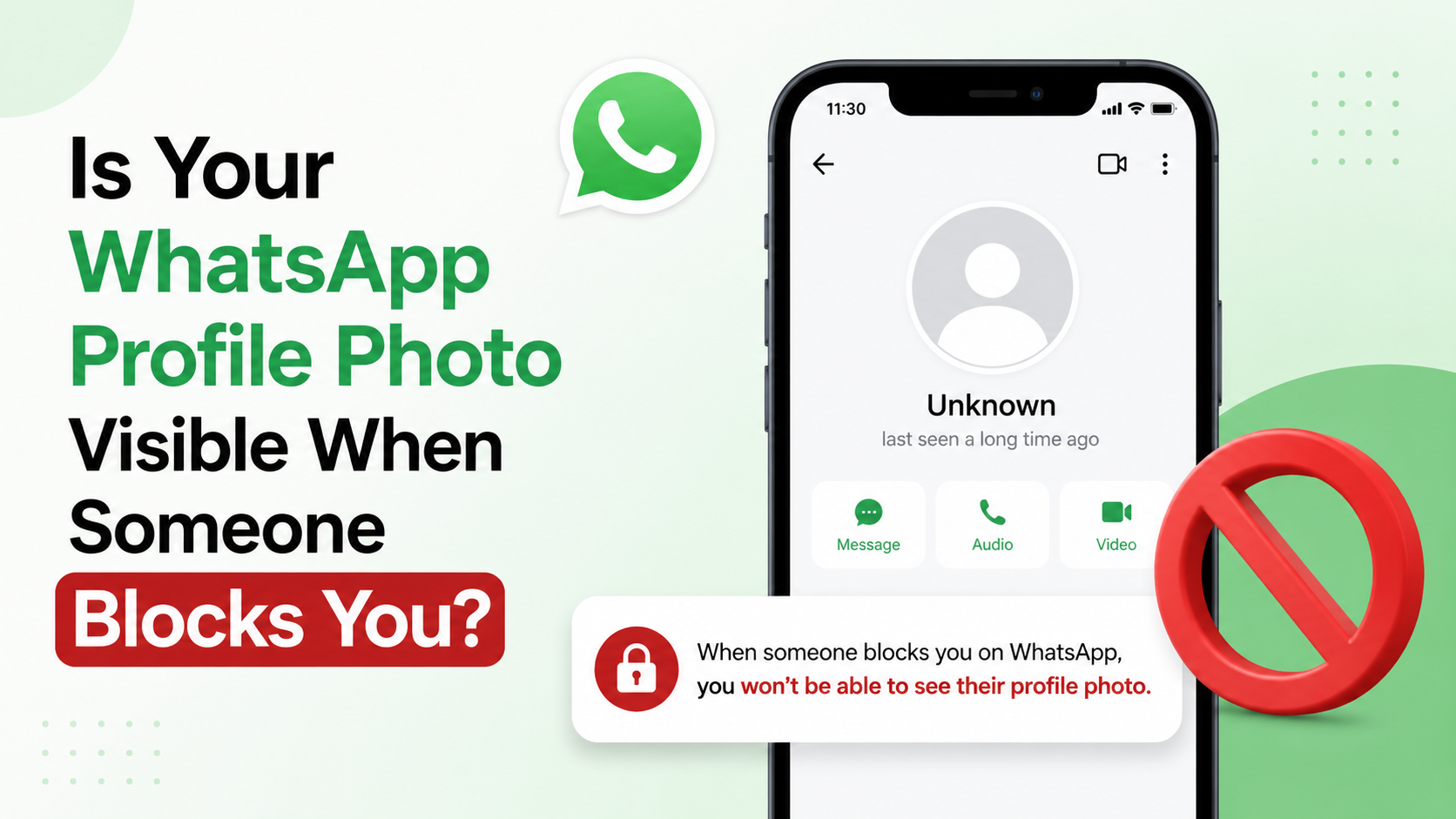
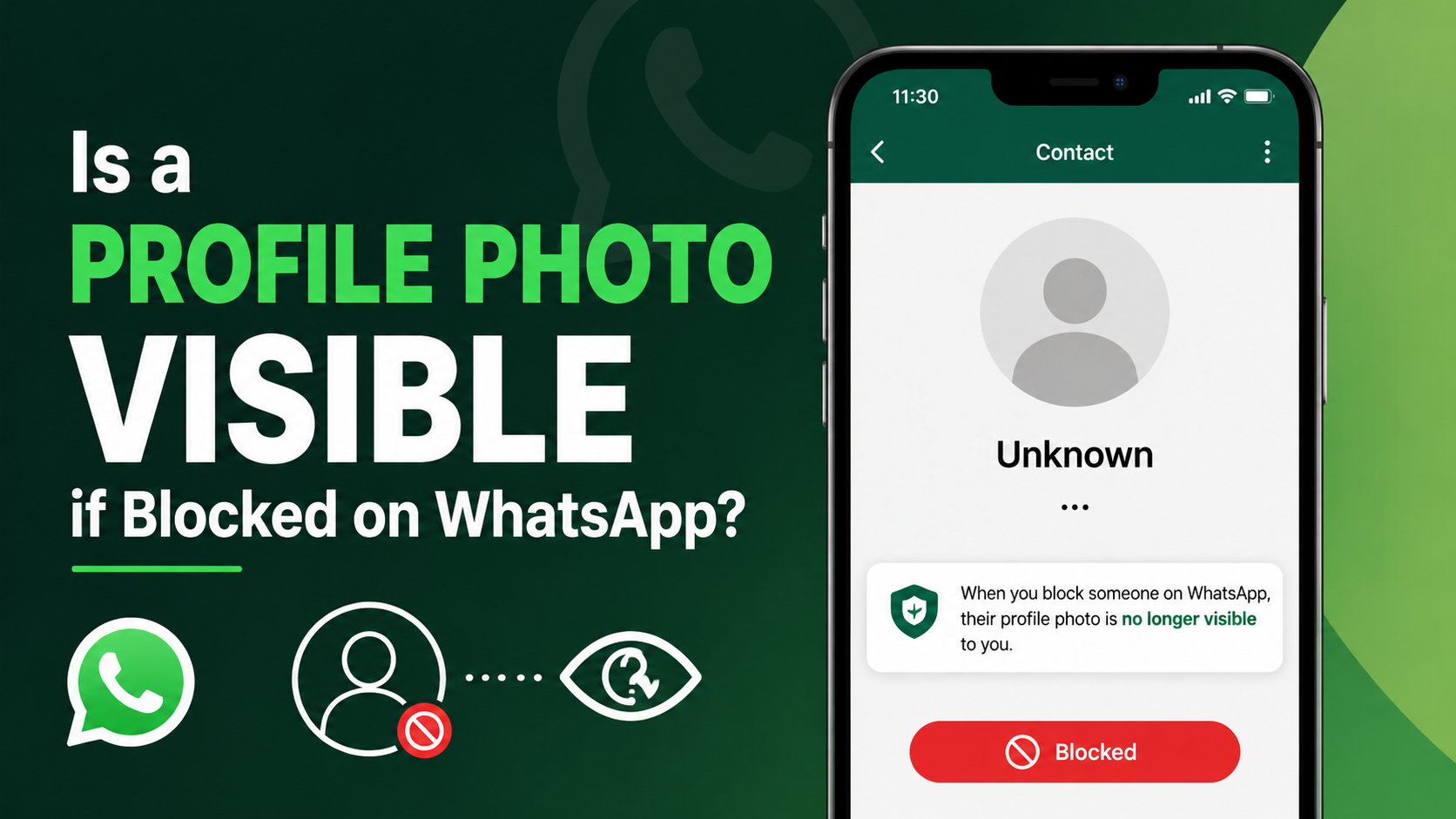
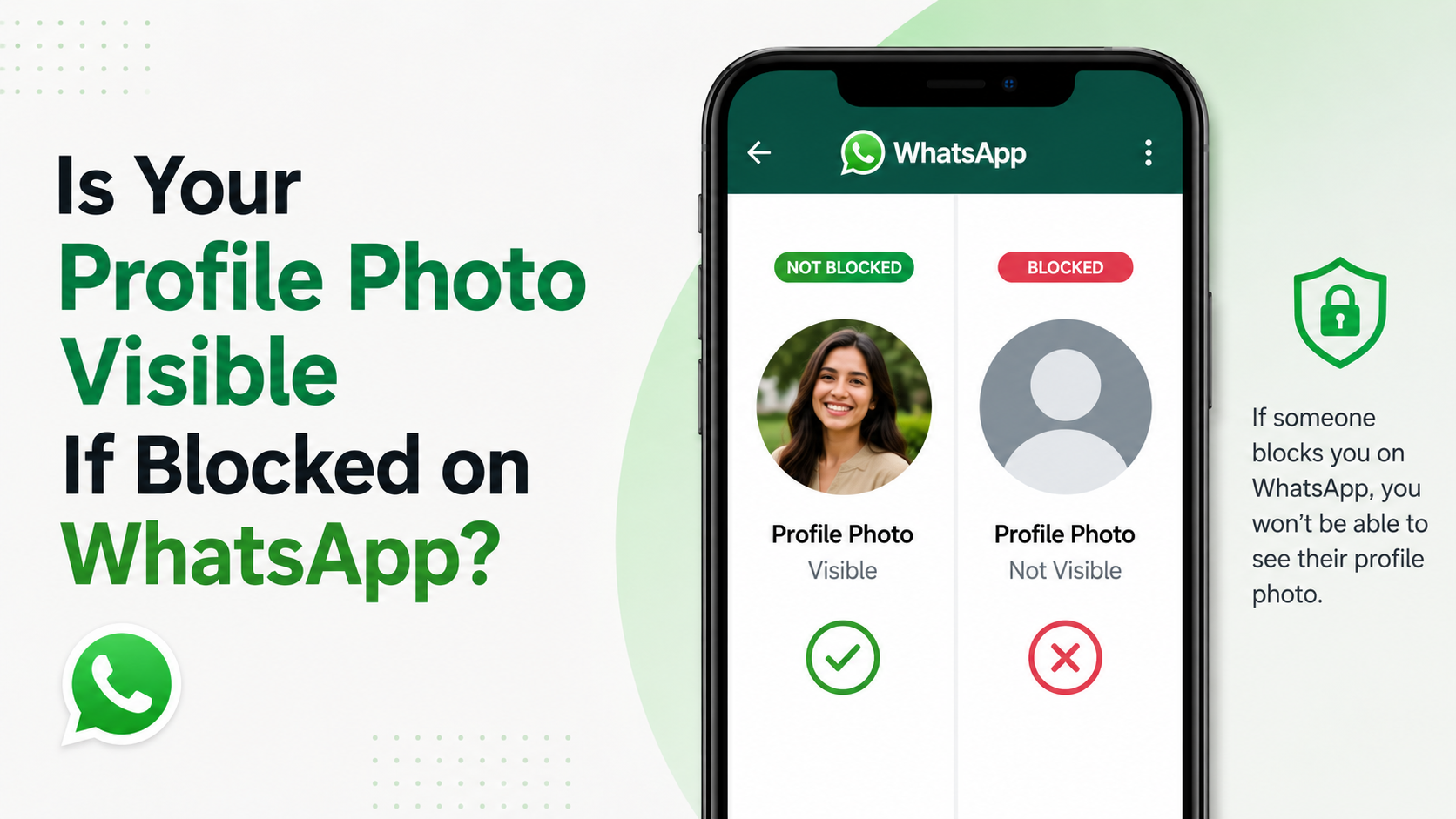
So, is a profile photo visible if blocked on WhatsApp? In most cases, a person you block cannot see updates to your profile photo. Likewise, if someone blocks you, you may stop seeing their current profile photo or future updates. However, one missing photo alone is never conclusive proof of a block.
This guide explains exactly what changes when blocking occurs, how profile-photo privacy works, and how to interpret the signs without jumping to conclusions.
Key Takeaways
- A blocked WhatsApp contact generally cannot see updates to your profile photo, status, online presence, or last-seen information.
- If someone blocks you, their profile photo may disappear or stop updating on your device.
- A blank or missing profile photo does not prove you have been blocked.
- WhatsApp deliberately avoids notifying people when they are blocked.
- Profile-photo visibility also depends on the owner’s privacy settings and whether they have saved your number.
- Respect privacy boundaries instead of trying to bypass a block or repeatedly test for one.
The Short Answer: Is a Profile Photo Visible if Blocked on WhatsApp?
If you block someone on WhatsApp, they should no longer see changes or updates to your profile photo. WhatsApp treats blocking as a privacy boundary: the blocked person also loses access to several other account signals, including your online status, last seen, and status updates.
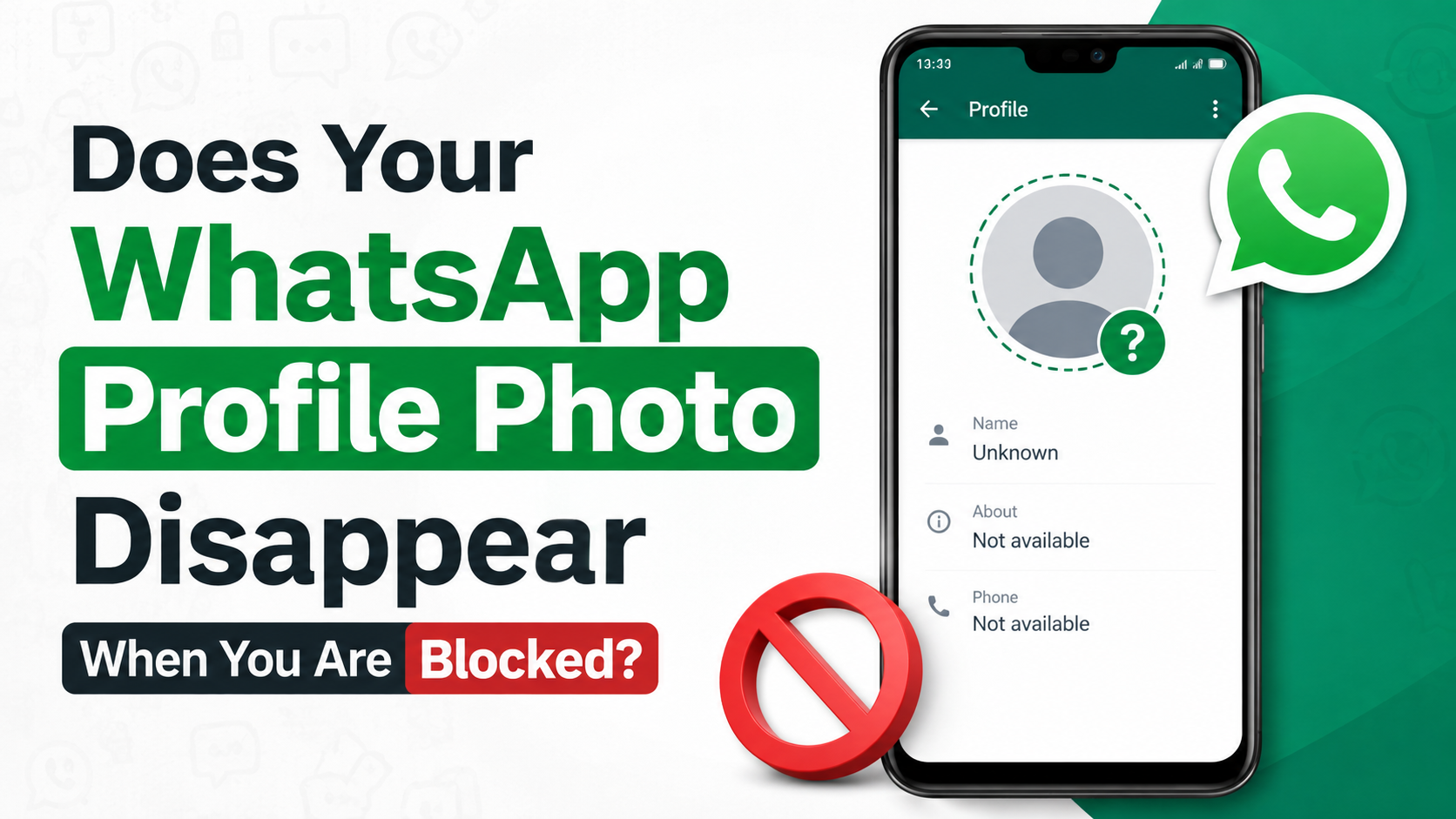
From the blocked person’s perspective, your profile image may disappear and be replaced by WhatsApp’s default avatar. In some situations, however, an old image may appear temporarily because of cached data or delayed synchronization. What matters most is that the person should not receive new profile-photo updates after being blocked.
What the Blocked Person Typically Sees
After a block, the other person may notice:
- Your profile picture is missing or no longer updates.
- Your “last seen” and online status are unavailable.
- New messages remain on one gray check mark rather than being delivered.
- WhatsApp calls do not connect to you.
- New status updates are not visible.
These clues are intentionally not presented as a formal notification. WhatsApp protects privacy by making it difficult for someone to confirm a block with certainty.
What You See When You Block Someone
Blocking does not necessarily erase the person or their past chat from your phone. You can still see your existing conversation history unless you delete it yourself. You may also still see their contact details in your blocked-contact list.
For example, imagine a consultant blocks a persistent spam sender. The sender can still have the consultant’s number saved in their address book, but they cannot reliably view new profile-photo changes, status updates, or message-delivery confirmation.
How WhatsApp Blocking Affects Profile Photos
WhatsApp blocking limits what the blocked account can learn about your activity and profile. It is not simply a mute feature; it is designed to stop direct communication and reduce visibility into your account.
Profile Photo Updates Are Hidden
The most important distinction is between an image a person may have seen before and the changes they can see afterward. Once blocked, a contact should not be able to view new profile-photo updates.
If you replace a casual selfie with a professional headshot after blocking someone, that person should not receive that new image through WhatsApp. This is particularly useful for professionals who want to keep their personal information private while retaining their number for work-related contacts.
Your Existing Photo May Not Disappear Instantly
WhatsApp data can sometimes be cached locally. A blocked user might briefly see an old image, especially if they had already opened your chat or viewed your profile. That does not mean they can continue seeing updates.
Because devices, app versions, and network conditions vary, instant disappearance is not a dependable test. The practical rule is simple: blocking prevents ongoing access to your profile updates.
Blocking Does Not Remove Contact Information
Blocking and deleting are separate actions.
- Blocking stops messages, calls, and profile updates from reaching or being visible to the blocked contact.
- Deleting a contact removes the saved entry from your phone’s address book.
- Deleting a chat removes the conversation from your device, depending on the deletion option you choose.
If you want a cleaner separation, you may choose to block the number, delete the chat, and remove the saved contact entry. Be careful not to delete information you may need later for documentation or reporting.
Why a WhatsApp Profile Photo May Disappear Without a Block
A missing profile photo is a clue, not a verdict. Several common privacy and technical explanations can produce the same result.
The User Changed Their Privacy Settings
WhatsApp lets people decide who can see their profile photo. Common visibility options include:
- Everyone
- My Contacts
- My Contacts Except…
- Nobody
If someone selects “My Contacts” and does not have your number saved, you may no longer see their profile photo. Similarly, if they choose “My Contacts Except…” and add you to the excluded list, their photo can disappear even though they have not blocked you.
They Removed Their Profile Photo
The simplest explanation is often correct: they may have deleted their photo and not replaced it. A default silhouette does not automatically mean a privacy restriction or block.
They Changed Numbers or Deleted Their Account
If a person changes their WhatsApp number, deletes their account, or becomes inactive, their profile information may change or disappear. You may also see unusual behavior when a phone is offline for an extended period or the account has not synchronized correctly.
An App or Connection Issue Is Interfering
Temporary issues can prevent profile images from loading. Before assuming anything personal, try basic checks:
- Update WhatsApp from your device’s app store.
- Confirm your internet connection is working.
- Close and reopen the app.
- Restart your phone.
- Wait and check again later.
A technical glitch is far more common than many people realize.
How to Tell Whether You May Have Been Blocked
WhatsApp does not offer a “You have been blocked” message. Instead, it provides several ambiguous signals. The key is to assess them together rather than relying on one detail.
Look for a Pattern of Multiple Signs
You may have been blocked if several of these changes occur at the same time:
- You can no longer see the person’s profile-photo updates.
- Their last seen or online status is no longer visible.
- Your messages remain on one gray check mark over time.
- Calls repeatedly fail to connect.
- You cannot see their new WhatsApp status posts.
Even this pattern is not definitive. The person may have adjusted privacy settings, lost connectivity, changed devices, or decided not to use WhatsApp.
Do Not Use Group Chats as a Test
Some people attempt to create a group with a suspected blocker to see whether they can add them. This is intrusive and can create unnecessary tension. It may also cause embarrassment in professional, family, or community settings.
A healthier approach is to accept the uncertainty. If communication is necessary and appropriate, use an agreed alternative channel once—not repeated calls, new numbers, or workarounds.
Avoid Third-Party “Block Checker” Apps
Apps and websites that claim to reveal who blocked you are not trustworthy. They cannot override WhatsApp’s privacy design and may request unsafe permissions, collect personal information, or expose your account to security risks.
Never share your verification code, account credentials, or chat data with a third-party service claiming it can reveal blocked contacts.
Profile Photo Privacy Settings: A Better Alternative to Blocking
Blocking is useful when you need to stop communication, but it is not always necessary. If your primary concern is profile-photo visibility, WhatsApp privacy settings offer a more measured option.
How to Limit Who Can See Your Photo
In WhatsApp, open:
Settings > Privacy > Profile photo
Then choose the visibility setting that fits your needs. “My Contacts Except…” is especially helpful when you want to hide your image from a particular person without blocking them.
For instance, a recruiter may want clients and colleagues to see a professional profile photo but may prefer to exclude an unknown contact who keeps viewing their status. Privacy controls can address that need without escalating to a full block.
When Blocking Is the Better Choice
Consider blocking when someone:
- Sends repeated unwanted messages.
- Makes you feel unsafe or harassed.
- Attempts to scam, impersonate, or pressure you.
- Ignores a clear request to stop contacting you.
- Uses WhatsApp to share abusive or inappropriate material.
If the behavior is serious, use WhatsApp’s reporting tools as well. Keep relevant evidence when needed, especially in workplace, legal, or safety-related situations.
What Happens to Messages, Calls, and Status Updates After a Block?
Profile photos are only one part of the blocking experience. Understanding the wider effects helps clarify why blocking is an effective privacy feature.
Messages Are Not Delivered
When a blocked person sends you a message, it may show one gray check mark on their side, indicating that the message was sent to WhatsApp’s system. It will not be delivered to your phone.
You will not receive a notification or see the message in your chat. If you later unblock the person, messages sent while they were blocked are generally not delivered retroactively.
Calls Do Not Reach You
A blocked contact can attempt an audio or video call, but the call will not reach your device as a normal incoming WhatsApp call. This is useful when someone is trying to bypass your message boundaries through repeated calling.
Status Updates Are Hidden
Blocked contacts cannot view new WhatsApp status updates you share. If you want to hide status posts without stopping all contact, use the separate Status privacy controls instead.
This distinction matters because each privacy tool has a different purpose:
- Use Profile Photo privacy to control image visibility.
- Use Status privacy to control temporary status posts.
- Use Blocking to stop direct contact and restrict broader account visibility.
Best Practices for Personal and Professional WhatsApp Privacy
Whether you use WhatsApp casually or for work, your profile photo can reveal more than you intend. A thoughtful privacy setup prevents confusion and reduces exposure to unwanted contacts.
Use a Purpose-Appropriate Profile Photo
For personal accounts, consider whether your image reveals sensitive details such as:
- Your home address or exact location.
- Children or family members who have not consented.
- Workplace ID badges or confidential documents.
- Travel plans or regular routines.
For professional accounts, choose a clear, current image that supports trust without exposing personal information. A simple headshot, company logo, or brand image often works well.
Review Privacy Settings Regularly
Privacy settings should not be a one-time task. Review them whenever you change jobs, join a new organization, travel, or begin using WhatsApp with new clients or communities.
A useful quarterly check includes:
- Profile photo visibility
- Last seen and online settings
- Status audience
- Blocked contacts
- Two-step verification
These small checks can prevent unwanted visibility before it becomes a problem.
Frequently Asked Questions
Can someone still see my old WhatsApp profile photo after I block them?
They should not be able to see new profile-photo changes after you block them. In some cases, an old image may appear temporarily because it was cached on their device, but blocking prevents ongoing profile updates from being visible.
Does a missing WhatsApp profile picture mean I am blocked?
No. The person may have removed their photo, changed privacy settings, excluded you from their profile-photo audience, deleted their account, changed numbers, or experienced a technical issue. Look for multiple signs, but remember that WhatsApp does not provide definitive confirmation.
If I can see someone’s profile photo, does that mean they have not blocked me?
Not necessarily. Profile-photo behavior can be affected by cached data, timing, and privacy settings. Seeing an image is not a guaranteed confirmation that you are unblocked, particularly if it is an older photo.
Can I hide my profile photo from one person without blocking them?
Yes. Go to Settings > Privacy > Profile photo and choose My Contacts Except…. You can select specific contacts to exclude while keeping your photo visible to other saved contacts.
Will a blocked person know that I blocked them?
WhatsApp does not send them a direct notification. They may infer it from several changes, such as messages staying on one check mark, unavailable calls, and missing profile updates, but they cannot confirm it through an official alert.
Conclusion
So, is a profile photo visible if blocked on WhatsApp? A blocked contact should not be able to see updates to your profile photo, and you may similarly lose access to the other person’s current photo if they block you. Still, a missing image by itself is not proof—privacy settings, deleted photos, contact-list changes, and app issues can look very similar.
Use WhatsApp’s profile-photo privacy settings when you only need tighter visibility control. When someone crosses a boundary, blocking and reporting are appropriate tools for protecting your time, privacy, and safety. Review your settings today to make sure your WhatsApp profile reflects exactly what you are comfortable sharing.
Advertisement