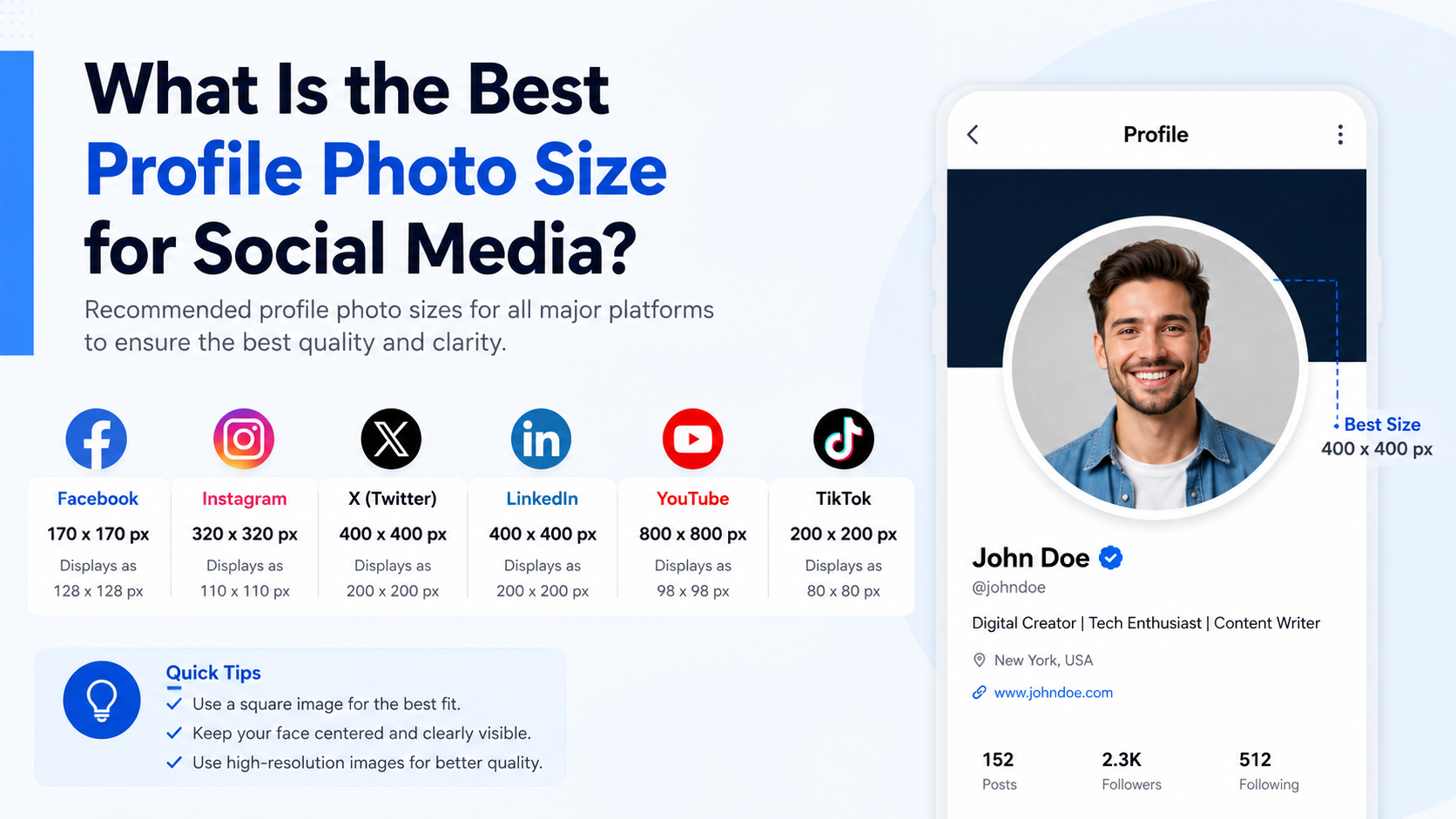
August 19, 2026 · Updated August 23, 2026 · 13 min read
What Is a Profile Photo? Meaning, Purpose, and Examples for Every Platform
On this page
- What Is a Profile Photo?
- Why a Profile Photo Matters
- Types of Profile Photos and When to Use Them
- Profile Photo Examples for Major Platforms
- How to Choose the Right Profile Photo
- Common Profile Photo Mistakes to Avoid
- How to Take a Better Profile Photo With a Phone
- Frequently Asked Questions
- Conclusion
What Is a Profile Photo? Meaning, Purpose, and Examples for Every Platform
A profile photo is often the first thing people notice about you online. Before someone reads your bio, opens your message, or reviews your credentials, they see the small image beside your name.
That tiny visual can shape an important first impression. It can make you appear approachable, credible, creative, professional, or recognizable. Whether you are applying for jobs, growing a business, joining a community, or simply staying connected with friends, choosing the right profile photo helps people understand who they are interacting with.
This guide explains the meaning and purpose of a profile photo, how it differs across platforms, and how to select one that supports your goals.
Key Takeaways
- A profile photo is the identifying image connected to your online account or digital profile.
- The best profile photo depends on the platform, audience, and impression you want to create.
- Clear lighting, a recognizable face, and a simple background work well in most professional contexts.
- Personal and social platforms allow more personality, while work platforms usually require a polished headshot.
- Use a consistent image or visual style across important accounts to make yourself easier to recognize.
- Update your profile photo when it no longer represents your appearance, role, brand, or goals.
What Is a Profile Photo?
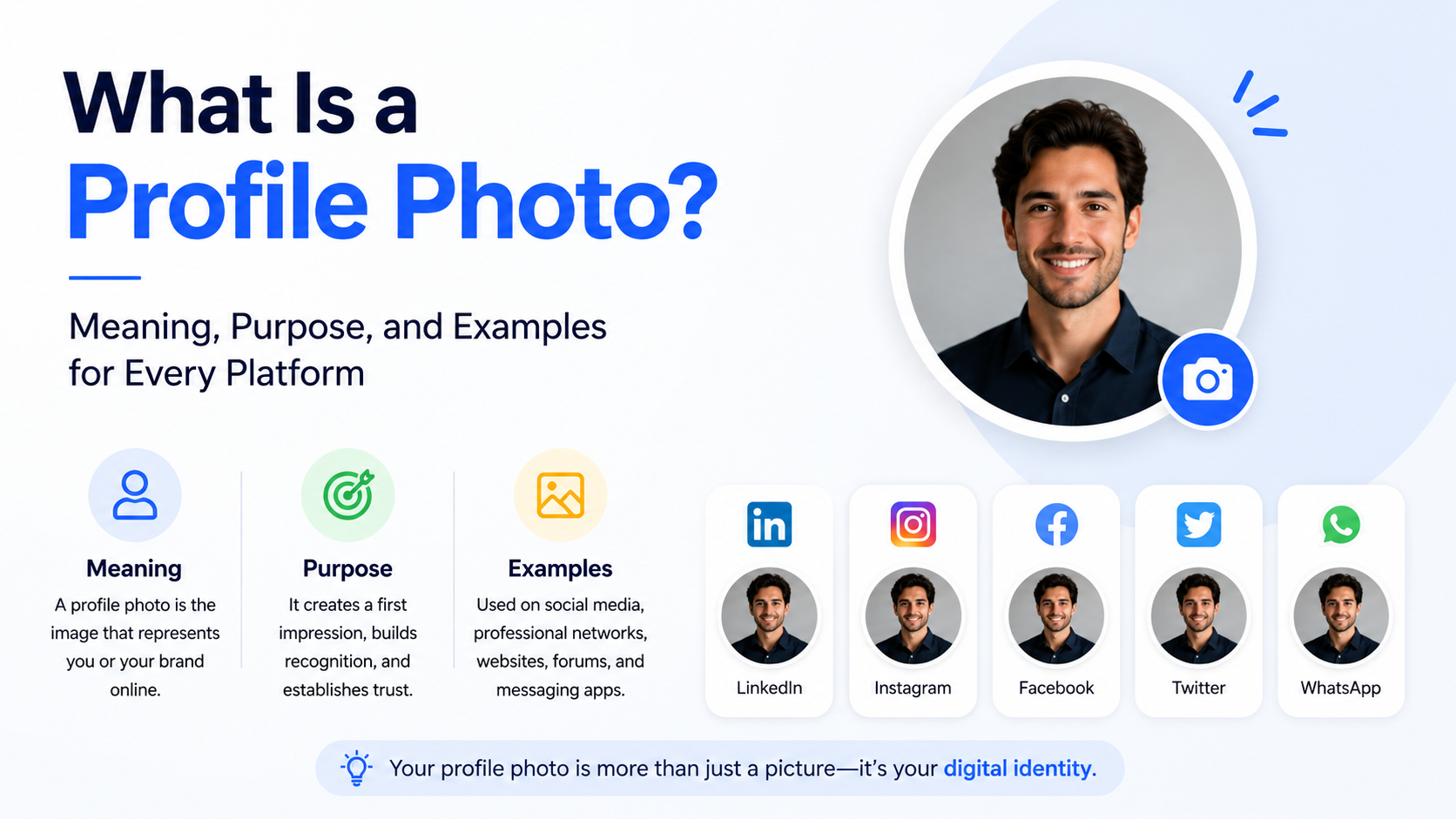
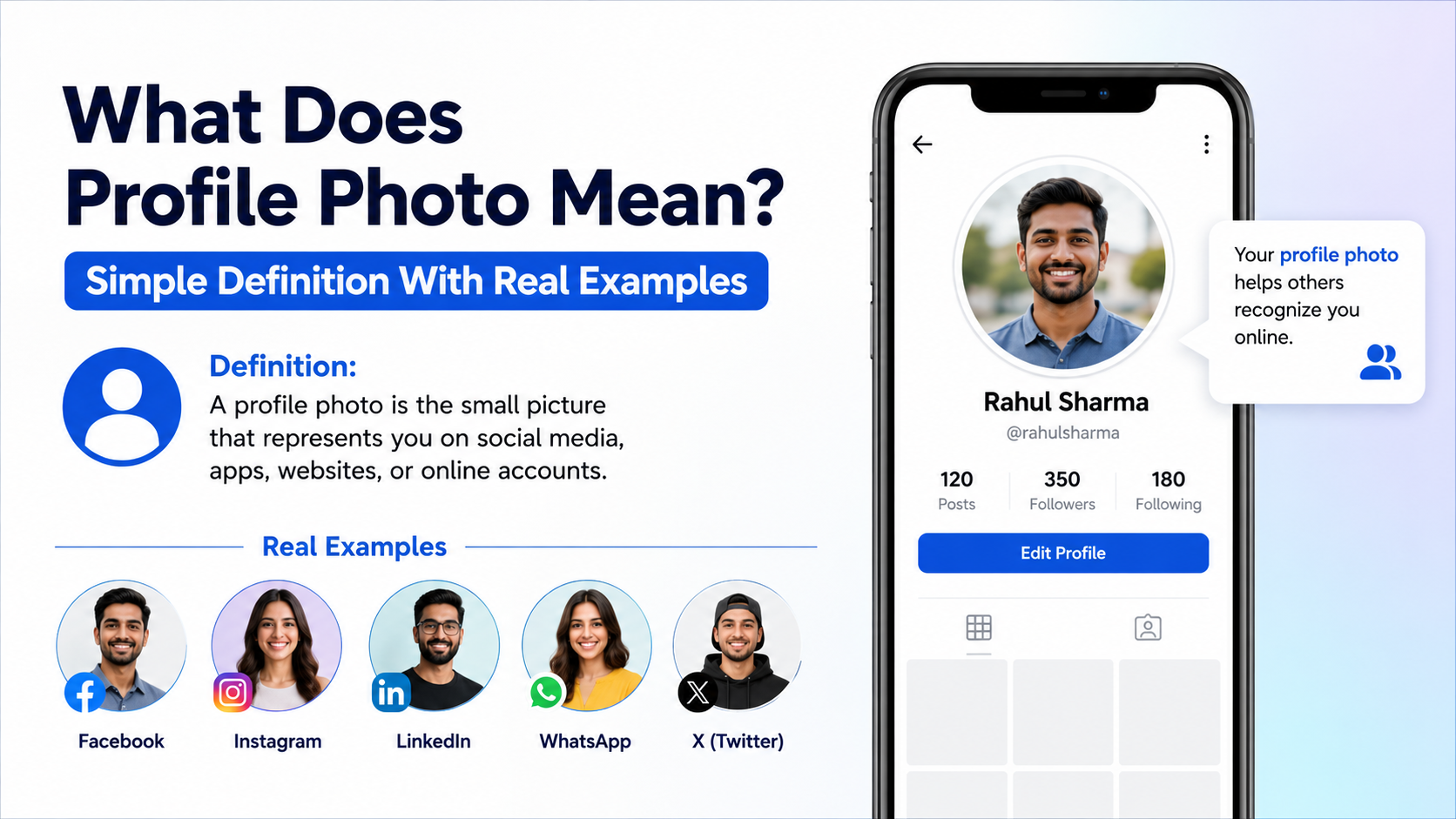
A profile photo is the image displayed alongside a person’s, business’s, or organization’s account on a website, app, or online platform. It is sometimes called a profile picture, avatar, display picture, or “PFP.”
For individuals, it is usually a portrait or headshot. For brands, it may be a logo, mascot, product image, or visual mark. In online gaming and anonymous communities, a profile photo may be an illustration, character, or graphic instead of a real photograph.
The Basic Meaning of a Profile Photo
At its core, a profile photo answers a simple question: “Who is this?”
It gives other users a visual reference when they see your name in places such as:
- Social media feeds and comments
- Email inboxes
- Messaging apps
- Video-meeting participant lists
- Professional directories
- Dating apps
- Online forums
- Team collaboration tools
A strong profile photo makes an account feel more complete and trustworthy. In many cases, it also helps people quickly distinguish you from others with similar names.
Profile Photo vs. Cover Photo vs. Avatar
These terms are sometimes used interchangeably, but they serve different functions.
| Visual Element | Main Purpose | Typical Placement | |---|---|---| | Profile photo | Identifies the account owner | Next to a name, comment, message, or profile | | Cover photo | Adds context, personality, or branding | Large banner at the top of a profile | | Avatar | Represents a user visually, sometimes without a real photo | Games, forums, apps, and virtual spaces |
For example, a LinkedIn profile photo is usually a professional headshot, while the banner image may show your industry, portfolio, company, or professional message.
Why a Profile Photo Matters
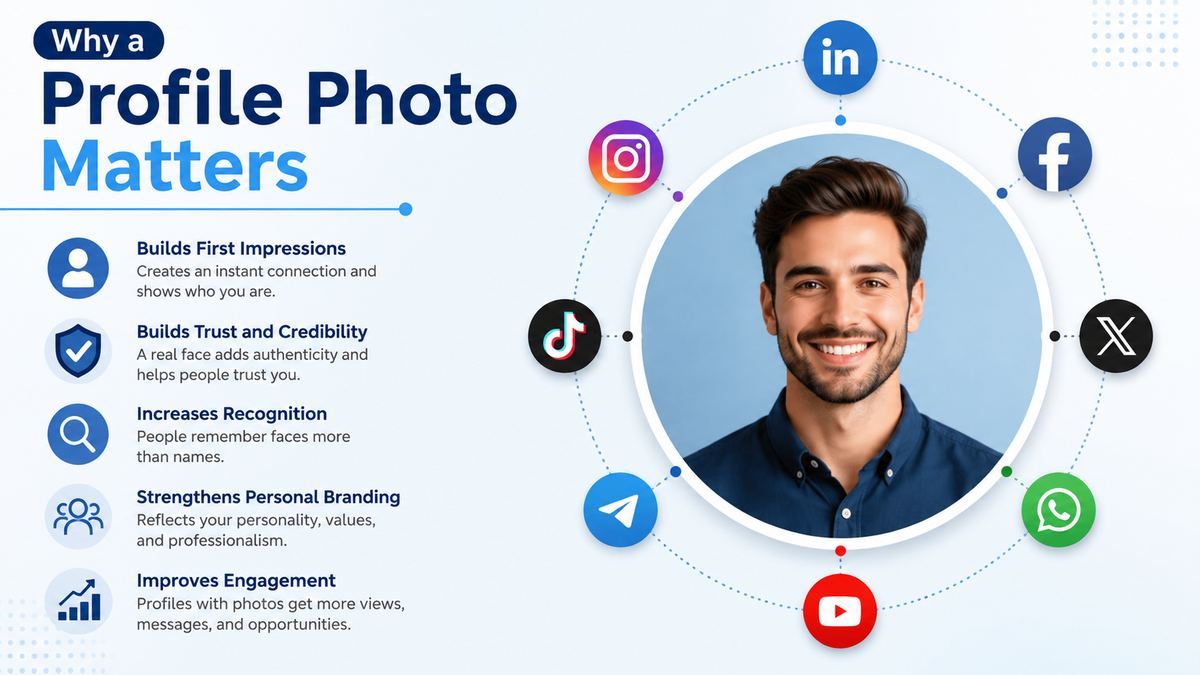
A profile photo may be small, but it influences how people interpret your presence online. It adds a human element to digital communication and can affect whether someone chooses to connect, reply, follow, or learn more.
It Builds Recognition and Trust
People tend to remember faces and visual cues more easily than names alone. A consistent profile photo helps colleagues, clients, friends, and followers recognize you across platforms.
For instance, if a consultant uses the same professional headshot on LinkedIn, their company website, and email profile, potential clients can quickly confirm they are communicating with the right person.
A missing photo, blurry image, or unrelated visual can create uncertainty—especially in professional settings where people are evaluating credibility.
It Shapes a First Impression
Your profile photo communicates before you do. Viewers may make quick assumptions based on facial expression, clothing, background, image quality, and overall presentation.
A polished headshot can suggest professionalism and confidence. A relaxed outdoor photo may feel friendly and authentic. A bright, distinctive logo can make a business easier to remember.
The goal is not to appear overly formal everywhere. The goal is to ensure the image matches the context.
It Supports Personal Branding
Personal branding is the way you intentionally present your expertise, values, and personality. Your profile photo is a core part of that visual identity.
For example:
- A corporate lawyer may choose a well-lit, formal headshot.
- A freelance designer may use a polished portrait with a creative background or color accent.
- A fitness coach may select an energetic image that reflects an active lifestyle.
- A local bakery may use its recognizable logo rather than a founder’s portrait.
A profile photo should reinforce the message your profile, content, and work already communicate.
Types of Profile Photos and When to Use Them
There is no single “best” profile photo for every situation. The right option depends on whether the account represents you personally, your professional identity, or a business.
Professional Headshots
Professional headshots are close-up photos that clearly show your face, usually from the shoulders up. They are ideal for career-focused and client-facing platforms.
Use a professional headshot for:
- Company websites
- Speaker bios
- Email signatures
- Online portfolios
- Professional associations
- Internal workplace profiles
A good professional headshot does not always require a studio session. A high-quality smartphone photo with natural window light, a clean background, and thoughtful framing can be effective.
Casual Personal Photos
Casual photos are common on platforms designed for friends, family, hobbies, and personal sharing. They can show more personality, as long as your face remains recognizable.
Use a casual profile photo for:
- Snapchat
- Personal Discord accounts
- Private communities
For example, a clear vacation photo, a relaxed outdoor portrait, or a photo with your pet can work well on a personal social account. Avoid images where your face is too small or where viewers cannot tell which person is you.
Brand Logos and Business Images
Businesses should typically use a clear logo as their profile photo. It creates consistency across customer touchpoints and helps people recognize the company in search results, comments, ads, and messages.
Use a logo for:
- Business Facebook pages
- Instagram business accounts
- Google Business Profile
- X business accounts
- YouTube channels
- Slack workspaces
- Ecommerce storefronts
Choose a version of the logo that remains legible at a small size. Detailed logos, long text, and thin lines often become difficult to read when reduced to a circular icon.
Illustrations, Icons, and Anonymous Avatars
An illustrated avatar may be the better choice where privacy, anonymity, or creative identity matters more than real-world recognition.
These are common on:
- Gaming platforms
- Developer communities
- Forums
- Discord servers
- Pseudonymous social accounts
If you use an avatar, make it distinctive and consistent. A random default icon can make an account appear inactive or less credible.
Profile Photo Examples for Major Platforms
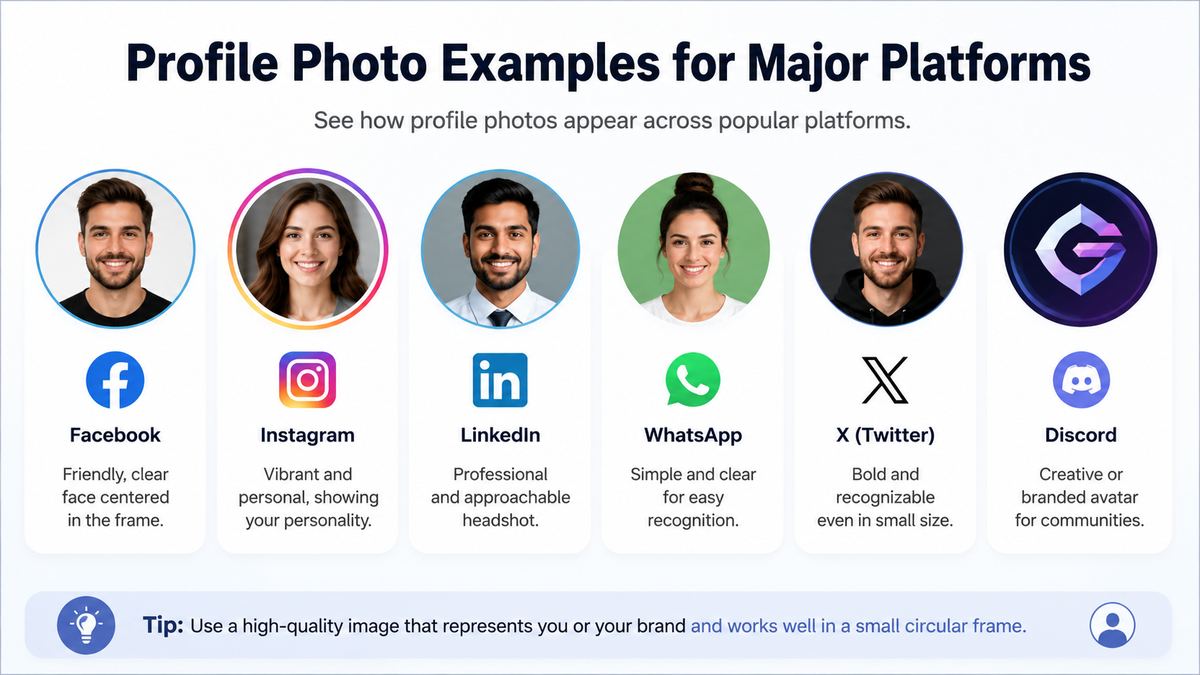
Every platform has different expectations. Matching those expectations helps you appear natural and trustworthy within that space.
LinkedIn: Polished and Approachable
Your LinkedIn profile photo should clearly show your face and look current. Aim for a friendly, confident expression and professional clothing that suits your field.
Best practices include:
- Use a head-and-shoulders crop.
- Face the camera or turn slightly toward it.
- Choose a simple background.
- Use even, flattering lighting.
- Keep filters and heavy editing to a minimum.
A software engineer might use a smart-casual headshot in a neutral setting. A financial advisor may choose more formal attire. Both should look approachable rather than overly stiff.
Instagram: Personal, Creative, and Recognizable
Instagram profile photos are displayed very small, especially in comments and Stories. Use a close-up image with strong contrast so followers can recognize you immediately.
Creators often choose a bright portrait, a recognizable outfit, or a color palette that aligns with their content. A food creator, for example, may use a cheerful close-up rather than a distant photo of a meal.
For business accounts, a simplified logo is usually more effective than a full product photograph.
Facebook: Familiar and Authentic
Facebook is often a blend of personal, community, and professional connections. A clear, friendly photo is usually the safest choice.
Avoid using a group picture unless the account represents a group. If people have to guess which person is you, the image is not doing its job.
X, Threads, and Other Public Conversation Platforms
On public discussion platforms, your profile photo appears beside every post and reply. A distinctive image can make your contributions easier to recognize over time.
Professionals and thought leaders often use the same headshot they use on LinkedIn. Creators may use a more expressive portrait or illustrated identity. Brands should keep their logo visible and consistent.
Messaging and Collaboration Apps: Clear and Current
On Slack, Microsoft Teams, Zoom, Google Meet, and similar tools, a profile photo reduces confusion in conversations and meetings.
Use a current, clear image that colleagues can recognize. In a remote or hybrid workplace, this small detail makes communication more personal and helps new team members learn names and faces faster.
How to Choose the Right Profile Photo
Choosing a profile photo becomes easier when you start with the platform’s purpose and your audience’s expectations.
Start With Your Goal
Ask yourself what you want the account to accomplish.
Are you trying to:
- Find a job?
- Build a professional network?
- Attract customers?
- Share creative work?
- Stay connected with friends?
- Participate anonymously in a community?
A job seeker should prioritize professionalism and clarity. A lifestyle creator may prioritize personality and visual style. A business should prioritize brand recognition.
Focus on Clarity Over Complexity
Your profile photo is usually viewed as a tiny circle or square. Complex details disappear quickly.
Choose an image with:
- Your face taking up a meaningful portion of the frame
- Sharp focus
- Good lighting
- Limited background distractions
- Clear contrast between you and the background
Avoid dark, grainy, heavily filtered, or distant images. If the photo does not look good at thumbnail size, it is unlikely to work well as a profile photo.
Match the Image to the Audience
Consider who will see the image and what they expect.
A recruiter may expect a polished LinkedIn headshot. A customer might expect to see a company logo. A gaming community may value a creative avatar. Context matters more than trying to follow one universal rule.
Common Profile Photo Mistakes to Avoid
Even a high-quality photo can be ineffective if it creates confusion or clashes with the platform.
Using an Unclear or Outdated Image
An old photo may cause awkward moments when people meet you in person or join a video call. Use an image that reasonably reflects your current appearance.
Updating every few years is generally sensible, especially after a major change in hairstyle, glasses, professional role, or brand identity.
Choosing a Group Photo
Group photos force people to identify you, which defeats the purpose of a profile photo. Crop the image carefully or choose a solo portrait instead.
Overediting or Using Distracting Filters
Heavy filters, artificial face editing, and excessive retouching can make a photo look less authentic. Small adjustments to brightness, cropping, and color are usually enough.
Ignoring Brand Consistency
If you manage a business or personal brand, inconsistent profile photos can make your online presence feel fragmented. Use the same logo, headshot, or visual style across your most important public channels.
How to Take a Better Profile Photo With a Phone
You do not need expensive equipment to create a strong profile photo. Most modern smartphones can produce excellent results with a little preparation.
Set Up the Shot
Stand near a window during daylight, with the light facing you rather than coming from behind. Choose a clean wall, uncluttered office, or softly blurred outdoor setting as the background.
Ask another person to take the photo if possible. Selfies can work, but they often create less flattering angles or uneven framing.
Frame and Edit Thoughtfully
Keep the camera at eye level and leave enough space around your head for each platform’s crop. Take several options with slight changes in expression and pose.
Before uploading, check that the image:
- Looks sharp when viewed small
- Centers your face properly
- Does not crop off important features
- Reflects the tone of the platform
- Uses a file format and size accepted by the platform
Preview the final image in a circular crop, since many platforms display profile photos that way.
Frequently Asked Questions
What is the difference between a profile photo and a profile picture?
There is no meaningful difference. “Profile photo” and “profile picture” both refer to the main identifying image attached to an online account. “Profile photo” may sound more formal, while “profile picture” is common in everyday conversation.
Should my profile photo be the same on every platform?
Not necessarily, but consistency is helpful across professional and public-facing accounts. Using the same or a similar photo on LinkedIn, your website, email profile, and professional social accounts makes you easier to recognize. Personal or anonymous accounts can use a different image when appropriate.
Is it okay to use a selfie as a professional profile photo?
Yes, if it looks polished. Use good lighting, a clean background, eye-level framing, and minimal distortion. Avoid visible arm angles, bathroom mirrors, harsh filters, or casual surroundings that distract from your professional presence.
Should a business use a logo or a founder’s face as its profile photo?
Most businesses should use a logo, especially if the account represents the company rather than one individual. A founder’s face can be effective for a personal-brand business, such as a coach, consultant, author, or creator-led company.
How often should I update my profile photo?
Update it whenever it no longer accurately represents you or your brand. For professional accounts, reviewing it every two to three years is a practical guideline. Update sooner after a significant visual, career, or branding change.
Conclusion
A profile photo is more than a small account image—it is a fast, powerful way to establish recognition, trust, and context online. The right choice depends on where you are showing up and who you want to reach.
Use a clear, current image that fits the platform, reflects your goals, and remains recognizable at a small size. Whether that means a polished professional headshot, a warm personal portrait, a distinctive avatar, or a clean business logo, your profile photo should make it easy for people to know—and remember—who is behind the account.
Review your most important profiles today and replace any image that no longer represents the person or brand you want others to see.