August 3, 2026 · Updated August 24, 2026 · 2 min read
LinkedIn vs Instagram vs WhatsApp: The Right Profile Photo Size and Style for Each
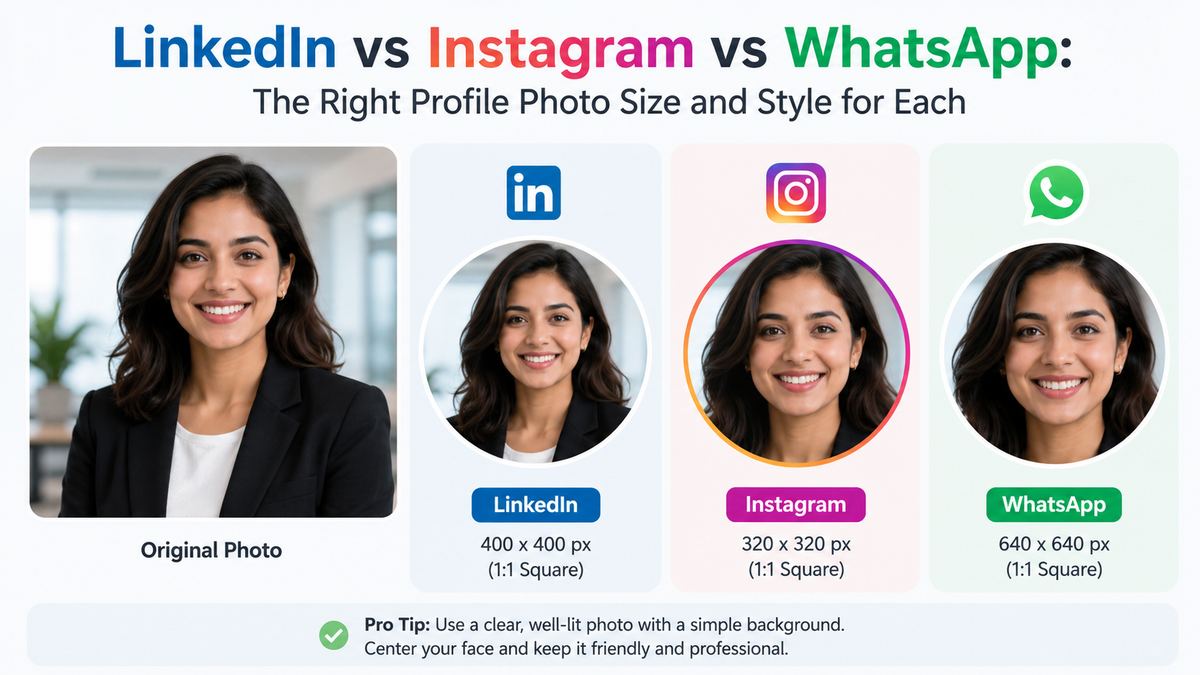
It's tempting to take one profile photo and reuse it everywhere. That mostly works — but each platform crops, displays, and contextualizes your photo a little differently, and knowing the differences helps you pick (or crop) a photo that actually looks right on each one.
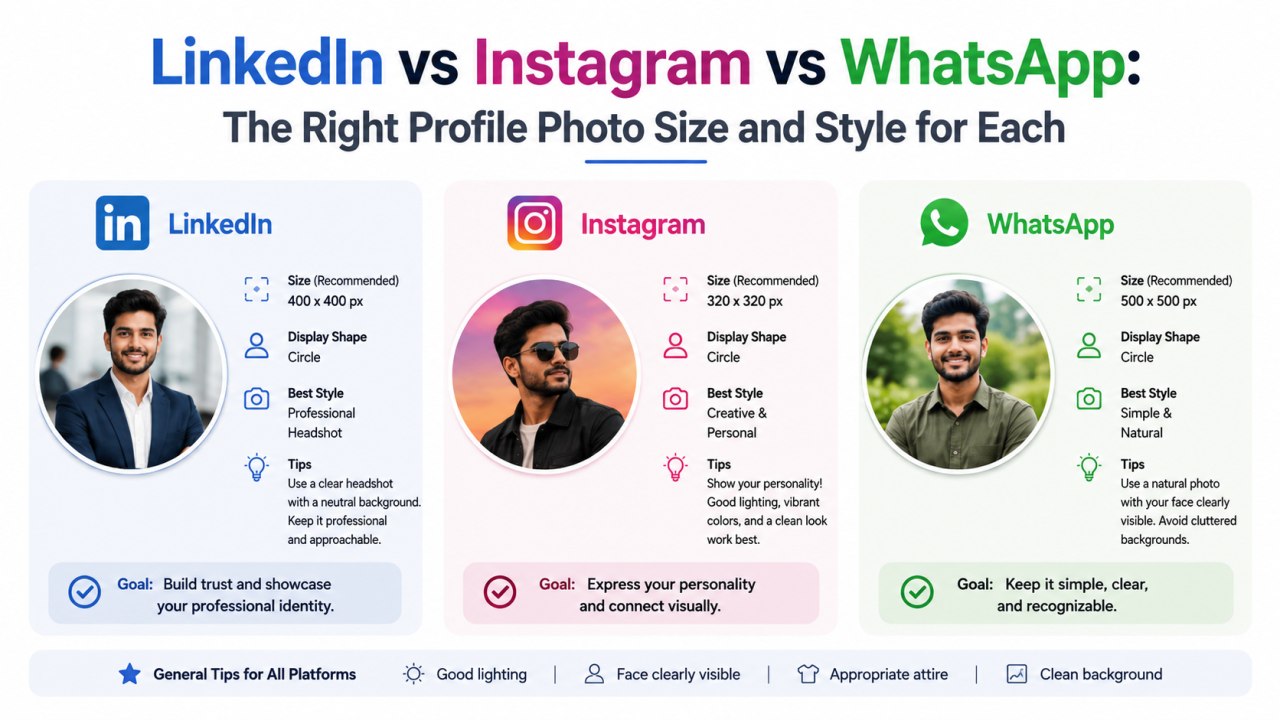
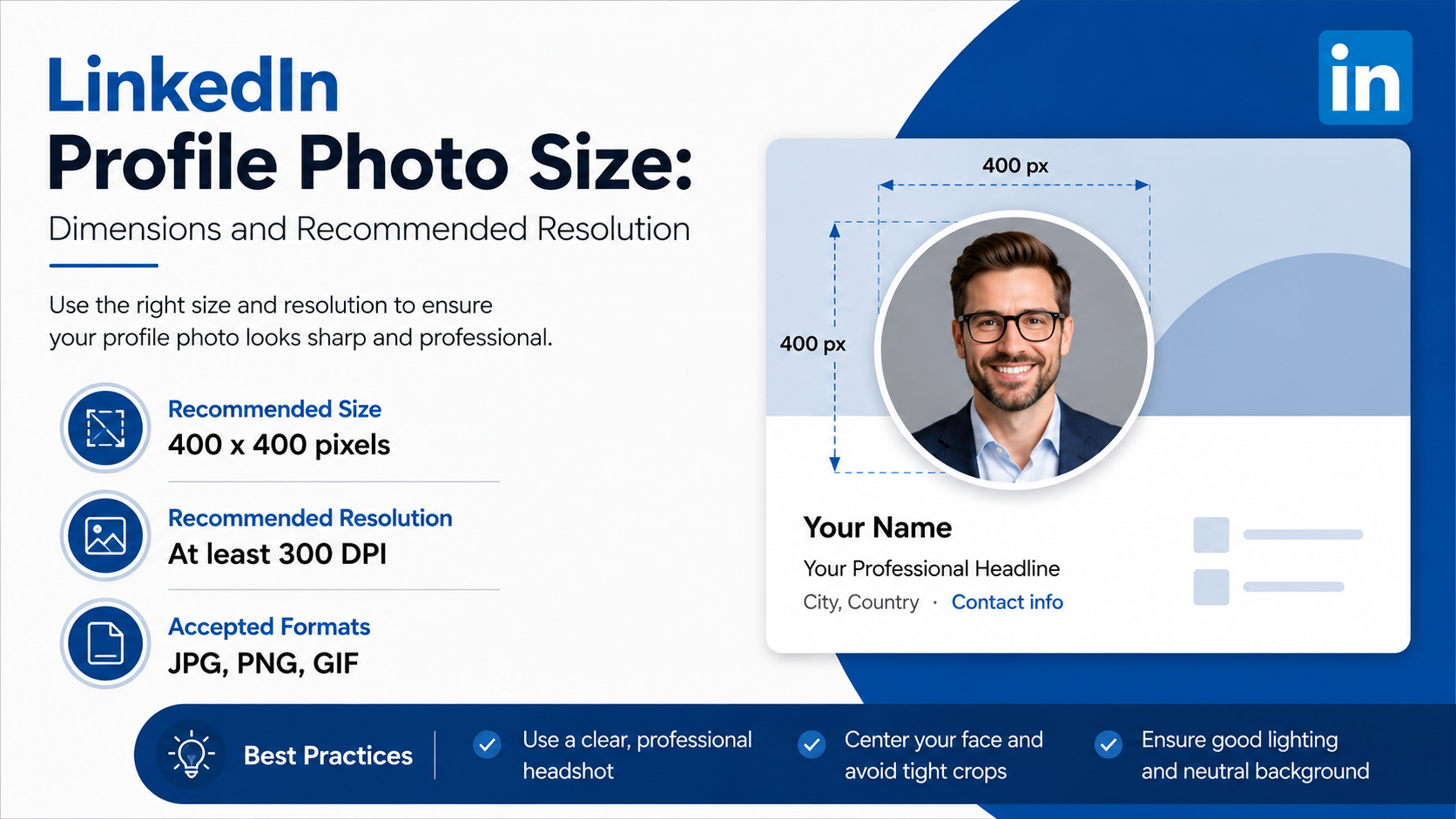
LinkedIn displays a fairly large circular photo at the top of your profile, and a smaller circle next to every comment and message. Because it's a professional context, a simple, neutral or softly-coloured background reads better than a busy real-world scene. LinkedIn recommends a square image around 400×400px minimum, which it then crops to a circle — so keep your face centered with a bit of headroom on all sides.
Instagram's profile photo is small and always circular, sitting above a grid of square posts. Since it's shown next to Stories rings and small comment avatars constantly, high contrast between your face and the background helps it stay legible at a glance. A tighter crop — face filling most of the frame — tends to work better here than a full head-and-shoulders shot.
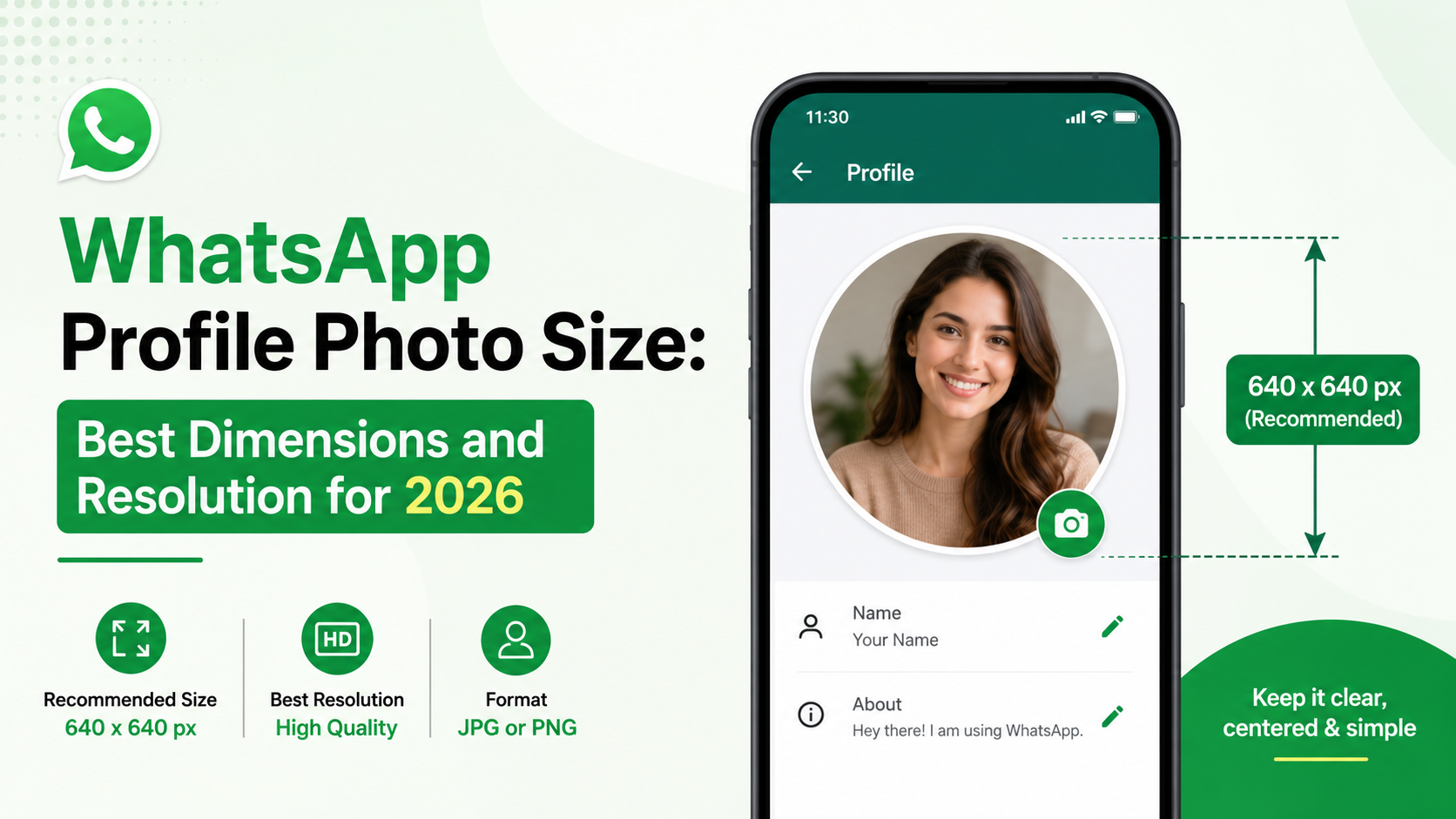
WhatsApp shows your photo as a circle in chats and a larger circle in your profile view. Because it's a personal, conversational app, a more natural, less "corporate" photo usually fits the context better than a polished studio-style headshot — though a clean background still helps it read clearly in a small chat bubble.
GitHub / Slack / Discord
These are typically shown as small squares or rounded squares, often right next to a username in a busy list of messages or commits. Simplicity matters even more here — a plain or lightly coloured background with strong contrast against your face makes you instantly recognizable in a crowded channel.

One photo, several crops
Rather than taking a separate photo for every platform, it's usually easier to take one good photo with your face and shoulders clearly visible, then adjust the framing, shape, and background per platform. Our Profile Photo Maker lets you zoom, reposition, and switch between circle, rounded-square, and square crops — plus swap backgrounds — from the same source photo, so you can export a version tuned for each platform in a minute or two.