August 19, 2026 · 11 min read
What Does Profile Photo Mean? Simple Definition With Real Examples
On this page
- What Does Profile Photo Mean?
- How a Profile Photo Works Online
- Why Profile Photos Matter
- Real Examples of Profile Photos on Different Platforms
- How to Choose a Good Profile Photo
- Profile Photo Privacy and Safety Considerations
- Common Profile Photo Mistakes to Avoid
- Frequently Asked Questions
- Conclusion
What Does Profile Photo Mean? Simple Definition With Real Examples
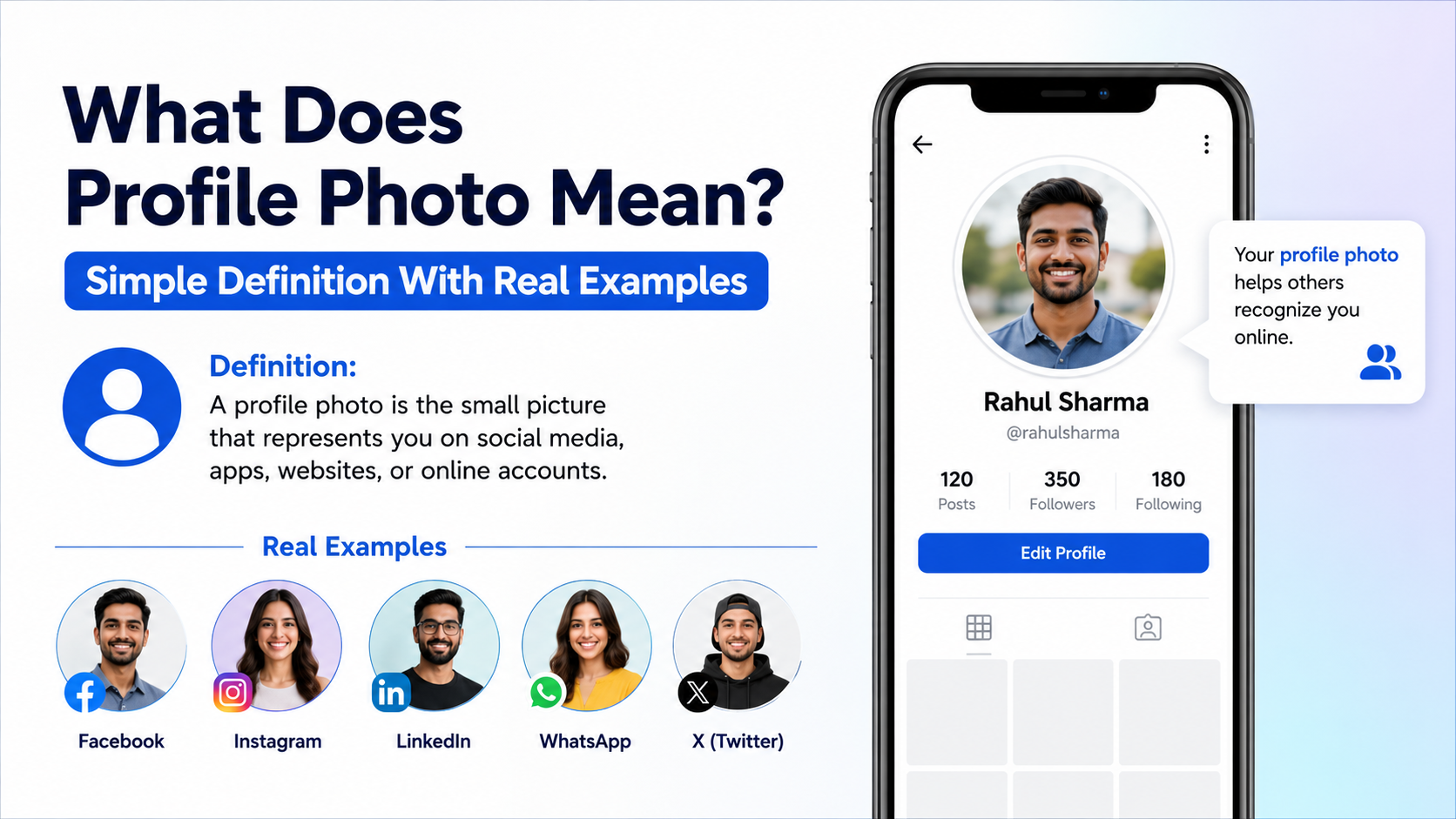
A profile photo is often the first thing people notice when they find you online. Whether it appears beside a work email, social-media comment, messaging account, or business profile, this small image helps others recognize who they are interacting with.
So, what does profile photo mean in simple terms? It is the image linked to your personal or business account that represents you across a website, app, or online platform. It can be a headshot, a logo, an illustration, or another image chosen to identify the account owner.
Key Takeaways
- A profile photo is the image attached to an online account to identify a person, brand, or organization.
- Personal accounts usually use a clear photo of the account holder, while business accounts often use a logo.
- The right image can make an account feel more trustworthy, recognizable, and professional.
- Different platforms call it a profile picture, avatar, display picture, or account photo—but the purpose is similar.
- Choose an image that fits the platform, audience, and level of privacy you want.
What Does Profile Photo Mean?
A profile photo is a visual identifier connected to your online profile. It usually appears next to your name, username, posts, messages, reviews, and comments.
For example, when you receive a message in Slack or Microsoft Teams, the small image beside the sender’s name is their profile photo. On LinkedIn, it is the image at the top of a member’s professional profile. On Instagram, it is the circular image displayed beside a username.
The simple definition
In the simplest sense, a profile photo means:
A picture used to represent a person, business, or account online.
It does not always have to be a literal photograph. Depending on the platform and purpose, a profile photo may be:
- A professional headshot
- A casual selfie
- A company logo
- A cartoon avatar
- An illustration
- A product image
- An icon or branded graphic
Profile photo vs. profile picture
“Profile photo” and “profile picture” are generally interchangeable. Many platforms use one term or the other, but both refer to the main image connected to an account.
You may also see related terms, including:
- Avatar: A graphic, icon, or image representing a user
- Display picture: Commonly used in messaging apps and some regions
- Account photo: An image associated with a user account
- Headshot: A close-up photo, usually used for professional purposes
How a Profile Photo Works Online
A profile photo is stored within your account settings and displayed automatically in specific places across a platform. Once you upload it, the website or app may show a cropped, resized version depending on where it appears.
For instance, a photo may look large on your LinkedIn profile but appear as a tiny circle beside a comment. That is why simple, high-contrast images usually work best.
Where profile photos appear
Your profile photo can show up in many online interactions, such as:
- Search results within an app
- Comment sections
- Direct messages
- Email platforms
- Video meeting participant lists
- Employee directories
- Social-media feeds
- Review sites and marketplaces
Why image cropping matters
Most platforms display profile photos as circles or squares. If your image is too wide, too dark, or crowded with details, important parts may be cut off.
A good profile photo should keep the main subject centered. For a personal photo, your face should remain visible even when the image is reduced to a small size.
Real-world example: A full-body vacation photo may look fine in a photo album, but it is difficult to recognize when reduced to a 40-pixel circle on a messaging app. A closer photo with your face clearly visible works better.
Why Profile Photos Matter
A profile photo may seem like a minor detail, but it plays a meaningful role in online communication. People process visual information quickly, and a recognizable image can make an account feel more human and credible.
Recognition and trust
When people see the same profile photo repeatedly, they begin to associate it with your name. This is especially useful for professionals, creators, business owners, and remote teams.
A consistent image can help people recognize you when they see your:
- LinkedIn posts
- Emails
- Webinar comments
- Social-media messages
- Online reviews
- Community forum contributions
Example: If a freelance designer uses the same clear headshot on LinkedIn, their portfolio, and their business email, potential clients can more easily connect each account to the same person.
Professional first impressions
On professional platforms, your profile photo can influence how approachable and credible your profile feels. It does not need to be overly formal, but it should match the context.
For example:
- A lawyer may use a polished headshot with a neutral background.
- A creative director may choose a more expressive but still clear portrait.
- A company may use its official logo.
- A job seeker may use a recent, well-lit photo that looks like them.
A missing photo is not always a problem, but it can make an account appear incomplete or harder to verify—particularly on business-focused platforms.
Real Examples of Profile Photos on Different Platforms
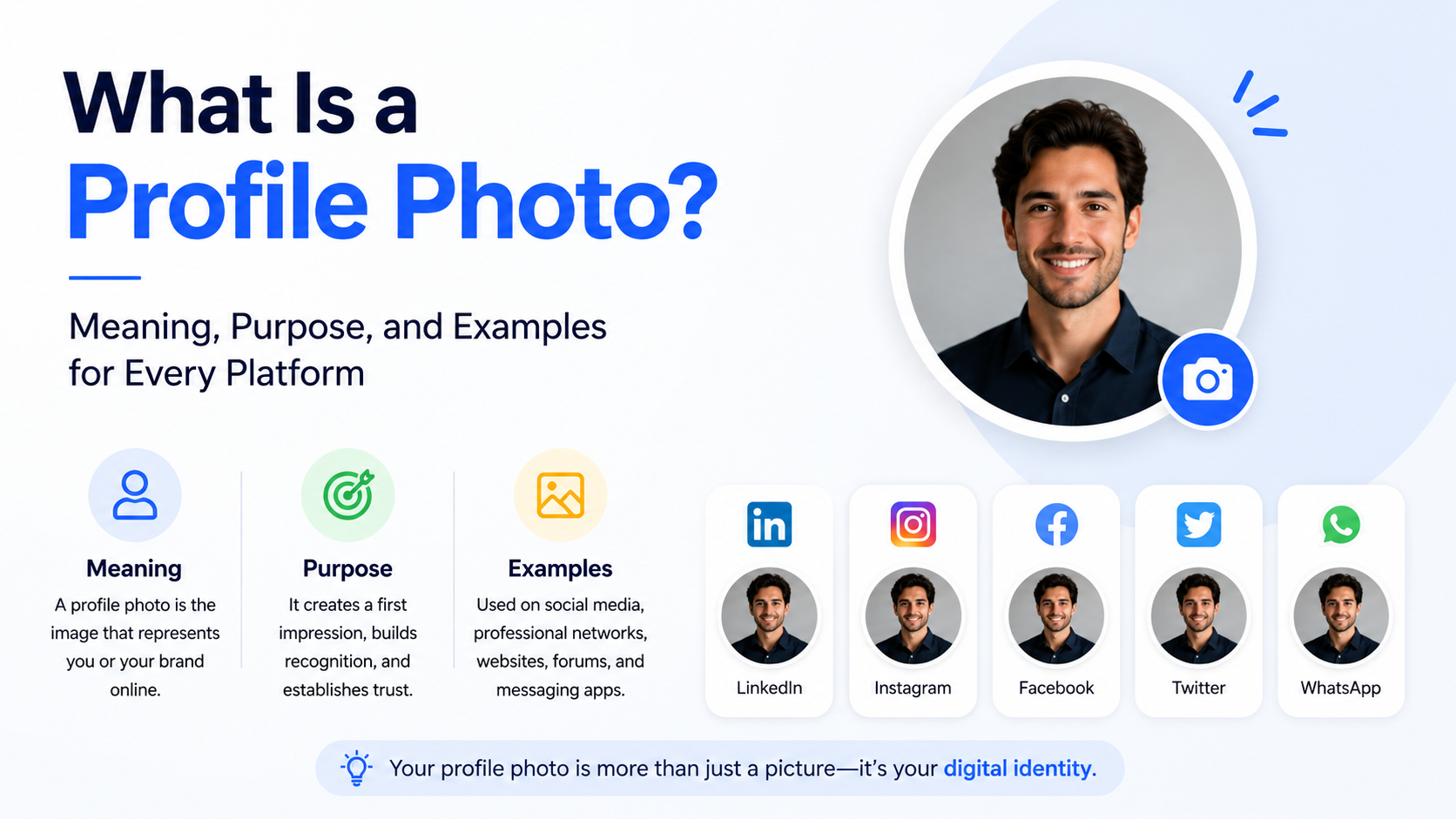
The best profile photo depends on where you are using it and who is likely to see it. A photo that works well for a private messaging app may not be ideal for a professional networking site.
Social media profiles
On platforms such as Instagram, Facebook, TikTok, and X, profile photos are often used for quick recognition.
Common choices include:
- A friendly head-and-shoulders photo
- A recognizable creator image
- A personal brand logo
- A themed illustration
- A pet or hobby image for a private account
Example: A food blogger may use a bright, clear portrait in their profile photo while featuring food images elsewhere on the account. This helps followers remember the person behind the content.
Professional networks and work tools
LinkedIn, company directories, Slack, Microsoft Teams, and Zoom usually call for a more professional approach.
A strong professional profile photo typically includes:
- Your face clearly visible
- Good lighting
- A simple background
- Clothing appropriate to your industry
- A natural expression
Example: An accountant working with corporate clients may use a well-lit headshot in business-casual clothing. A small logo or a distant event photo would be less effective because clients may struggle to recognize them.
Business and organization accounts
Businesses often use a logo rather than a founder’s photo. This keeps the account consistent and reinforces brand recognition.
However, personal brands may benefit from using the owner’s face, especially when trust and individual expertise are central to the business.
Example: A local bakery’s Facebook page may use its logo as the profile photo, while the bakery owner’s personal chef account may use a professional portrait.
How to Choose a Good Profile Photo
Choosing a profile photo is not about looking perfect. It is about being easy to identify and presenting yourself or your brand appropriately.
Use a clear, recent image
For personal or professional accounts, use a photo that accurately reflects your current appearance. An outdated image can create confusion when meeting people in person or on video calls.
Choose an image with:
- Sharp focus
- Adequate lighting
- A visible face
- Minimal background distractions
- Natural colors
Avoid using heavily filtered images for professional settings. Filters can make a photo less accurate and may appear distracting.
Match the platform’s purpose
Consider the audience before uploading a photo.
| Platform Type | Recommended Profile Photo | |---|---| | LinkedIn | Professional headshot | | Workplace chat | Clear, friendly photo of yourself | | Personal social media | Casual photo, avatar, or personal image | | Business account | Company logo or recognizable brand mark | | Gaming community | Avatar, character, or personal image based on preference |
Keep it recognizable at small sizes
Most people will see your profile photo as a thumbnail. Before using an image, zoom out or reduce its size to see whether it still works.
Ask yourself:
- Can someone quickly tell what the image shows?
- Is my face or logo easy to see?
- Does the image look clear in a circular crop?
- Does it represent the tone I want to communicate?
Profile Photo Privacy and Safety Considerations
You are not required to use a personal photo everywhere online. Privacy, safety, and comfort should guide your decision.
Some people use avatars, illustrations, initials, or non-identifying images to limit how much personal information they share publicly.
When to avoid using a personal photo
You may prefer not to use your face as a profile photo when:
- You want to keep a personal account private
- You are participating in a sensitive online community
- You are creating an account for a child
- You are concerned about unwanted contact or impersonation
- The account is for a project, hobby, or anonymous identity
Review visibility settings
Before uploading a profile photo, check whether the platform allows anyone to see it or only approved contacts. Some services make profile images publicly visible by default.
Also consider whether the image reveals personal details in the background, such as:
- Your home address
- License plates
- School names
- Workplace information
- Children’s faces
- Travel locations in real time
A simple background helps both your privacy and the visual quality of the photo.
Common Profile Photo Mistakes to Avoid
A profile photo does not need to be professionally photographed, but a few common mistakes can reduce its effectiveness.
Using a photo that is too busy
Group photos, landscapes, and distant shots can be difficult to understand at a small size. If people have to guess which person you are, the image is not doing its job.
Instead, choose a photo where you are the clear focal point.
Using inconsistent images everywhere
Using a different photo on every account can make it harder for colleagues, clients, or followers to recognize you. Consistency is especially valuable for job seekers and professionals building a reputation online.
You do not need to use the exact same image forever. Updating it occasionally is fine—just try to keep a recognizable visual identity across important platforms.
Ignoring branding for business accounts
For a business profile, using a blurry logo, mismatched colors, or an unofficial graphic can weaken trust. Use a high-resolution version of the official logo and make sure it is readable in a small circle or square.
Frequently Asked Questions
Is a profile photo the same as a selfie?
Not necessarily. A selfie can be used as a profile photo, but a profile photo is any image selected to represent an account. It could be a headshot, logo, illustration, avatar, or other identifying image.
Do I need a profile photo for LinkedIn?
LinkedIn does not always require one, but adding a clear professional photo is generally helpful. It makes your profile easier to recognize and can make it feel more complete to recruiters, clients, and colleagues.
Can a business use a logo as its profile photo?
Yes. A logo is usually the best choice for an official company account because it supports brand recognition. A personal brand or consultant may choose a face instead if the business is closely tied to one individual.
What makes a profile photo look professional?
A professional profile photo is clear, recent, well-lit, and appropriate for the intended audience. Your face should be visible, the background should not distract, and the image should match your industry and platform.
Is it safe to use my real photo online?
It can be safe, but it depends on the platform and your privacy preferences. Review the account’s visibility settings, avoid revealing sensitive information in the background, and consider using an avatar or non-identifying image for public or anonymous accounts.
Conclusion
Understanding what does profile photo mean is simple: it is the image that represents you, your business, or your identity online. Yet its impact can be significant. A clear, appropriate profile photo helps people recognize you, builds trust, and supports a stronger first impression.
Choose an image that fits your audience, keeps your identity or brand easy to recognize, and respects your privacy needs. Take a few minutes to review your most important accounts today and update any profile photo that no longer reflects how you want to be seen online.
Advertisement