August 19, 2026 · 10 min read
Is Your Profile Photo Visible If Blocked on WhatsApp?
On this page
- What Happens to Your Profile Photo When Someone Blocks You?
- Can You See the Blocker’s Profile Photo?
- How WhatsApp Profile Photo Privacy Settings Affect Visibility
- Other Signs That May Suggest You Were Blocked
- What Shared WhatsApp Groups Change
- Why WhatsApp Does Not Confirm Blocks Directly
- How to Protect Your Own WhatsApp Profile Photo
- Frequently Asked Questions
- Conclusion
Is Your Profile Photo Visible If Blocked on WhatsApp?
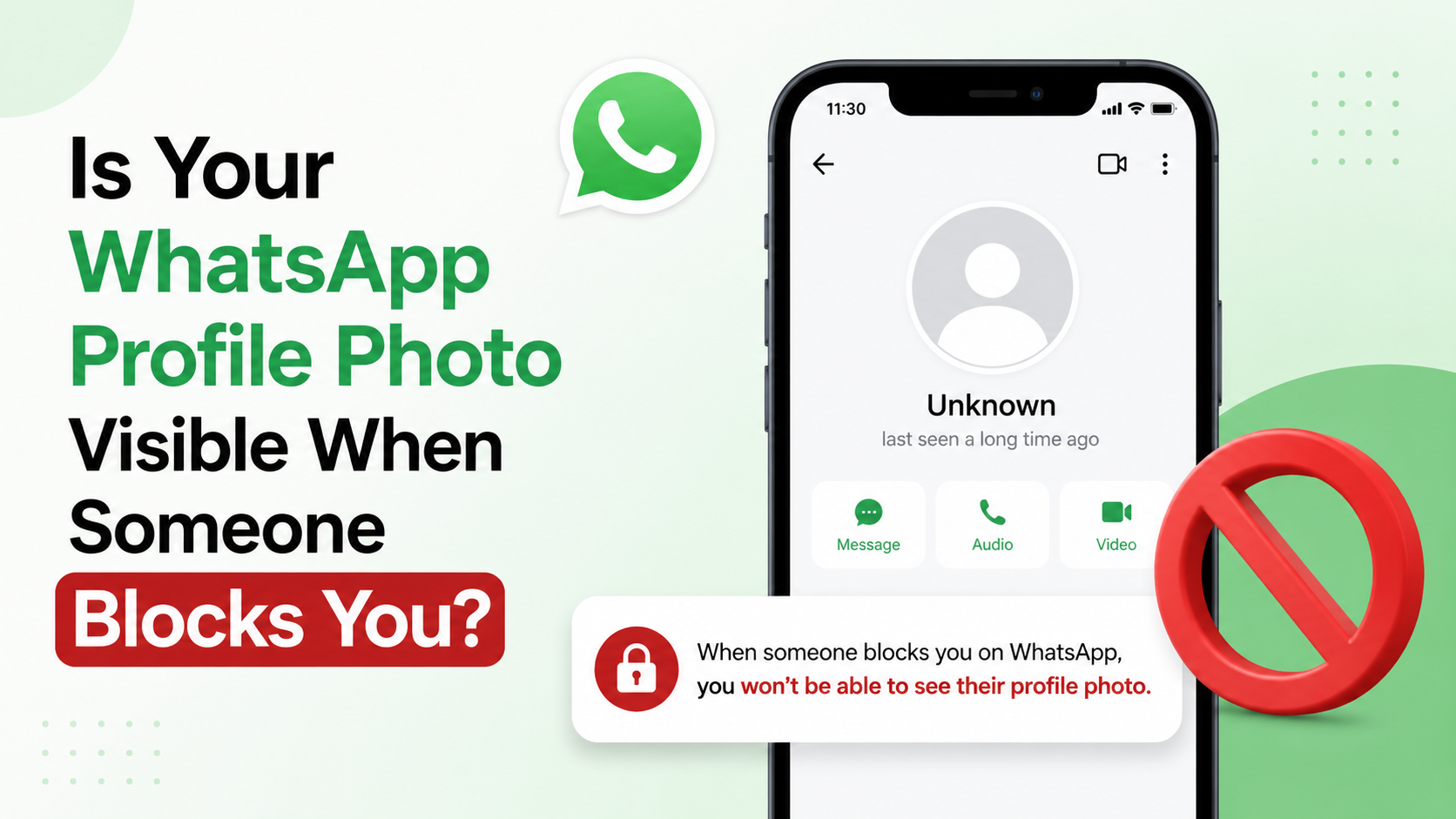
Being blocked on WhatsApp can be confusing because the app deliberately avoids sending a direct notification. You may notice a missing profile picture, one check mark beside messages, or an absent “last seen” status—but none of those signs proves the situation by itself.
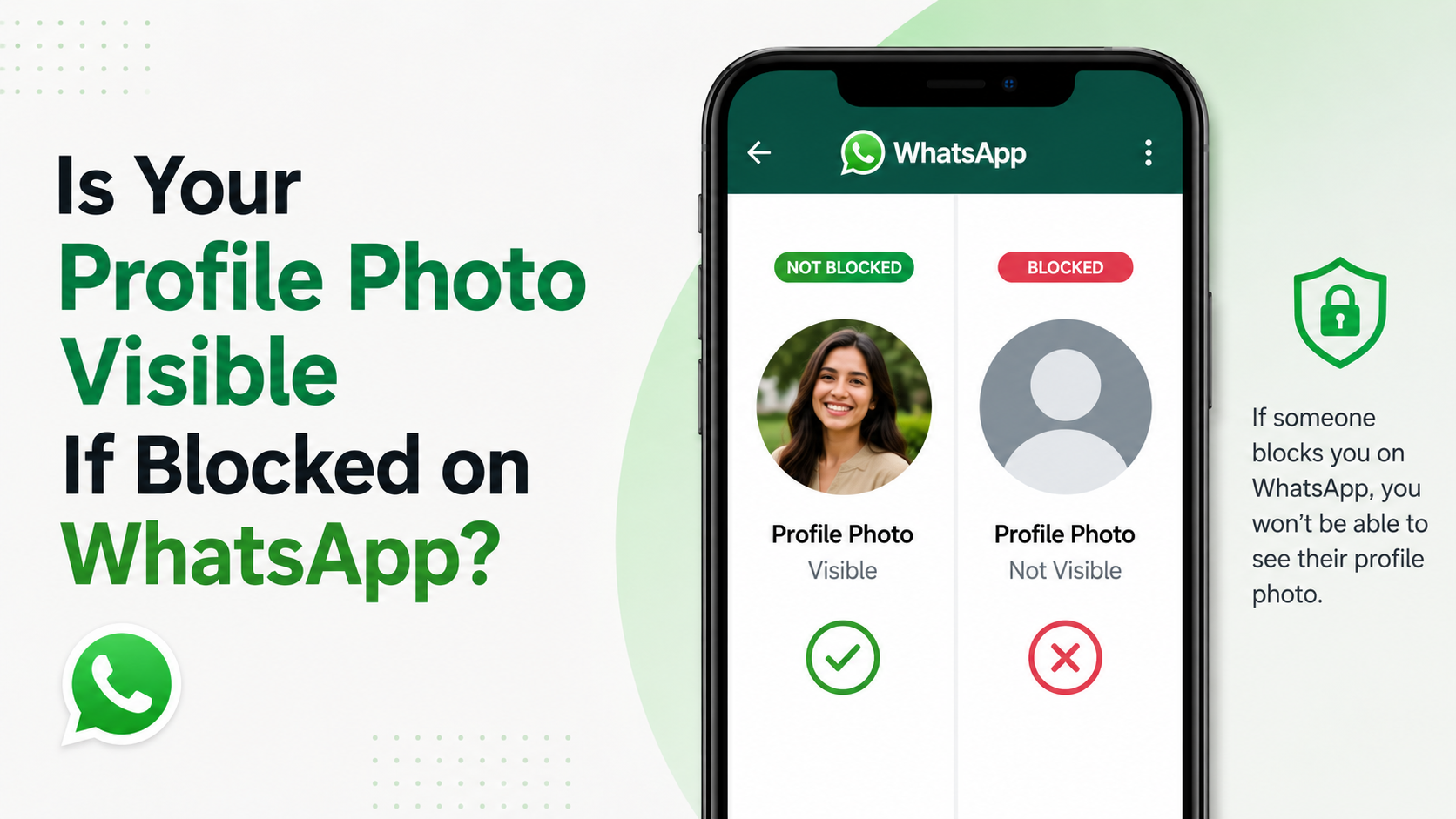
So, is your profile photo visible if blocked on WhatsApp? Usually, the person who blocked you will not see future updates to your profile photo. However, an older photo may sometimes remain visible temporarily due to cached data, existing chats, groups, or privacy settings. Likewise, if you are trying to see their profile picture after being blocked, it may disappear—but that also is not conclusive proof.
Understanding the difference between WhatsApp’s block feature, profile-photo privacy controls, and technical delays helps you interpret what you see without jumping to conclusions.
Key Takeaways
- Blocking typically prevents the blocked person from seeing future profile-photo updates.
- A profile picture disappearing is only one possible sign of a block, not definitive evidence.
- Old profile photos may remain visible briefly because WhatsApp or the device has stored a cached version.
- Profile-photo privacy settings can hide a photo without anyone being blocked.
- Shared WhatsApp groups may still display limited profile information in some contexts.
- Respecting privacy is more useful than trying to confirm a block through repeated tests.
What Happens to Your Profile Photo When Someone Blocks You?
When someone blocks you on WhatsApp, they restrict your ability to contact them and limit what account information you can view. The same principle generally works in the other direction: the person who blocked you should no longer receive updates to your profile photo and other personal account details.
Future Profile Photo Updates Are Usually Hidden
If a contact blocks you and you later replace your profile picture, that updated image should not become available to them through your one-to-one WhatsApp chat.
For example, imagine a former client blocks a number after a project ends. If the number’s owner later changes their photo from a logo to a professional headshot, the client who blocked them should not receive that new profile-photo update.
This is important: WhatsApp blocking is designed to reduce ongoing interaction. It does not necessarily erase all traces of information that were already visible before the block occurred.
An Earlier Photo May Still Appear Temporarily
A person may occasionally continue to see an older version of your profile photo after blocking you. That can happen because:
- Their phone has cached the image.
- The chat screen has not refreshed yet.
- Their device is temporarily offline.
- WhatsApp has not synchronized the privacy or profile update across every view.
An old image remaining visible does not mean the block failed. It generally means the device still has previously downloaded information stored locally.
Can You See the Blocker’s Profile Photo?
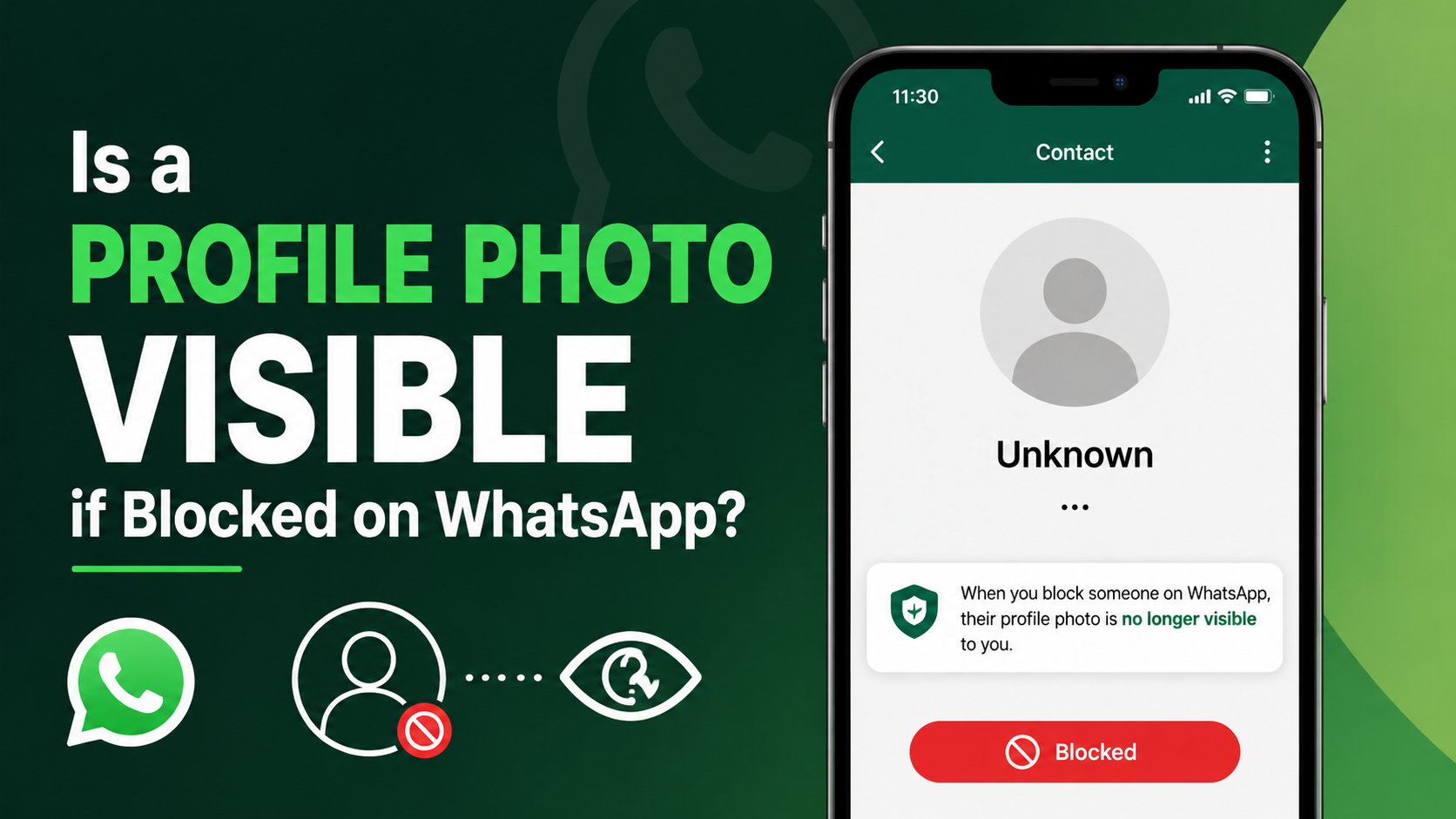
If someone blocks you, you may no longer be able to see changes to their profile picture. In many cases, their image appears blank, is replaced by WhatsApp’s default silhouette, or remains frozen on an older photo.
A Missing Photo Is Not Proof of a Block
WhatsApp intentionally makes blocking difficult to verify with certainty. A missing profile image could mean that the person:
- Blocked you.
- Removed their profile photo.
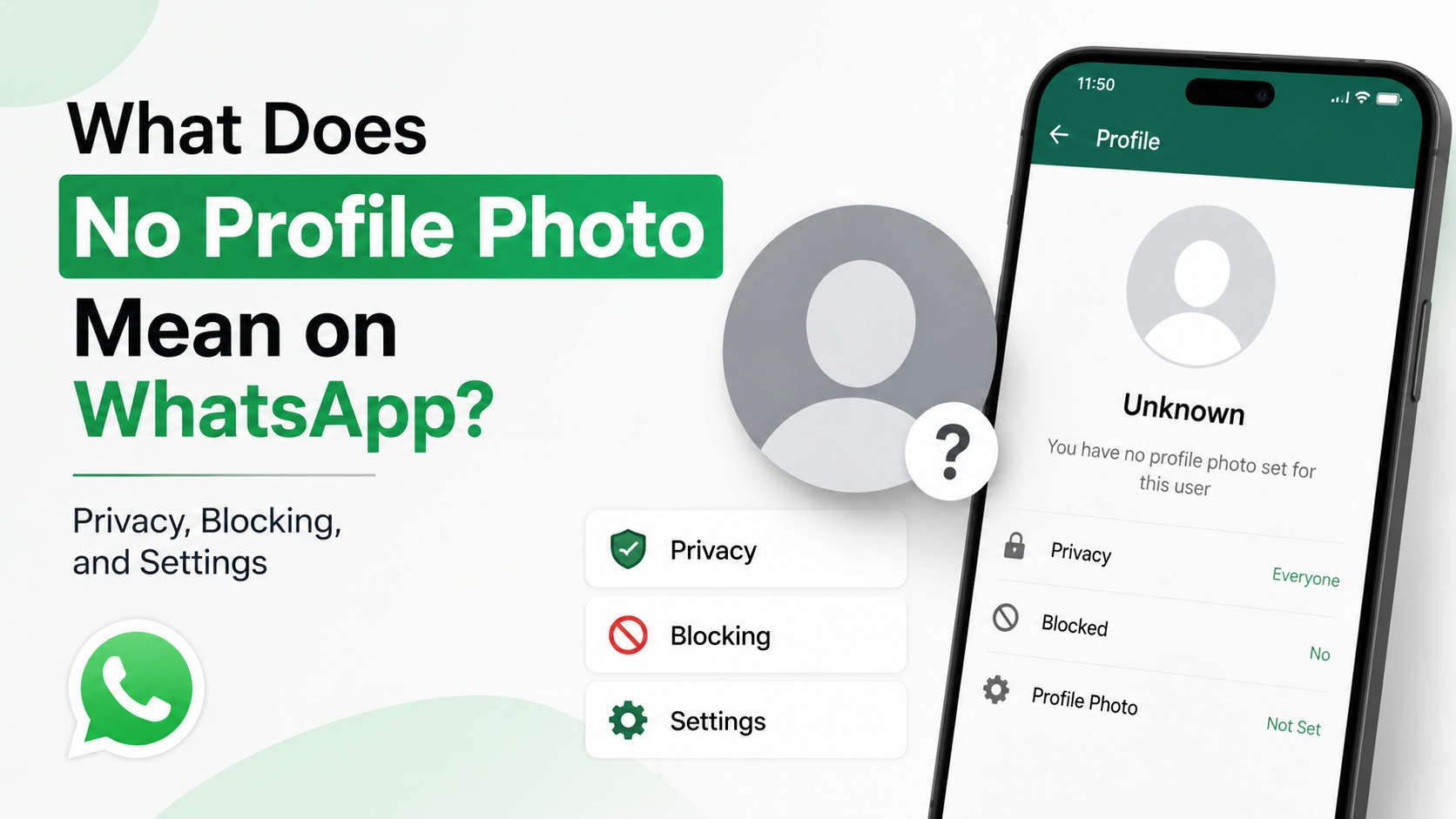
- Changed their profile-photo privacy setting.
- Excluded you from their allowed contacts.
- Deleted your number from their contacts.
- Has a connectivity or synchronization issue.
For instance, a colleague may change their profile-photo privacy setting to “My Contacts” after removing your number. Their photo could disappear from your view even though they have not formally blocked you.
Profile Updates May Stop Before the Existing Image Disappears
Sometimes you can still see the person’s previous profile picture, but you never see later changes. This can happen after a block because WhatsApp may stop delivering new profile information while the older image remains cached.
That is why visual changes should be treated as clues, not confirmation.
How WhatsApp Profile Photo Privacy Settings Affect Visibility
WhatsApp gives users control over who can see their profile picture. These privacy controls can create the same appearance as a block, especially when a photo suddenly disappears.
Common Profile Photo Privacy Options
Depending on the app version and settings available, users can typically limit visibility using options such as:
- Everyone: Anyone with the number may be able to see the photo.
- My Contacts: Only people saved in the user’s contacts can see it.
- My Contacts Except: The photo is visible to contacts except selected people.
- Nobody: The profile photo is hidden from everyone.
If you are excluded through a privacy setting, WhatsApp may show behavior that feels similar to being blocked: no visible profile photo and no access to certain account updates.
Why “My Contacts” Can Be Misleading
Suppose a vendor once had your phone number saved and you could see their profile image. Later, they remove your number and set profile-photo visibility to “My Contacts.” Their photo may disappear from your WhatsApp view.
From your perspective, it can look exactly like a block. In reality, it may simply be a privacy-setting change combined with a contact-list update.
Other Signs That May Suggest You Were Blocked
No single indicator can reliably prove that someone blocked you. Still, several signals appearing together may suggest it.
Messaging and Calling Signals
You may notice the following:
- Your messages consistently show only one gray check mark.
- WhatsApp calls do not connect.
- You cannot see changes to the person’s profile photo.
- Their “last seen” or online status is unavailable.
- You cannot add the person to a new group.
Each sign has alternative explanations. One check mark may simply mean the recipient’s phone is off or disconnected. A hidden last-seen status may be a privacy preference. But when multiple signs continue over time, blocking becomes more likely.
Use Context, Not a Single Test
Consider the broader situation. If a contact suddenly becomes unreachable after a disagreement, messages stay on one check mark for days, calls do not connect, and their profile information no longer updates, the pattern may indicate a block.
By contrast, if a coworker’s profile photo vanishes but messages continue to show two check marks and calls work normally, a privacy setting is the more likely explanation.
What Shared WhatsApp Groups Change
Shared groups can make the situation less straightforward. Blocking prevents direct interaction, but it does not automatically remove either person from groups they already share.
You May Still See Them in Group Conversations
If you and the person share a group, you may still see their name, messages, and some account details within that group. They may also see your group messages.
However, group visibility does not mean direct messaging has been restored. Messages sent privately to someone who has blocked you will still not be delivered.
Group Details May Not Match Private Chat Details
A profile image or display name may appear differently in a group than in a private chat. WhatsApp can show previously stored information, names saved in your phone, or partial details associated with the group.
For example, you may see a contact’s older profile image in a shared team group while their private chat shows no image. That does not establish whether you have been blocked; it may reflect cached group data or privacy rules.
Why WhatsApp Does Not Confirm Blocks Directly
WhatsApp’s approach is intentional. A direct “You have been blocked” message could create conflict, pressure, or unwanted attempts to contact the other person through different channels.
Privacy Is the Main Reason
By keeping its signals ambiguous, WhatsApp gives users more control over personal boundaries. The app avoids providing a definitive diagnostic tool that could be used to monitor or challenge another person’s choices.
This design benefits both everyday users and professionals. In a workplace setting, a former contractor may choose to limit contact without being forced into an explanation through the platform.
Avoid Third-Party “Block Checker” Apps
Apps and websites that claim they can identify who blocked you are unreliable and may create privacy or security risks. They may ask for your WhatsApp number, access to contacts, login details, or permission to install questionable software.
Do not share verification codes, passwords, or account credentials with third-party services. WhatsApp does not provide a legitimate external tool that can conclusively reveal who blocked you.
How to Protect Your Own WhatsApp Profile Photo
Whether or not blocking is involved, review your profile-photo privacy settings periodically. This is especially valuable if you use WhatsApp for business, client communication, or public-facing work.
Adjust Your Privacy Settings
To manage profile-photo visibility in WhatsApp:
- Open WhatsApp.
- Go to Settings.
- Select Privacy.
- Tap Profile Photo.
- Choose the audience that fits your needs.
For many people, My Contacts offers a sensible balance between accessibility and privacy. Professionals who use one number for both clients and personal contacts may prefer My Contacts Except to limit visibility selectively.
Choose a Photo That Fits Your Purpose
Your profile image can reveal more than you intend. Consider whether it shows:
- Your location or home environment.
- Family members or children.
- Company branding or confidential workplace information.
- Travel plans or real-time activities.
- A personal image that may not fit your professional audience.
A clear headshot, neutral image, or business logo can be a practical choice for work-related WhatsApp accounts.
Frequently Asked Questions
Does my profile photo disappear when I block someone on WhatsApp?
The blocked person should generally stop receiving future updates to your profile photo. However, they may still see an older image temporarily if it was already cached on their phone or displayed in a shared group.
If someone’s WhatsApp profile picture disappears, have they blocked me?
Not necessarily. They may have changed their privacy settings, deleted your number, removed their photo, or temporarily experienced an app synchronization issue. Look at the full pattern rather than relying on the photo alone.
Can a blocked person see my profile photo in a shared WhatsApp group?
They may still see some existing profile information or an older cached image in a shared group. Group visibility does not override the block for private chats or future profile updates.
Can I still see an old profile photo after someone blocks me?
Yes. An old photo can remain visible for a while because your phone may have saved it locally. The lack of future updates is often more meaningful than whether an old image remains on screen.
Can I message someone who blocked me on WhatsApp?
You can type and send a message, but it generally will not be delivered to the person who blocked you. It may remain marked with one gray check rather than progressing to delivery.
Conclusion
Whether a profile photo is visible if blocked on WhatsApp depends on timing, cached data, privacy settings, and whether you share a group with the other person. In most cases, a blocker will not see future changes to your profile photo, and you may stop seeing updates to theirs. Still, a missing—or lingering—profile picture is not conclusive evidence of a block.
The best approach is to treat WhatsApp’s privacy signals with care, avoid third-party “block checker” tools, and review your own profile-photo settings. Take a moment to adjust your visibility controls so your WhatsApp profile reflects the level of privacy and professionalism you want.
Advertisement