August 19, 2026 · 11 min read
Does WhatsApp Notify Someone When You View Their Profile Photo?
On this page
- The Direct Answer: WhatsApp Does Not Notify Profile Photo Views
- Why People Think WhatsApp Tracks Profile Photo Views
- What WhatsApp Does Let You Control
- Profile Photos, Status Updates, and Last Seen: Know the Difference
- Can Someone Tell You Viewed Their WhatsApp Profile?
- Beware of “Who Viewed My Profile” Apps
- Why You May Not Be Able to See Someone’s Profile Photo
- Practical Privacy Tips for WhatsApp Users
- Frequently Asked Questions
- Conclusion
Does WhatsApp Notify Someone When You View Their Profile Photo?
Have you ever opened someone’s WhatsApp profile photo and immediately wondered whether they were notified? It is an understandable concern—especially when you are checking a colleague’s contact details, reconnecting with someone, or simply curious about a new profile image.
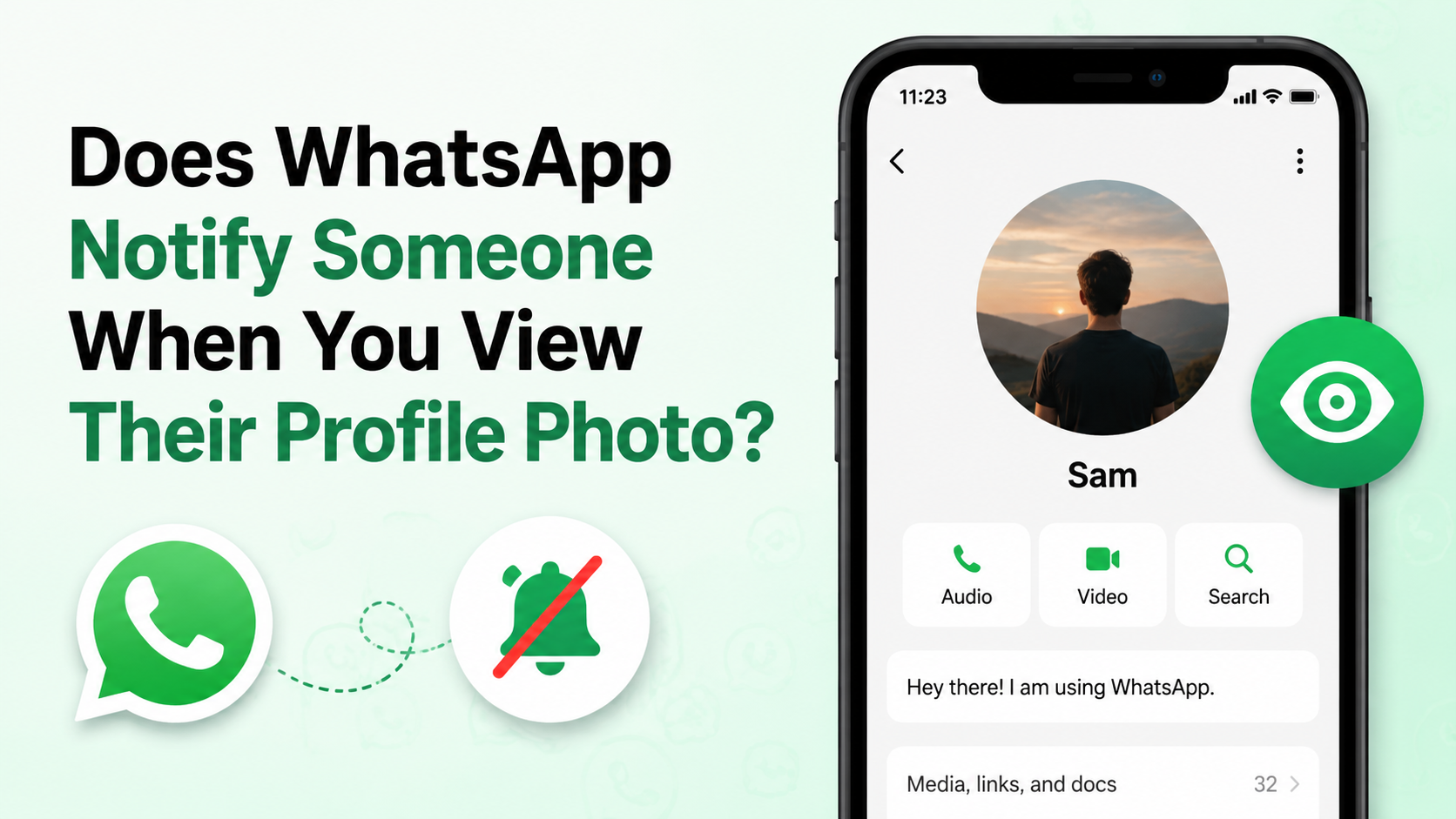
The straightforward answer is no: WhatsApp does not notify people when you view, open, or enlarge their profile photo. It also does not provide a profile-photo viewer list, view count, or “seen by” feature for profile pictures.
That said, WhatsApp profile photo views are often confused with other privacy features, including Status view receipts, read receipts, Last Seen, and profile-photo visibility controls. Understanding the distinction helps you use the app confidently and protect your own information.
Key Takeaways
- Viewing or enlarging a WhatsApp profile photo does not alert its owner.
- WhatsApp does not show a list or count of people who viewed a profile photo.
- Status updates are different: their views may be visible when read receipts are enabled.
- You can control who sees your photo through WhatsApp’s Profile Photo privacy settings.
- Avoid third-party apps that claim to reveal profile-photo viewers; they cannot reliably access this information.
- A missing profile photo does not automatically mean you have been blocked.
The Direct Answer: WhatsApp Does Not Notify Profile Photo Views
WhatsApp does not send a notification when someone views your profile picture. This applies whether the person:
- Sees the small photo thumbnail in a chat
- Opens your contact information
- Taps your profile photo to enlarge it
- Views your photo from a group participant list
- Looks at your profile more than once
There is no alert such as “John viewed your profile picture,” no activity log, and no visible analytics panel for personal WhatsApp accounts.
This is a key difference between WhatsApp and platforms designed around public profiles or content discovery. WhatsApp is primarily a messaging service, so its privacy controls focus on deciding who may access profile information, rather than reporting every person who accesses it.
For example, if a recruiter opens a candidate’s WhatsApp contact card to confirm identity, the candidate will not receive a notification. Likewise, if a friend enlarges a new profile image, the account owner will not know through WhatsApp.
Why People Think WhatsApp Tracks Profile Photo Views
The confusion around WhatsApp profile photo views usually comes from features that do track interaction in other contexts.
WhatsApp Status Has a Viewer List
WhatsApp Status works more like an ephemeral social-media story. When read receipts are enabled, the person who posted a Status can generally see which contacts viewed it.
That feature can make users assume the same rule applies to profile photos. It does not.
A Status is temporary content posted for viewing, while a profile photo is a persistent account identifier. Viewing one does not create the same type of visible activity as viewing the other.
Read Receipts Do Not Apply to Profile Photos
The familiar blue check marks in WhatsApp chats are read receipts. They indicate that a message has been read in applicable conversations; they do not apply to profile pictures.
Turning read receipts on or off will not change whether somebody can see that you opened their photo. WhatsApp does not offer read receipts for profile-photo views in the first place.
A Profile Photo Change Is Not a View Alert
You may notice that a contact’s picture changes in your chat list or contact details. This does not mean they can see who noticed the change.
Similarly, updating your own photo may prompt questions from contacts, but it does not give you a report showing who opened or viewed it.
What WhatsApp Does Let You Control
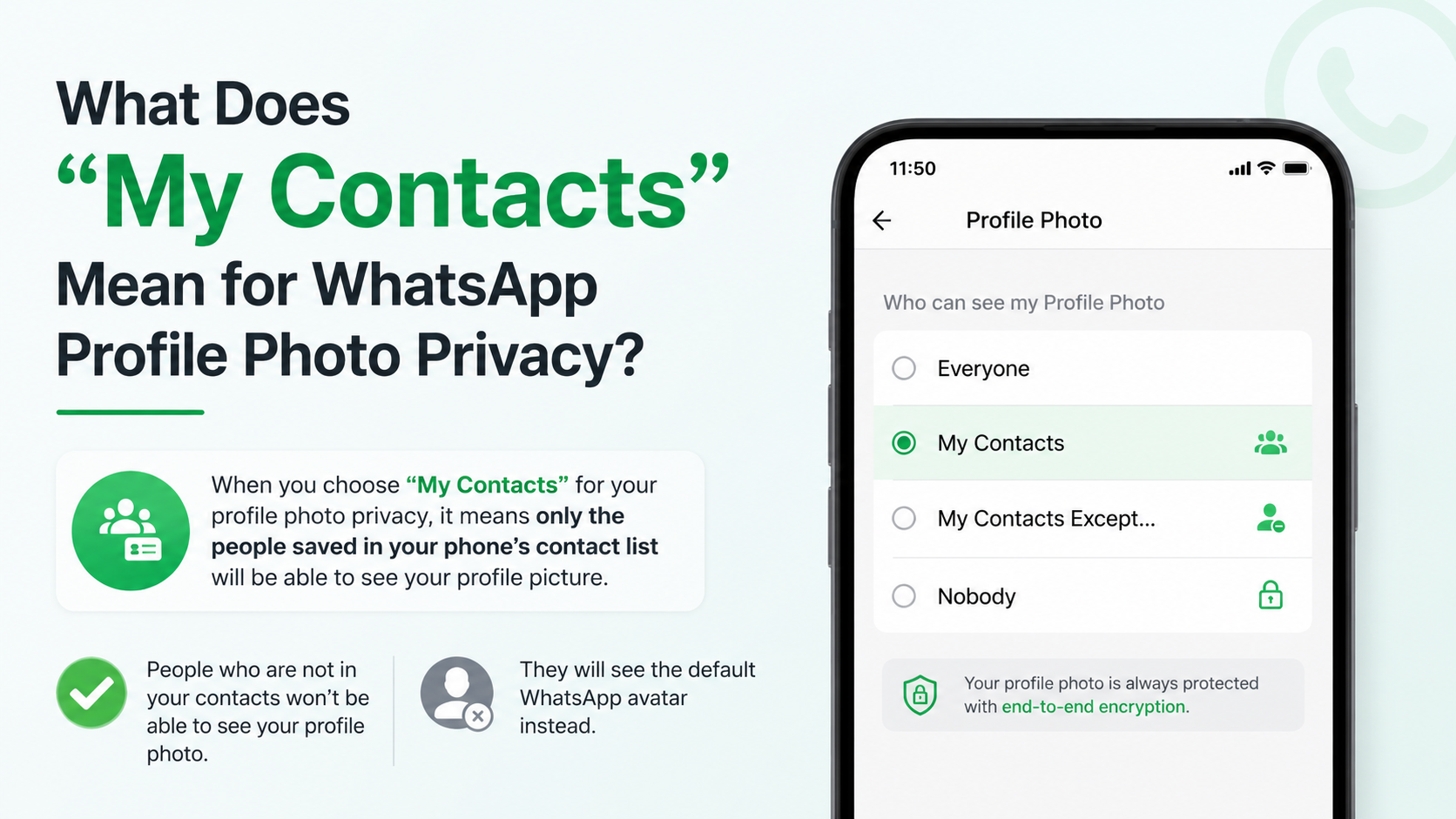
Although WhatsApp does not reveal profile-photo viewers, it gives users meaningful control over who can see their photo. The available options generally include:
- Everyone: Any WhatsApp user who can access your profile may see the photo.
- My Contacts: Only people saved in your phone’s contacts can see it.
- My Contacts Except…: Your saved contacts can see it, excluding people you choose.
- Nobody: No one can view your profile photo.
These settings let you manage visibility without needing to track individual views. Current guides to WhatsApp’s privacy controls describe these profile-photo visibility options and their purpose. Android Central’s WhatsApp privacy guide
How to Change Your Profile Photo Privacy Settings
The exact wording can vary slightly by device and app version, but the usual path is:
- Open WhatsApp.
- Go to Settings.
- Select Privacy.
- Tap Profile Photo.
- Choose the audience you want.
For many people, My Contacts offers a sensible balance between convenience and privacy. It lets friends, family, and established colleagues recognize you while reducing visibility to unknown numbers.
Choosing the Right Option for Your Situation
Your ideal setting depends on how you use WhatsApp.
| Situation | Suggested setting | Why | |---|---|---| | Personal account with trusted contacts | My Contacts | Limits exposure to people you know | | Professional networking or client communication | My Contacts Except… | Lets you keep a professional image visible while excluding select contacts | | Public-facing business number | Everyone | Makes the account easier for customers to identify | | Sensitive personal circumstances | Nobody | Removes profile-photo visibility entirely |
A consultant, for instance, may keep a clear professional headshot visible to clients but exclude personal contacts or former clients. A user receiving repeated spam messages may choose Nobody temporarily while reviewing their privacy settings.
Profile Photos, Status Updates, and Last Seen: Know the Difference
WhatsApp’s privacy settings can feel similar because they appear together in the app, but they govern different information.
Profile Photo Visibility
This controls who can see your account image. It does not disclose who has viewed the image.
Status Visibility and View Receipts
Status updates have their own audience settings. Depending on your read-receipt settings, you may be able to see who viewed your Status, and others may be able to see when you viewed theirs.
If you want more privacy while viewing Status updates, review your Read Receipts setting. Keep in mind that disabling it can prevent you from seeing viewers of your own Status as well.
Last Seen and Online Status
Last Seen indicates when you were last active, while Online can indicate current app activity. Neither feature tells someone that you viewed their profile photo.
A person can see your profile picture, send you a message, and notice your online status only if your privacy choices permit each of those items. These are separate controls, so it is worth reviewing them together rather than assuming one setting covers everything.
Can Someone Tell You Viewed Their WhatsApp Profile?
No. WhatsApp does not provide a feature that tells users who visited their profile or viewed their profile photo.
This includes several common situations:
- You open a contact’s profile to check their number.
- You tap their profile photo from a chat.
- You view the photo in a group’s member list.
- You revisit the image after they change it.
- You save or delete their contact from your phone.
These actions do not generate a profile-view notification.
What They Might Notice Instead
While your photo view remains private, the other person could notice separate activity if you interact with them in another way. For example:
- You send them a message.
- You view their WhatsApp Status with read receipts enabled.
- You react or reply to a Status.
- You join a shared group.
- You change your own photo, name, or About information.
The important distinction is that these are communication or account events—not evidence that you looked at a profile photo.
Beware of “Who Viewed My Profile” Apps
Apps, websites, and browser extensions that claim to reveal WhatsApp profile photo views should be treated with caution.
WhatsApp does not offer a public viewer list for profile photos. As a result, third-party tools cannot legitimately retrieve a reliable list of people who opened your image.
Common Risks of Third-Party Viewer Tools
Many of these services rely on misleading claims or ask for information they should not need, such as:
- Your phone number
- A verification code
- Your WhatsApp Web QR code
- Login credentials
- Contact permissions
- Payment details for “premium” results
Giving away a WhatsApp verification code or scanning an unfamiliar QR code can put your account at risk. A legitimate service does not need access to your WhatsApp account to tell you something WhatsApp itself does not track.
A Safer Rule to Follow
If a tool promises to show WhatsApp profile photo views, assume the claim is unreliable. Do not share account codes, connect WhatsApp Web, install unknown software, or pay for access to alleged viewer data.
Instead, use WhatsApp’s built-in privacy controls. They are the practical way to manage photo visibility.
Why You May Not Be Able to See Someone’s Profile Photo
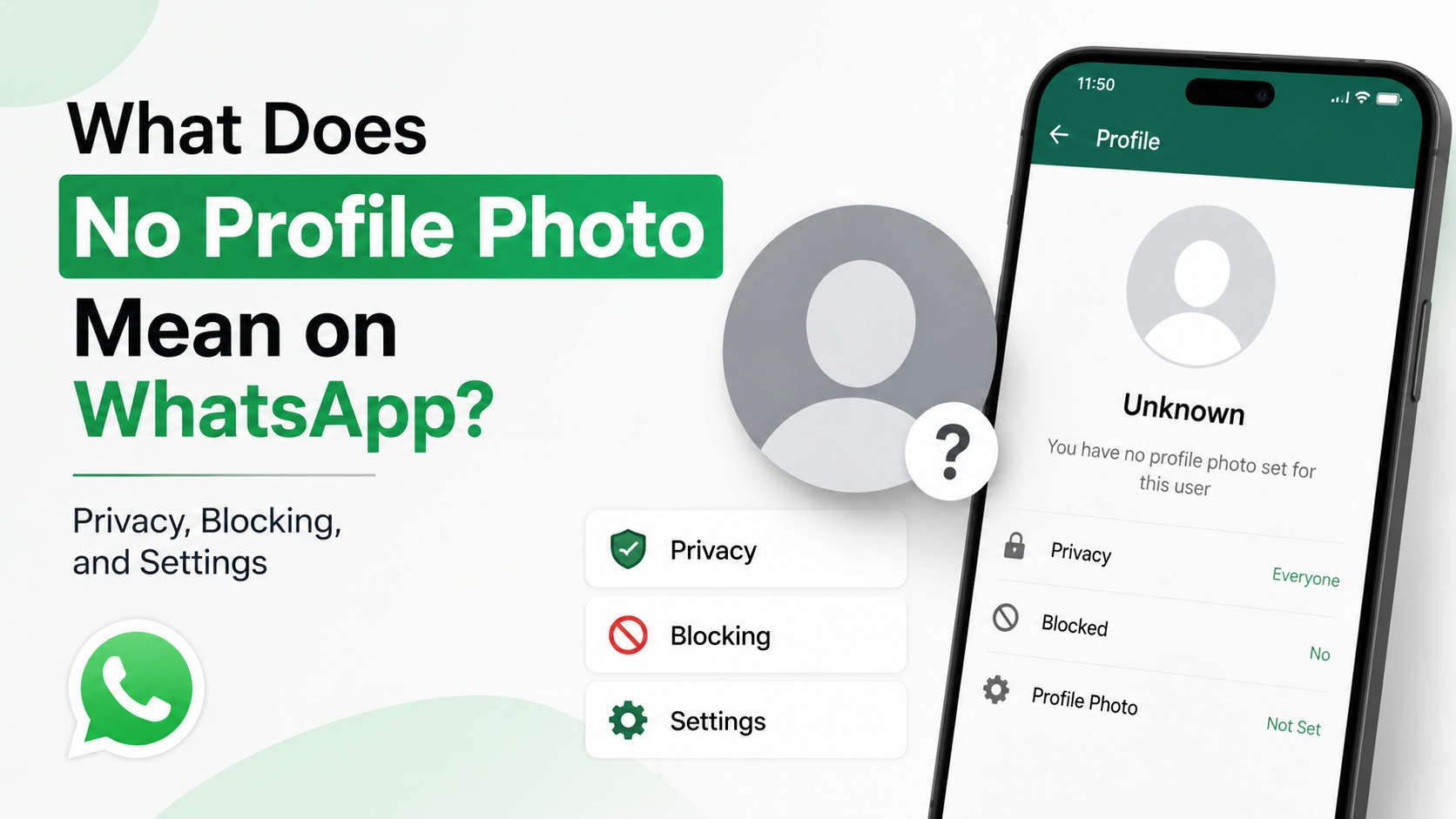
Not seeing a person’s profile photo does not mean that they know you looked for it—or that they necessarily blocked you.
Several explanations are possible.
Their Privacy Setting Excludes You
They may have set their photo to:
- My Contacts, while you are not saved in their contacts
- My Contacts Except…, with you excluded
- Nobody
In these cases, WhatsApp may show a default avatar or no custom image.
They Removed or Changed Their Photo
People frequently remove their photos, use an avatar, or change images. A blank image can simply reflect a personal preference.
You May Have Been Blocked—But Do Not Assume It
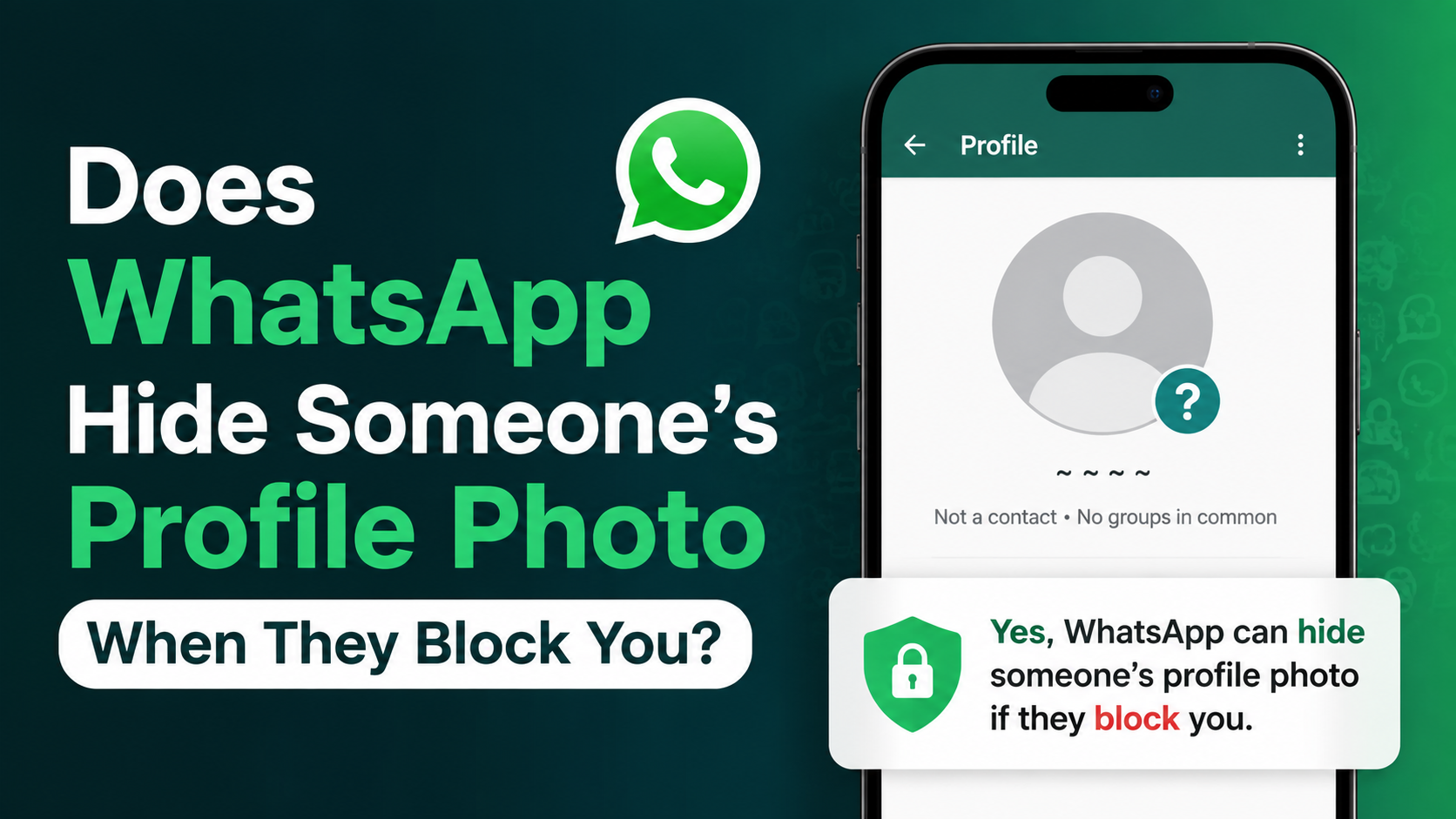
A missing profile photo can be one possible sign associated with blocking, but it is not conclusive by itself. Privacy settings, contact changes, connectivity issues, and deleted photos can look similar.
Avoid drawing conclusions from one signal alone. If communication matters, use a respectful, direct channel when appropriate rather than trying to interpret account details.
Practical Privacy Tips for WhatsApp Users
A profile photo can reveal more than you intend. It may show your workplace, home, family members, travel habits, or other personal details. A few simple choices can reduce unwanted exposure.
Use a Purpose-Appropriate Image
For personal WhatsApp use, consider a photo that does not reveal sensitive background information. For professional use, select a clean, current image that supports recognition without oversharing.
For example, a business consultant might use a polished headshot with a plain background rather than a photo that displays a client site, badge, or personal residence.
Review Your Privacy Settings Regularly
Check these settings periodically:
- Profile Photo
- About
- Status
- Last Seen and Online
- Groups
- Read Receipts
- Blocked Contacts
Privacy choices can change as your work, relationships, or exposure to unknown messages changes.
Block and Report Suspicious Accounts
If an unknown person repeatedly contacts you, pressures you for personal information, or impersonates someone else, use WhatsApp’s built-in block and report features. Limiting photo visibility is useful, but it should be part of a wider account-safety routine.
Frequently Asked Questions
Does WhatsApp notify someone when I screenshot their profile picture?
No. WhatsApp does not send a notification to the account owner when you view or screenshot their profile photo. However, app behavior and device protections can change over time, so respect others’ privacy and avoid sharing personal images without permission.
Can I see who viewed my WhatsApp profile photo?
No. WhatsApp does not provide a list, count, or notification history for profile-photo viewers. Any third-party app claiming to reveal this information should be considered unreliable and potentially unsafe.
Can someone see if I viewed their WhatsApp Status?
Possibly. Status updates are different from profile photos. If read receipts are enabled, the Status owner can generally see that you viewed their update. If you disable read receipts, you may also lose access to viewer information for your own Status posts.
Does changing my WhatsApp profile photo notify my contacts?
WhatsApp does not normally send a direct “profile photo changed” notification to all your contacts. People may notice the update in their chats, contact list, or group information, but they will not receive a viewer report showing who examined the new image.
If I cannot see someone’s WhatsApp photo, did they block me?
Not necessarily. They may have removed the image, adjusted their privacy settings, excluded you from their audience, or not saved your number. Blocking is only one possible explanation and cannot be confirmed from a missing photo alone.
Conclusion
WhatsApp profile photo views are private: opening, enlarging, or revisiting someone’s photo does not notify them, and WhatsApp does not offer profile-photo view tracking. Do not confuse this with WhatsApp Status, where viewer visibility can apply when read receipts are enabled.
The most effective way to stay in control is to review your Profile Photo privacy setting and choose an audience that matches your personal or professional needs. Take a moment today to check your WhatsApp privacy settings—and avoid any third-party service claiming it can reveal who viewed your profile photo.
Advertisement