July 27, 2026 · 2 min read
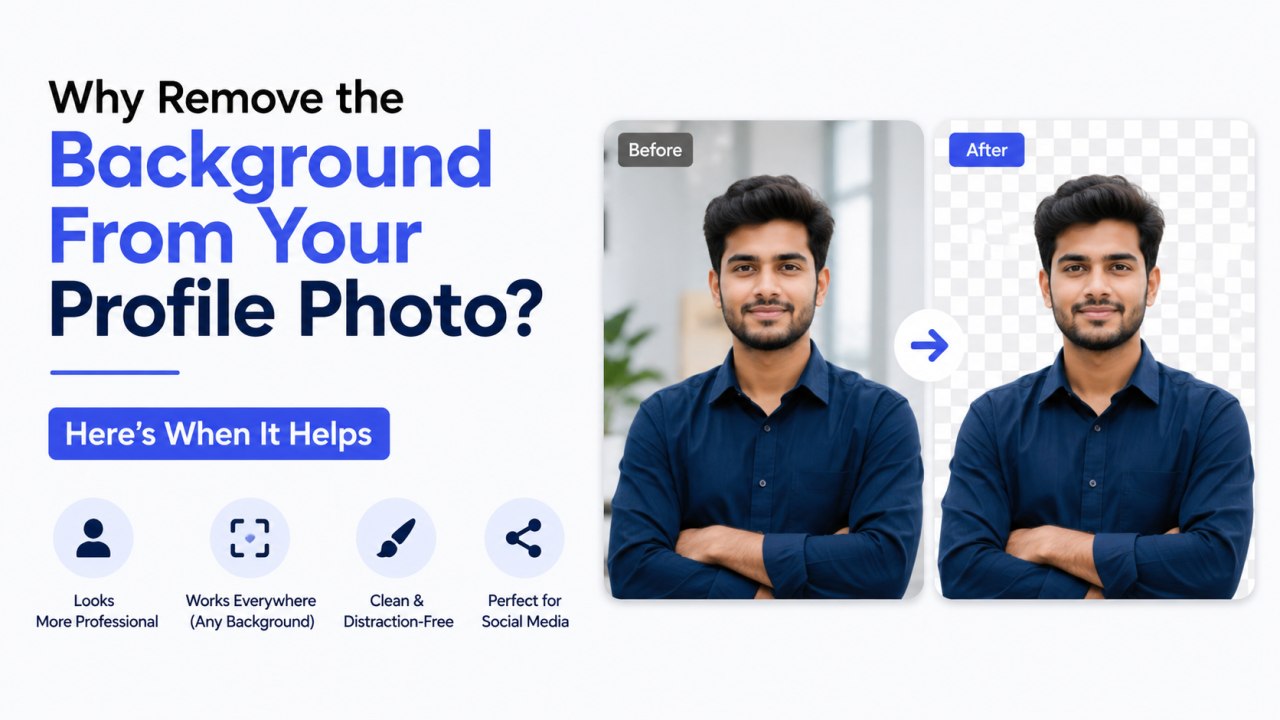
Why Remove the Background From Your Profile Photo? Here's When It Helps
Background removal shows up everywhere now — LinkedIn headshots, Discord avatars, app icons, team pages. It's easy to assume it's just a stylistic trend, but there's a practical reason it keeps showing up: profile photos are almost always displayed very small, and busy backgrounds don't survive that shrink.
The problem with small circular avatars
Most platforms crop your profile photo into a tiny circle — sometimes as small as 32 or 40 pixels across in a comment thread or notification. At that size, background detail turns into visual noise: a bookshelf becomes a smear of brown lines, a window becomes a bright, distracting blob. Removing the background and replacing it with a flat colour keeps the circle clean and lets your face stay the clear focal point, no matter how small it's displayed.
It creates visual consistency
If you use the same profile photo across LinkedIn, Slack, GitHub, and email, having a consistent, neutral background makes your presence feel more intentional and recognizable across platforms — rather than a different, randomly-lit room showing up behind you in every app.
It works well for brand or team pages
If you're building a "meet the team" section on a website, matching background colours across everyone's headshot (even if the original photos were taken in completely different places, lighting, and rooms) makes the whole page look like it was shot in one coordinated session — without anyone needing to actually meet up for a photoshoot.
When you might want to keep the original background
Background removal isn't always the right call. If the photo was taken somewhere meaningful — a graduation, a specific event, an office you're proud of — the context can be worth keeping. It's also worth keeping the original background if your platform doesn't crop to a circle at all, and displays the full rectangular photo at a reasonably large size, where a busy-but-real background can read as more personal and less "corporate."
Getting a clean cutout without design software
Manually tracing around hair and shoulders in an image editor is slow and, for most people, not worth learning. Automated background removal — like the on-device tool built into Profile Photo Maker — handles the outline detection for you in a couple of seconds, and still gives you a manual erase/restore brush to touch up any spot the automatic detection got wrong, like flyaway hair or a missed shoulder edge.